Leaving Notion over AI pricing? Downgrade before you migrate.
Notion now meters its Custom Agents, Workers start billing on 15 October, and r/Notion has spent the summer asking where to go. We priced the exits for a 10-person team from each vendor's own pricing page, then mapped what actually survives the move. For most teams the cheapest exit is not an exit at all.
 By Ishan Vats · Founder of IV Consulting, builds Notion and ClickUp workspaces for clients
 Stay on Notion Business$200 / month
Downgrade to Notion Plus$100 / month, no migration
Stay on Notion Business$200 / month
Downgrade to Notion Plus$100 / month, no migration
 ClickUp Business + Brain AI$280 / month
 Obsidian Sync$50 / month
If you are leaving Notion because of the AI pricing, downgrade from Business to Plus before you migrate anywhere. Plus is $10 per member per month against Business at $20, so a 10-person team saves $100 a month with zero migration, the same seat price as ClickUp Unlimited. You give up full Notion AI, Custom Agents, new private teamspaces and 60 days of page history. Leave Notion only in two cases: your company needs AI switched off for everyone and Enterprise is out of budget, or your team's real work is task management and Notion was never the right home for it.
The verdict
Should you leave Notion over the AI pricing change?
Usually not. If the problem is paying for AI you do not want, the fix is a plan change inside Notion, not a platform change. A migration costs you weeks of rebuilding relations, views and automations to arrive at roughly the seat price Notion Plus already charges.
A disclosure first. We build Notion and ClickUp workspaces for clients, so we have no reason to push you toward either. We have not run a full Notion exit for a client and we are not going to pretend we have. The "what survives" section below comes from how Notion's exports and each target's importer are documented to behave, not from a claimed migration. Every price is read from Notion's pricing page, ClickUp's pricing page and Obsidian's pricing page on 24 September 2026. The arithmetic is ours.
Three findings drive the verdict:
- Plus is the exit with no migration. At $10 per member per month it matches ClickUp Unlimited billed monthly, keeps every page, relation and view exactly where it is, and lists only a trial of Notion AI.
- Moving for AI rarely saves money. If you want AI in the new tool, ClickUp Business plus the Brain AI add-on is $28 per user per month billed monthly, more than the Notion Business seat you are leaving.
- The real cost of leaving is the data model, not the seat. Notion's Markdown export turns full-page databases into CSV files. Relations, rollups, linked views and formulas are exactly the parts that do not come across cleanly.
What changed
What actually changed in Notion's AI pricing in 2026?
Two things. Full Notion AI now lives only on the Business plan and above, and the autonomous half of it, Custom Agents and Workers, is billed on top in pooled workspace credits at $10 per 1,000 a month.
From Notion's pricing page on 24 September 2026:
- Free ($0) and Plus ($10 per member per month): a trial of Notion AI, plus limited trials of AI Meeting Notes and Enterprise Search. Custom Agents require an upgrade.
- Business ($20 per member per month): Notion Agent (chat, generate, autofill, translate), AI Meeting Notes, Enterprise Search, and Custom Agents, which are "free to try, then $10 per 1,000 monthly Notion credits."
- Enterprise (custom pricing): everything in Business plus zero data retention with the LLM providers.
The meter is the part that turned a quiet price rise into an exit conversation. Custom Agents started drawing credits on 4 May 2026, and Notion Workers, free during their public beta, start drawing from the same pool on 15 October 2026. We break the meter down in Notion AI credits and limits explained. Admins can cap how many credits each member spends on premium models, and members who hit the cap fall back to the models included in the plan.
One detail matters more than the prices if your reason for leaving is policy rather than cost. Notion documents a workspace-wide switch that turns Notion AI off for everyone only on the Enterprise plan with a verified domain, per its Notion AI help pages. On lower plans, workspace owners can switch off individual features such as AI Meeting Notes and AI web search from Settings, but that is not the same as a guarantee that nobody in the workspace can use AI.
The exits, priced
What does leaving Notion actually save a 10-person team?
Downgrading to Notion Plus saves a 10-person team $100 a month on monthly billing. Moving to ClickUp Unlimited saves the same $100 before migration costs. Moving to ClickUp with AI costs $80 a month more than staying on Notion Business.
All figures are list prices per member per month for 10 seats, monthly billing, read on 24 September 2026. Notion advertises up to 20 percent off for yearly billing but does not publish the annual per-seat figure, so we compare on monthly prices for a like-for-like view.
| Route | Per seat | 10 seats / month | vs staying | AI included | Migration |
|---|---|---|---|---|---|
| Stay on Notion Business | $20 | $200 | $0 | Yes, agents metered on top | None |
| Downgrade to Notion Plus | $10 | $100 | Save $100 | Trial only | None |
| ClickUp Unlimited | $10 ($7 yearly) | $100 | Save $100 | No, Brain AI is a $9 add-on | Full rebuild |
| ClickUp Business + Brain AI | $19 + $9 | $280 | Cost $80 more | Yes | Full rebuild |
| Obsidian + Sync | $5 ($4 yearly) | $50 | Save $150 | None built in | Rebuild, and no real-time co-editing |
Read the last column before the savings column. The Plus row and the ClickUp Unlimited row save exactly the same amount, and only one of them makes you rebuild your workspace. ClickUp is cheaper on yearly billing ($7 a seat, $70 a month for 10), so a team that has already decided to move for other reasons does pick up a small extra saving there. That is a reason to go if you were going anyway, not a reason to go.
Obsidian looks cheapest, and for one or two people keeping private notes it genuinely is. The app is free and Sync is $5 per user per month, or $4 billed yearly. Obsidian also asks organisations to buy a $50 per user per year commercial license, which it describes as encouraged rather than required. But Obsidian is a local-first notes app, not a shared workspace with databases people edit at the same time, so for a team it is a different product rather than a cheaper Notion.
Superhuman Docs, the renamed Coda, is the other name that comes up in the alternatives threads. We could not verify its current plan prices from a public page this month, so it is not in the table. We looked at whether Coda users should stay or leave in Coda is now Superhuman Docs: stay or move.
What survives
What moves when you leave Notion, and what do you lose?
Pages and text move well. Databases move as flat tables. Relations, rollups, linked views, synced blocks, permissions and automations are the parts you rebuild by hand, and they are usually the parts that made the workspace worth having.
Notion's export documentation offers PDF, HTML, and Markdown with CSV. Non-database pages export as Markdown, full-page databases export as CSV, and a workspace owner can export the whole workspace from Settings, minus any pages that owner cannot access and minus form views, which cannot be exported at all. Obsidian's own Notion import guide goes further and recommends not using Notion's Markdown export because it "omits important data", advising HTML or its direct API importer instead.
| Notion feature | Notion export (Markdown + CSV) | Into ClickUp | Into Obsidian (API importer) |
|---|---|---|---|
| Pages and text | Markdown files | Docs | Notes, cleanly |
| Databases | CSV per full-page database | Lists of tasks with custom fields | Converted to Bases |
| Relations and rollups | Flattened into text columns | Rebuild as relationships and rollup fields | Partly: linked data sources are not imported |
| Formulas | Results only in CSV | Rewrite as ClickUp formula fields | Preserved, except a few functions such as name(), email(), style() |
| Database views | Not exported | Rebuild as views | Primary view only |
| Synced blocks | Static copies | Static copies | Static copies |
| Permissions and sharing | Not exported | Rebuild spaces and access | Not applicable, files on disk |
| Buttons, automations, Custom Agents | Not exported | Rebuild as ClickUp automations | No equivalent |
| Form views | Cannot be exported | Rebuild as ClickUp forms | No equivalent |
The pattern is simple. The more of your Notion workspace is plain documents, the cheaper leaving is. The more of it is connected databases, the more you are really paying a builder to design a new system from scratch. A Notion CRM with deals related to companies related to contacts, like the one we walk through in how to build a Notion CRM, becomes three unrelated spreadsheets on export.
The 5 minute decision
When is leaving Notion the right call?
Decide on why you want out. A cost reason points to a downgrade. A policy reason or a fit reason can justify a move.
Downgrade to Plus if
You are leaving because of the bill. You use Notion as a wiki and a set of databases, nobody depends on Custom Agents, and you can live with 30 days of page history. Existing private teamspaces stay, you just cannot create new ones. This is most teams in the alternatives threads.
Leave for Obsidian if
Your company has banned AI tools and needs them off for everyone, Enterprise is out of budget, and what you keep in Notion is mostly documents. Local Markdown files with no built-in AI are the cleanest answer to a policy that says "no AI in our docs".
Leave for ClickUp if
Your team's real work is tasks, assignees, due dates and workloads, and Notion has been a project manager you keep bending into shape. The AI price is just what made you notice. Move for fit, and expect to pay for a proper rebuild.
If you are torn between Notion and ClickUp for reasons that have nothing to do with AI, our Notion vs ClickUp vs Monday vs Asana comparison covers the fit question. If the question is whether the AI in each tool is worth its seat price, we priced that head to head in ClickUp Brain vs Notion AI cost per seat. And if the ban is coming from your security or legal team, data governance for Notion and ClickUp AI covers what they usually actually need, which is often less than a full ban.
The exit checklist
How do you leave Notion without losing data?
Take a full HTML export before you touch anything, map every relation and automation on paper, and rebuild the data model in the new tool before you import a single row.
- Export the whole workspace twice. As a workspace owner, export everything as HTML (for Obsidian and for your archive) and as Markdown with CSV (for spreadsheet-style imports). Pages you cannot access are left out, so check with other owners.
- List every database and its relations. For each database, write down which other databases it relates to, which rollups and formulas depend on those relations, and which views people actually use. This is the part no export carries.
- List every automation. Buttons, database automations, Custom Agents and anything connected through Zapier, Make or n8n. Each one needs a named replacement or a decision to drop it.
- Rebuild the structure first. Create the target lists, fields, relationships and views empty, then import. Importing first and restructuring later is how teams end up with three copies of every contact.
- Run both tools for two weeks. Make the new tool the place work happens, keep Notion read-only, and cancel only once nobody has opened it for a week.
- Downgrade Notion before you cancel it. Dropping to Plus or Free during the overlap stops the Business seats billing while you finish the move.
If you are headed to ClickUp, the Asana version of this process in our Asana to ClickUp migration guide covers the ClickUp side of the rebuild in more depth.
FAQ
Questions teams ask before leaving Notion
Can I turn off Notion AI for my whole workspace?
Is Notion Plus cheaper than ClickUp?
What do I lose if I downgrade from Notion Business to Plus?
What is the best Notion alternative if I am leaving because of AI?
Does a Notion export keep databases and relations?
Ishan Vats
Founder, IV Consulting · builds Notion and ClickUp workspaces for clients
I build workspaces, automations, and production AI agents for teams from startup to enterprise. 150+ ops transformations over 10+ years. We build in both Notion and ClickUp, which is why this page will tell you to stay put when moving would just cost you a rebuild.
Price your Notion AI usage →Keep reading
Related guides and work
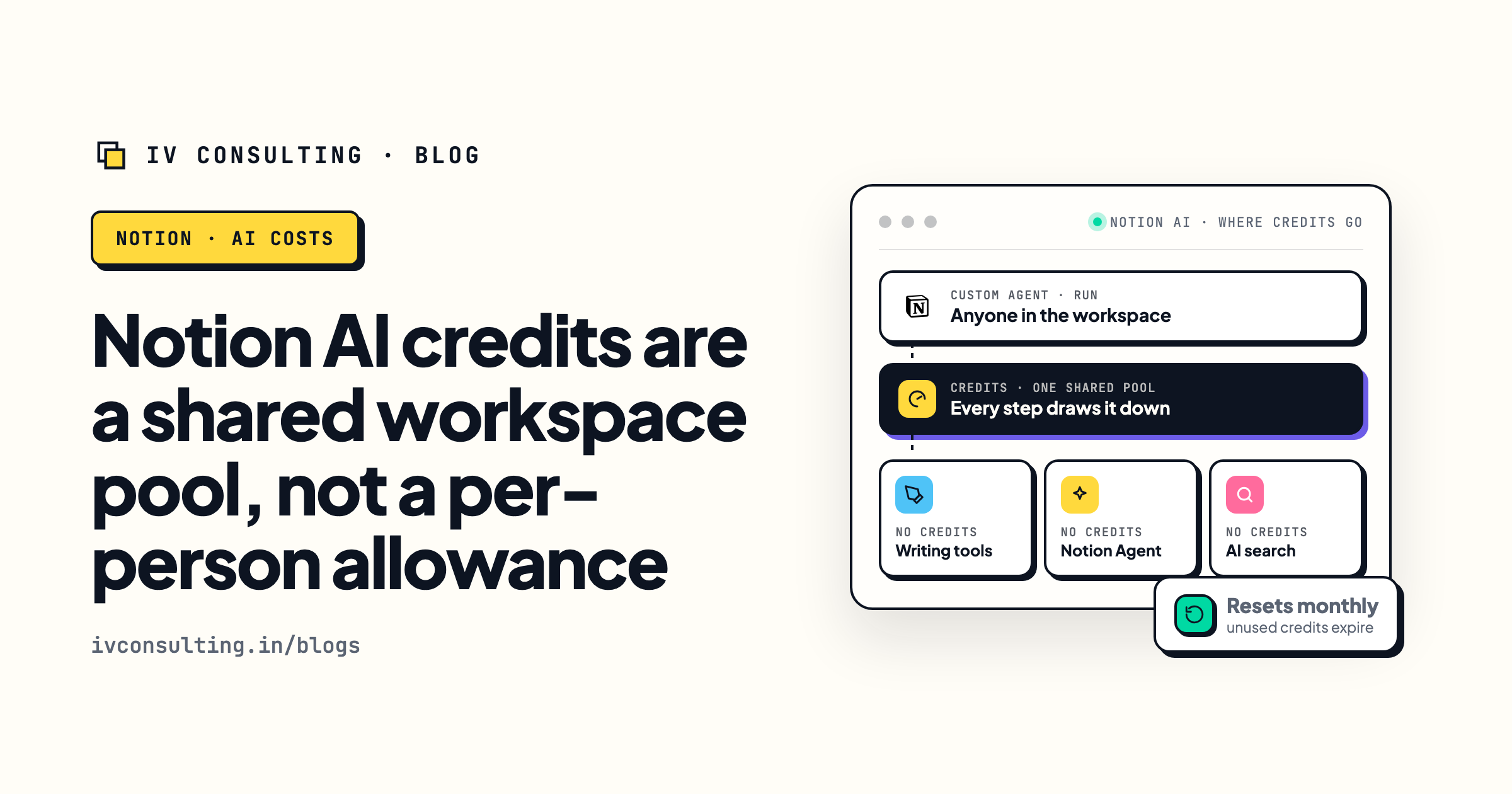
Notion AI credits explained
The three things that burn Notion credits, and how to cap them.
Read the breakdown →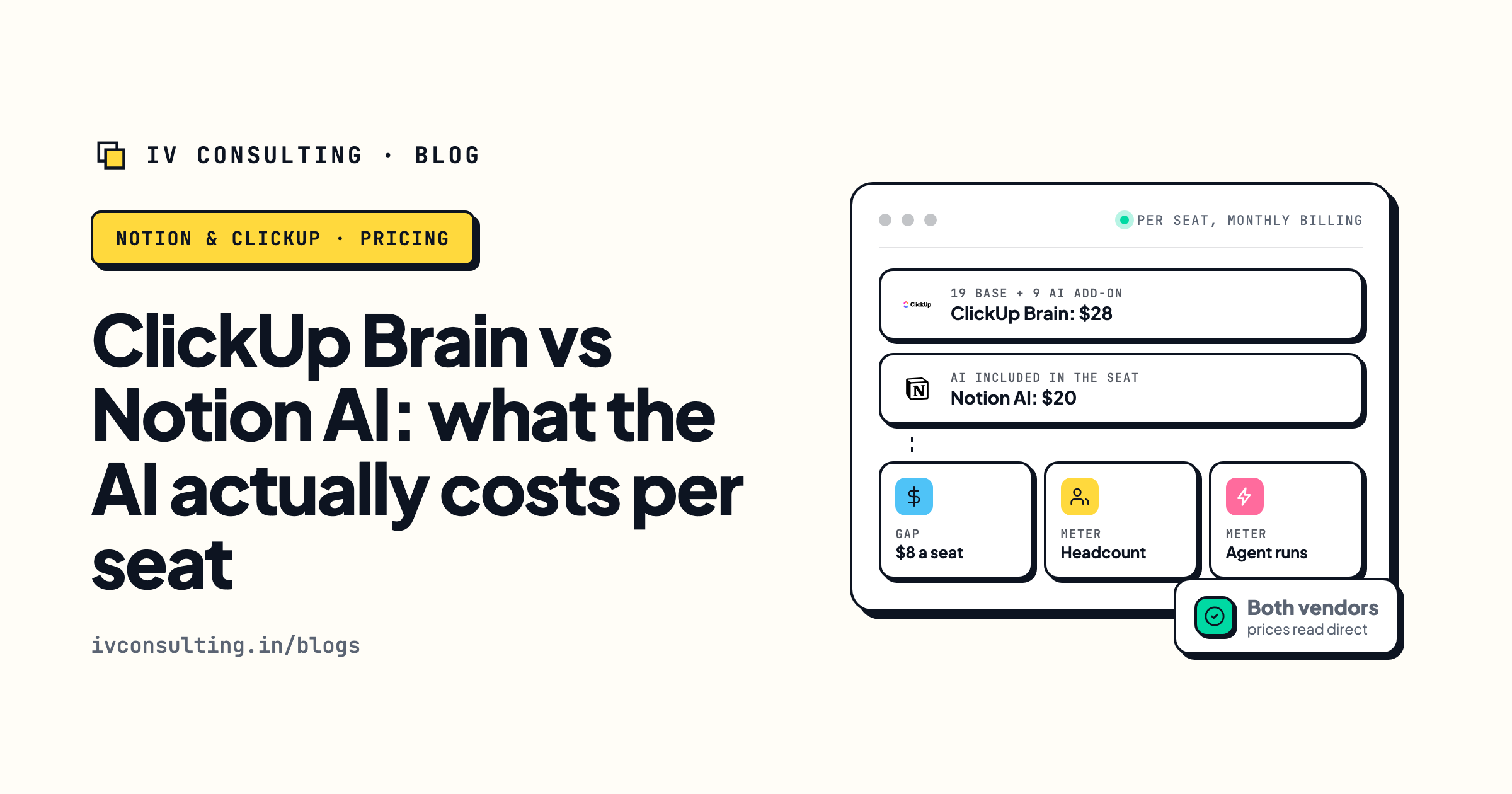
ClickUp Brain vs Notion AI
What each tool's AI really costs per seat.
Read the comparison →
Foundation
A Notion or ClickUp workspace designed around how your team works, built and handed over.
See the stage →Not sure whether to downgrade, stay or move?
Book a free 30-minute strategy call. We will look at your workspace, tell you which seats need Business, what a move would actually cost to rebuild, and whether you should leave at all. If you do not need us, we will say so.
Book a Free Strategy Call →Free 30-minute call. Honest take, even if that means "you do not need us yet."