Notion AI credits change on 2 November: here is what a seat buys
From 2 November 2026 every Business and Enterprise member gets their own 1,500 Standard and 500 Select credits a month, and the pooled $10 per 1,000 balance becomes the overflow. We did the arithmetic on what that covers, where one Custom Agent blows through it, and what we would actually buy.
 By Ishan Vats · Certified Notion Consultant · 150+ workspaces built and handed over
 Per member · monthly1,500 Standard + 500 Select
From 2 November 2026 (19 October for new workspaces), Notion AI runs on three balances. Every Business and Enterprise member gets 1,500 Standard credits a month for AI where Notion picks the model, such as Notion Agent on Auto and AI editing, and 500 Select credits for AI where you pick the model and for their own Custom Agents. Those are personal and cannot be pooled. Behind them sits the workspace pool of Notion credits at $10 per 1,000, which pays for overflow only if an admin switches it on, plus admin-funded team agents and high-cost models. Notion Workers are still free in beta: the 15 October billing date passed without a charge. Nothing rolls over.
The basics
What are Notion AI credits, exactly?
Notion AI credits started life in May 2026 as a single pooled meter for the one feature that can run away with cost: Custom Agents, the autonomous multi-step workflows you configure once and let loose. On 19 October 2026 Notion announced it was bringing all AI usage under one new credit system, and that is the version that matters now. New Business and Enterprise workspaces are already on it. Existing ones move on 2 November 2026, and admins get an email first.
The mechanics, stated plainly, from Notion's help centre:
- Standard credits: 1,500 per member per month, for AI where Notion chooses the model.
- Select credits: 500 per member per month, for AI where you choose the model and for your own Custom Agents.
- Notion credits: a separate workspace pool at $10 per 1,000, bought by admins, off by default, used for overflow and for anything the per-member balances do not cover.
- Scope: Standard and Select are per member and cannot be pooled, transferred or swapped for each other. Only Notion credits are shared.
- Cycle and rollover: everything resets at the start of your billing cycle. Nothing rolls over.
Credits of any kind are only available on Business and Enterprise plans. Free and Plus get a trial of Notion AI, not a credit balance. Before 2 November existing workspaces still run the old shape, a usage allowance on everyday AI plus the pooled balance for agents, which is why so many teams are about to see a credit counter on features they assumed were simply included.
Worth knowing if you are weighing the alternative: ClickUp meters AI on a different axis, charging a per user add-on on top of the base plan, and Notion has now moved part of the way towards that with per-member credits. We put both models side by side, with the prices read straight off each vendor page, in ClickUp Brain vs Notion AI: what the AI actually costs per seat. And if the question underneath your credit spend is really whether the Notion seat is enough on its own, we priced it against buying ChatGPT and Claude seats on top in is Notion AI worth it, and do you need a second subscription.
The separate thing people conflate with credits is plan access. Full Notion AI is bundled into Business and Enterprise rather than sold as the old standalone add-on, and the Free and Plus tiers only get a small taste of AI responses. So there are two questions, not one: does your plan include AI at all, and do your Custom Agents need purchased Notion credits on top of what each seat already includes. Most teams asking about credits actually have a plan question. If that plan question has you wondering whether to leave Notion altogether, read our verdict on leaving Notion over AI pricing first: dropping the seats that do not need AI to Plus is usually cheaper than any migration.
The meter
What uses Notion AI credits after 2 November, and which balance pays?
This is the single most useful table in this post, because the old rule of thumb, that everyday AI is free and only agents cost credits, stops being true on 2 November. Almost everything now draws a credit. The question is whose.
| What you do in Notion | Which credits pay | What is going on |
|---|---|---|
| AI editing, page translation, AI blocks, AI database formulas | Your Standard | 1,500 a month per member, included |
| Asking Notion Agent a question on Auto | Your Standard | Auto routes to a cheaper model; Notion claims credits go about 10 times further |
| Notion Agent with a model you picked | Your Select | 500 a month per member, included |
| Your own Custom Agent | Your Select | Then pooled Notion credits, only if an admin allows it |
| A team Custom Agent that someone else runs | The owner's Select, by default | An admin can fund it from Notion credits with its own budget instead |
| High-cost models such as Fable or Astra | Notion credits only | Pooled workspace balance, $10 per 1,000 |
| AI Meeting Notes | Your Standard, from 1 Dec 2026 | About 10 credits per hour of meeting, by Notion's estimate |
| Running a Notion Worker | None yet | Still free in beta; the 15 Oct billing date passed with no charge |
| Anything past your Standard or Select | Notion credits, if switched on | Off by default; otherwise the feature pauses until your reset |
Read the team agent row twice, because it is where the new surprise lives. A Custom Agent you share with the team still spends your Select credits when a colleague triggers it. Build one useful agent, share it with ten people, and your 500 Select credits can be gone in the first week, after which your own model choices and your own agents stop working until the reset. The person who built the most useful thing in the workspace is the one who gets locked out.
The most common version of this in the wild is a sales chore. Somebody points a Custom Agent at the pipeline to nudge deals that have gone quiet, sets it to run each morning, and never looks at it again: thirty runs a month against one person's Select balance for a job a filtered view does for nothing. If that is what you are about to build, the cheaper shape is a properly structured Notion CRM with a Deals Gone Cold view, and an agent only for the part that genuinely needs to read and reason.
The gotchas
Why do Notion AI credits run out faster than teams expect?
Shared agents spend one person's credits, then everyone's
The new system fixes the old problem, where any agent anywhere drained one shared pool, and creates a quieter one. By default a team Custom Agent bills its owner's 500 Select credits no matter who runs it. Once those are gone, the agent either pauses or, if an admin has switched on the overflow, starts spending the pooled Notion credits that every other overflow in the workspace also draws on.
For a five-person team that is fine. For a forty-person workspace with three departments, it means your most useful shared agent can stall halfway through the month, and the first signal you get is its owner asking why their own AI stopped working. Notion says spending limits per member and per agent arrive with its AI Command Center, which is still marked coming soon.
Reset means the clock is the billing cycle, not the calendar month
Standard, Select and purchased credits all reset at the start of each billing cycle, not on the first of the month. Notion now sells Notion credits both monthly and as part of an annual arrangement, so check which one your admin bought before finance assumes it is a single annual line item.
Practically: your usable balance is a monthly figure even if everything else about your Notion contract is annual. Budget it as opex, not as part of the seat renewal.
No rollover means over-buying is a real, repeating loss
Unused credits expire at the end of the cycle. They do not bank, and there is no credit-note equivalent. That is not a Notion quirk either: Atlassian and ClickUp both refresh monthly with no rollover, and we lined all three meters up side by side in Rovo vs Notion AI vs ClickUp Brain. Buy 3,000 Notion credits for a month where you only use 900 and you have simply spent the difference. The included Standard and Select credits expire the same way, which is the one argument for actually using them.
The correct response is not to buy generously "to be safe". It is to buy close to your real usage and adjust the purchased amount as you learn. Notion says you can start in the hundreds and scale into the thousands. Under-buy slightly, watch what breaks, and raise it. That costs you a little friction once. Over-buying costs you every single month, quietly, forever.
One Custom Agent against 500 Select credits: our arithmetic
Notion does not publish a per-run price for Custom Agents under the new system. It does publish rough task sizes: about 5 credits for a simple task, 10 for a medium one and 25 for a complex one. A Custom Agent that reads a database, decides and writes back is a complex task, so we priced one at 25 credits a run. Treat this as an order of magnitude, not a quote: a long agent run can cost far more.
| How often it runs | Runs a month | Credits a month | Past 500 Select, at $10 per 1,000 |
|---|---|---|---|
| Once each weekday | 22 | 550 | 50 credits, about $0.50 |
| Once a day | 30 | 750 | 250 credits, about $2.50 |
| Hourly, 8 working hours, weekdays | 176 | 4,400 | 3,900 credits, about $39 |
| Every 15 minutes, around the clock | 2,880 | 72,000 | 71,500 credits, about $715 |
| Our call | 500 Select credits is about 20 complex runs. A daily agent already outgrows it. | ||
The point is not the dollar figure, which stays small until the schedule gets aggressive. It is that a single daily agent leaves its owner with no Select credits for anything else, every month. Any agent that runs more than about 20 times a month should be funded from Notion credits on purpose, not left to drain one person by default.
The seat math
What does a Notion seat's 1,500 Standard and 500 Select credits actually buy?
Until 2 November, existing workspaces still have the old usage allowance: a rolling six-hour window plus a monthly cap on everyday Notion AI, with pooled credits as an optional overflow. From 2 November that allowance is replaced by the per-member Standard and Select balances, and Notion's own help page for it now describes only those. The six-hour window is gone, so a heavy 9am batch no longer pauses you until lunch. A heavy month still pauses you until your reset.
Here is what the included credits buy, using Notion's published estimates of about 5 credits for a simple task, 10 for a medium one, 25 for a complex one and about 10 for an hour of AI Meeting Notes. The dollar column is our arithmetic at the $10 per 1,000 price Notion charges for extra credits.
| Balance | Simple tasks | Complex tasks | Other | Worth at $10 per 1,000 |
|---|---|---|---|---|
| 1,500 Standard | About 300 | About 60 | About 150 hours of meeting notes, from 1 Dec | $15 |
| 500 Select | About 100 | About 20 | About 20 complex Custom Agent runs | $5 |
| Total | Cannot be pooled, transferred or swapped between types | $20 | ||
That $20 lines up exactly with the $20 a month Business list price on Notion's pricing page. It is not a refund you can collect: credits a light user leaves unspent cannot go to the colleague who ran out. But it does mean the median member of a 5 to 50 person team will not touch the paid pool at all. Notion itself says the vast majority of users are unlikely to run out. The people who will are heavy Select users: anyone who always picks a specific model, and anyone who owns a busy Custom Agent.
The overflow switch is the same one as before. An admin has to enable Allow workspace to use Notion credits after AI limit is reached under Settings, then Notion AI. It is off by default, and it covers both Standard and Select. Leave it off and people wait for their reset, or switch from a picked model back to Auto to keep going on Standard. Switch it on and the pooled balance becomes everyone's overflow tank.
The delayed meter
Do Notion Workers cost credits yet, and what will they cost?
Not yet. Notion had said Workers would start billing on 15 October 2026. That date has passed and they are still free.
A Notion Worker is a small Node or TypeScript program that you deploy with the Notion CLI and Notion then hosts and runs for you. Teams use them to sync an external system into a Notion database on a schedule, to give Custom Agents new tools to call, or to receive webhooks from services like GitHub, Stripe or Zendesk. They are a developer feature, not a no-code one: somebody writes code.
Workers are still in beta and free on Business and Enterprise plans, including Business trials. As of 23 October 2026, Notion's Workers pricing page says only that they will eventually require Notion credits, and its credit eligibility table says no credits are used while in beta. The 15 October date it had published is gone and no new one has replaced it. When billing does start, Workers will draw on the pooled Notion credits, not on anyone's Standard or Select balance.
The published rate for when it does is about $0.0023 per run, which works out to roughly 4,348 runs per 1,000 credits. Notion is explicit that this is a typical figure rather than a flat one: a run that does more work, or runs longer, costs more. So the honest way to read the table below is as a floor, not a quote. Whether a given sync should live in a Worker at all is a separate question: we priced the same Notion sync on Workers, n8n, Zapier and a serverless function, including our own three, in Notion Workers vs n8n vs Zapier.
| How often it runs | Runs per day | Cost per month | Credits per month |
|---|---|---|---|
| Once a day | 1 | $0.07 | About 7 |
| Hourly | 24 | $1.66 | About 166 |
| Every 15 minutes | 96 | $6.62 | About 662 |
| Every 5 minutes (our extension) | 288 | $19.87 | About 1,987 |
| Our call | The price is not the risk. A Worker nobody remembers deploying is. | ||
The first three rows are Notion's own published examples. The fourth is our arithmetic at the same rate, because a five-minute sync is the schedule teams actually reach for when they want something to feel live, and it is the first one that costs real money. Full pricing is on Notion's Workers pricing page.
Our verdict: most 5 to 50 person teams should do nothing, and check one dashboard
If nobody on your team writes code, Workers are not a decision you have to make. Skip them. The reason this section exists anyway is that Workers do not bill separately: they land on the same pooled balance you sized for your Custom Agents. A single developer wiring up a fifteen-minute sync in beta, while it is free and invisible, can add several hundred credits a month to a bill somebody else owns the day the beta ends, and Notion has not said when that will be.
That is the whole risk, and it has a cheap fix. Workers appear in the Notion credits dashboard under Settings, Access and billing, Notion credits, on a Workers tab with a Free badge, showing credits used, runs completed, status and creator for each one (Notion release note, 24 July 2026). The badge is also where Notion says it will show when the free period ends. Read that screen now, while the number is still hypothetical. If it says zero, you are done. If it does not, you have found spend that will arrive with little notice.
The counter case, honestly stated: if you do have a developer and the job is a scheduled sync from another system, a Worker is a reasonable place to put it, because it runs deterministic code rather than paying an agent to reason its way to the same answer every fifteen minutes. But if that sync is the only reason you would touch the developer platform, compare it against a dedicated automation tool first. We put the main options side by side in n8n vs Make vs Zapier for AI agents, and for most teams the answer is that the sync belongs outside Notion entirely.
The fix
How do you cut your Notion AI credit bill without losing the automation?
In order of impact. The first two usually do most of the work, and neither one costs you anything.
Audit every Custom Agent and give each one an owner
List them. For each: what triggers it, how often it fires, what it reads, and whose name is on it. Turn off anything nobody can justify in a sentence. In most workspaces this alone removes a third of the load, because experiments never get switched off.
Fix the trigger before you touch the prompt
An agent that runs on every page edit will cost many times more than the same agent running once a day on a filtered view. Triggers are where credit bills are made and unmade. Ask of every agent: does this need to react instantly, or is a scheduled batch fine? Almost always, batch is fine.
Narrow what the agent has to read
Point agents at a specific database or filtered view, never at a whole workspace or a sprawling parent page. The more context an agent has to chew through to find the answer, the more steps it takes. This is also why database properties beat free text: a property is a lookup, a paragraph is a search.
Move the deterministic steps out of the agent
If a step is a rule, it does not need a model. "When status changes to Won, create the project page" is a native Notion automation, not agent work. Reserve the agent for the judgement calls in the middle, and let plain automation handle the parts either side of it. This is the single biggest structural saving available, and it makes the workflow more reliable at the same time.
Right-size the purchase every cycle
Because credits do not roll over, the correct buying posture for Notion credits is slightly under your expected need, adjusted upward when you actually hit the ceiling. Put a 10-minute review in the calendar for the day after each billing date. Look at what you consumed and set next cycle to match.
If you want to estimate before you commit, we built a free Notion AI credit calculator that turns your agent count and run frequency into a monthly credit figure.
The decision
Should you buy Notion credits after 2 November? Our verdict
Our verdict: for most 5 to 50 person teams the 2 November switch is a price cut in practice, and the right amount of Notion credits to buy on day one is close to zero. Four situations, four honest answers.
Buy Notion credits for shared agents that outgrow their owner
Any agent the team relies on that runs more than about 20 times a month will drain its owner's 500 Select credits. Give it an explicit Notion credits budget so it stops competing with that person's own work. This is what the pool is actually for, and it is a clean trade.
Buy close to your measured usage, review it monthly, and keep the owner named. Everyone else lives inside their included credits.
Wait if your workspace is still messy
Agents pay for the disorder. Fix the structure first and the same automation costs a fraction as much.
Do not buy to "explore"
From 2 November every member has 2,000 included credits to explore with. Use those first and keep the overflow toggle off until you know who actually runs out.
Look outside Notion if the work spans tools
If half the workflow lives in your CRM or inbox, a dedicated automation platform is usually cheaper and easier to debug.
FAQ
Notion AI credits: questions teams ask before they buy
What changes with Notion AI credits on 2 November 2026?
How many Notion AI credits does a Business seat include?
Do Notion AI credits roll over to the next month?
Are Notion AI credits per person or per workspace?
How much do Notion AI credits cost?
Do Notion Workers cost credits yet?
How do I estimate how many Notion credits I need before buying?
Ishan Vats
Founder, IV Consulting · Certified Notion Consultant
I build Notion operating systems and the automations around them for teams from startup to enterprise, then hand them over documented. 150+ ops transformations over 10+ years. If your Notion AI spend stopped making sense, I'll go through it with you on a free call.
Price my Notion AI credits →Keep reading
Related guides and work
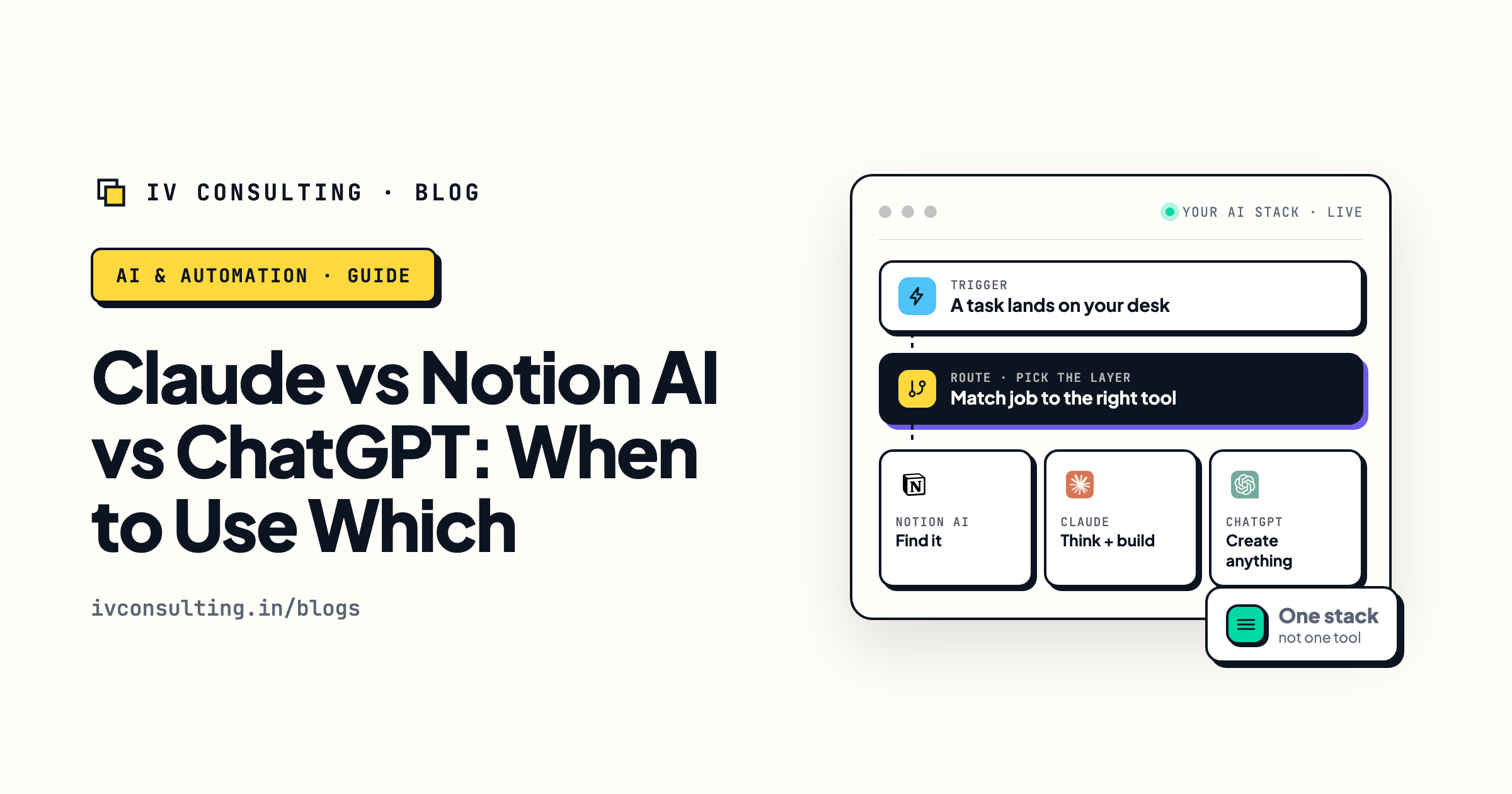
Claude vs Notion AI vs ChatGPT: when to use which
Which assistant earns its place for which job, without paying three times over.
Read the comparison →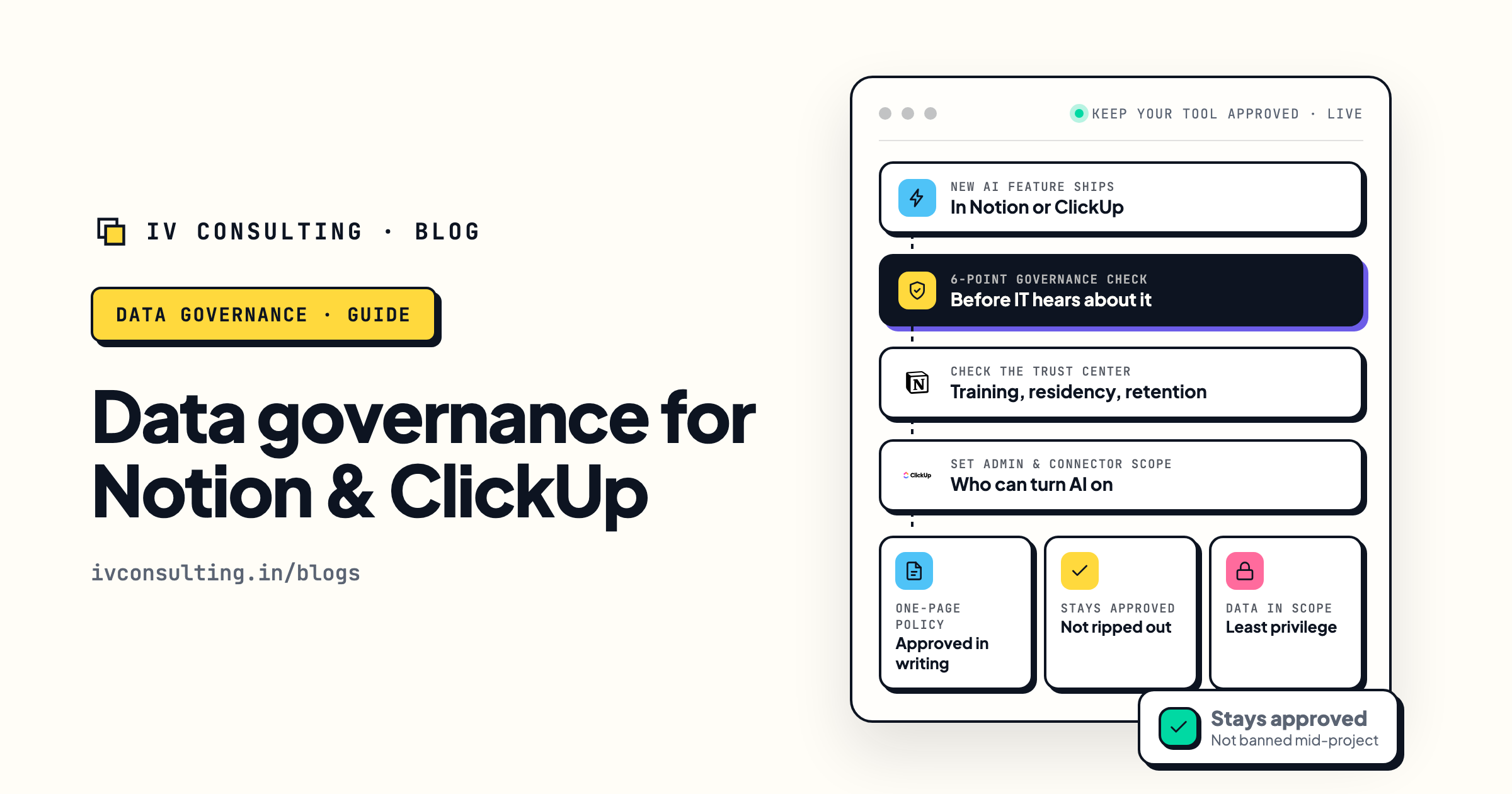
When your company bans AI in Notion or ClickUp
The data governance answer that gets AI approved instead of blocked.
Read the guide →
The Foundation stage, built for you
One clean workspace, real databases, and agents that cost a fraction to run.
See the offer →Not sure how many credits you actually need?
Book a free 30-minute strategy call. We will go through your Custom Agents before the 2 November switch, show you which ones are rules in disguise and which deserve a Notion credits budget, and give you a number you can defend to finance.
Book a Free Strategy Call →Free 30-minute call. Honest take, even if that means "you do not need credits yet."