Notion Mail shuts down 22 September. Export four things, then most teams should just go back to Gmail
Your actual email is safe. Four Notion Mail only things are not, and they are deleted on 22 September 2026. We read Notion's own shutdown page on 17 August 2026, priced the obvious replacement, and we think almost nobody should buy one.
 By Ishan Vats · Founder of IV Consulting, builds AI agents and automations for 150+ teams
 Inbox goes awayNotion Mail
 Free, already yoursBack to Gmail
 Rebuild the rulesAgent or n8n
Notion Mail shuts down on 22 September 2026 and 21 September is the last day to save anything. Your emails are not at risk, because Notion Mail synced two ways with Gmail, so the whole history is already sitting in your Gmail account. Four things live only in Notion Mail and are permanently deleted: drafts, scheduled emails, snippets and auto label instructions. Custom inbox views, snippet file attachments and email reminders do not transfer at all. Export those four, then go back to plain Gmail. Buy Superhuman at 30 to 40 dollars per seat a month only for the specific people whose job is genuinely their inbox, and rebuild the auto label rules you lose as a Notion agent or an n8n workflow rather than paying a whole team for a faster mail client.
The verdict
Where should you move after Notion Mail shuts down?
Go back to Gmail, and do not buy a replacement email client in the next five weeks. That is the whole recommendation, and we will defend it rather than hedge it, because the migration content that will show up around this shutdown is mostly written by the companies selling the replacement.
Not buying in a panic is most of the value here, and it holds when the trigger is an acquisition rather than a shutdown. When Bending Spoons agreed to buy Airtable, the reflex was to price an exit immediately. We argue against migrating off Airtable right now and set out what to do instead. It holds for a rename too: when Coda became Superhuman Docs, the product and the bill stayed the same, and staying is the right call for most teams.
Here is the reasoning, all of it drawn from what Notion actually published on its own Notion Mail shutdown page, read on 17 August 2026:
- You are not losing an email account, you are losing a skin. Notion says Notion Mail "always synced two ways with Gmail", so every message you sent or received is already in Gmail and stays there. The thing being switched off is the interface and the rules layered on top of it. That is a much smaller loss than the word "shutdown" implies, and it is why panic buying is the wrong reflex.
- What you actually lose is four exportable items and three unexportable ones. Drafts, scheduled emails, snippets and auto label instructions can be saved. Custom views and sorting, files attached to snippets, and email reminders cannot be moved to another app at all. Nothing you can buy restores those three. You rebuild them or you drop them.
- The paid replacement is a real annual number. Superhuman, the obvious upgrade path, lists 30 dollars per member a month on monthly billing and 40 dollars for its Business tier. Across a 10 person team that is 4,800 dollars a year at the Business rate to solve a problem you did not have in June.
- The part worth keeping is not the inbox, it is the automation. Notion's own page confirms that the Gmail AI Connector, mail blocks on Notion pages and AI agent mail tools all keep running. So the workflow half of Notion Mail survives the client. Only the client dies.
The honest counter case, because there is one: if you have a person whose actual job is the inbox, an inside sales rep, a support lead, a founder doing 150 mails a day, then a fast keyboard driven client is a real productivity tool and 40 dollars a month is trivial against their time. We are not saying Superhuman is a bad product. We are saying it is a per person purchase that a forced migration is about to turn into a per company purchase, and those are very different bills.
The timeline
When exactly does Notion Mail shut down?
Notion Mail shuts down on 22 September 2026, and 21 September 2026 is the last day to save anything you want to keep. Anything you have not saved by then is permanently deleted. The export tools opened on 25 June, so the window has been open for a while and closes in about five weeks from this writing.
There is one earlier deadline that most coverage buries, and it is the one that can actually hurt you. If your organisation relies on HIPAA coverage, Notion says you should plan to transition off Notion Mail by 30 June 2026, which has already passed. If that applies to you and you are still in Notion Mail, that is a compliance conversation with your admin today, not a migration to schedule for September.
| Date | What happens | What you should do |
|---|---|---|
| 25 June 2026 | Export tools opened in the app and on web | Nothing, this has already happened |
| 30 June 2026 | Recommended transition deadline if you rely on HIPAA coverage | Already passed. Check with your admin or compliance team now |
| 21 September 2026 | Last day to save anything you want to keep | Run the four item export checklist below |
| 22 September 2026 | Notion Mail shuts down. Unsaved data is permanently deleted | Team is back in Gmail, rules rebuilt |
| Our call | A five week window, not an emergency | Book two hours this week and be done |
The checklist
What do you need to export from Notion Mail before 21 September?
Four things live only in Notion Mail and are deleted on 22 September. Notion lists them explicitly, and this is the entire export job. Everything else is either safe in Gmail already or cannot be moved at all.
Drafts
Migrate your email drafts to Gmail. Anything half written and sitting in Notion Mail is not in Gmail yet, because a draft is not a sent or received message and the two way sync does not cover it. This is the item people forget and then miss on 22 September.
Scheduled emails
Migrate scheduled emails to Gmail. Worth doing first, because a scheduled send that quietly never goes out is the one failure here with an outside audience. If you schedule client follow ups, treat this as the priority item and reschedule them in Gmail directly.
Snippets
Export the snippet content so you can use it elsewhere. These are your reusable text blocks, and they are usually the most valuable thing in the account, because they encode how your team answers repeat questions. Paste them somewhere durable. A Notion database beats Gmail templates if more than one person uses them.
Auto label instructions
Export your auto label instructions to use elsewhere. This is the triage logic that made Notion Mail feel different from Gmail, and it is the one you will actually miss. Export it as text, then read section 06, because the right home for these is not another mail client.
The honest part
What does not carry over from Notion Mail to Gmail?
Three things cannot be moved to another app, by Notion's own account. No export saves them and no purchase restores them. Plan around these rather than discovering them on 22 September.
The way your inbox was organised
Custom views and sorting you set up in Notion Mail do not transfer to Gmail. This is the biggest day to day change and the reason the first week back in Gmail feels worse than it is. Gmail's own multiple inboxes and filters get you most of the way, and the rest belongs in the automation layer rather than in a view.
Files attached to snippets
Manual download only, from Notion Mail, Settings, Snippets, before 22 September 2026. Nothing automatic covers these. Do it in the same sitting as the snippet text export or it will not happen.
Email reminders
Reminders set on individual emails in Notion Mail do not transfer to Gmail. If you were using reminders as your follow up system, that system needs a new home before the shutdown, and honestly it should have been in your CRM or task tool anyway.
Read that list again and notice what it has in common. Every item you lose is a workflow, not data. Nobody loses an email. People lose the routine they built on top of email, which is exactly the kind of thing that should never have depended on a single vendor's client in the first place. That is the actual lesson of this shutdown, and it will repeat with the next tool.
The three options
Is Superhuman worth buying to replace Notion Mail?
Superhuman is worth buying for one or two named people on a team, and not for the rest of it. The mistake this deadline is about to cause is buying a per person tool for a whole company, because a forced migration makes an individual purchase feel like a company decision.
There are realistically three destinations, and the price gap between them is the entire argument. We read Superhuman's pricing page and Google Workspace's pricing page on 17 August 2026 rather than trusting a comparison site.
One note on the Google column. Google renders its Workspace pricing in local currency depending on where you load the page, so we are not publishing a dollar figure we did not see in dollars. What matters for this decision is structural anyway, and it is verifiable: Gemini in Gmail is part of the plan from the Starter tier upward rather than an AI add on you buy separately. The Base tier does not include Gemini in Workspace apps at all. So if you are already on Workspace Starter or Standard, the AI assistance in your inbox is a feature you have already bought.
| Option | Gmail, unchanged | Superhuman | Rebuild the triage |
|---|---|---|---|
| Extra cost per seat, monthly billing | Nothing, you already pay for it | $30 Starter, $40 Business | No seat fee, build time instead |
| Extra cost per seat, annual billing | Nothing | $25 Starter, $33 Business | Not seat based |
| Team discount | Not applicable | 15 percent off for teams of 5 or more on annual | Not applicable |
| 10 seats for a year, Business tier, monthly billing | $0 extra | $4,800 | One build, then hosting |
| AI in the inbox | Gemini included from the Starter tier up | Included, Ask AI and auto drafts on Business | Whatever model you point at it |
| Replaces auto label rules | Gmail filters, manually rebuilt | Custom auto labels on Business | Yes, and it can act on them too |
| Migration effort | Two hours, once | Rollout plus training | A build, days not hours |
| Best for | Almost everyone on the team | The one or two people whose job is the inbox | Repetitive triage a human should not do |
| Our call | Default, start here | Name the seats, do not buy blanket | Where the real time is |
The 4,800 dollar line is the one to sit with. That is our own arithmetic from Superhuman's published list price: ten members at 40 dollars a month on the Business tier, for twelve months. Annual billing brings it to 3,960 dollars, and the 15 percent team discount applies at five or more members. Those are real numbers for a real product, but they are the price of a faster inbox, not the price of solving whatever made your inbox the bottleneck.
If the honest answer is that two people would use it properly, buy two seats. Superhuman prices per member, so a targeted purchase is genuinely available to you. We made the same argument about AI seats in whether Notion AI is worth it per seat, and it is the same failure mode: blanket licensing a tool because it feels unfair to give it to three people.
The part worth keeping
Can you rebuild Notion Mail's triage without a new email client?
You can rebuild Notion Mail's triage without buying a new email client, and this is the only part of the migration we would actually spend money on. The auto label instructions you are exporting are a set of rules describing how mail should be sorted, escalated and answered. That is an automation specification. It was living in a mail client, which is why it is now being deleted.
Notion is explicit that the agent side survives. On the same shutdown page, Notion confirms that three things keep running: the Gmail AI Connector, which searches Gmail and drafts replies with Notion AI; mail blocks already added to Notion pages, which stay intact; and AI agent mail tools, meaning agents that read, draft and send email through Gmail. Nothing changes for those if you have connected Gmail or Outlook to Notion.
So there are two sensible homes for the rules you are about to lose:
- A Notion agent, if your work already lives in Notion and the triage output should land as a task, a database row or a summary in the workspace. It runs against Gmail through the connector, so the mail stays in Gmail and Notion does the thinking. Note that autonomous agent runs are metered on Notion credits rather than included in the seat, so this has a running cost worth pricing before you commit.
- An n8n workflow, if the triage needs to touch things outside Notion: your CRM, your helpdesk, a Slack channel, an invoice system. We self host n8n for exactly this kind of job, and a Gmail trigger with a classification step and a few routed actions is a well understood build rather than an experiment.
The test for which one you need is simple. If the rule ends with "and then file it", a Notion agent is fine. If it ends with "and then do something in another system", it belongs in automation. A mail client cannot do either, which is why replacing Notion Mail with Superhuman gets you a faster inbox and none of this back.
FAQ
Questions teams ask about the Notion Mail shutdown
When is Notion Mail shutting down?
Will I lose my emails when Notion Mail shuts down?
What do I need to export from Notion Mail before it shuts down?
What does not transfer from Notion Mail to Gmail?
Is Superhuman worth it as a Notion Mail replacement?
Can I still use Gmail with Notion AI after Notion Mail shuts down?
How do I replace Notion Mail's auto label rules?
Ishan Vats
Founder, IV Consulting · AI and automation consultant
I build Notion and ClickUp operating systems, automations, and production AI agents for teams from startup to enterprise. 150+ ops transformations over 10+ years. I have no reseller relationship with Notion, Google or Superhuman, which is why this guide tells most teams to buy nothing and rebuild four rules instead.
Price my Notion agent runs →Keep reading
Related guides and work
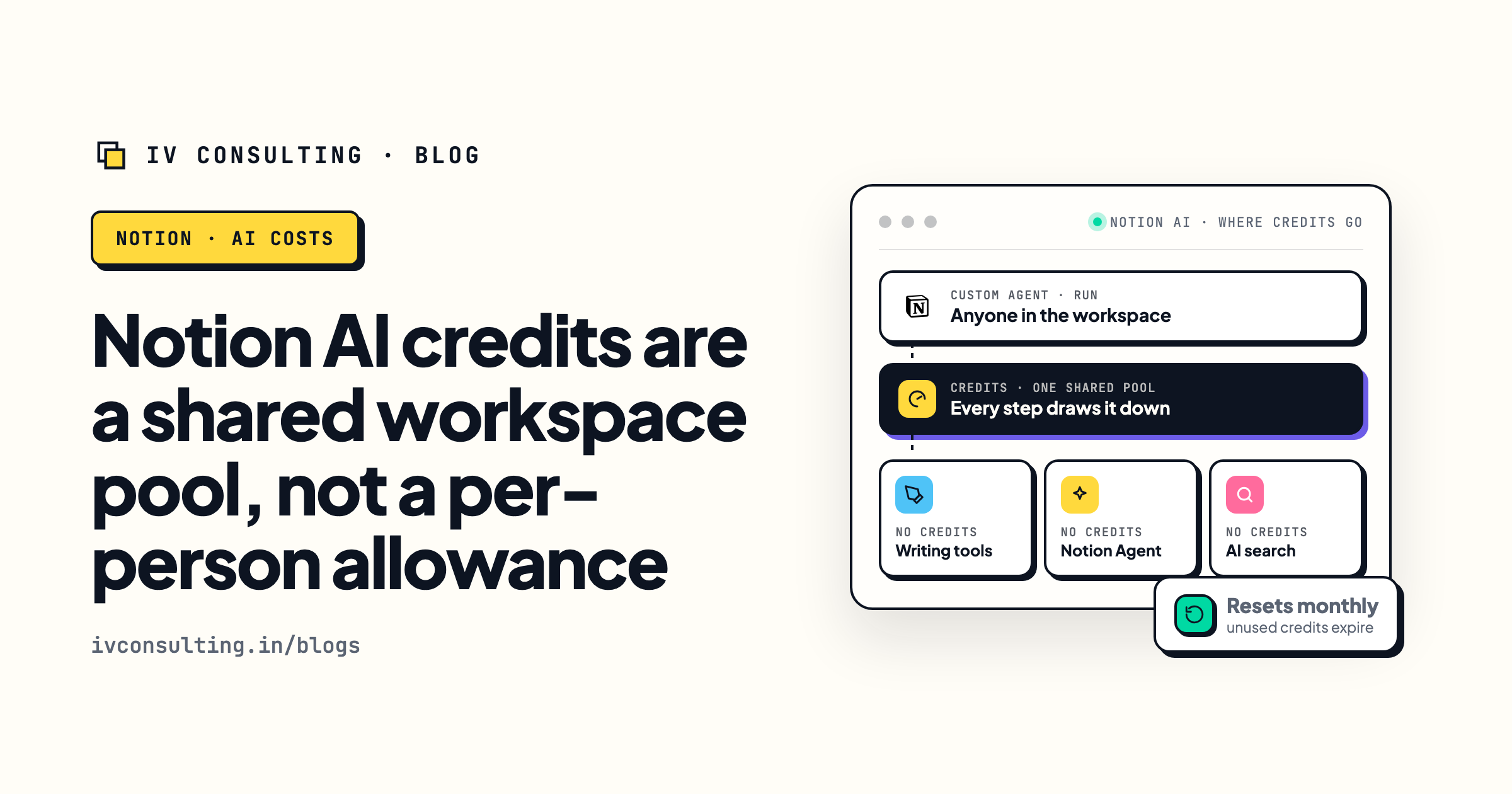
Notion AI credits and limits explained
If you rebuild triage as a Notion agent, this is the meter it runs on. Read it before you build.
Read the breakdown →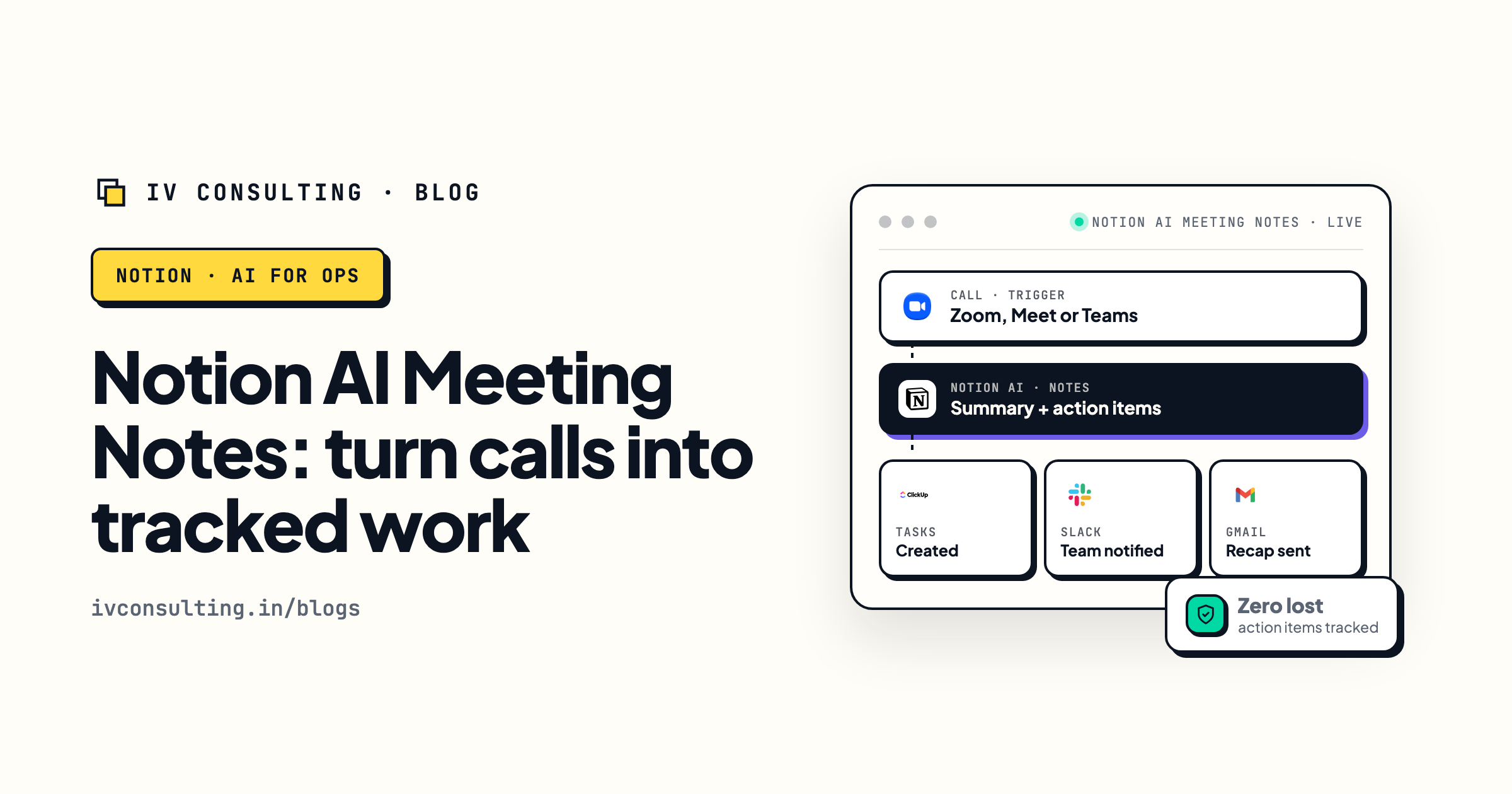
Notion AI meeting notes for ops teams
The other Notion feature that quietly replaces a paid tool, set up properly.
See the setup →
Is Notion AI worth it, per seat?
The same buy it by name argument, applied to AI subscriptions instead of mail clients.
See the numbers →Rebuilding your email triage instead of buying a new inbox?
Book a free 30-minute strategy call. Bring your exported auto label rules and we will tell you which ones belong in a Notion agent, which belong in an n8n workflow, and which you should simply delete. If Gmail filters cover it, we will say that and save you the build.
Book a Free Strategy Call →Free 30-minute call. Honest take, even if that means "you do not need us yet."