Notion AI Meeting Notes: turn every meeting into tracked action items
It records your Zoom, Meet, and Teams calls, then drops the action items straight into the workspace your team already runs on.
 By Ishan Vats · Certified Notion Consultant · builds Notion systems for 150+ teams
 Call · TriggerZoom, Meet or Teams
 Notion AI · NotesSummary + action items
 TasksCreated
 SlackTeam notified
 GmailRecap sent
Notion AI Meeting Notes is a built-in note-taker, launched in May 2026, that records your Zoom, Google Meet, or Microsoft Teams call from your own device, then writes a summary and pulls out the action items the moment the meeting ends. No separate bot joins the call. For a small business, the real win is not the transcript. It is that those action items live in the same Notion workspace as your tasks, projects, and CRM, so what you agreed on actually gets done instead of dying in a doc nobody reopens.
The basics
What is Notion AI Meeting Notes, and how does it work?
Notion AI Meeting Notes is a note-taker built directly into Notion. It captures the audio playing on your device, so it can sit on a Zoom, Google Meet, or Microsoft Teams call and transcribe it without adding a separate bot as a participant and without any extra software. When the meeting ends, it generates a clean summary and extracts the action items automatically. Notion shipped it in May 2026 (Notion 2.51).
Three things make it different from the bolt-on transcription tools most teams have tried:
- No bot in the room. Because it records system audio on your machine, no awkward "Notetaker has joined" bot shows up in the call. You start it, you stop it.
- It runs on your calendar. Connect your calendar and note-taking can start automatically when the meeting begins, so nobody has to remember to hit record.
- The notes are already in Notion. The summary and action items land as a Notion page, right next to the projects, tasks, and databases your team already uses.
A November 2026 update (Notion 3.1) added transcript-linked summaries, so you can click any line in the summary and jump straight to the exact moment it was said. That matters when a client later asks "wait, what did we actually agree on?" and you need the receipt in seconds.
The real problem
Why do meeting notes still get lost in a small business?
Most teams already record meetings. The notes are not the problem. The handoff is. Here is the loop almost every small business knows by heart:
- You have a good call. Decisions get made. Three people commit to four things.
- Someone pastes a summary into a doc, a Slack thread, or an email.
- The doc is never opened again. The tasks were never created. Two weeks later, the client asks where their thing is.
The gap between "we talked about it" and "it got done" is where small teams quietly bleed hours and trust. A transcript on its own does not close that gap. It just gives you a longer record of the thing you forgot to do.
This is exactly why a native note-taker is more interesting for ops than a standalone one. When the action items are born inside Notion, the distance between a decision and a tracked task is one short step instead of a copy-paste-and-pray ritual that depends on someone being disciplined at 6pm on a Friday.
The build
How to turn Notion AI Meeting Notes into tracked work
Four steps take you from "it transcribes" to "the action items are assigned, due, and visible." The first two are setup. The last two are where the hours come back.
Turn it on and connect your calendar
AI Meeting Notes is available on Notion's Business and Enterprise plans. Once you are on one, open a Notion page, start a new AI meeting note, and grant the screen-audio permission your operating system asks for. Then connect your work calendar so notes can start on their own when a meeting begins.
Calendar-triggered capture is the part most people skip, and it is the part that makes it stick. A tool you have to remember to start is a tool you will forget to start.
Give every meeting type a home
Decide where notes live before you generate a hundred of them. Create a single Meetings database with a few properties that matter: Client or Project (a relation to your existing databases), Date, Attendees, and Status. Now every summary is filed, searchable, and linked to the work it belongs to, instead of floating as an orphan page.
Route action items into your task system
This is the step that closes the gap. After each meeting, the extracted action items need to become real tasks with an owner and a due date. Inside Notion, you can convert them into entries in your Tasks database in a couple of clicks. If your team runs tasks in ClickUp, this is where you push them across.
Do not let action items stay as checkboxes inside a meeting note. A checkbox in a note nobody reopens is not a task. A row in your task database, assigned and dated, is.
Automate the handoff so no one has to remember
The reliable version of step 3 does not depend on a human. With an automation layer like Make or n8n, you can watch the Meetings database for a new summary, create the tasks in Notion or ClickUp, post the recap to the right Slack channel, and email the client a clean follow-up. The meeting ends and the work is already moving before anyone closes their laptop.
The comparison
Notion AI Meeting Notes alone vs wired into your ops system
The feature is the same in both columns. The difference is whether the action items have somewhere to go. That difference is the whole game for a small business.
| What happens | Notes on their own | Notes wired into your ops |
|---|---|---|
| After the call | A summary page is created | A summary page, plus tasks created and assigned |
| Action items | Checkboxes in a note | Dated, owned rows in your task database |
| The client | Hears back when someone remembers | Gets an automatic recap email |
| The team | Has to reopen the note | Sees the recap in Slack the same minute |
| Two weeks later | "What did we agree on?" | Open the project, every call and action is there |
| Depends on | One person staying disciplined | A system that runs itself |
Be honest
What Notion AI Meeting Notes cannot do yet
It is a strong capture tool, not a full operations layer. Knowing the edges saves you from expecting the wrong things:
- No speaker identification. The transcript does not label who said what. For a one-on-one that is fine. For a six-person call where you need to know who committed to what, you still confirm owners by hand.
- Limited structure and automation on its own. It summarizes and lists actions, but it does not assign, schedule, or route them anywhere by itself. That routing is the work, and it lives outside the feature.
- No video. You get audio, transcript, and summary, not a recording to rewatch. For most ops use that is enough, but if you need a visual demo capture, this is not it.
- Plan-gated. It sits on the Business and Enterprise tiers, so a two-person team on a lower plan will weigh the upgrade against a standalone tool.
None of these are dealbreakers. They just mark the line between what the feature handles and what your workspace and automation have to handle. When teams want the captured decisions to drive a real agent, that is where the AI Engineering stage picks up: turning structured meeting data into something that acts, not just records.
FAQ
Questions teams ask about Notion AI Meeting Notes
What is Notion AI Meeting Notes?
Does it work with Zoom, Google Meet, and Microsoft Teams?
Does a bot join the call to take notes?
Which Notion plan includes AI Meeting Notes?
Can it turn action items into tasks automatically?
Does it identify who said what?
Keep reading
Related guides and work
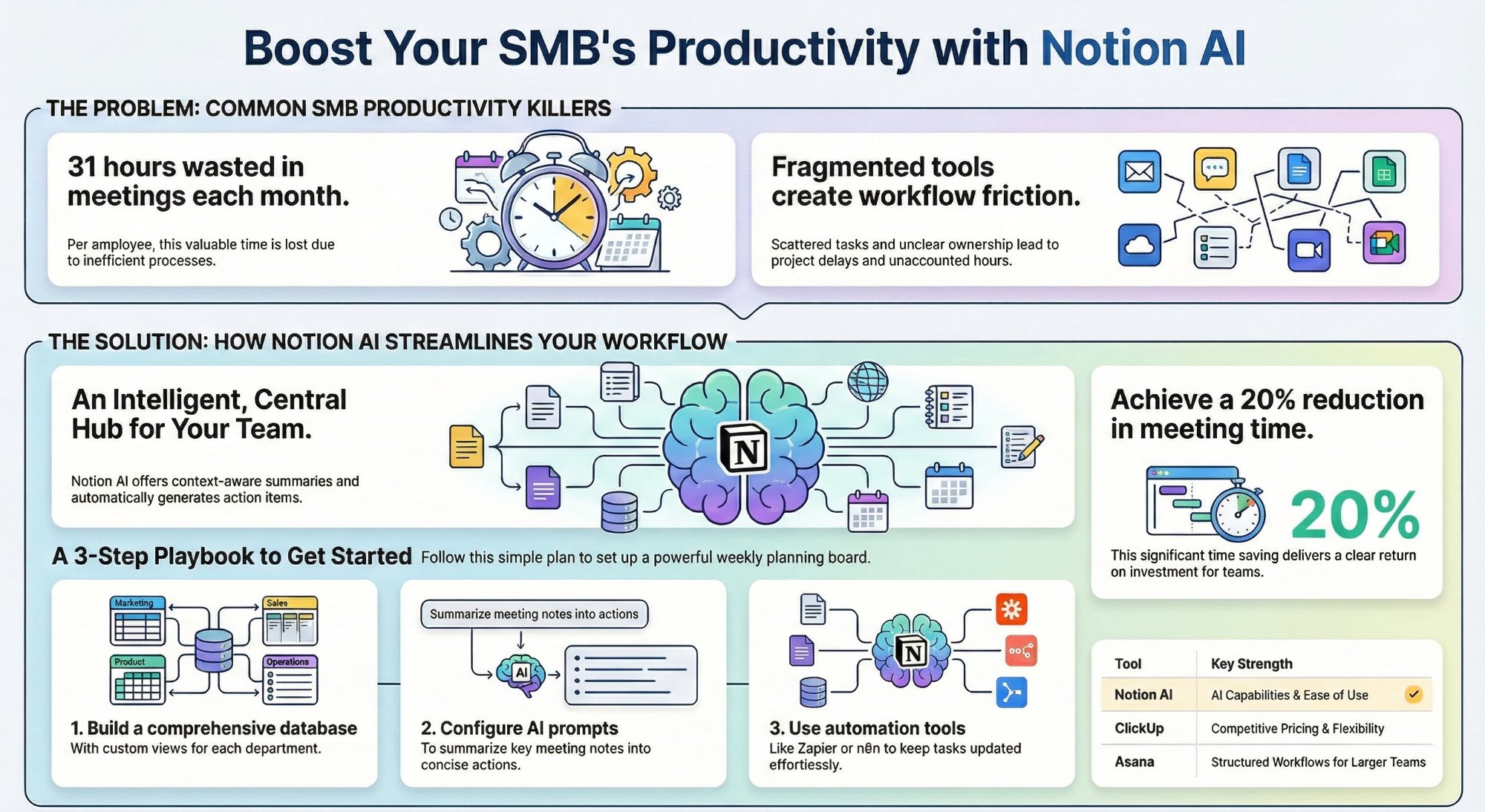
Can Notion AI workspace views replace your PM tool?
Where Notion AI is enough to run projects, and where you still need more.
Read the playbook →
How to build a Notion CRM your team will actually use
The database your meeting notes should relate to, built step by step.
Read the guide →
The Foundation stage, built for you
One clean Notion workspace where meeting notes turn into tracked work.
See the offer →
Ishan Vats
Founder, IV Consulting · Certified Notion Consultant
I build Notion systems and operating models for teams from startup to enterprise. 150+ ops transformations over 10+ years. If you want yours mapped and built right, I'll do it with you on a free call.
Book a free strategy call →Want your meetings to run themselves into your ops?
Book a free 30-minute strategy call. We will map how your calls turn into tracked tasks, client recaps, and a workspace that remembers, then give you a build roadmap on the spot.
Book a Free Strategy Call →Free 30-minute call. Honest take, even if that means "you do not need us yet."