Can Notion AI views replace your PM tool? An SMB playbook.
For most teams under 20 people, one connected workspace can run planning, docs, and tasks. Here is the practical build.
 By Ishan Vats · Certified Notion Consultant · builds Notion systems for 150+ teams
Some links below are affiliate links. If you buy through them we may earn a commission, at no extra cost to you.
 Best all-in-oneNotion AI
FlexibleNotion
Best all-in-oneNotion AI
FlexibleNotion
 StructuredClickUp
 Large teamsAsana
Yes, for most SMBs under 20 people. Notion AI workspace views combine context-aware summaries, role-specific filters, and AI-generated action items in one place, so a single connected workspace can replace a separate PM tool. Larger teams that need strict approval chains or heavy structured task management may still prefer ClickUp or Asana. The deciding factor is whether your docs, tasks, and light CRM belong together.
The problem
Why SMBs struggle with project flow
In the fast-paced world of small and medium businesses, scattered tasks, long meetings, and unclear ownership quietly drain productivity. For SMBs juggling workflow efficiency, the promise of a single tool that consolidates operations is genuinely appealing. That is where Notion AI workspace views come in: a way to cut friction and speed up delivery without adding yet another app to the stack.
The core challenge usually comes from fragmented tools and manual processes that eat into time the team does not have. The average employee loses over 31 hours a month to excessive, unnecessary meetings, which pulls attention away from task visibility and real progress.
Common pain points we see again and again:
- Teams using 5 to 8 separate tools with no single source of truth.
- Status updates that require manual chasing across Slack, email, and spreadsheets.
- Meeting recaps that take longer to write than the meetings themselves.
- Project owners who cannot see what is blocked without scheduling a call.
Fixing this is not about buying more software. It is about a thoughtful approach to workspace design and tool consolidation.
The capability
What Notion AI workspace views actually do
These views go well beyond a standard task board. They turn a live database into a self-updating operations layer.
- Context-aware AI summaries. Notion AI reads your database and generates plain-English summaries of project status, blockers, and next actions, without you writing anything.
- Role-specific views. Filter the same database so each person sees only what is relevant to them. The founder sees high-level milestones, the designer sees their open tasks, the PM sees everything.
- AI-generated action items. After a meeting, paste the notes and Notion AI extracts action items, assigns them to the relevant database entries, and sets due dates.
- Cross-database rollups. Link your CRM, project tracker, and team wiki so a single view shows client, project status, and outstanding actions in one place.
Together these features streamline the workflow and improve both efficiency and collaboration across the team. The result feels less like a project tracker and more like a connected operations layer.
The comparison
Notion vs ClickUp vs Asana
The short version: Notion wins on flexibility and AI, ClickUp on structured task management, Asana on large structured teams.
| Dimension | Notion | ClickUp | Asana |
|---|---|---|---|
| Best for | Flexibility, docs, and AI-native workflows | Structured task management with strong automation | Larger teams with clear approval chains |
| Setup effort | Steeper, highly customizable | Moderate, structured out of the box | Lower, easier for non-technical users |
| Docs + tasks together | Yes, native | Partial | No |
| Native AI summaries | Yes, Notion AI | Yes, growing | Limited |
| Native automation | Good, better with n8n or Zapier | Strong out of the box | Good |
| Ideal team size | Under 20 people | Scaling teams that live in tasks | Larger, process-heavy teams |
For most SMBs under 20 people, Notion AI gives the best return on setup investment because it handles docs, tasks, a light CRM, and AI in one place. If your team lives almost entirely in structured tasks and wants automation out of the box, look hard at ClickUp instead. Asana stays the safer pick once you need strict approval chains and many non-technical users.
The build
3-step playbook: a weekly planning board with AI
Build your database architecture
Create a central Projects database with these core properties: Status (select), Owner (person), Priority (select), Due Date, Related Client (relation to your CRM database), and Weekly Focus (checkbox).
Then add the views that make it usable day to day:
- A Kanban board grouped by Status for daily standups.
- A Table view filtered by Owner for one-to-ones.
- A Calendar view filtered to the current week for deadline visibility.
Configure AI prompts for weekly summaries
Add a Notion AI button to your Projects database with a prompt like this:
This generates your weekly status update in about 10 seconds instead of 30 minutes. The summary reads off the live database, so it reflects reality rather than a stale snapshot someone typed up the night before.
Wire automations with Zapier or n8n
Now connect the board to the rest of your stack so it stops being a silo:
- Notion to Zapier to CRM: when a project status changes to "Proposal Sent," auto-create a follow-up task in your CRM.
- n8n auto-assign tasks: when Notion AI detects an action item with a person's name, n8n creates a task in ClickUp assigned to that person.
- Notion to Slack: when a project status changes to "Blocked," post a notification to the relevant Slack channel automatically.
Tactical recipes
Two automation recipes worth copying
Recipe 1. CRM sync with Zapier
Trigger: a new project is created in Notion. Action: create a matching deal in your CRM, for example Close, with project name, client, and due date mapped automatically. This keeps sales and delivery aligned without anyone double-entering data, and it means a project never exists in one system but not the other.
Recipe 2. AI task assignment with n8n
Trigger: meeting notes pasted into a Notion page. Action: n8n calls Notion AI to extract action items, then creates tasks in your Projects database with due dates parsed from the notes. Each team member gets a Slack notification for their assigned items.
Why these two first
They remove the two highest-friction manual steps in most SMBs: re-typing project data into the CRM, and turning meeting talk into assigned tasks. Both run quietly in the background once live.
Governance & ROI
Keep it safe, then prove it pays
Governance best practices
- Set permission tiers: full access for PMs, comment-only for clients, view-only for executives.
- Use Notion's audit log (Business plan) to track changes to critical project records.
- Store client-facing data in separate databases from internal notes.
- Review and archive completed projects quarterly to keep workspaces fast.
The ROI math
For a 10-person team running 8 weekly meetings, cutting meeting recap time from 20 minutes to 2 minutes saves 24 hours per month. At a 50 dollar per hour blended rate, that is 1,200 dollars a month recovered from one automation alone, before you count faster status visibility and fewer chase messages.
Adopt these views well and SMBs can genuinely transform how work flows: shorter meetings, faster task fulfilment, and a connected operations layer that holds AI summaries, role-specific views, and cross-tool automation in one place. That is the whole point: replace the busywork, not just the tool.
FAQ
Questions SMB teams ask before they switch
How do Notion AI workspace views find context for summaries?
Can small teams use Notion AI without paying for enterprise plans?
How do I auto assign tasks from AI generated action items?
Is it safe to store client data when using Notion AI?
Can Notion AI fully replace a dedicated PM tool like ClickUp or Asana?
What is the realistic ROI of a Notion AI planning board?
Ishan Vats
Founder, IV Consulting · Certified Notion Consultant
I build Notion systems and operating models for teams from startup to enterprise. 150+ ops transformations over 10+ years. If you want yours mapped and built right, I'll do it with you on a free call.
Book a free strategy call →Keep reading
Related guides and work
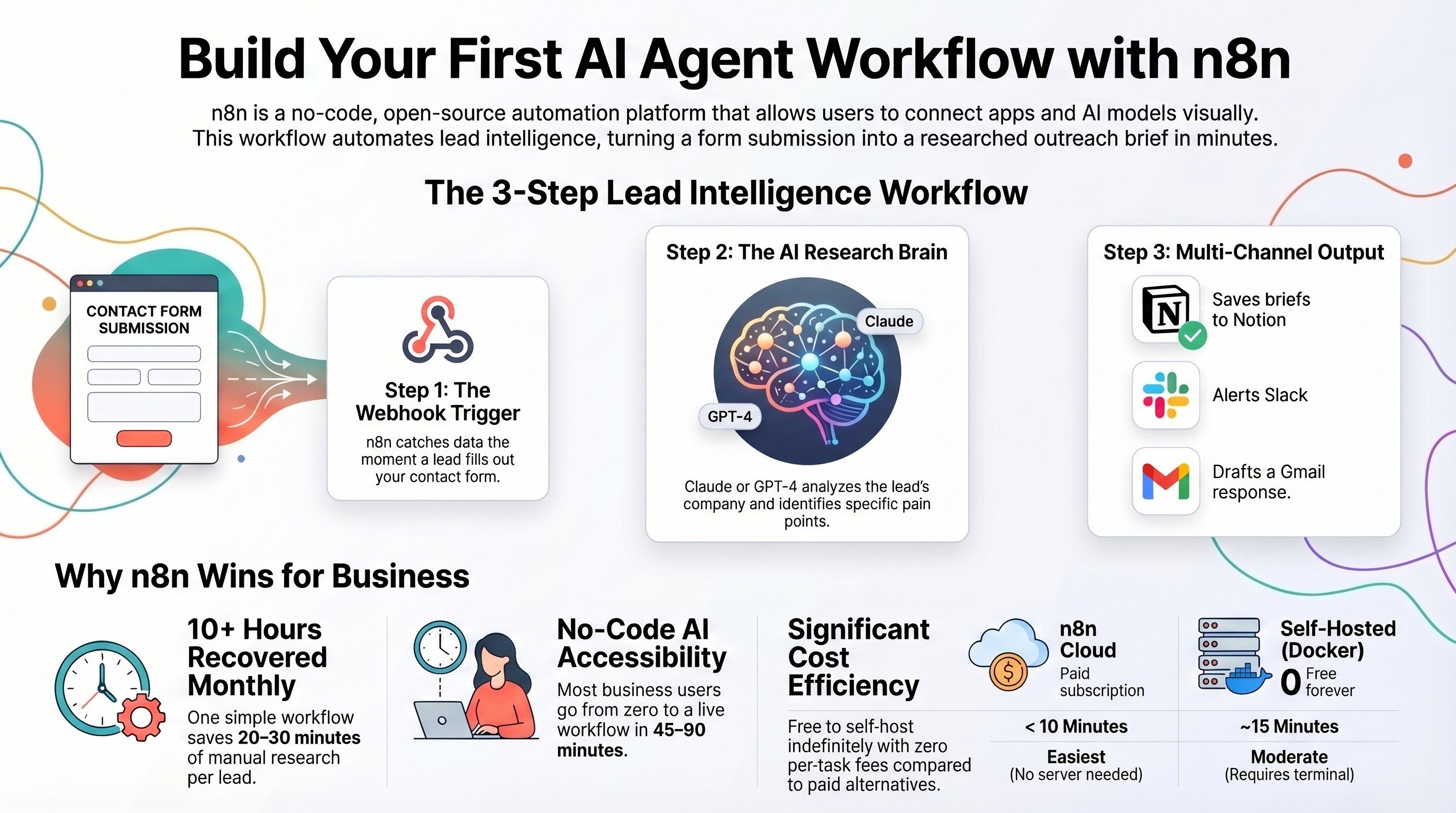
Build your first AI agent workflow with n8n
The zero-code build that pairs perfectly with the automations in this playbook.
Read the guide →
The Foundation stage, built for you
We design the Notion or ClickUp operating system your team actually keeps using.
See the offer →
The Automation stage
Connect the board to your CRM, Slack, and email so the busywork disappears.
See the offer →Want your automation stack built for you?
Book a free 30-minute strategy call. We will map your highest-ROI workflows and give you a build roadmap on the spot. If we are not the right team for you, we will say so and point you somewhere better.
Book a Free Strategy Call →Free 30-minute call. Honest take, even if that means "you do not need us yet."