An AI feature shouldn't get your ops tool banned. Here is the data governance that keeps Notion and ClickUp approved.
Whole workspaces are getting pulled the week an AI feature ships and nobody can say where the data goes. Six checks and a one-page policy answer the questions before they turn into a ban.
 By Ishan Vats · Certified Notion & ClickUp Consultant · 150+ ops transformations
 Check the trust centerTraining, residency, retention
 Set admin & connector scopeWho can turn AI on
Data governance for Notion and ClickUp is the set of controls that decides whether a new AI feature gets your ops tool approved or banned. A tool gets pulled when an AI feature ships and nobody can answer the questions IT and leadership ask: does the vendor or its AI providers train on our data, where is it processed, who can turn AI on, and what can it reach. Notion and ClickUp both give you the controls to answer those questions. Check six things before the tool gets pulled: AI training opt-out, data residency, admin and audit controls, connector and AI scope, data retention, and subprocessors and certifications. Then write the answers into a one-page AI-tool policy, so the next new AI feature is a policy update instead of a fire drill.
The pattern
Why does an AI feature get a whole tool banned?
A tool gets banned when an AI feature ships and no one inside the company can answer where the data goes. The vendor pushes an update. Your team turns it on. Then someone in leadership or IT hears two words together, "AI" and "our data," and asks a reasonable question: is our client information being used to train somebody's model? Where does it get processed? Who approved this? When the answers are missing, the safe move for whoever owns risk is not to investigate. It is to ban the tool and move on.
This is not hypothetical. A much-discussed r/Notion thread titled "My company banned notion because of AI" captured exactly this: an AI feature became the trigger, and a whole workspace got pulled, not over a proven leak but over unanswered questions. Data governance for Notion and ClickUp exists to close that gap before it becomes a ban.
Here is the part owners miss. The tool is usually fine. Notion and ClickUp both publish security pages, offer admin controls and audit logs, and sell enterprise plans built for exactly these concerns. The ban rarely happens because the answer is bad. It happens because nobody gathered the answer, wrote it down, and could hand it to IT in five minutes. That is a governance gap, not a product flaw, and it is one you can close in an afternoon. Getting your workspace onto controls you actually manage is the "runs on systems, not memory" work our Foundation stage is built for.
The checklist
What should you check before your ops tool gets pulled?
Six questions decide whether an AI feature is safe: does the vendor or its AI providers train on your data, where is your data processed, who can enable AI, what can the AI reach, how long is data kept, and who are the subprocessors. Run these against Notion and ClickUp the way an IT reviewer would, and you will have answers on file before anyone asks. Both vendors publish a security or trust page where most of this lives, so the work is finding and recording the answers, not chasing them down.
- 1. AI training opt-out. Does the vendor use your content to train its models, and do the model providers it routes to, like OpenAI or Anthropic, train on it either? Many enterprise AI tools state in writing that they do not, and that their providers are barred from it too. Do not assume. Confirm it on the vendor's AI security page and in the data processing agreement, and keep the written answer.
- 2. Data residency. Where is your data stored and processed? If you are in the EU, UK, or a regulated industry, "somewhere in the US" can be the entire objection. Check whether the vendor offers a storage region that fits your rules, and whether AI processing stays inside that region. Residency for the app and residency for the AI layer are not always the same, so confirm both.
- 3. Admin and audit controls. Who can switch AI features on, and can an admin turn them off org-wide? Is there an audit log? A tool where any member can enable an AI connector is a different risk than one where an admin gates it and single sign-on is enforced.
- 4. Connector and AI scope. What can the AI actually reach? An AI that can read every connected app, your Slack, Drive, and email, has a far bigger blast radius than one scoped to a single workspace. Scope connectors to what is needed and nothing more. This least-privilege thinking is the same discipline behind safe AI agent governance and guardrails.
- 5. Data retention and deletion. How long are prompts, AI outputs, and connector data kept, and can you delete them on request? Ask specifically what happens to AI logs when you offboard a person or leave the tool.
- 6. Subprocessors and certifications. Who are the third parties in the chain, and does the vendor hold SOC 2 and ISO 27001 and offer a GDPR data processing agreement? The subprocessor list names every company that can touch your data, which is exactly what a careful reviewer wants to see.
None of this requires a security background. It requires an hour, a checklist, and the discipline to write the answers down instead of trusting your memory of a settings page. The output of this section is not a feeling that the tool is probably fine. It is six recorded answers you can hand to anyone who asks.
The decision
How do you tell a safe AI setup from one that gets you banned?
A safe setup can answer all six governance questions with a documented "yes"; a risky one leaves them blank. Here is what a green light and a red flag look like on each of the six checks, and where to find the answer. The green-light column is highlighted because that is the state you are working toward before rollout. Run your Notion and ClickUp setup down this table, and any row you cannot fill is a row that could get the tool pulled.
| Governance check | Green light (keep it) | Red flag (fix first) | Where to check |
|---|---|---|---|
| AI training | Vendor and its model providers state in writing they do not train on your data | Vague "we may use data to improve services" with no opt-out | AI security page + DPA |
| Data residency | A storage region that fits your rules, with AI processing included | No region control; data processed anywhere | Security page / enterprise plan |
| Admin control | An admin enables and disables AI org-wide, with single sign-on | Any member can switch on AI and connectors | Workspace admin settings |
| Audit log | Actions are logged and exportable | No visibility into who did what | Admin / compliance settings |
| Connector scope | AI reaches only what you connect, controlled per connector | AI reads every connected app by default | Connector settings |
| Retention and deletion | A clear retention window, with deletion on request | Unclear or indefinite retention | DPA / privacy page |
| Subprocessors and certs | SOC 2 and ISO 27001, a published subprocessor list, a GDPR DPA | No certifications, no subprocessor list | Trust center |
The document
How do you write a one-page AI-tool policy?
A one-page AI-tool policy answers, in advance, the questions IT would ask, so a new AI feature becomes a policy update instead of a fire drill. It is one page on purpose. The moment it becomes a ten-page security document, nobody reads it and nobody updates it. Five sections is enough to turn "we use AI, trust us" into something a risk owner can sign. Here is what goes on the page.
1. Approved tools and specific AI features
Name them. Not "we use AI," but "Notion AI and ClickUp Brain are approved; these specific features are on." When "AI" is an unnamed blob, it is infinitely scary. When it is a short, specific list, it is reviewable. Anything not on the list is off by default until it goes through the same check. Naming them also settles the budget line, because the two are billed differently: ClickUp Brain is a per user add-on, while Notion AI comes inside the Business seat, which we priced side by side in ClickUp Brain vs Notion AI, per seat.
2. The data rules
State what may and may not go into an AI feature: no regulated data or customer PII in a prompt unless the data processing agreement covers it. Then record the answers you gathered in the six checks, especially the training and residency ones. This is the section that actually calms IT down, because it shows the homework is done.
3. The owner and admin controls
One named person owns this policy. Name the workspace admin, and state that only an admin can enable AI features and connectors. A policy with no owner is a policy nobody maintains, and an unmaintained AI policy is worse than none because it lies about being current.
4. The review cadence
AI features change monthly. Put a fixed review date on the page, quarterly is sensible, and at each review re-check the vendor's trust center and subprocessor list for anything new. This one line is what keeps the policy honest as the tools evolve underneath it. Wiring these recurring reviews as a scheduled reminder is exactly the kind of small win our Automation stage sets up.
5. The sign-off
Take the page to IT or leadership and get a yes on record, once. That recorded approval is the whole point: it turns the next new AI feature from a surprise that triggers a ban into a routine line-item update against a policy that already has buy-in.
The playbook
How do you keep the tool approved for good?
A ban is what happens when governance is reactive. You keep the tool by making it proactive: one owner, a standing review, and a habit of treating every new AI feature as a line item rather than a surprise. Four moves turn a one-time approval into something that survives the next update.
The four moves at a glance: (1) give the AI stack one named owner, (2) subscribe to the vendors' release notes so features never surprise you, (3) run a standing quarterly review against the six checks, and (4) make every new AI feature a policy decision before it goes live.
Give the AI stack one named owner
Someone owns AI governance the way someone owns billing. Not a committee, one person. They hold the one-page policy, they are the point of contact when IT has a question, and they are the reason the answer is "let me send you the doc" instead of a scramble. Diffuse ownership is why the last tool got banned: everyone assumed someone else had checked.
Subscribe to the vendors' release notes
The bans that blindside a team are the ones where an AI feature turned itself on in an update and nobody noticed until leadership did. Follow the Notion and ClickUp changelogs, or route them to the owner automatically. When a new AI capability ships, you want to be the first to know, not the last. Surprise is the enemy of approval.
Run a standing quarterly review
Put a recurring date on the calendar and re-run the six checks against anything that changed: new features, new connectors, a new subprocessor on the vendor's list. Update the one-page policy in the same sitting. A governance document that was true in January and never revisited is how a compliant tool quietly drifts out of compliance. The review is what keeps the sign-off valid.
Make every new AI feature a decision, not a default
New AI feature, admin gate closed until the owner runs the checks and decides. On by default is how blast radius grows without anyone choosing it. When enabling AI is a deliberate act with a recorded reason, you are never in the position of explaining a capability you did not know you had turned on. That is the whole difference between a tool that stays and a tool that gets pulled.
FAQ
Questions owners ask about AI, data governance, and bans
Why did my company ban Notion or ClickUp because of AI?
Does Notion or ClickUp train its AI on your data?
What is data residency and why does it matter for AI tools?
Who should be allowed to turn on AI features at work?
What should a one-page AI-tool policy include?
Can you keep Notion or ClickUp instead of banning it over AI?
Ishan Vats
Founder, IV Consulting · Certified Notion & ClickUp Consultant
I build Notion and ClickUp operating systems for teams from startup to enterprise, which means I spend a lot of time on the governance half of this: reading the trust center, scoping the connectors, and writing the one-page policy that keeps a tool from getting banned the week a new AI feature ships. 150+ ops transformations over 10+ years. If you want your AI tools governed so they stay approved, I'll map it with you on a free call.
Book a free strategy call →Keep reading
Related guides and work
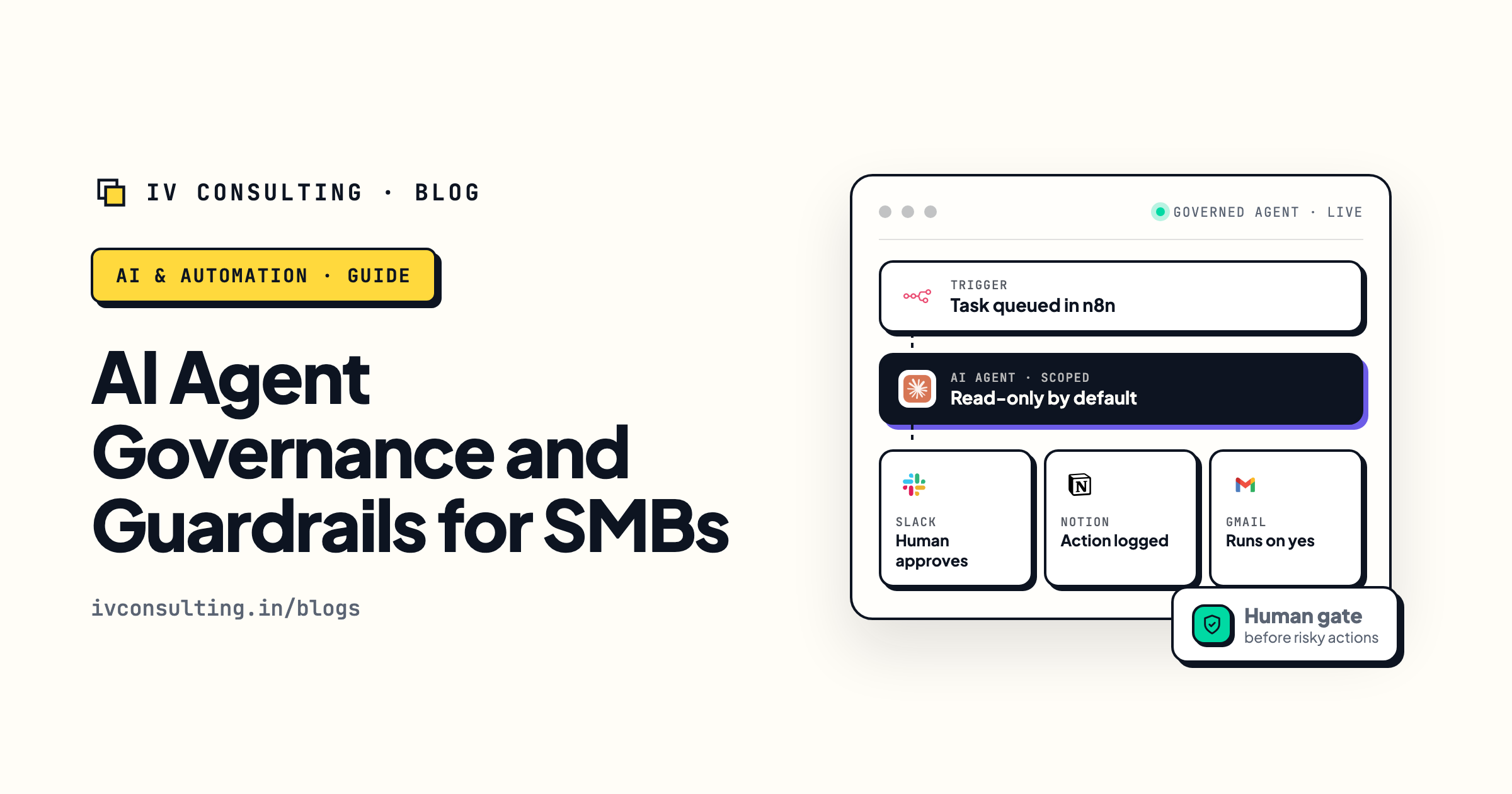
AI agent governance and guardrails
Governing the tool is step one. This is how you scope and permission the agents themselves so they save hours without going off the rails.
Read the guide →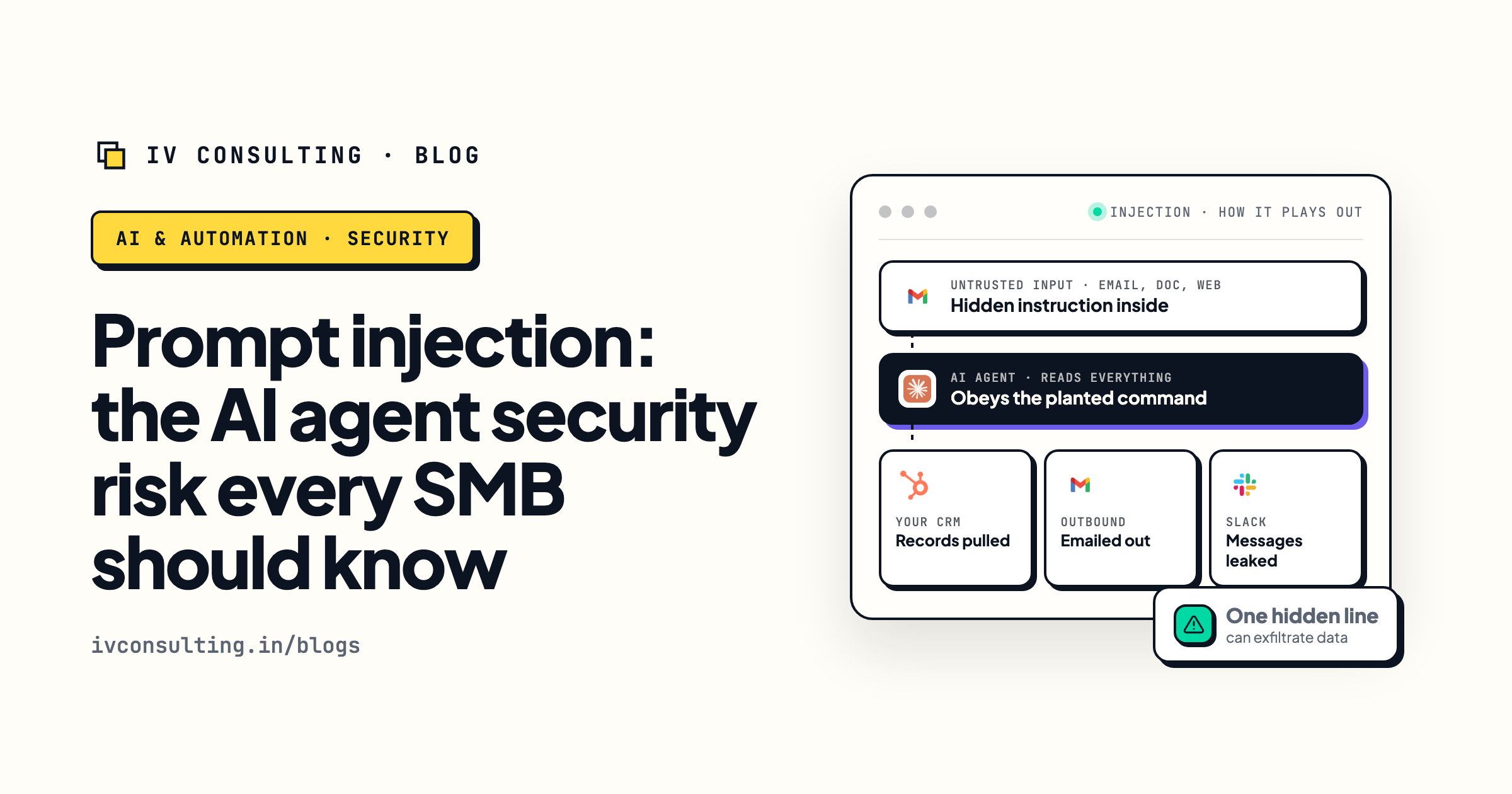
Prompt injection, explained for SMBs
The attack that turns a connected AI into an exfiltration tool. What it is, the real blast radius, and five guardrails to add.
Read the guide →
The Foundation stage, built for you
We get your workspace onto controls you actually manage, so a new AI feature is a policy update instead of a ban waiting to happen.
See the offer →Keep the tools your team runs on.
Book a free 30-minute strategy call. We will run the six governance checks against your Notion and ClickUp setup, scope the AI features to what you actually need, and draft the one-page policy that keeps the tool approved instead of banned.
Govern my AI tools, free →Free 30-minute call. Honest take, even if that means "you already have the controls, you just need to write them down."