AI agent governance and guardrails for SMBs: the practical playbook
An AI agent that can act is an AI agent that can mistake. Here is how small teams keep agents fast, scoped, and safe.
 By Ishan Vats · Founder of IV Consulting · builds AI agents & automations for 150+ teams
 TriggerTask queued in n8n
 AI Agent · ScopedRead-only by default
 SlackHuman approves
 NotionAction logged
 GmailRuns on yes
AI agent governance is the set of rules, permissions, and approval gates that decide what an AI agent can do on its own and what needs a human sign-off. For a small business, good governance is a short list of guardrails: least privilege access, a human gate on anything external or irreversible, a full audit trail, spend caps, and a kill switch. Get those right and agents save you hours without ever going off the rails.
The definition
What AI agent governance actually means
AI agent governance is the set of rules, permissions, and approval gates that decide what an AI agent can do on its own and what needs a human sign-off. It answers four questions: what can the agent read, what can it change, what needs your approval first, and how is every action recorded.
The difference from a normal automation matters. A classic automation does one fixed thing: when a form comes in, save it to Notion. An AI agent decides what to do. It reads context, picks an action, calls a tool, and reacts to the result. That flexibility is the point, and it is also the risk. An agent that can choose its own next step can choose a wrong one, at machine speed, across every tool you connected it to.
Which is why the cheapest guardrail of all is not building the agent in the first place when a fixed workflow would have done the job. If you are still deciding, are AI agents worth it? Five Reddit threads, one clear verdict lays out the decision rule and the silent cost runaway that makes the choice matter.
Why this is suddenly a small business problem
Until recently, agents lived in demos. In 2026 they ship inside the tools SMBs already run: n8n agent nodes, Make AI agents, Zapier agents, Notion AI, and MCP servers that wire models straight into your data. Building one no longer takes a developer. That is great for speed and it means agents now touch real customer data and real outbound actions with almost no process around them.
Governance is what fills that gap. Not a compliance binder. A short, deliberate set of guardrails that lets you trust an agent with real work.
The risk
Agent sprawl is the new shadow IT
When anyone on the team can spin up an agent in an afternoon, you end up with agents you forgot you built, holding permissions nobody is tracking.
Shadow IT used to mean a marketing manager paying for a tool the rest of the company did not know about. The agent version is worse. An ungoverned agent does not just store data, it acts on it. Here is how the trouble actually shows up in a small team.
- Over-permissioned agents. The fastest way to get an agent working is to give it broad access. The fastest way to regret it is the same. An agent with full write access to your CRM can corrupt it just as fast as it can update it.
- Silent failures. An agent that picks the wrong action does not crash. It confidently does the wrong thing and moves on. Without a log, you find out from the customer.
- Prompt injection. Agents read untrusted text: emails, form fields, web pages. A hostile instruction hidden in that text can redirect an agent that has no guardrails. Scope is your defence.
- No off switch. When an agent starts misbehaving at 2am, you need to stop it in seconds, not hunt for which workflow it lives in.
None of this means agents are too risky for SMBs. It means agents need the same thing every other part of your business needs to scale: a system, not memory. Governance is that system. The rest of this guide is the playbook.
The framework
The 5 guardrails every SMB agent needs
You do not need a governance team. You need these five guardrails wired into every agent before it touches live data. Build them once and reuse the pattern.
Least privilege: scope what the agent can touch
Give the agent the narrowest access that still lets it do its job, and nothing more. Default to read-only. Grant write access to one specific database, one channel, one inbox, not the whole workspace. If the agent only summarises support tickets, it does not need permission to delete them.
Think in terms of a scope you could write on an index card:
Most agent platforms let you connect a service account or a scoped key rather than your personal login. Use it. The blast radius of a mistake is exactly the size of the permissions you handed over.
Approval gates: a human yes on anything risky
For any action that is external, irreversible, or expensive, the agent prepares the action and a person approves it before it runs. This is the human-in-the-loop pattern, and it is the single highest-value guardrail you can add.
In practice that means the agent drafts the email instead of sending it, stages the record change instead of committing it, and posts a one-click approve or reject into Slack. You keep the speed on the work and put a human on the decision that matters.
Audit trail: log every action the agent takes
If you cannot see what an agent did, you cannot trust it. Log every action to a place you already check, a Notion or ClickUp database or a dedicated Slack channel, so an agent is never a black box.
Each log entry should capture the same fields:
An audit trail is what turns a vague worry into something you can review, debug, and improve. It is the first thing to set up, before you scale from one agent to ten.
Spend and rate limits: caps so a loop cannot run away
Agents call paid model APIs and they can loop. A misconfigured agent that retries forever burns tokens and hammers your connected tools. Put hard ceilings in place: a monthly API budget with an alert, a cap on actions per run, and a timeout so a stuck agent stops instead of spinning.
Set these on day one. They cost nothing when everything works and they save you the runaway bill on the one day it does not.
A kill switch: revoke access in seconds
You need to stop an agent instantly without redeploying anything. Two simple versions work for most SMBs: a single on/off toggle in your automation tool that disables the workflow, and the ability to revoke the agent's API key or OAuth connection so it loses access even if it is mid-run.
Write down where the off switch is and who can pull it. The worst time to learn that is while an agent is actively making a mess.
The line
What to let an agent do, and what to gate
The simplest governance decision is autonomy level. Let agents run the low-risk work on their own, gate the risky work behind a human, and block the few things they should never do.
| Agent action | Autonomy level | The guardrail |
|---|---|---|
| Read data and research | Full autonomy | Read-only scope, no write access |
| Draft content or emails | Full autonomy | Stage as a draft, never auto-send |
| Update internal records | Supervised | Log every write, keep it reversible |
| Send external messages | Human gate | Approval required before it goes out |
| Delete or bulk-edit | Human gate | Confirmation step plus audit log |
| Move money or transact | Blocked | Never let an agent touch payments |
Start every new agent at the most restrictive level that still works, then loosen it only after the audit log proves it behaves. It is far easier to grant more autonomy to an agent that has earned it than to claw back access after an incident.
The rollout
How to deploy a governed agent in your stack
You do not roll out governance as a project. You bake it into how you ship the first agent, then copy the pattern. Here is the order that works.
1. Pick one low-risk job
Start where a mistake is cheap and easy to catch: triage, research, drafting, internal summaries. Avoid anything customer-facing or money-touching for the first agent. Win trust on safe ground, then expand.
2. Scope it tight
Connect a service account, set read-only by default, and grant the one write permission the job needs. Write the scope down so anyone can see what the agent can and cannot touch.
3. Add the gate and the log
Route any risky step through a Slack approval, and log every action to a Notion or ClickUp database. These two steps turn a black box into a system you can supervise.
4. Shadow, then loosen
Run the agent in draft and approval mode while you watch the log. Once it has run clean on real inputs, loosen the gates one step at a time. Autonomy is earned, not assumed.
5. Reuse the pattern
Your second governed agent is faster than your first, because the scope template, the approval step, and the audit log are already built. Governance compounds: set it up once, reuse it on every agent after.
Avoid these
Governance mistakes that bite small teams
Mistake 1: giving the agent your own login
Connecting an agent through your personal account hands it everything you can touch. Use a scoped service account or a dedicated key instead, so the agent's reach is defined on purpose, not inherited by accident.
Mistake 2: trusting the agent before the log proves it
Confidence is not accuracy. An agent that sounds sure can still be wrong. Watch the audit trail across real inputs before you remove an approval gate. Let the evidence decide when an agent has earned more autonomy.
Mistake 3: no owner for the agents
Agents built in an afternoon and forgotten are how sprawl starts. Every agent needs one named owner who knows its scope, checks its log, and can pull the kill switch. No owner means no governance, whatever the settings say.
Mistake 4: skipping spend limits
The day an agent loops is the day you wish you had set a budget alert. Caps and timeouts cost nothing when things work and save you the runaway bill when they do not.
FAQ
AI agent governance questions, answered
What is AI agent governance?
Do small businesses really need AI agent governance?
What should an AI agent never be allowed to do?
What is a human-in-the-loop approval gate?
How do I keep an audit trail of what my AI agents do?
Can IV Consulting set up governed AI agents for my business?
Ishan Vats
Founder, IV Consulting · AI & automation consultant
I build production AI agents, automations, and MCP servers for teams from startup to enterprise. 150+ ops transformations over 10+ years. If you want this mapped to your own stack, I'll do it with you on a free call.
Book a free strategy call →Keep reading
Related guides and work
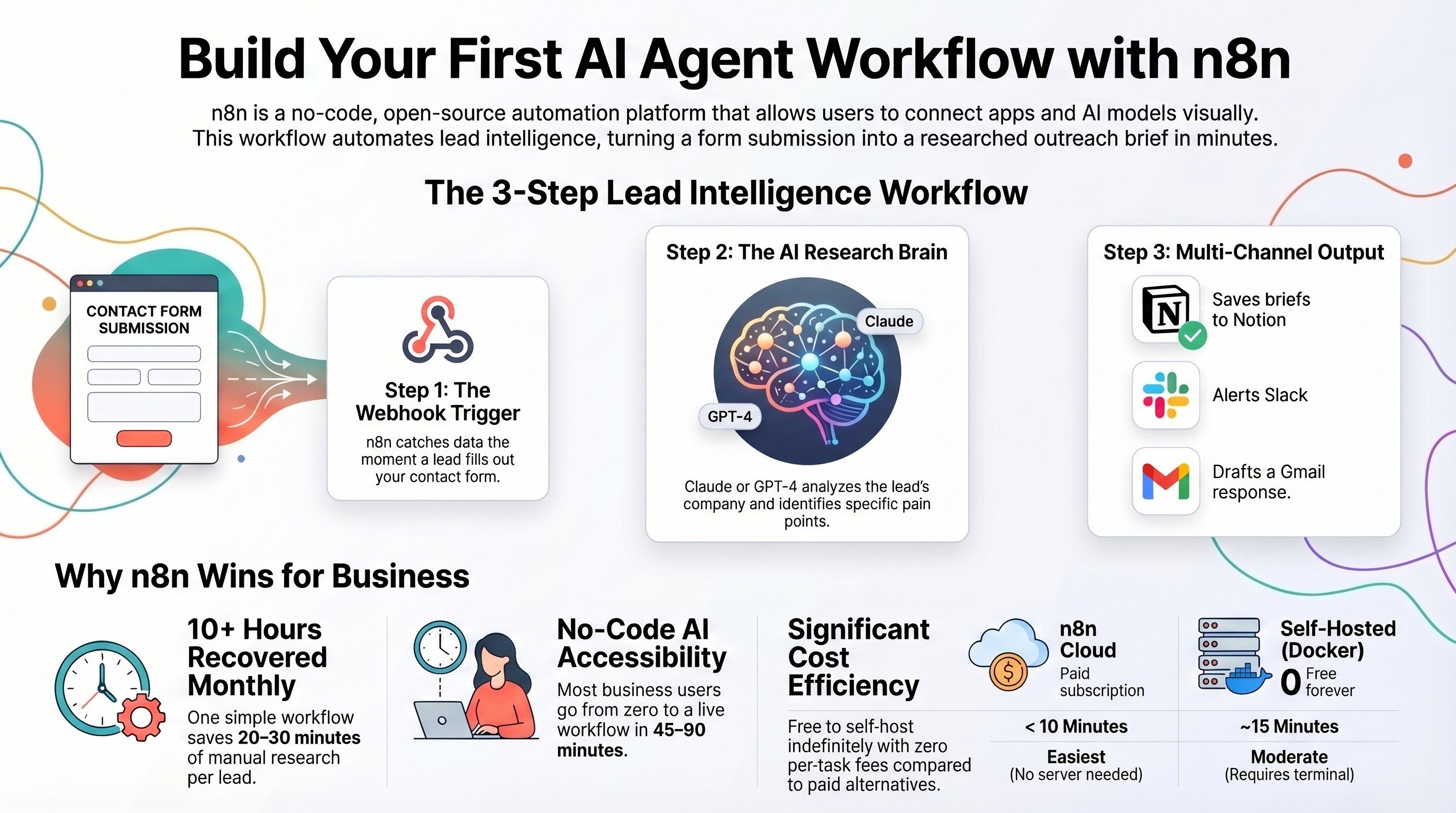
Build your first AI agent workflow with n8n
The zero-code build, start to finish. Pair it with the guardrails on this page.
Read the guide →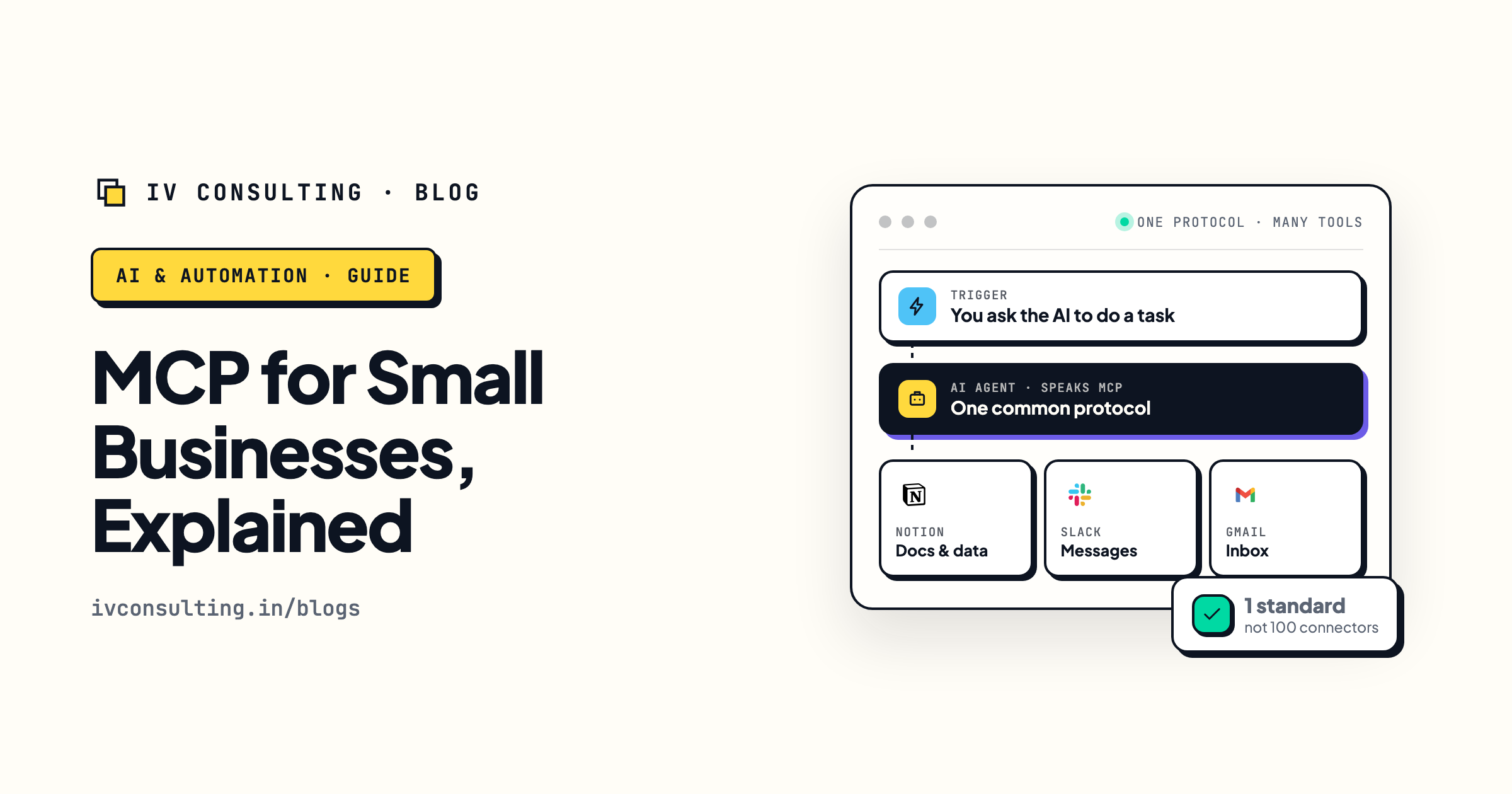
MCP for small businesses, explained
The open standard wiring AI models into your tools, and what it means for SMB ops.
Read the explainer →
Production AI agents, built for you
Scoped, gated, and logged from day one. Idea to a live agent in about a month.
See the offer →Want AI agents you can actually trust?
Book a free 30-minute strategy call. We will map where agents save you the most hours and show you how we build them governed from day one: scoped, gated, and logged. If you are not ready for agents yet, we will say so.
Book a Free Strategy Call →Free 30-minute call. Honest take, even if that means "you do not need us yet."