Your team already wrote the answers. A Notion AI knowledge base makes them findable.
Stop answering the same question in Slack every week. Point Notion AI at the SOPs and policies you already have, and anyone can ask in plain English and get a cited answer in seconds. Here is how to set it up, and the document hygiene that decides whether it works.
 By Ishan Vats · Certified Notion Consultant · 150+ ops transformations
 Notion Q&A · reads your workspaceOnly pages you can access
 AI connectors · Slack, Drive, JiraBusiness plan and up
A Notion AI knowledge base is your existing Notion workspace plus Notion AI, so anyone can ask a question in plain English and get an answer pulled from your own SOPs, policies, and project docs. Notion Q&A reads only the pages that person already has access to, and it answers from your content rather than the open internet. Add AI connectors and the same question also reaches Slack, Google Drive, Jira, and more, with the answer citing the specific sources it used. The catch is not the technology. It is your documents: a knowledge base is only as good as what you put in it, so the real work is deciding what is true, giving each policy one owner, and archiving the rest.
What it is
What is a Notion AI knowledge base?
A Notion AI knowledge base is your existing Notion workspace plus Notion AI, so anyone on the team can ask a question in plain English and get an answer drawn from your own pages and databases instead of hunting through folders. You do not build a new system. You point AI at the SOPs, policies, and project docs you already wrote, and the pile of documents nobody opens becomes something people can actually query.
The feature that does this is Notion Q&A. It reads the pages you have access to and synthesizes an answer, and it is deliberately narrow: Notion's own documentation states that Q&A does not have access to wider knowledge. That sounds like a limitation. It is the entire point. You do not want a general chatbot guessing at your refund window. You want the answer your team agreed on, from the page where you wrote it down.
Picture the daily version. A new hire asks in Slack how expenses get approved. Someone senior stops what they are doing, remembers roughly, and answers from memory. Three weeks later the same question comes back, and the answer is slightly different. A Notion AI knowledge base replaces that loop: the question gets asked once to the workspace, and the answer comes back with the source attached. This is the "runs on systems, not memory" work our Foundation stage exists to do.
How it works
How does Notion Q&A actually answer a question?
Notion Q&A takes a plain English question, searches the workspace content that person is allowed to see, and returns a synthesized answer with the sources it used. Three properties of that loop matter more than anything else, and they are the reason this is safe to hand a whole team.
- It answers from your content, not the internet. Notion is explicit that Q&A does not have access to wider knowledge. Ask it about your refund policy and it looks in your workspace. It will not fill a gap with a plausible industry-standard answer, which is exactly the failure mode you fear from a general chatbot.
- It cites the sources it used. Per Notion's AI connectors documentation, Notion AI surfaces relevant information from your connected apps while citing the specific sources it referenced. You get a claim and a link, so you can check it in one click.
- It honors the permissions you already set. Notion states that users will not be able to generate content or receive responses based on resources they do not have access to. A contractor cannot ask their way into a private salary review. The AI layer inherits your access rules rather than routing around them.
That third point is the one owners underestimate. The usual objection to a company-wide AI search is "so now anyone can find anything?" No. Permissions are the boundary, and they are the same boundaries you already manage in Notion. If a page is locked to the leadership team today, it stays locked to the leadership team when someone asks a question about it.
The citation behavior deserves the same attention. An AI answer without a source is a rumor with good grammar. An AI answer with a source is a shortcut to the document. Train your team to treat the link as the deliverable: if the cited page looks stale or wrong, that is not an AI failure, it is a signal that a document needs an owner.
The decision
Is a Notion AI knowledge base better than just asking a colleague?
Yes, for anything already written down: a colleague gives you a recollection that drifts and costs two people's time, while a Notion AI knowledge base returns the same answer every time with the source attached. Your team has four ways to get an answer about how the business works. Here they are side by side. The Enterprise Search column is highlighted because it is where most growing teams land: workspace answers plus the outside apps where half your context actually lives. Note the row that decides everything, which is whether the answer comes with a source you can check.
| Dimension | Keyword search | Notion Q&A | Enterprise Search + connectors | Asking a colleague |
|---|---|---|---|---|
| What it searches | Notion page titles and text | Your Notion pages and databases | Notion plus Slack, Drive, Jira, GitHub, Gmail and more | One person's memory |
| What you get back | A list of links to open | A written answer | A written answer across tools | A recollection, phrased fresh each time |
| Cites its sources | Not applicable, it is the source | Yes | Yes | Rarely |
| Respects permissions | Yes | Yes | Yes | Depends on the person |
| Costs someone time | Yours, hunting | Almost none | Almost none | Two people, every time |
| Plan needed | Any plan | Notion AI | Business or Enterprise for third-party apps | Free, but not really |
| Answer stays consistent | Yes, you read it yourself | Yes, from the same page | Yes, from the same sources | No, it drifts |
The requirements
What do you need to set up a Notion AI knowledge base?
To set up a Notion AI knowledge base you need three things: your SOPs and policies living in Notion, Notion AI switched on so Q&A can answer from them, and a Business or Enterprise plan if you also want answers to reach Slack, Google Drive, or Jira through AI connectors. Less than owners expect, if you already run on Notion. Here is what each layer actually requires, from the simplest version to the one that spans your whole stack.
1. Answers from your own Notion pages
This is the baseline, and it is Notion Q&A working inside Notion AI. Nothing to build. The moment your SOPs and policies live in Notion, people can ask questions against them and get answers with sources. If your documentation is already in Notion and you are not using this, you are leaving the easiest win on the table.
2. Answers that also span Slack, Drive, and Jira
Half your institutional knowledge is not in Notion. It is in a Slack thread from March and a spreadsheet in someone's Drive. AI connectors close that gap. Notion supports connectors for Slack, Microsoft Teams, Google Drive, Microsoft SharePoint and OneDrive, Jira, GitHub, Linear, Gmail, Microsoft Outlook, Notion Mail, Google Calendar, and Notion Calendar. Connecting third-party apps requires a Business or Enterprise plan, with Notion Mail and Notion Calendar free to connect on any plan. One caveat on that list: the Notion Mail inbox itself is being retired on 22 September 2026, so if you were planning to lean on it, read what to export before Notion Mail shuts down first. The Gmail connector and the agent mail tools are unaffected.
3. Enterprise Search across the whole workspace
Enterprise Search shipped in the Notion 2.51 release on May 13, 2025, and is included on Business and Enterprise at no extra cost. It is the layer that makes one question reach everything at once instead of you deciding where to look first.
4. Agents, if you want it to act and not just answer
Answering is retrieval. Acting is a different job: drafting the reply, updating the record, chasing the overdue task. Custom Agents run on Notion credits, with credit-based billing starting May 4, 2026 and credits sold as an add-on for Business and Enterprise plans. Worth knowing before you plan a rollout, because it is a usage-based line item rather than a flat seat cost. Notion does not publish a flat per-agent price, so check Notion's current pricing before you budget. If you want to size a monthly credit block before committing, we built a free Notion AI credit calculator for exactly that. If ClickUp is the other workspace on your shortlist, it bills AI the opposite way, as a flat add-on per user, and we priced the two head to head in ClickUp Brain vs Notion AI, per seat.
The playbook
How do you make the answers actually trustworthy?
Here is the uncomfortable part. A knowledge base is only as good as the documents behind it. Switch AI on over a messy workspace and you do not get clarity, you get your mess delivered faster and with more confidence. These five steps are the real work, and they are what separate a knowledge base people trust from one they quietly stop using.
The five steps at a glance: (1) give every policy exactly one owner and one page, (2) archive ruthlessly so old versions cannot be retrieved, (3) write pages that answer questions rather than store notes, (4) date-stamp anything that changes, and (5) test with the questions people actually ask.
One policy, one page, one owner
Pick your top twenty recurring questions. Refunds, expenses, onboarding, escalation, PTO, security. For each, there should be exactly one page that is the answer, with a named human who owns it. Not a folder. Not a wiki section. One page. If two pages could plausibly answer the same question, you have not finished this step.
Archive ruthlessly, because retrieval has no taste
Anything superseded gets archived or deleted, not left lying around "just in case." Keyword search made stale pages harmless because a human glanced at the title and skipped it. AI retrieval removes that human filter: an outdated page is now a candidate answer with equal standing. If a document is no longer true, its continued existence is a liability, not an archive.
Write pages that answer a question, not pages that store notes
A page titled "Q3 Ops Sync Notes" with the refund rule buried in bullet nine is technically documentation and practically useless. Give pages plain, question-shaped headings, and put the answer in the first line under each. This is the same thing that makes content quotable to AI search engines, and it works here for the same reason: retrieval rewards a clean, self-contained answer. Turning fuzzy process knowledge into crisp, reusable procedure is exactly what we cover in packaging your SOPs for AI.
Date-stamp anything that changes
Pricing, policies, tooling, vendor lists. Put a last-reviewed date and an owner at the top of every page that can go stale, and set a recurring review. When an answer comes back cited, the person reading it can see instantly whether the source was reviewed last month or last year. That single line does more for trust than any amount of AI tuning, because it lets a human calibrate how much to rely on the answer.
Test with the questions people actually ask
Do not test with the questions you wish people asked. Go pull the last thirty real questions from Slack, ask them to the workspace, and read the answers critically. Every wrong or vague answer points at a specific document problem: a missing page, a contradiction, a title nobody would search. Fix those, then run the list again. Two or three rounds and the thing genuinely works.
FAQ
Questions people ask about a Notion AI knowledge base
What is a Notion AI knowledge base?
Does Notion AI cite its sources?
Can Notion AI search Slack and Google Drive?
How far back does a Notion AI connector reach?
What is Notion Enterprise Search?
Does Notion AI respect page permissions?
Which Notion plan do you need for an AI knowledge base?
Why does Notion AI give vague or wrong answers?
Ishan Vats
Founder, IV Consulting · Certified Notion Consultant
I build Notion and ClickUp operating systems for teams from startup to enterprise, and I spend most of my time on the unglamorous half of this: deciding what is actually true, giving each policy an owner, and archiving the rest so the AI layer has something worth retrieving. 150+ ops transformations over 10+ years. If you want your workspace turned into a knowledge base people trust, I'll map it with you on a free call.
Book a free strategy call →Keep reading
Related guides and work
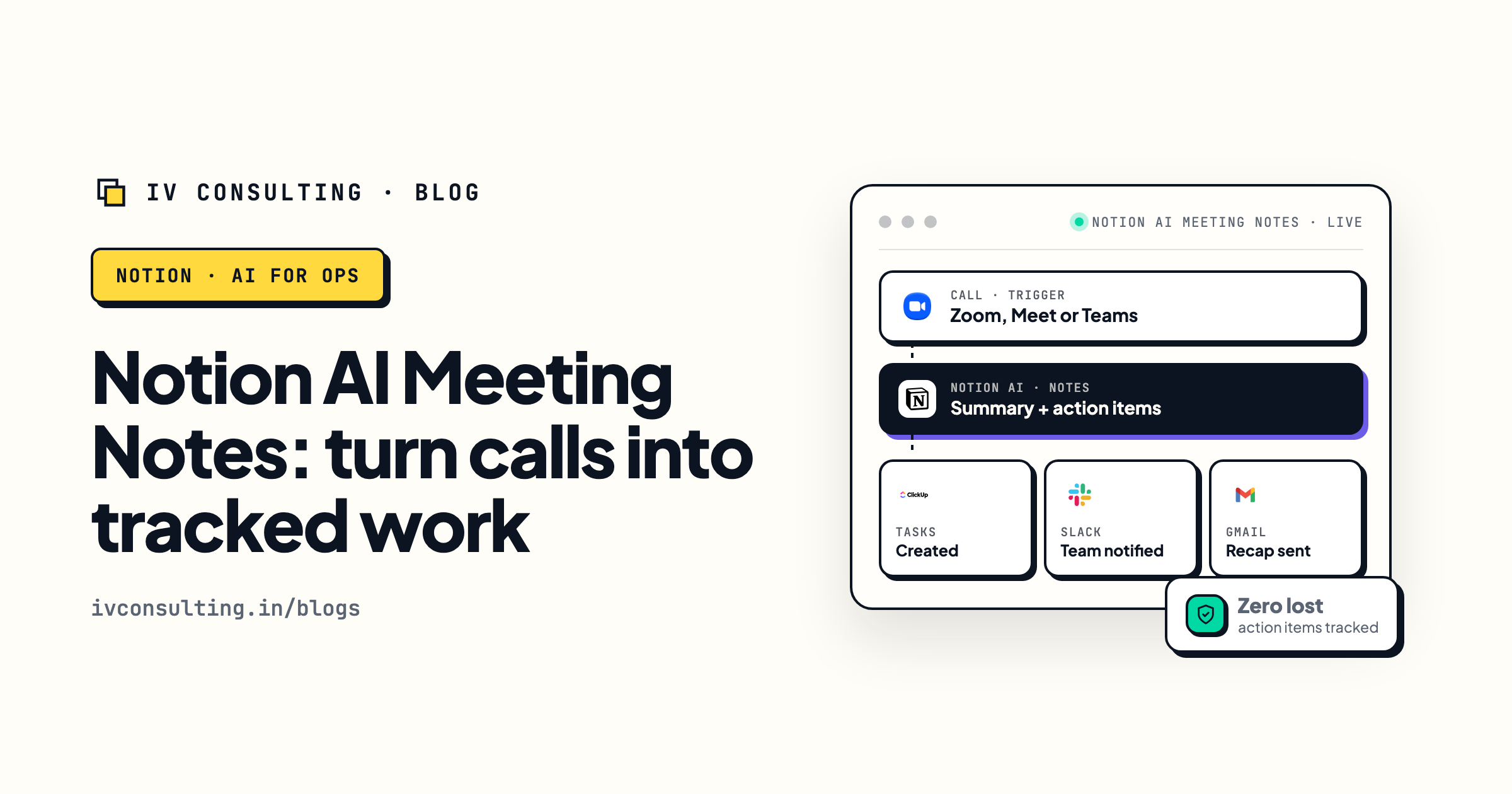
Notion AI Meeting Notes for SMB ops
Where a lot of undocumented decisions come from. Capture them automatically so they land in the workspace instead of someone's memory.
Read the guide →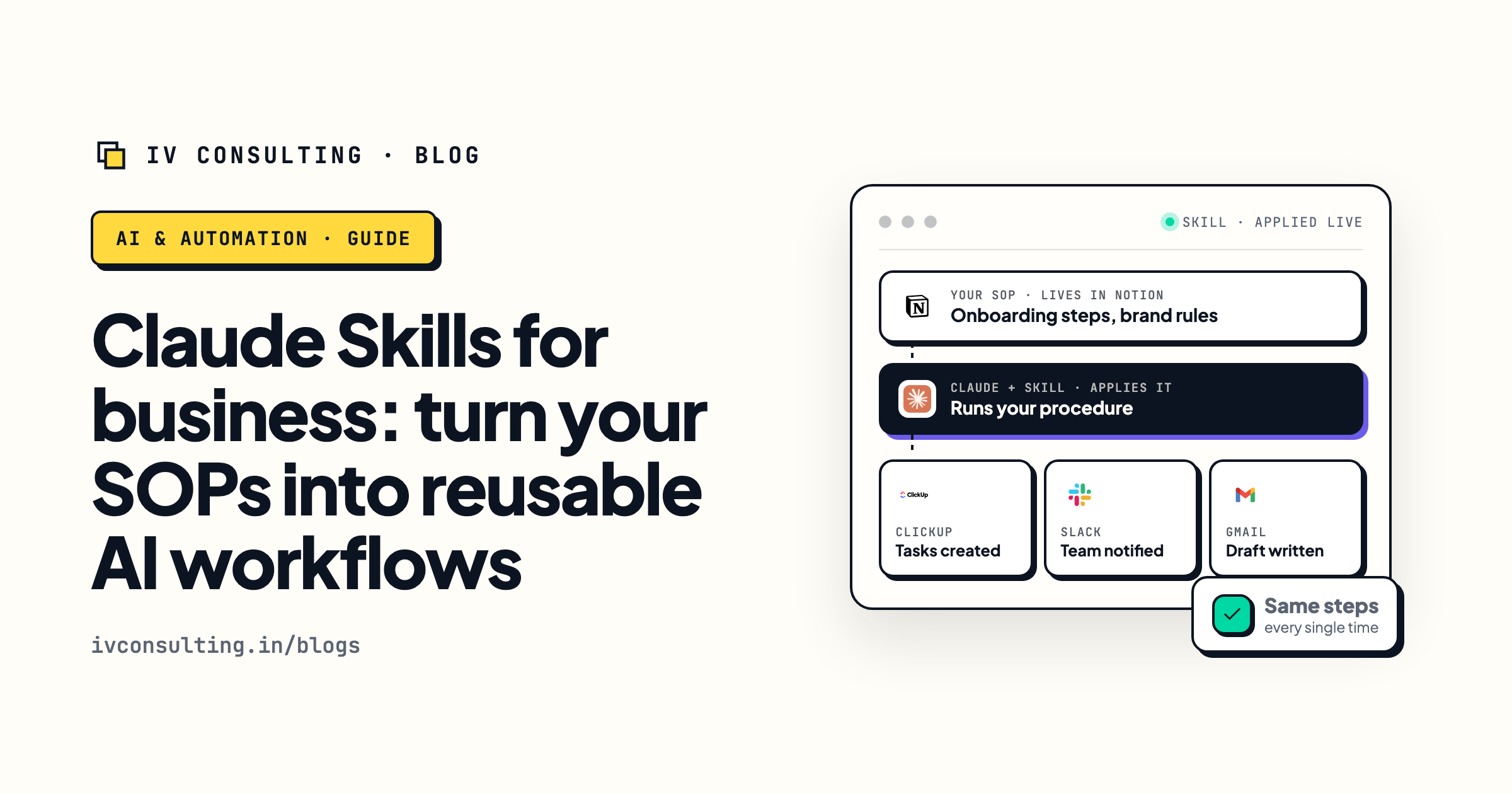
Turn your SOPs into reusable AI workflows
A knowledge base answers questions. Skills go a step further and let AI run the procedure the same way every time.
Read the guide →
The Foundation stage, built for you
We get your workspace to a single source of truth first, so the AI layer has something worth retrieving instead of a mess to repeat.
See the offer →Stop answering the same question twice.
Book a free 30-minute strategy call. We will look at the questions your team keeps asking, find where the answers actually live, and map the cleanup and the AI layer it takes to turn your workspace into a knowledge base people trust.
Map my knowledge base, free →Free 30-minute call. Honest take, even if that means "fix your docs before you buy anything."