Claude Skills for business: turn your SOPs into reusable AI workflows
The best processes in a small business live in one person's head. Claude Skills let you package those SOPs into reusable capabilities Claude applies on its own, every time, the same way. Here is what a Skill actually is, how it differs from an MCP server, and where to start.
 By Ishan Vats · Claude Partner Network · builds AI agents & automations for 150+ teams
 Your SOP · lives in NotionOnboarding steps, brand rules
 Claude + Skill · Applies itRuns your procedure
 ClickUpTasks created
 SlackTeam notified
 GmailDraft written
Claude Skills are packaged folders of instructions, reference files, and optional scripts that teach Claude how to do a task your way. Also called Agent Skills, they were introduced by Anthropic in October 2025. A Skill is really a standard operating procedure written in plain Markdown: a name, a description of when to use it, and the steps and rules Claude should follow. Claude reads the description, decides on its own when the Skill applies, and runs your procedure the same way every time. For a small business, that turns tribal knowledge into a reusable capability, and it is different from an MCP server, which connects Claude to your tools rather than teaching it how to work.
The basics
What is a Claude Skill?
A Claude Skill is a packaged folder of instructions that teaches Claude how to do a specific task your way, which Claude then applies automatically whenever it is relevant. Anthropic introduced Agent Skills in October 2025 as the practical bridge between one-off prompting and reliable AI at scale. Instead of pasting the same long instructions into a chat every time, you write the procedure once and Claude reuses it.
Under the hood a Skill is simple. At its core is a single SKILL.md file: a short name, a one-line description of when to use it, and the steps, rules, and examples Claude should follow. A Skill can also bundle extra files it needs, such as a brand style guide, a proposal template, or a small script. If you have ever written an onboarding doc for a new hire, you have already written most of a Skill.
What makes Skills efficient is progressive disclosure. Claude first reads only the name and description, which is cheap. When a request matches, it opens the full SKILL.md, and it only reaches for the bundled files or scripts if the task actually needs them. So you can give Claude a whole library of Skills without slowing it down or cluttering its attention. The other half of the value is that Claude is the one that decides when to use a Skill, based on your description, so nobody has to remember to select the right one.
The impact
Why do Claude Skills matter for a small business?
Because in most small businesses, the real operating knowledge is undocumented and unevenly applied. The owner knows how a good proposal is structured. One senior person knows exactly how to onboard a client. When they are busy or away, quality slips, and every new hire relearns the same lessons. A Skill captures that knowledge once and makes it repeatable. Three things change.
Consistency stops depending on who is at the keyboard. When your tone, structure, and rules live in a Skill, the output looks the same whether it is Monday morning or a Friday scramble. The Skill does not get tired, forget a step, or leave out the disclaimer.
Onboarding knowledge becomes an asset, not a memory. The procedure you would explain to a new hire is written down, versioned, and improvable. When you learn a better way to do something, you edit the Skill, and everyone gets the upgrade at once.
It scales across your whole team and your automations. The same Skill can back a teammate working in chat and an automated agent running in the background, so the how is defined in one place instead of scattered across people and tools. Here is what that unlocks:
- Less re-explaining. You write the procedure once instead of coaching it into every request.
- Fewer quality misses, because the rules and guardrails are baked in, not remembered.
- Faster onboarding, since a new hire inherits the same Skills your best people rely on.
- One source of truth, so improving a process means editing one file, not retraining everyone.
The distinction
Claude Skills vs MCP servers: what is the difference?
This is the question that trips people up, so here is the clean line: a Claude Skill gives Claude the know-how to do a task your way, while an MCP server gives Claude access to your tools and data. A Skill is the procedure, an MCP server is the connection. They solve different problems and they work best together.
MCP, the Model Context Protocol, is about access. An MCP server is a connector that lets Claude reach a system, your CRM, your database, your file storage, your calendar, and read or update it. Think of it as the wiring between Claude and the tools your business already runs on. Our plain-English guide to MCP goes deeper on that.
A Skill is about know-how. It does not connect anything. It packages the steps, the rules, the tone, and the examples for doing a specific job your way. It is the trained employee's playbook, not the keys to the building.
A simple way to hold it: MCP is the wiring, a Skill is the playbook. A real setup often uses both. You connect Claude to your project tool with an MCP server so it can create tasks, and you give it a client-onboarding Skill so it knows exactly which tasks to create, in what order, with your standards applied.
Side by side
Claude Skills vs MCP servers, at a glance
They are not competitors, they are two halves of a capable AI setup. This table shows which job each one owns, so you know what you are actually choosing between.
| Question | Claude Skill | MCP server |
|---|---|---|
| What it provides | Know-how: how to do a task your way | Access: a connection to a tool or data source |
| Best analogy | The trained employee's playbook | The wiring to your systems |
| What it is made of | A SKILL.md file, plus optional reference files and scripts | A server that exposes tools and data over the protocol |
| Who builds it | Often a non-developer, in plain Markdown | Usually a developer or a ready-made connector |
| How Claude uses it | Applied automatically when the description matches | Called when Claude needs to reach that system |
| Example for an SMB | A proposal Skill that follows your structure and pricing rules | A CRM connector so Claude can read and update deals |
| Do you need it | Yes, to make output consistent and on-brand | Yes, when Claude must touch a live system |
Where to start
3 ops Skills a small business should build first
Do not start with something exotic. Start with a rules-heavy task you already repeat and already have opinions about. These three are where most small teams get the fastest, most obvious win.
1. Brand and tone writer
The most common request in any business is "write this the way we always write it." A brand Skill captures your voice, formatting rules, banned phrases, and structure, then applies them to any draft: emails, proposals, social posts, product descriptions. Instead of editing tone by hand every time, you get first drafts that already sound like you. This is the Skill that pays for itself fastest, because writing is everywhere and consistency is hard to hold across a team.
2. Proposal or quote builder
Give Claude your proposal structure, your pricing logic, and a few strong past examples. It assembles a first draft from a short brief, in your format, with your numbers, ready for you to review.
3. Support triage
Encode your playbook for classifying tickets by intent and urgency and drafting a first reply. Claude tags and responds by your rules, so support stays consistent even at volume.
Bonus: client onboarding
Once those three are working, package your onboarding sequence as a Skill: the exact steps, docs, and messages a new client should get. Paired with an MCP connection to your project tool, Claude can spin up the task list and draft the welcome note by your standard, so the fifth client gets the same first-class start as the first. This is the point where Skills stop saving minutes and start protecting your reputation.
The pattern
How do you build your first Claude Skill?
You do not need to be a developer to start. If you can write a clear how-we-do-this doc, you can write a Skill. Five steps, and the first version can be plain text.
Pick a process you repeat
Choose one rules-heavy task you already explain often: writing in your voice, building a quote, triaging tickets. A narrow, well-understood job makes a far better first Skill than a vague, ambitious one.
Write the SKILL.md in plain language
Give it a clear name, a one-line description of exactly when it should be used, and the steps and rules Claude must follow. Write it the way you would brief a sharp new hire. The description is what Claude reads to decide when to apply the Skill, so make it specific.
Bundle the references it needs
Add the supporting files the task depends on: your style guide, a template, a few gold-standard examples. Claude only opens them when the task calls for it, so more context here does not slow things down.
Write the guardrails in
State the limits explicitly: never invent details that are not in the source, always follow this format, flag anything uncertain for a human. A Skill is instructions, so its safety comes from what you tell it to do and not do.
Test on real cases, then keep a human in the loop
Run the Skill on a handful of real inputs and correct what it misses by editing the file. For anything customer-facing or hard to reverse, keep a person approving the output until you have watched it make good calls. The same discipline in when not to use AI in your automations applies here.
FAQ
Questions people ask about Claude Skills
What are Claude Skills?
What is the difference between a Claude Skill and an MCP server?
Do I need to be a developer to build a Claude Skill?
Can you use Claude Skills in Claude Code and the API?
What is a good first Claude Skill for a small business?
Are Claude Skills safe to use on business data?
Ishan Vats
Founder, IV Consulting · Claude Partner Network
I build production AI agents, automations, and MCP servers for teams from startup to enterprise. 150+ ops transformations over 10+ years. If you want this mapped to your own stack, I'll do it with you on a free call.
Book a free strategy call →Keep reading
Related guides and work
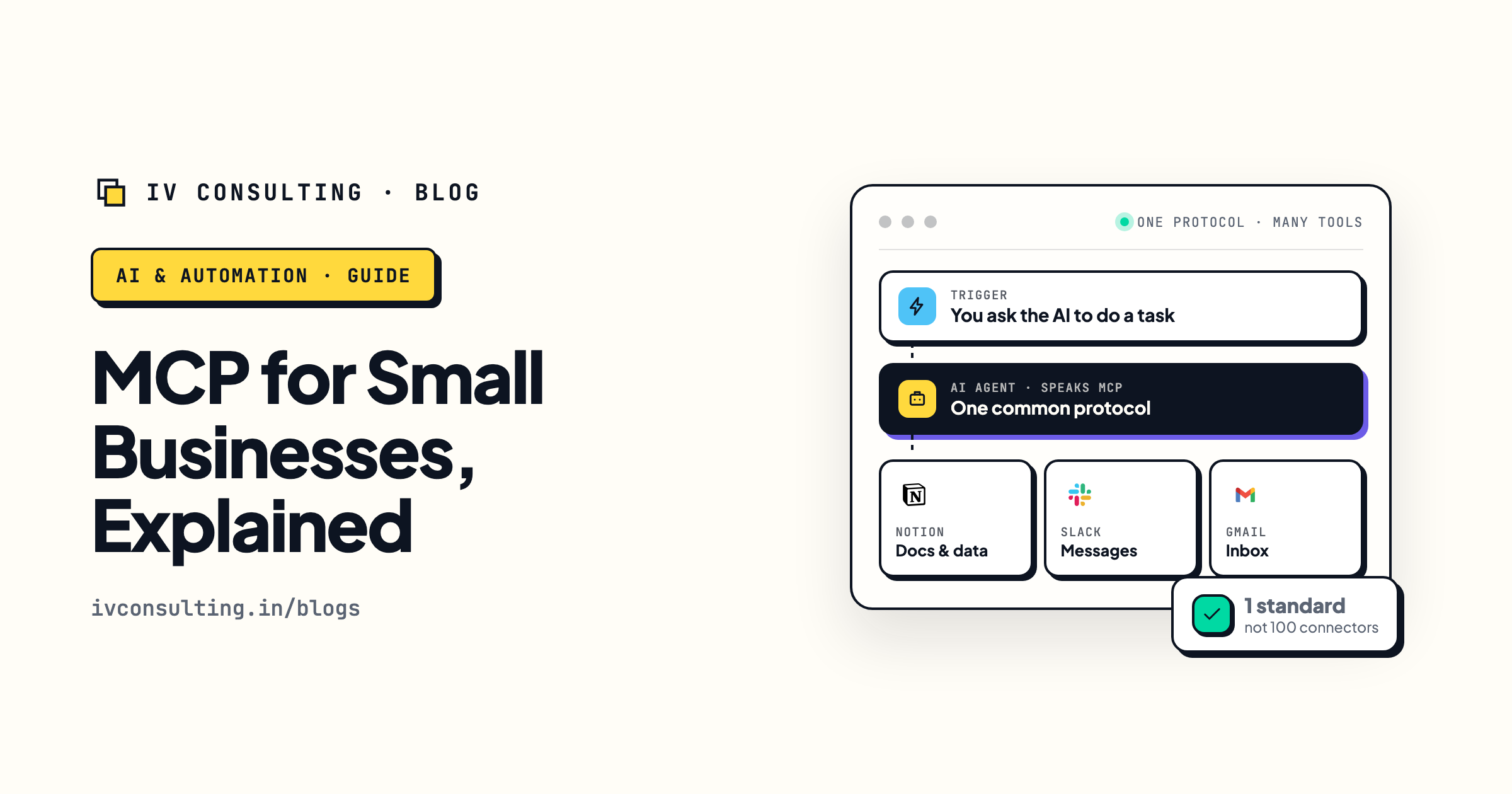
MCP for small businesses, explained
The other half of the setup: how MCP connects Claude to the tools your business already runs on.
Read the guide →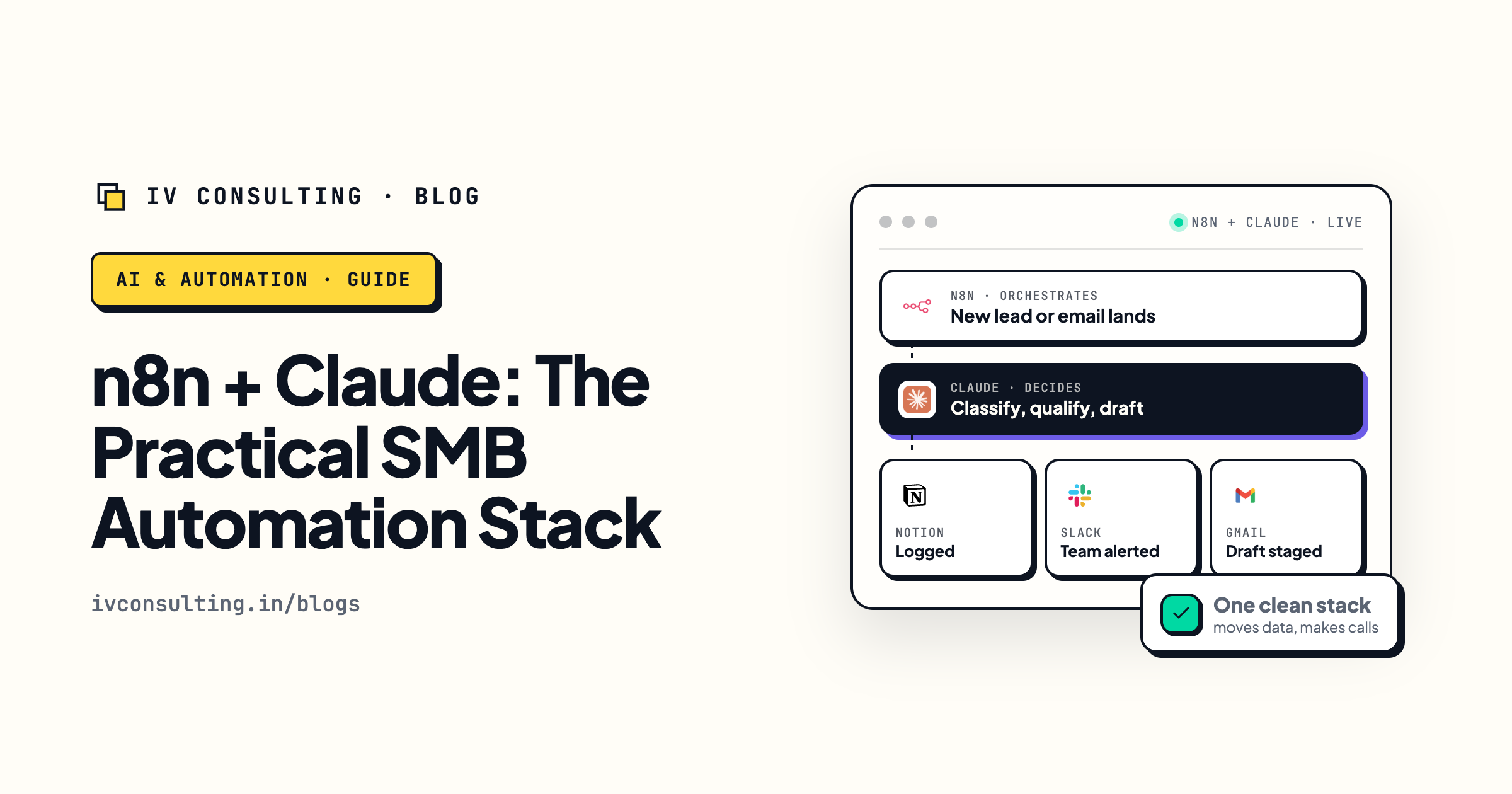
n8n + Claude: the practical SMB automation stack
Where Skills run in production: n8n for orchestration, Claude for judgment.
Read the guide →
The AI Engineering stage, built for you
We turn your SOPs into working Skills, wired into your real stack with guardrails.
See the offer →Want your SOPs turned into working Claude Skills?
Book a free 30-minute strategy call. We will find the processes worth packaging, show you what a Skill would do for your team, and give you a build roadmap on the spot. If we are not the right team for you, we will say so and point you somewhere better.
Book a Free Strategy Call →Free 30-minute call. Honest take, even if that means "you do not need us yet."