Relay.app is shutting down. Free workspaces end August 15, paid ones September 14.
Relay’s announcement page and its own docs site give those two dates in opposite order. We checked both. Export your workspace today, because the export can take 24 hours to build and the download link dies after 48. Then rebuild, because nothing imports Relay’s format.
 By Ishan Vats · Founder of IV Consulting · builds AI agents & automations for 150+ teams
 Non-technical teamRebuild from the prompt
 Scenario-heavyBranching and routers
 Volume or self-hostExecution pricing
Relay.app is shutting down on 15 August 2026 for free users and 14 September 2026 for paying customers, both at 23:59 PT, per Relay’s own announcement on relay.app, which we read on 30 July 2026. Relay’s documentation site states those same two dates in the opposite order. We checked both, and the relay.app version is the internally consistent one, so free users have the earlier deadline, not the later one. Relay announced the wind-down on 16 July 2026 and turned off new signups the same day. Export your full workspace immediately: the zip can take up to 24 hours to generate and the emailed download link is only valid for 48 hours, so leaving it to the final weekend is how people lose everything. There is no import path into any other tool. Relay’s own docs say the workflow JSON "won’t work through their native importers", so every workflow is a rebuild. The most useful thing in your export is not the JSON, it is the build prompt Relay generates for each workflow. Paste those into Zapier, Make, or n8n and rebuild from the description rather than the file.
The deadline
When exactly is Relay.app shutting down?
Free workspaces are deleted after 23:59 PT on Saturday 15 August 2026. Paid workspaces are deleted after 23:59 PT on Monday 14 September 2026. Those are the dates published on Relay’s own announcement at relay.app, and they are the ones to plan around.
| Relay.app plan | Access ends | Window from the 16 July notice |
|---|---|---|
| Free workspaces | 15 August 2026, 23:59 PT | 30 days |
| Paid workspaces | 14 September 2026, 23:59 PT | 60 days |
| New signups and upgrades | Closed 16 July 2026 | None |
The rest of the timeline, straight from that announcement:
- 16 July 2026. New signups and free-to-paid upgrades were switched off. Existing workflows keep running through the wind-down window, so nothing breaks on you mid-flight.
- Paid subscriptions were already cancelled on that date, via a Paddle email. You will not be charged again, and you keep full access for free until the September cutoff. Annual customers get an automatic prorated refund for the unused remainder, stated as arriving within five business days.
- Paid workspaces get a transition allowance of an extra 25,000 steps and 10,000 AI credits per month for the 60 day window, at no charge. If you are rebuilding and parallel-running, that headroom is there to be used.
- At the end, deletion is total. Relay states that workspaces, user accounts, and the stored credentials and tokens for every connected app are deleted. Anything you did not export is gone, and Relay loses its access to your connected apps at the same moment.
Read that last point twice if you are on a free plan. Free users have the earlier deadline, which is the opposite of what most people assume when they skim a shutdown notice, and it is the exact thing the next section is about.
Relay published dates, which is the honest version of this problem. The harder version is a tool that carries on running under a new owner with quietly different limits. That is the situation Airtable users are in now, and it needs the opposite response: we walk through why you should not migrate off Airtable yet, and the four numbers to record instead.
What we checked
Which Relay.app shutdown date is correct: 15 August or 14 September?
Relay publishes the two deadlines in two places, and the two places state them in opposite order. We read both on 30 July 2026.
On relay.app, the announcement reads: Relay.app will be shutting down on August 15, 2026 for free users and September 14, 2026 for paying customers. The page then breaks it out again, giving free plans 30 days and paying customers 60.
On docs.relay.app, the announcement banner reads the other way round: current paying customers will continue to have access until August 15, 2026, and current free users until September 14, 2026.
Those cannot both be true. Here is our read, and why:
- The relay.app version is the one to trust. It is the fuller announcement, it is internally consistent, and it matches the surrounding detail: paid customers are described as keeping access for free for 60 days, and 16 July plus 60 days lands on 14 September. The 30 day free window lands on 15 August. The arithmetic only works one way.
- It is also the version that makes commercial sense. Paying customers getting the longer runway is the normal shape of a wind-down, and Relay explicitly offers them priority transition support and a bonus step allowance for exactly that window.
- The docs version fails in the direction that costs people data. A free user who reads only the docs banner believes they have until 14 September. They actually have until 15 August. That is a month of false confidence in front of an irreversible deletion.
We are not claiming the docs page is deliberately wrong. It reads exactly like a copy-paste that got the two clauses transposed, which is an easy mistake to make and a costly one to inherit. But if you are on a free plan and you calibrated your timeline from the docs site, you are a month behind where you think you are.
Step zero
How do you export your Relay.app data before it is deleted?
One button, two timers, and a couple of things the full export quietly leaves out.
From your Relay.app dashboard, choose Export workspace data. That takes you into settings, where you export the whole workspace as a single .zip.
The two timers are what catch people:
- Building the zip can take up to 24 hours depending on workspace size. It is not instant, and you cannot rush it.
- The emailed download link is valid for 48 hours. Miss that window and you start again, which is survivable in July and fatal on the 14th.
Inside the zip you get a folder per Workflow, Sequence, MCP Server, and Table, and each one contains a build prompt as an .md file, run history as CSV, a JSON file describing the exact workflow structure, a JSON file per run, and a CSV of table data where relevant.
Three things are worth knowing before you assume the export covers you:
- Screenshots are not included. If you want a visual record of what a workflow looked like, that is a separate action per workflow, via Save workflow as screenshot. For anything complex that a colleague will have to understand later, this is worth the extra clicks.
- Run history CSVs are capped at 100,000 rows and are truncated beyond that. High-volume workflows will not export their complete history, so if you need that data for reporting or compliance, check the row count rather than assuming.
- Credentials do not come with you, by design. Every app connection gets reauthorised by hand in whichever tool you land on. This is the single most underestimated task in any migration, and it is the same story we described in our Zapier to n8n migration guide.
The rebuild reality
Can you import Relay.app workflows into Zapier, Make, or n8n?
No. There is no importer, and Relay says so itself. Its export documentation states plainly that different workflow builders use different JSON structures, so the JSON export is not perfectly transferable to other tools without AI interpretation of the structure first, and that if you hand the JSON to another automation tool it will not work through their native importers.
That single sentence should reset your plan. Every workflow you keep is a rebuild, by a human or with AI assistance, not a file you upload. Which means the real question is not "which tool imports Relay best", because none of them do. It is "which tool can I rebuild in fastest, and what does it cost me to run afterwards".
Here is the part most of the migration guides published this month have buried, and it is the most useful thing in your entire export:
This changes the shape of the work. You are not doing a technical port. You are handing a good description of a process to a builder and then testing what comes back, which is a task a competent operations person can do without being an automation engineer. It also means the quality of your rebuild depends on how well the original workflow was described, which is a decent argument for reading the prompts before you pick a destination.
Test everything the AI builds. A generated first draft gets the shape right and the edge cases wrong: date formats, empty fields, what happens when a record already exists. That is normal, and it is why the parallel-run habit matters even on a deadline.
The decision
Relay.app alternatives: where should you move your workflows?
Relay points at Zapier, Make, and n8n. All three are reasonable. They are not interchangeable, and the axis that decides it is how you get billed, not the feature list.
| Relay.app alternative | How it bills | Best fit for a Relay refugee | What to watch for |
|---|---|---|---|
| Zapier | Per task, so every step in a workflow costs you | Non-technical teams who need this done and working before the deadline. Largest app catalogue, and Zapier published a Relay migration guide. | Multi-step workflows get expensive fastest here. Rebuild them consolidated, not step for step. |
| Make | Per operation, with cheaper high-volume tiers than task pricing | Scenario-heavy builds with real branching, routers, and iterators. Make is offering a white-glove migration for Relay customers. | The visual canvas is a genuine learning curve if your team only ever used Relay’s simpler builder. |
| n8n | Per workflow execution, so step count is close to free | High-volume or high-step workloads, anything needing custom code, and teams who want the self-hosting option for data that cannot leave their infrastructure. | More control, more ownership. Someone has to own errors, upgrades, and backups, especially self-hosted. |
| Nowhere, for some of them | Free | The workflows your audit shows nobody has used in months. A forced migration is permission to delete them. | Confirm with the named owner before deleting, not after. |
Our verdict, stated plainly: for most small teams leaving Relay under time pressure, rebuild in Make. That is not the answer we give in a greenfield build, where we usually reach for n8n, so here is the reasoning.
- The deadline changes the weighting. In a normal platform choice you optimise for running cost over years. With three to seven weeks and no import path, you optimise for how quickly a non-engineer can get a correct workflow running again. That favours a hosted tool with a conversational builder that eats Relay’s prompt files.
Relay.app to Make: the default for most teams
Make sits where most Relay workflows actually live. Relay users tend to have multi-step workflows with branching and a human approval somewhere. On Zapier that shape is billed per step and gets costly. On n8n it is cheap but you inherit ownership. Make is the middle that fits the typical Relay workload without either penalty.
Relay.app to Zapier: if your team is non-technical
Take Zapier instead if your team is genuinely non-technical and your workflows are short. Reliability and the app catalogue matter more than unit economics when the workflows are small, and the migration guide plus the app coverage will get you live fastest.
Relay.app to n8n: if volume or data residency is the constraint
Take n8n instead if volume or data residency is the constraint. Execution-based pricing wins decisively once step counts and volume climb, and self-hosting is the only real answer when data cannot leave your infrastructure. We run n8n ourselves for exactly these cases, and we build n8n workflows for teams that would rather not own the platform. The tradeoff is real ownership, which we covered in execution-based vs task-based automation pricing.
One thing we would not do: split across two platforms during the migration itself. It is a defensible end state, but adopting it while you are also rebuilding from scratch against a hard date doubles the number of unfamiliar tools your team is learning in the same fortnight. Land everything in one place, then move the outliers later if the bill justifies it.
If you are still choosing between these three on the merits rather than on a deadline, the fuller head to head is in Zapier Agents vs Make AI Agents vs n8n.
The order
Which Relay workflows should you rebuild first?
You almost certainly should not rebuild all of them. Sort by what breaks if it stops, then work down until the deadline.
Export everything, today
Full workspace zip, started now. Then screenshot anything visually complicated, because screenshots are not in the zip. Do this before any decision making, because the export is the only step with a hard external timer on it. That rule is not specific to Relay: it is the same first move we recommend for teams caught by the Microsoft Project Online retirement on 30 September 2026, where Microsoft states that access to projects and associated data ends on the date.
Done when: the zip is downloaded and saved somewhere that is not one person’s laptop.
Sort every workflow into keep, kill, or merge
Open the run history CSVs. A workflow that has not fired in months is a deletion candidate, not a migration task. Near-identical workflows built by different people usually collapse into one better build. Give every survivor a named owner who cares if it stops. The same triage is what we recommend for anyone hit by Zendesk removing its legacy AI agents on 10 December 2026, where the volume and deflection columns delete more bots than they migrate.
Done when: every workflow has a decision and an owner, and the keep list is materially shorter than the full list.
Rebuild the revenue-critical ones first
Anything that touches a customer, takes money, or feeds your pipeline goes first: lead routing, booking confirmations, invoice chasing, onboarding sequences. Internal reporting and nice-to-have notifications go last, and some of them will not survive the triage at all.
Paste the Relay build prompt into your new tool, generate the first draft, then fix what it got wrong. Do not port node by node from the JSON.
Done when: the rebuilt workflow produces the same output as Relay on the same test input.
Run both in parallel while you still can
Your Relay workflows keep running until the cutoff, which is a gift. Use it. Run the rebuild beside the original and compare outputs on real traffic. Point the new one at a test channel or a log-only branch first, so two live automations do not send the same customer two emails.
Paid workspaces have the extra 25,000 steps and 10,000 AI credits per month during the window. This is what that allowance is for.
Done when: outputs match across a full business cycle, including whatever happens at month end.
Write down what each workflow does, this time
You are only in this position with a scramble because the documentation for these automations was the automations themselves. Relay’s build prompts are the best description of your processes you have ever had handed to you. Save them somewhere durable before the workspace is deleted.
That habit is the whole point of the Foundation stage: the process lives in your system of record, so the next vendor shutdown is an inconvenience rather than an emergency.
Done when: a colleague who has never seen the workflow can read the description and understand what it does.
FAQ
Questions Relay.app users are asking right now
When is Relay.app shutting down?
Which Relay.app shutdown date is correct, August 15 or September 14?
How do I export my data from Relay.app?
Can I import my Relay.app workflows into another tool?
What is the best Relay.app alternative?
Do paying Relay.app customers get a refund?
What happens to my connected apps when Relay.app deletes my workspace?
Ishan Vats
Founder, IV Consulting · AI & automation consultant
I build production AI agents, automations, and MCP servers for teams from startup to enterprise. 150+ ops transformations over 10+ years. If Relay’s shutdown caught you mid-quarter, start with the export and the triage. Rebuilding everything you had is almost never the right plan.
Run my automation ROI numbers →Keep reading
Related guides and work

Zapier Agents vs Make AI Agents vs n8n
The fuller head to head on the three platforms Relay is pointing you at.
Read the comparison →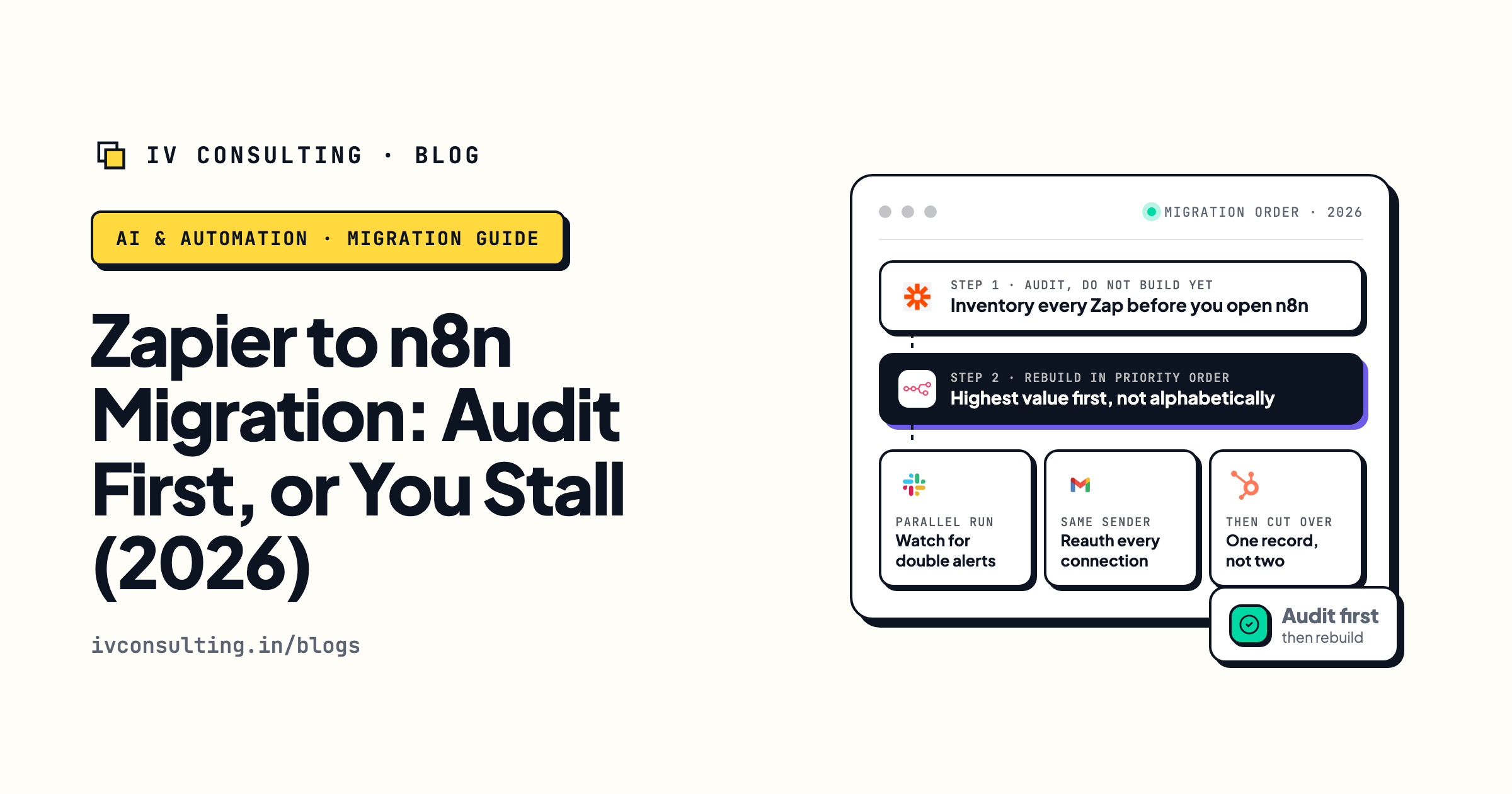
The audit-first migration playbook
The same spine applied to a move you chose rather than one forced on you.
Read the playbook →
The Automation stage, built for you
Your workflows rebuilt and handed over with the runbook written down.
See the offer →Relay is closing and you have workflows to move?
Book a free 30-minute call. We will look at your actual Relay workspace, tell you which workflows are worth rebuilding and which to let die with the platform, and hand you the rebuild order and a destination. If the honest answer is that you can do this yourself in an afternoon, we will say that instead.
Map my Relay migration, free call →Free 30-minute call. Honest take, even if that means "just rebuild it yourself."