Your ChatGPT Zaps broke on 26 August. Only one of the five is a real rebuild
The sunset shipped on schedule, and Zapier retired five ChatGPT actions with it. Most write-ups stopped at the list. Here is our call on each one: three you delete, one you verify, one you actually rebuild.
 By Ishan Vats · Founder of IV Consulting, builds AI agents & automations for 150+ teams
 OpenAI retired itAssistants API
 5 actions affectedYour ChatGPT Zaps
On 26 August 2026 OpenAI switched the Assistants API off on schedule, and any Zap still using Zapier's Assistants API based ChatGPT actions stopped working. OpenAI now lists it as a past deprecation, so no extension is coming. Five actions were affected: Conversation With Assistant (Legacy), Create Assistant, Upload File with assistants, Find Assistant, and Find or Create Assistant. Zapier auto-converted only the first one, and handed the migrated Zap back switched off. Our call on the other four: three of them are deletions, not migrations, because they only ever managed assistant objects that no longer exist. Just one, Upload File, is a genuine rebuild.
What broke
What actually happened to your ChatGPT Zaps on 26 August?
They stopped. Not degraded, not warned, stopped. The deadline passed on schedule with no extension: OpenAI's deprecation list now carries the Assistants API as a past deprecation, shut down 26 August 2026, one year to the day after it was announced, and points developers at the Responses API and Conversations API instead. Zapier's own notice on the deprecation said affected Zaps would stop working after that date, and the ChatGPT actions built on the old API went with it.
Two things made this worse than a normal deprecation notice, and both are the reason people are finding out now rather than in August. The first is who it hit. Anyone who wired a ChatGPT assistant into a Zap during 2025 was affected, and that was the obvious way to do it at the time, so it caught the people who were early rather than the people who were careless. The second is that the notice arrived by email, roughly a year ahead, to an account owner who may not be the person who built the Zap. A year is long enough for that email to be forgotten and for the person who built the thing to have left.
What did not break is worth saying too, because the panic is usually bigger than the blast radius:
- Only the steps using a retired action were affected. A five step Zap with one legacy ChatGPT action lost that step, not the Zap.
- Every other ChatGPT action kept working. The newer Responses API actions, and the ordinary text actions, were untouched.
- Nothing else in your account was involved. This was one integration's actions, not a Zapier platform change.
The list
Which Zapier ChatGPT actions were retired?
Five actions, plus two dropdown fields most lists left out. Here they are with our disposition for each, which is the part the vendor notice does not give you. Zapier told you what was going away. It did not tell you that three of these are not worth rebuilding at all.
The reasoning behind that verdict is simple once you see it. Create Assistant, Find Assistant and Find or Create Assistant do not do work. They create and look up assistant objects, a concept that exists in the old Assistants API and simply has no equivalent in the Responses API. There is no replacement to migrate them to because there is nothing left for them to point at. In practice they are scaffolding wrapped around one step that produced the output your Zap actually used.
| Retired action | What it did | Zapier's replacement | Our call |
|---|---|---|---|
| Conversation With Assistant (Legacy) | The step that carried the real prompt and returned the output | Auto-converted to Conversation | Verify and re-enable |
| Upload File (with assistants) | Pushed a document into the assistant so it could answer from it | No direct replacement | Rebuild, the only real one |
| Create Assistant | Created an assistant object | No direct replacement | Delete |
| Find Assistant | Looked up an existing assistant by name or ID | No direct replacement | Delete |
| Find or Create Assistant | The combined lookup plus create step | No direct replacement | Delete |
| List Assistants (dropdown) | Populated an assistant picker inside a later field | Went away with the actions | Repoint the field |
| List Assistant Files (dropdown) | Populated a file picker inside a later field | Went away with the actions | Repoint the field |
The checklist
How do you find every Zap that broke, in 20 minutes?
Do this once, properly, and you never have to think about this deadline again. The point of the audit is not to fix anything yet. It is to turn "something somewhere is broken" into a finite list you can look at. Run it even if nothing has obviously failed, because the worst case here is silent.
Filter your Zap list by the ChatGPT app
In your Zap list, filter by the ChatGPT (OpenAI) app. That gives you every Zap touching the integration, which is almost always a much shorter list than people expect. Write the count down. This is your denominator.
Open each one and read the action name
You are looking for exactly five names: Conversation With Assistant (Legacy), Create Assistant, Upload File, Find Assistant, Find or Create Assistant. Zapier flags deprecated steps in the editor, so they are visible rather than hidden. Anything else in that list is fine and needs no work.
Check the Zap history for each one too. The run that failed on or after 26 August tells you the exact date the workflow went dark, which is what you need to work out what did not get written in the meantime.
Check for Zaps that are already switched off
This is the step people skip and the one that costs them. If Zapier auto-converted a legacy conversation step, that Zap was disabled for your review and has been sitting idle ever since. Sort by status, not just by app, and look for anything off that you did not turn off yourself. On a post-deadline audit this is usually where the missing workflow turns up.
Note which Zaps involved an uploaded file
Any Zap using Upload File, or any later field populated by the List Assistant Files dropdown, is the one genuine rebuild. Flag these separately, because they need a decision about where the document lives now, not just a swapped step.
Trace what reads the output of each affected step
The failure mode that actually bites is a downstream step mapped to a field from an action you deleted. Before you remove anything, note which later steps reference its output, so you can repoint them at the replacement step rather than discovering broken mappings at run time. If the Zap has been failing for a fortnight, this is also the trace that tells you which records need backfilling.
The replacement
What should you rebuild those steps with?
Zapier's notice points at two replacements, Conversation for ongoing dialogue with memory and Send Prompt for standalone requests. Its Responses API release added narrower actions alongside them: Analyze Text, Analyze Images and Extract Structured Data.
Here is the opinionated part. Most people will reach for Conversation because it sounds like the closest match to the assistant they had, and for most Zaps that is the wrong instinct. An assistant object gave you persistent memory whether or not your workflow needed it. A Zap that receives a form submission, asks ChatGPT to classify it, and writes the result to a sheet never needed memory at all. It needed one request and one answer. Rebuild that as Send Prompt and the step gets simpler, cheaper to reason about, and stops carrying state that can leak between unrelated runs.
| Pick this | When the old step was doing this | Carries |
|---|---|---|
| Send Prompt | One request, one answer, no reference to anything the assistant saw before. This covers most Zaps. | No memory |
| Conversation | Genuine back and forth across runs, or the assistant needed attached files or a live web lookup to answer. | Conversation history, file search, web search, code execution, remote MCP servers |
| Extract Structured Data | Prompting the assistant to return JSON so a later step could map the fields. | Structured output |
| Analyze Text | Summarising, classifying or scoring a chunk of text. | Single request |
| Analyze Images | Reading a screenshot, receipt or photo that arrived in the trigger. | Single request |
The Upload File rebuild is the one that deserves a real decision rather than a swap. Your options are to move the document handling onto the Conversation action's file search, or to take it out of the Zap entirely and let the system that already stores the file answer from it. If the same handful of reference documents were being uploaded over and over so an assistant could answer questions about them, that was never really an automation step. It was a knowledge base with a Zap bolted to the front, and this deadline is a reasonable moment to say so.
The bigger question
Should you rebuild in Zapier, or move the workflow?
You are paying the rebuild cost either way, and now you are paying it on a workflow that is already down. That makes this the cheapest moment you will ever get to ask whether the workflow belongs where it is. That question is worth asking carefully rather than quickly: when Zendesk set a removal date on its legacy AI agents, our verdict was still to upgrade in place, because a vendor deadline is a bad trigger for a vendor decision.
Rebuild in Zapier if
The Zap is short, the trigger is an app Zapier handles natively, and your task volume is comfortable inside your plan. This is most affected Zaps. Swap the step, repoint the mapped fields, test with real data, done. Do not manufacture a migration project out of a fifteen minute fix.
Look at moving if
The forced rebuild has landed on a workflow you had already outgrown: a long multi step Zap, high task volume making the bill hurt, or logic you keep patching. That is a workflow asking to be rebuilt somewhere with real branching and version history.
Just delete it if
Nobody can name what consumes the output. Run the audit and you will find at least one Zap that has been quietly producing rows nobody reads. A deadline is a good excuse to stop paying tasks for it.
If the answer comes back "move", we have already written the version of that with the audit steps and the honest list of what does not transfer: the Zapier to n8n migration guide. And if you are weighing the platforms rather than a single workflow, Zapier Agents vs Make AI Agents vs n8n covers where each one actually holds up.
One closing thought, because it applies well beyond this deadline. Every AI feature you wire into a workflow is built on somebody's API, and APIs get deprecated. Whole products get retired too, as teams on Project Online are finding out ahead of 30 September 2026, which is the next one of these already on the calendar. The teams who handled 26 August in an afternoon were not the ones who picked the right vendor. They were the ones who knew which workflows existed, what each one fed, and who owned it. That inventory is worth more than any individual tool choice, and the cheapest time to start keeping one is right after a deadline has just proved you needed it.
FAQ
Questions teams ask now the ChatGPT Zap deadline has passed
What happened to my ChatGPT Zaps on 26 August 2026?
Which Zapier ChatGPT actions were retired?
Did Zapier migrate my ChatGPT Zaps automatically?
What replaces Create Assistant, Find Assistant and Find or Create Assistant?
What is the difference between the Conversation and Send Prompt actions?
Should I rebuild the workflow in Zapier or move it somewhere else?
I missed the deadline and my Zap is already broken. Can I still fix it?
Ishan Vats
Founder, IV Consulting · AI & automation consultant
I build automations and production AI agents for teams from startup to enterprise, across Zapier, Make and n8n. 150+ ops transformations over 10+ years. Deprecation deadlines like this one are half our inbox every quarter, which is why the advice above is mostly about deleting steps rather than rebuilding them.
Price my own rebuild →Keep reading
Related guides and work
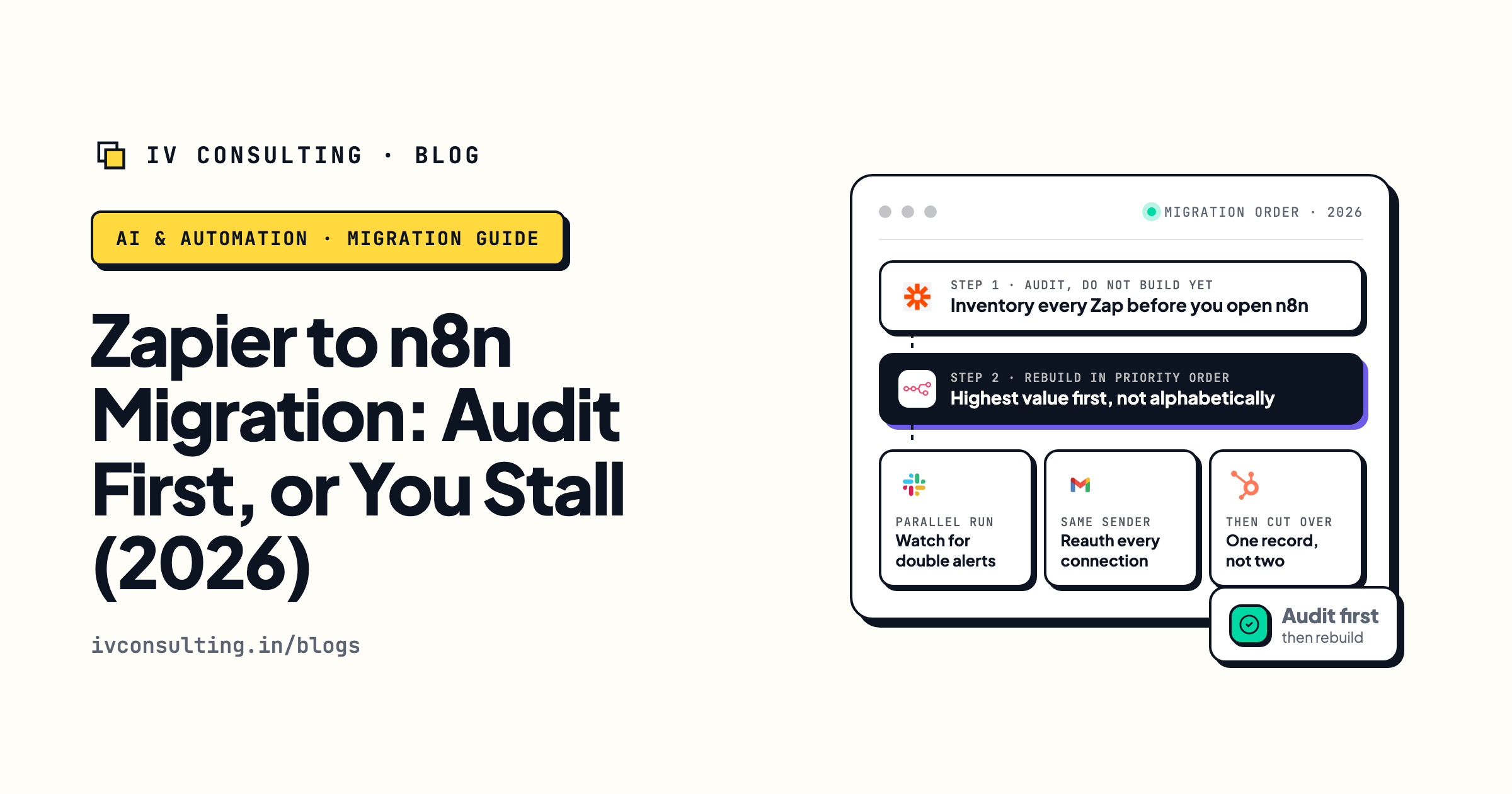
Zapier to n8n: the audit first playbook
If the rebuild has you reconsidering the platform, this is the honest version of that move.
Read the guide →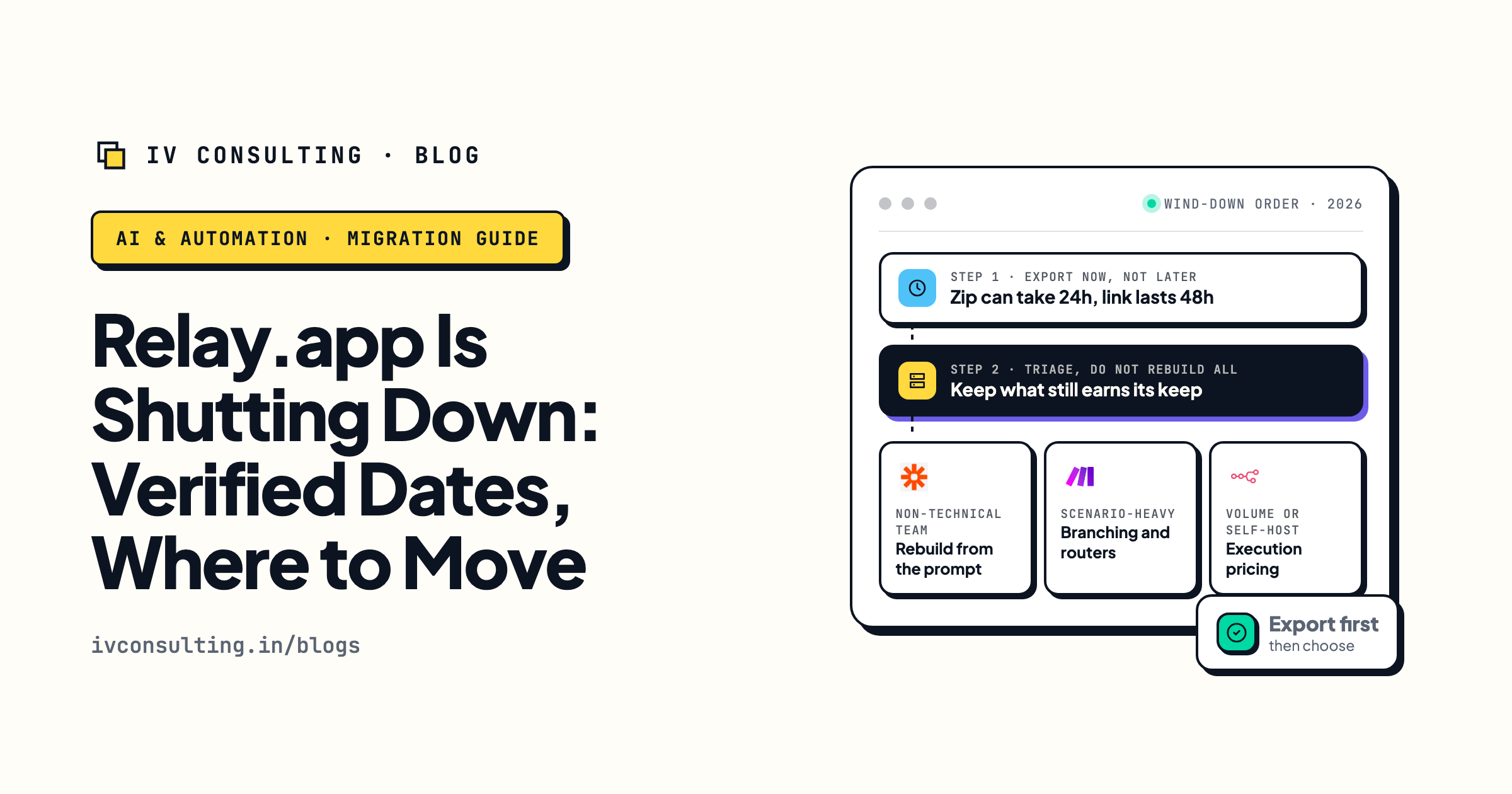
When your automation tool shuts down
The same forced move, run end to end after Relay.app announced it was closing.
Read the playbook →
The Automation stage, built for you
Workflows rebuilt properly, documented, and owned by you rather than by one person's memory.
See the offer →Rather not spend August rebuilding Zaps?
Book a free 30-minute strategy call. We will look at what the deadline actually hits in your account, tell you which steps are a delete and which are a real rebuild, and give you the plan on the spot. If it is a twenty minute job you can do yourself, we will say that and you can go do it.
Book a Free Strategy Call →Free 30-minute call. Honest take, even if that means "you do not need us yet."