ChatGPT Work and Claude Cowork now do the same job. Choose on metering.
Every ChatGPT Work vs Claude Cowork comparison still sells you a cloud versus desktop split. That split is gone: both run on your machine with local file access, both run in the cloud, both ship a browser, and both cost the same $20 a seat. Our verdict: pick the one your team already pays for, run it for four weeks, and treat the unpublished per task cost as the only real risk in the decision.
 By Ishan Vats · Founder of IV Consulting · builds AI agents & automations for 150+ teams
 Already on BusinessChatGPT Work. Governed agents
 Already on ClaudeCowork. Cheapest honest trial
ChatGPT Work and Claude Cowork have converged. Both now run as a desktop app that can touch local files and applications with your permission, both also run in the cloud where they cannot, both drive a browser, and both land at the same price: $20 per seat per month billed annually on ChatGPT Business and on Claude Team. So the old cloud versus desktop comparison no longer decides anything. Our verdict: pick whichever platform your team already pays for, because the switching cost is real and the capability gap is not. If you have no incumbent, Claude Cowork is the cheaper way to find out whether agentic ops work suits you, because it is included from the $17 Pro plan, while the ChatGPT features an ops team actually wants, workspace agents and company knowledge, are restricted to Business and Enterprise. The one thing to plan around on either side is metering: neither vendor publishes what a single task costs, so budget the seat, not the task.
The verdict
ChatGPT Work vs Claude Cowork: which should an ops team actually pick?
Our verdict: stay with your incumbent. If you already pay for ChatGPT Business, use ChatGPT Work. If you already pay for Claude, use Cowork. The capability gap between them is now small enough that it does not justify moving a team, and the money you would spend on the switch buys nothing you cannot already do.
That is a boring answer and it is the honest one, because the interesting answer stopped being true. For most of 2026 the clean way to explain these two products was that ChatGPT Work ran agents in a sandbox in the cloud while Claude Cowork ran on your actual desktop against your actual files. That was a real difference, it mapped neatly onto where a team's work physically lives, and it made the choice easy.
It no longer holds. Both products now do both. On the ChatGPT desktop app, Work can use local files and desktop applications with your permission, controlled through a permissions menu under the composer. On web and mobile it cannot, so you upload files or reach them through a connected app instead. Claude Cowork has come the other way: it started on the desktop with access to local files and folders and is now rolling out on web, with mobile in beta, so long running tasks can be watched from anywhere. Both ship a browser the agent drives. Both take a goal rather than a script.
Which leaves three things that genuinely still differ, and only one of them is likely to change your mind:
- What is gated behind which plan. Claude Cowork is included on the individual Pro plan at $17 a month billed annually. On the ChatGPT side, Work reached Plus and Business within days of its July launch, but workspace agents and company knowledge, the shared org level pieces an operations team actually wants, are Business and Enterprise only, and Ultra mode is Pro and Enterprise only. If you want to trial agentic ops work on a personal seat before asking anyone for budget, that difference decides it.
- The breadth of the connector ecosystem. OpenAI's plugin directory carries more than a thousand plugins spanning the mainstream SaaS estate. Anthropic's connector set is smaller and more curated, and its plugins bundle skills, connectors and sub agents together. Wider is genuinely better if your stack is long tailed. It is irrelevant if you live in Microsoft 365, Google Drive and Slack, which both cover.
- How much either vendor will tell you about cost. Neither publishes a per task price. This is the section most comparisons skip and the one we would spend your attention on, so it gets its own section below.
The premise that broke
Did the cloud versus desktop split between ChatGPT Work and Claude Cowork disappear?
Yes, within about eight weeks, and most published comparisons have not caught up.
ChatGPT Work launched on 9 July 2026 as OpenAI's agent for knowledge work. It runs on the same execution and isolation machinery as Codex, inside an isolated virtual machine, with a managed Chrome instance the agent controls through tool calls. It produces finished artifacts rather than chat: spreadsheets, documents, slides, and hosted Sites. Rollout reached Pro, Enterprise and Edu first and Plus and Business within days. Reporting put it past ten million users within three weeks, though that figure is OpenAI's own and covers Work and Codex together, so treat it as a scale signal rather than an ops adoption number.
Claude Cowork launched in January 2026 as a desktop agent: give it a goal and it works across your files and tools. It runs on macOS, Windows and Linux, reaches local files and folders, connects to services including Microsoft 365, Google Drive and Slack, and carries its own built in browser so it can open sites and fill forms without borrowing yours. Plugins bundle skills, connectors and sub agents into one install.
The convergence happened from both directions at once. OpenAI put a desktop mode with real local access on a product that began as a cloud sandbox. Anthropic put web and mobile on a product that began on the desktop, explicitly so people could supervise long running tasks away from the machine running them. The result is that the sentence "one is cloud, one is local" is now false about both.
This matters beyond trivia, because that sentence was doing all the work in most buying decisions. Take it away and a lot of the confident advice written about these two products in the middle of the year is now advice about a distinction that no longer exists. If you shortlisted one of them in the spring on that basis, the shortlist is worth redoing.
The decision
ChatGPT Work vs Claude Cowork compared
Compared on what still differs in September 2026, with the rows that no longer separate them marked as such.
| Factor | ChatGPT Work | Claude Cowork |
|---|---|---|
| Launched | 9 July 2026 | January 2026 |
| Desktop local file access | Yes, with permission | Yes, with permission |
| Web and mobile | Yes, no local access there | Web yes, mobile in beta, no local access there |
| Built in browser | Yes, managed Chrome | Yes, built into Cowork |
| Entry plan that includes it | Plus, at $20 per month | Pro, at $17 per month billed annually |
| Team price | Business, $20 per seat annually, $25 monthly, 2 seat minimum | Team, $20 per seat annually, $25 monthly |
| Shared org level agents | Workspace agents, Business and Enterprise only | Included, with Enterprise admin controls |
| Company knowledge across the org | Business and Enterprise only | Via connectors and plugins |
| Connector breadth | Wider. More than 1,000 plugins | Narrower and more curated |
| Published per task price | None. Variable slice of plan allowance | None. Usage limits apply, thresholds unpublished |
| Vendor published ops usage data | Not published | Yes. 33.4% of sessions are business process and operations |
| Right when | You already run on ChatGPT Business and want governed, shared agents | You already run on Claude, or want the cheapest honest trial on one seat |
Two rows in that table deserve more than a cell each. The unpublished per task price is the one that will surprise your finance lead, and the ops usage data is the only hard evidence either vendor has offered about whether these tools are actually used for the work you are considering them for. Both are next.
The part nobody says
What does one ChatGPT Work or Claude Cowork task actually cost?
Neither vendor will tell you, and that is the single most important fact in this comparison.
ChatGPT Work has no fixed task quota and no per task price. Every task consumes a variable slice of your plan's allowance depending on how much gathering, reasoning and building the agent decides it needs, so the same request can cost more on Tuesday than it did on Monday. Claude is structured similarly: usage limits apply, the Max tiers are sold as five times or twenty times more usage than Pro, and the actual thresholds are not published on the pricing page. Those thresholds also move: on 14 September 2026 weekly limits fell 17% from the summer boost, and we priced what each Claude seat buys after that change in Claude Pro vs Max vs Team after the 17% cut.
So both products are sold on a seat price and metered on something the buyer cannot see. That has three practical consequences, and they apply equally to both:
- You cannot forecast next month from this month. A workflow tool that bills per run lets you multiply. An agent that decides its own step count does not. If your plan for this technology requires a number in a budget, the number you can defend is the seat cost, and nothing below it.
- The pilot is systematically cheaper than production. A trial runs a handful of considered tasks. Production runs the same task hundreds of times with nobody watching. Teams read a comfortable pilot as evidence the economics work, when all it proved is that the economics work at pilot volume.
- The hedge is a paid tier, not a better estimate. This is why both vendors sell a high usage escape hatch: ChatGPT's Premium seat, introduced in August 2026 at $100 per seat billed annually, and Claude's Max tiers from $100 a month. Notice that those are the prices at which unpredictability stops being your problem and starts being theirs. That symmetry tells you the metering opacity is a deliberate design on both sides, not an oversight on one.
The way to handle this is not to pick the cheaper sticker. It is to run four weeks on whichever tool you already pay for, on real work, and measure what your own team actually consumes before you commit to an annual seat count. That is the only number that will be true for you, and it costs you nothing to collect because you are already paying for the seat.
The evidence
Are these agents actually used for operations work, or mostly for code?
For Cowork there is a real answer, and it is the strongest piece of evidence either vendor has put on the table.
Anthropic published an analysis of 1.2 million anonymised Cowork sessions from more than 600,000 organisations, recorded between 11 and 31 May 2026. Business process and operations was the largest category at 33.4 percent of sessions. Content creation and copywriting came second at 16.4 percent. Software development, the thing everyone assumes these tools are for, came fourth at 8.7 percent, behind DevOps and infrastructure at 7.0 percent. Research and intelligence took 6.4 percent, data analysis and business intelligence 5.8 percent, document processing 4.1 percent and sales and revenue operations 4.0 percent.
Anthropic's own summary of that pattern is the useful part: roughly half of all usage is the work around the work, tasks that show up in a broad swath of jobs but are rarely anyone's core responsibility. Pulling scattered updates into one report. Building an onboarding checklist. Reconciling spreadsheets. If you have been trying to work out what an agent is genuinely for in a small operations team, that is the answer, published with a sample size behind it. Onboarding checklists are a good example of how much of that work sits with people ops, and we mapped the rest of it in AI use cases for HR and people ops.
Two honest caveats before you lean on it. First, this is vendor published data about the vendor's own product, so it tells you what people do with Cowork rather than what agents are best at in general. Second, no equivalent breakdown exists for ChatGPT Work. OpenAI has published scale, not composition. So this row in the table is not evidence that Cowork is better at ops work. It is evidence that ops work is the majority use case for one of these two products, and an absence of evidence about the other.
What it does establish is that the ops buyer is the mainstream user here, not an edge case, which changes how much of the surrounding advice applies to you. If you want the model level version of that question rather than the agent level one, we covered it in Claude vs ChatGPT for operations teams, and we placed Cowork against the agent features inside Notion and Codex in Notion AI agents vs Claude Cowork vs Codex routines.
The decision
Which one fits your team?
Run down these in order and stop at the first one that matches. They are ordered by how much money the answer saves you.
- You already pay for one of them across the team. Use that one. The capability gap does not repay a migration, and the real cost of switching is not the subscription, it is retraining habits and rebuilding connector access. Stop here.
- You want to test agentic ops work before asking for budget. Claude Cowork, on a Pro seat at $17 a month billed annually. It is the cheapest legitimate way to find out whether this changes anything for your team, and you are not blocked from the core product by a plan gate.
- You need shared agents governed at the organisation level. ChatGPT Work, on Business. Workspace agents and company knowledge are the pieces that turn individual experiments into something an operations lead can administer, and they are Business and Enterprise only, so a Plus seat will not show you what you are buying.
- Your stack is long tailed. ChatGPT Work. More than a thousand plugins covers more obscure SaaS than a curated connector set will. Check your three most awkward tools against both directories before you decide, because this is the one axis where a single missing integration settles it.
- The work has to be auditable and must not fail silently. Neither, on its own. A general agent that goes wrong returns a confident, plausible, wrong result and no error. If a task repeats on a schedule and someone downstream depends on it, it belongs in a workflow with an error path, with a model called at the one or two steps that genuinely need judgement. We made that case in full in buy the agent or build the workflow, and if Manus is on your shortlist too, we rank it against both products in Manus vs Claude vs ChatGPT.
The last one is the one teams skip, and it is the one that costs the most. Both of these products are excellent at work that arrives differently every time and ends in a document a person reviews. Neither is a substitute for a workflow you can monitor. If your shortlist came out of a search for an agent, it is worth checking that the job you had in mind is actually agent shaped before you compare seats at all. If it is not, that is our AI Engineering stage rather than a subscription decision.
FAQ
Questions ops teams ask about ChatGPT Work and Claude Cowork
Is ChatGPT Work better than Claude Cowork?
Can ChatGPT Work access files on my computer?
Is Claude Cowork still desktop only?
What does a single ChatGPT Work or Claude Cowork task cost?
Do I need ChatGPT Business to use ChatGPT Work?
Are AI agents like these actually used for operations work?
Ishan Vats
Founder, IV Consulting · AI & automation consultant
I build production AI agents, automations, and MCP servers for teams from startup to enterprise. 150+ ops transformations over 10+ years. Most agent comparisons argue about capability. The thing that actually breaks a budget is the metering nobody publishes.
Run my automation numbers →Keep reading
Related guides and work
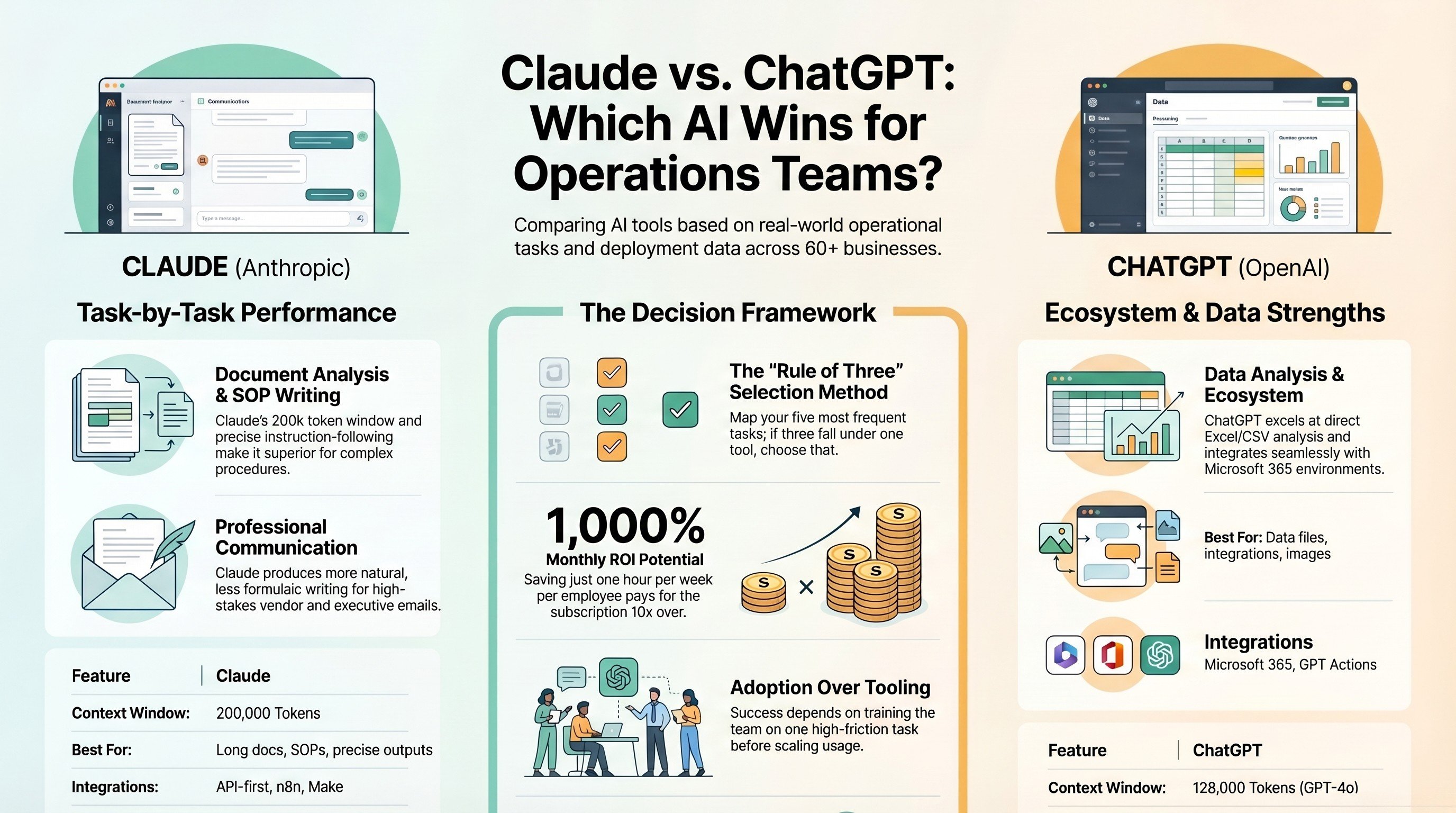
Claude vs ChatGPT for operations teams
The same rivalry one layer down, where the question is which model to put in front of your team.
Read the comparison →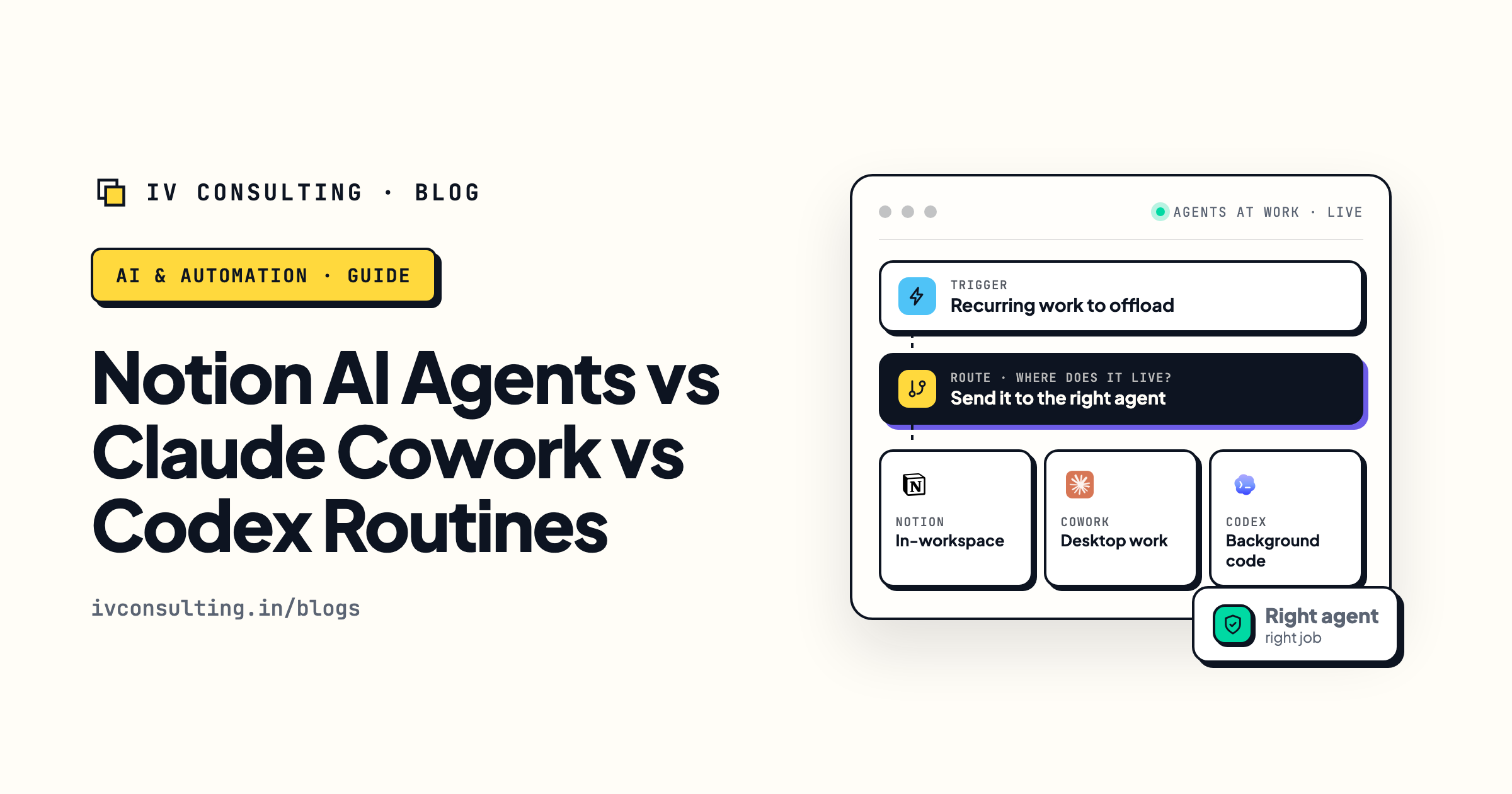
Notion AI agents vs Claude Cowork vs Codex routines
Where Cowork sits against the agent features built into the tools you already run.
Read the comparison →
The AI Engineering stage, built for you
Agents built into workflows you own, with the error paths and the runbook written down.
See the offer →Not sure whether you need an agent seat or a workflow?
Book a free 30-minute call. Bring the ops job you were about to point ChatGPT Work or Claude Cowork at. We will tell you whether it is genuinely agent shaped, whether the seat you already pay for covers it, and what it would cost to run properly if it needs building instead. If the honest answer is that your existing subscription already handles it, we will say that instead.
Map my highest-ROI workflow, free call →Free 30-minute call. Honest take, even if that means "keep the seat you already have."