Notion AI agents vs Claude Cowork vs Codex Routines: what to use each for
I am a Certified Notion Consultant and Admin, and I build agent setups for teams. Three "set it and forget it" agents, three different jobs. The trick I have learned is matching each one to where your work actually lives.
 By Ishan Vats · Founder of IV Consulting · builds AI agents & automations for 150+ teams
 NotionIn-workspace
 CoworkDesktop work
 CodexBackground code
Notion AI agents, Claude Cowork, and Codex Routines are not rivals, they are three kinds of background agent for three places. Here is how I use them with clients: Notion AI agents for recurring work inside the workspace (standups, status reports, help-desk triage, database autofill), Claude Cowork for autonomous general knowledge work across files and apps with no terminal, and Codex Routines for scheduled background coding jobs like tests, docs, and bug fixes. I pick by where the work lives, not by which brand a team already pays for.
Why people mix them up
Three background agents, three different jobs
In the last few months three agents shipped that all promise the same thing: give them a job and they work in the background while you do something else. Notion AI agents, Claude Cowork, and Codex Routines all look alike from the outside, which is exactly why clients keep asking me which one they should be using. As a Certified Notion Consultant and Admin, I have set up all three, so here is the honest, hands-on version.
The confusion is fair, but the answer is simple once you stop comparing them feature by feature. They are not competing for the same job. I have learned to treat them as built for three different places where work happens:
- Notion AI agents run inside your Notion workspace. They are best at recurring, internal jobs where the data already lives in your pages and databases.
- Claude Cowork runs on your desktop. It is an autonomous agent for general knowledge work across your files and apps, no terminal required.
- Codex Routines run in your codebase. They are scheduled background jobs for engineers, handling repetitive development work.
So the real question is never "which agent is best." It is "where does this piece of work live." Answer that and the right tool is obvious. The rest of this guide walks through each one, what people are actually using them for, and the pricing question everyone asks about Notion.
The most-asked one
What people actually use Notion AI agents for
Notion shipped Custom Agents in early 2026, and they are now the first thing I set up for teams that live in Notion. Here is where I see them actually pay off.
The pattern: recurring, in-workspace work
Custom Agents are proactive and trigger-based. I set one up once, give it a job, and it runs on a schedule or when something changes, using the Notion pages and databases I have already organized as its memory. The wins I see are not flashy, they are quiet: a help-desk agent that handles routine triage so the team stops firefighting, status agents that write the weekly update nobody wanted to write. The point is not novelty. It is taking repetitive knowledge work off people's plates so they get hours back every week.
Standups & status reports
A daily standup synthesizer reads yesterday's threads, summarizes blockers, and posts to a Notion page each morning. Weekly OKR and sprint recaps write themselves.
Help-desk & intake triage
Agents answer recurring internal questions and route incoming requests to the right person. A new lead row triggers research, firmographics, and a priority tag automatically.
Database autofill
Define a property like category, summary, or sentiment, and an agent fills it for every row continuously as a background process, not a manual click.
PRDs & research synthesis
Agents draft PRDs by pulling feedback, feature requests, and OKRs from multiple databases, and roll up user research into theme summaries.
Notice the common thread: every one of these works because the source material is already in Notion. That is the whole reason to use a Notion agent instead of a general chatbot. It is not smarter, it is closer to your data.
The framework
When to use Notion AI agents, Claude Cowork, or Codex Routines
One question routes you to the right agent: where does this work live?
- Inside your Notion workspace (your docs, databases, recurring team ops) goes to Notion AI agents.
- On your computer, across files and apps (research, document creation, multi-app tasks, no code) goes to Claude Cowork.
- In your codebase (tests, docs, scans, bug fixes on a schedule) goes to Codex Routines.
Side by side, the lanes are clear. Each agent is best where its data and its users already are.
| Dimension | Notion AI agents | Claude Cowork | Codex Routines |
|---|---|---|---|
| What it is | Agents inside your workspace | Desktop knowledge-work agent | Scheduled background coding jobs |
| Runs where | In Notion, on triggers | Claude Desktop, Mac and Windows | Codex app, CLI, CI, worktrees |
| Automates | Standups, reports, triage, autofill | Research, docs, multi-app tasks | Tests, docs, scans, bug fixes |
| Scheduling | Trigger and schedule based | Daily, weekly, monthly | Cron, GitHub events, over days |
| Best user | Teams living in Notion | Non-technical knowledge workers | Engineers automating dev work |
| Pricing model | Credits, $10 per 1,000, Business+ | Paid Claude subscribers | Included in Codex plans |
The desktop agent
Claude Cowork: Claude Code power for knowledge work
Claude Cowork is Anthropic's agentic desktop app. It brings the same architecture behind Claude Code to everyday knowledge work, with no terminal required. You give it a multi-step task, it plans, executes, and works in the background across your files and connected apps. It went generally available on April 9, 2026 for paying Claude subscribers on macOS and Windows.
What makes it different from a Notion agent is reach. It is not confined to one workspace. It connects to creative and pro tools like Blender, Adobe, Autodesk, and Ableton, plus consumer apps like Spotify, Instacart, and Booking.com. For a knowledge worker who wants an autonomous teammate to do real computer work, that breadth is the draw.
On scheduling, Cowork's daily, weekly, and monthly framing fits the classic "this report runs every Monday morning" job. The honest tradeoff I have hit: its browser control is slower and less reliable than Codex's. So I lean on it for file and app work, and reach for something else when a job is mostly fast web navigation. Cowork has moved on since: it now runs on web with mobile in beta, and OpenAI has shipped a direct rival in ChatGPT Work. We compare the two head to head in ChatGPT Work vs Claude Cowork.
The engineer's agent
Codex Routines: background coding on a schedule
Codex Routines, which OpenAI also calls Automations, are scheduled background jobs that run in dedicated worktrees, with a CLI counterpart suitable for cron, GitHub Actions, and anything that needs an exit code. They are designed for recurring tasks that should run while you sleep. By March 2026 Codex had passed two million weekly active users.
The sweet spot is low-risk, verifiable engineering work. I roll it out in stages: pilot it on one or two repos, restrict it to safe tasks like test generation, documentation, and small bug fixes, then let automations pick up routine work unprompted as trust grows. Continuous security scanning and bug detection are where I get the most mileage, with memory files keeping context across runs.
Two cautions from my own use: stability can wobble around new versions, so I do not point it at anything critical right after an update, and rate limits will bite if you lean on it hard. This is a tool for engineers, so non-technical teams get little from it directly. If you want an agent that controls your whole machine for general work, that is Cowork's lane, not this one.
The money question
Is Notion AI worth the credits at $10 per 1,000?
This is the question I get most, so here is my honest answer: it depends on how heavily you live in Notion. After the free beta, Custom Agents draw from Notion's credit system at roughly $10 per 1,000 monthly credits, billed on top of the Business plan at $20 per user per month, with each agent run costing credits based on complexity.
Worth it if your team's source of truth is Notion and you run a small number of high-value agents. This is the case I see pay off: a help-desk agent that saves a team hours of triage a week, or status agents that quietly write the updates, easily justify the credits. In that world the meter is cheap compared to the hours it returns.
Not worth it if you are a light user, and I will say that to a client before I will sell them on it. For someone who does not live in Notion, the agents are a wrapper that limits strong models to Notion-specific context, and a $20 standalone model does more. I have seen it used as little more than a glorified search bar, and at that point you are paying a premium for convenience you will not use.
For the bigger picture on how these tools fit alongside ChatGPT and Claude, see our companion guide on Claude vs Notion AI vs ChatGPT: when to use which.
FAQ
Questions people ask before they commit
What do people actually use Notion AI agents for?
What is the difference between Notion AI agents, Claude Cowork, and Codex Routines?
Is Notion AI worth the credits at $10 per 1,000?
What is Claude Cowork and who is it for?
What are Codex Routines best used for?
Do I need all three agents?
Ishan Vats
Founder, IV Consulting · AI & automation consultant
I build production AI agents, automations, and MCP servers for teams from startup to enterprise. 150+ ops transformations over 10+ years. If you want this mapped to your own stack, I'll do it with you on a free call.
Book a free strategy call →Keep reading
Related guides and work
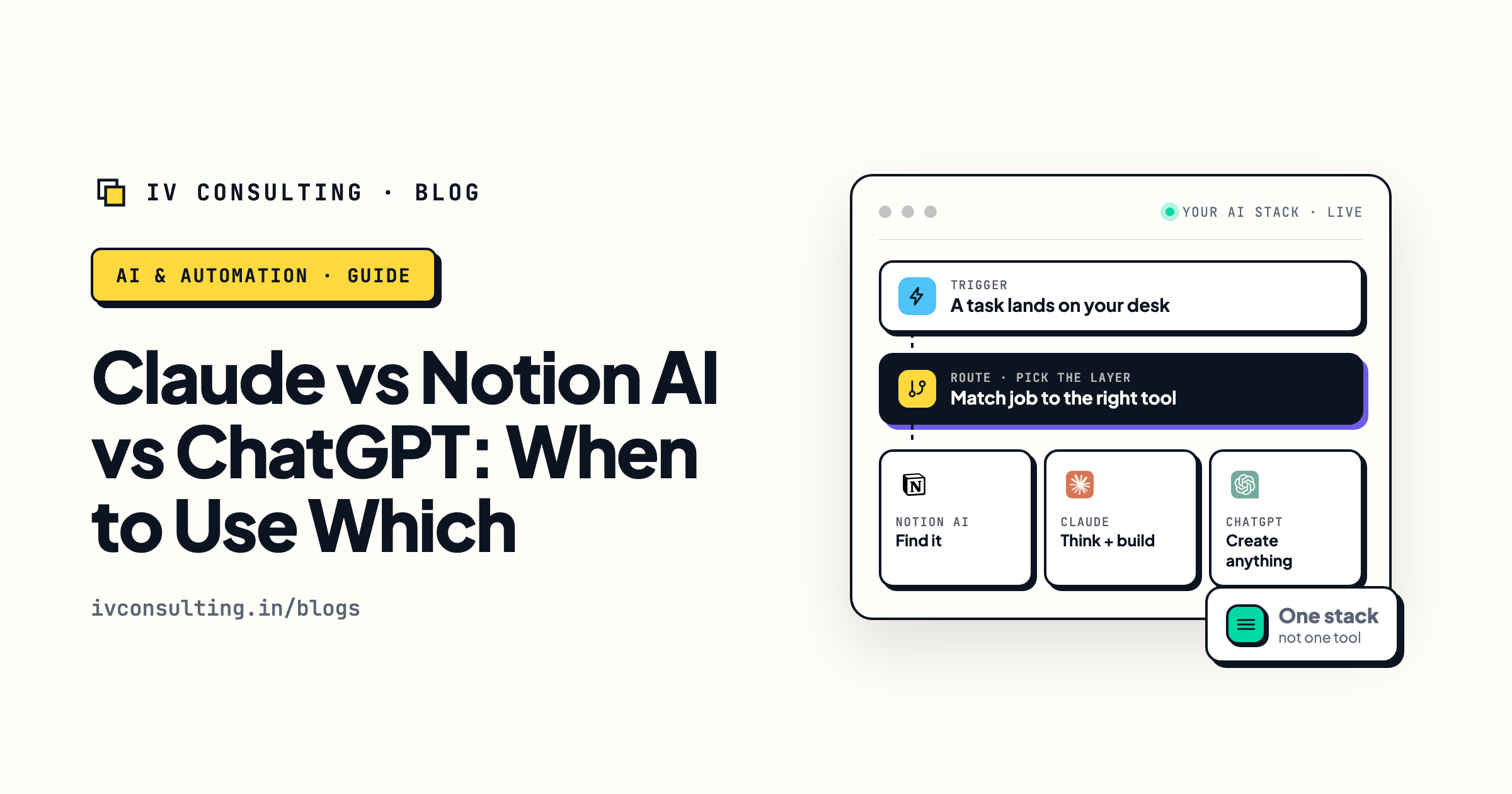
Claude vs Notion AI vs ChatGPT: when to use which
The layer model for the three tools your team already pays for.
Read the guide →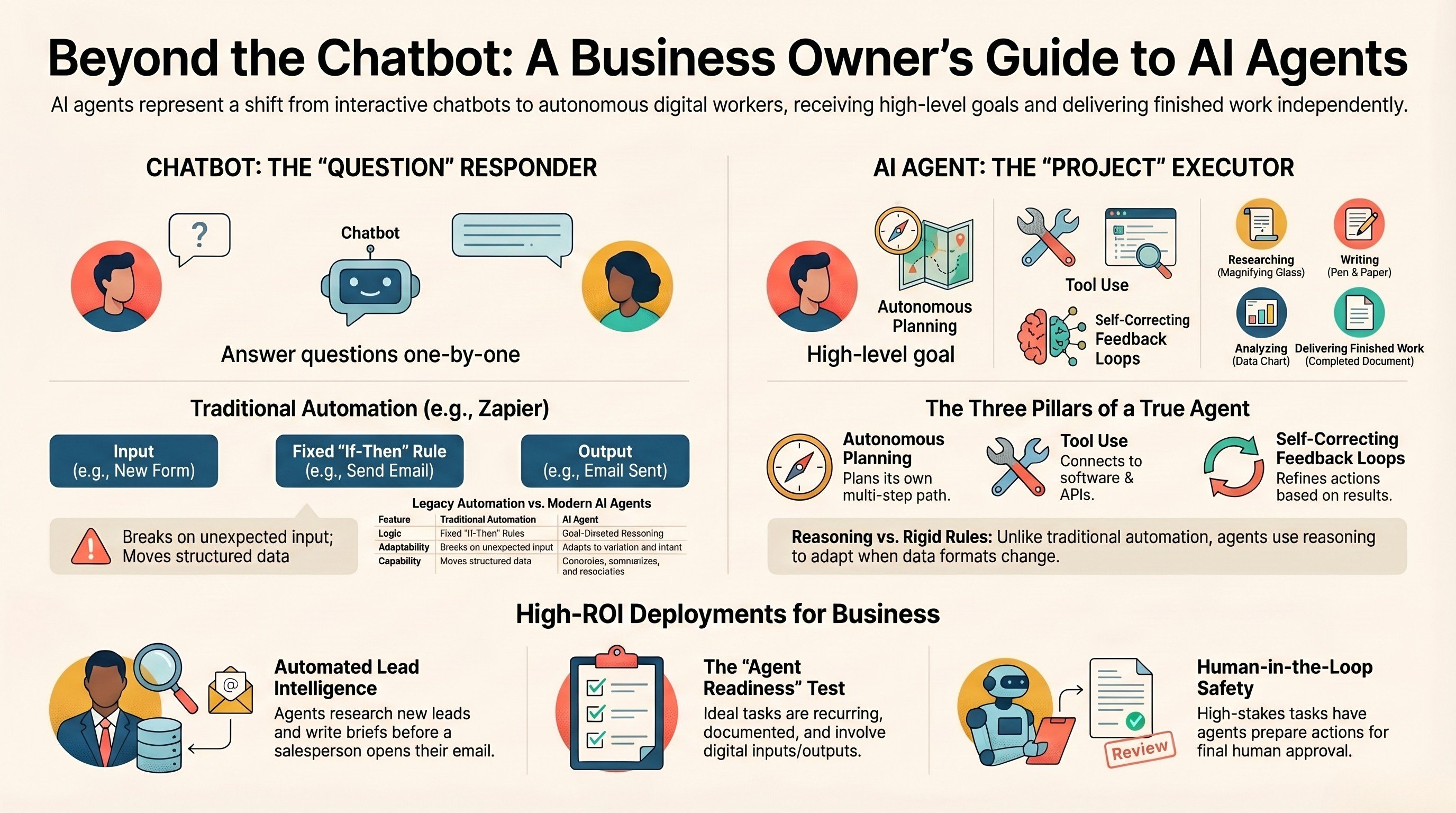
What is an AI agent? A guide for business owners
The plain-English version of what an agent is and where it pays off.
Read the guide →
The Automation stage, built for you
Your agents scoped, wired into your real stack, and the busywork gone.
See the offer →Want the right agents wired into your stack?
Take my free AI Readiness Check first to see how set up you are for agents, then book a call and I will map your recurring work to the right agents, scope the Notion credit spend so it actually pays off, and hand you a build roadmap on the spot.
Two-minute check, then a free 30-minute call. Honest take, even if that means "you do not need an agent for this."