Claude vs ChatGPT for operations teams: what 60+ real builds taught us
We deployed both inside ops teams at 60+ scaling businesses. This is the task by task verdict, not a benchmark test. Updated for 2026.
 By Ishan Vats · Founder of IV Consulting · builds AI agents & automations for 150+ teams
Some links below are affiliate links. If you buy through them we may earn a commission, at no extra cost to you.
 Best for: docs, SOPs, APIClaude
 Best for: data, Microsoft 365ChatGPT
 n8nAI in flows
 MakeTriggered tasks
 NotionKnowledge base
For most operations teams, Claude is the stronger primary tool: it reads long documents in full, follows complex multi step instructions reliably, and writes less generic copy. Choose ChatGPT when your work centres on direct spreadsheet analysis or you live inside Microsoft 365. Many ops teams run both and pick the tool per task. Both cost the same, so the real question is which one clears your specific workload fastest.
The verdict
Is Claude better than ChatGPT for operations teams?
Yes, for most ops teams Claude is the better primary tool, and ChatGPT is the better second seat rather than the better replacement. That is the call we make after deploying both inside operations teams at 60+ scaling businesses, and it is the same call we make when a client asks us to pick one.
Here is the reasoning, because a verdict without one is just an opinion. We scored both tools on the five tasks that actually fill an ops week, and the split was not close:
- Claude wins three outright (long document review, SOP writing, email drafting) because ops work is mostly reading something long and writing something precise. Claude reads the whole document rather than a truncated slice, and it holds every instruction in a complex prompt to the end instead of dropping one or two by the last paragraph.
- ChatGPT wins one outright (direct spreadsheet analysis), and it is a real win, not a consolation. If your team uploads CSVs and wants charts back, Claude has no native equivalent and no prompt fixes that.
- The fifth splits on where your work lives. Claude is our default brain inside n8n and Make automations. ChatGPT wins the moment a team is deeply embedded in Microsoft 365.
The honest counter case: if your ops team is mostly spreadsheet analysis, or the org lives in Microsoft 365, we would tell you to start with ChatGPT and we would not consider that a compromise. And if adoption speed is your binding constraint, ChatGPT's name recognition is worth more than a capability edge your team never gets around to using. Note that this is the model level question. Once you move up to the agent products that sit on top of these models, the comparison changes shape entirely, which we worked through in ChatGPT Work vs Claude Cowork.
One thing the tool choice will not fix: both models cost the same, so the spread between a team that saves two hours a week and one that saves ten is almost never the model. It is whether anything was built around it.
The honest framing
Claude vs ChatGPT for ops, at a glance
Most Claude vs ChatGPT articles are written by tech journalists running benchmark tests on academic tasks. Clean prompts, controlled conditions, no business stakes. That is not how operations teams work. Ops teams work with messy SOPs that are half outdated, long email threads that need synthesising before anyone can act, and vendor contracts that need reviewing before 5pm.
We have deployed both Claude and ChatGPT inside operations teams at 60+ scaling businesses. Here is what we have actually observed, mapped to the work ops teams do every day.
| Dimension | Claude (Anthropic) | ChatGPT (OpenAI) |
|---|---|---|
| Current lineup (Aug 2026) | Claude Sonnet 5 alongside Opus 4.8 | GPT-5.6 in three tiers: Sol, Terra, Luna |
| Long document handling | Reads long contracts and policy libraries in full rather than a truncated slice | Competent, but very long documents can still get truncated |
| Instruction following | Very high. Follows multi step conditional prompts reliably | Good. Occasionally drifts on complex prompts |
| Best for | Document analysis, SOPs, structured outputs, ops writing | Data analysis, Microsoft 365, creative work, plugins |
| API for automation | Best in class for n8n and Make workflows | Strong via GPT Actions |
| Our call | Primary tool for most ops teams | Second seat for spreadsheets and Microsoft 365 |
Task by task
Claude vs ChatGPT on five real ops tasks: who wins each
We scored both tools on the work ops teams actually repeat: reading documents, writing SOPs, drafting email, analysing data, and powering automations.
Reviewing and summarising long documents
Claude handles this category better than any other AI available. Its 200,000 token context window means it reads the entire document, not a truncated version. More importantly, it follows precise extraction instructions: pull every SLA commitment, flag every liability clause, list every renewal date. The output is structured and accurate. ChatGPT performs competently, but the smaller context window means very long contracts may be truncated. For most documents under 80 pages, both tools work. For extended policy libraries or multi document synthesis, Claude has a clear edge.
Winner: Claude.
Writing and editing SOPs
Both tools write competent SOPs. The difference is in precision. When you give Claude a detailed prompt (use numbered steps, include a decision tree for exceptions, flag steps that need manager approval) it follows all instructions consistently. ChatGPT follows most instructions, but on complex multi part prompts one or two elements often drift by the end of the document. For SOP editing, both tools perform well. Claude edits more surgically, while ChatGPT rewrites more broadly. Once an SOP is solid, the next step on Claude is to stop pasting it into chats and package it as a Claude Skill, so Claude applies the procedure on its own every time.
Winner: Claude for writing from scratch. Tie for editing.
Email drafting and communication
Claude writing is less generic by default. It does not reach for the same phrases that populate most AI email drafts. When briefed well, it writes the way a senior professional would: direct, specific, appropriate to the relationship. ChatGPT produces solid drafts, but has a stronger tendency toward filler phrases and unnecessary softening language. This is not fatal, since one editing pass removes it, but it adds friction.
Winner: Claude. Consistently less generic, better tone control, fewer editing passes.
Data analysis and reporting
ChatGPT has a significant advantage here: the Code Interpreter, or Advanced Data Analysis, feature. You can upload a CSV or Excel file and ask it to run analysis, generate charts, and export results, all within the chat. Claude does not have a native equivalent. For teams that need to analyse spreadsheet data directly, this is a meaningful gap. For written commentary on data, turning numbers into a board report or client update, Claude produces more polished output.
Winner: ChatGPT for data analysis with file uploads. Claude for written data narrative.
Workflow automation via API
For teams building AI powered workflows in n8n or Make, Claude's API is the most stable, predictable, and well documented. It is the brain we put inside most of our clients' automation stacks. ChatGPT is strong via GPT Actions and has the wider native integration ecosystem, especially for Microsoft 365 teams.
Winner: Claude for custom automation workflows. ChatGPT for Microsoft 365 and native integrations.
The 5 minute decision
A decision framework you can run today
List your five most time consuming recurring ops tasks. Map each to the winning category above. If three or more fall in the Claude column, start with Claude. If three or more fall in ChatGPT, start there. The Microsoft 365 question usually breaks ties.
That settles the seat. Which Claude plan each person holds is a separate call, and after the September 2026 limit change we priced it per unit of usage in Claude Pro vs Max vs Team. If you are also calling these models through the API, there is a second decision underneath it that moves the bill far more than the subscription does: which model tier each task actually runs on. The ladder from the cheap tier to the top tier is roughly 10x, and most production work never needed the expensive end of it. We set out the tiers, a base-and-multiplier cost table, and our own default in which AI model for which task.
Choose Claude if your team
Works with long documents regularly. Needs reliable instruction following on complex prompts. Produces significant client facing written communication. Is building custom AI workflows via API.
Choose ChatGPT if your team
Needs to analyse Excel or CSV files directly in the AI interface. Is embedded in Microsoft 365. Wants the broadest plugin ecosystem and the most name recognition for fast team adoption.
Run both, by task
Most mature ops teams keep both seats and route work by type: Claude for documents, SOPs, and outreach, ChatGPT for spreadsheet analysis and Microsoft 365 jobs.
The numbers
The ROI reality for a 10 person ops team
Both Claude Pro and ChatGPT Plus cost the same per user per month. For a 10 person ops team each saving one hour per week at a blended rate, the return dwarfs the subscription cost. The question is not whether to pay for AI tools. The question is which tool delivers that hour fastest for your specific workload.
The instruction following precision and document handling quality of Claude translate directly to fewer errors and less rework, which is the highest value outcome in ops work. We add ChatGPT for teams with heavy data analysis or Microsoft 365 requirements, and we wire the winning model into the workflows where it earns its keep.
FAQ
Questions ops leads ask before they pick
Should operations teams use Claude or ChatGPT as their primary AI tool?
How do I integrate Claude or ChatGPT into our existing operations workflows?
Is Claude or ChatGPT better at writing SOPs and process documentation?
What data can I safely share with Claude or ChatGPT for operations tasks?
How much time can operations teams realistically save with AI tools?
Is Claude better than ChatGPT for operations teams?
Should we pay for both Claude and ChatGPT, or just one?
Ishan Vats
Founder, IV Consulting · AI & automation consultant
I build production AI agents, automations, and MCP servers for teams from startup to enterprise. 150+ ops transformations over 10+ years. If you want this mapped to your own stack, start with your own numbers and we will take it from there.
Run my AI agent ROI numbers →Keep reading
Related guides and work
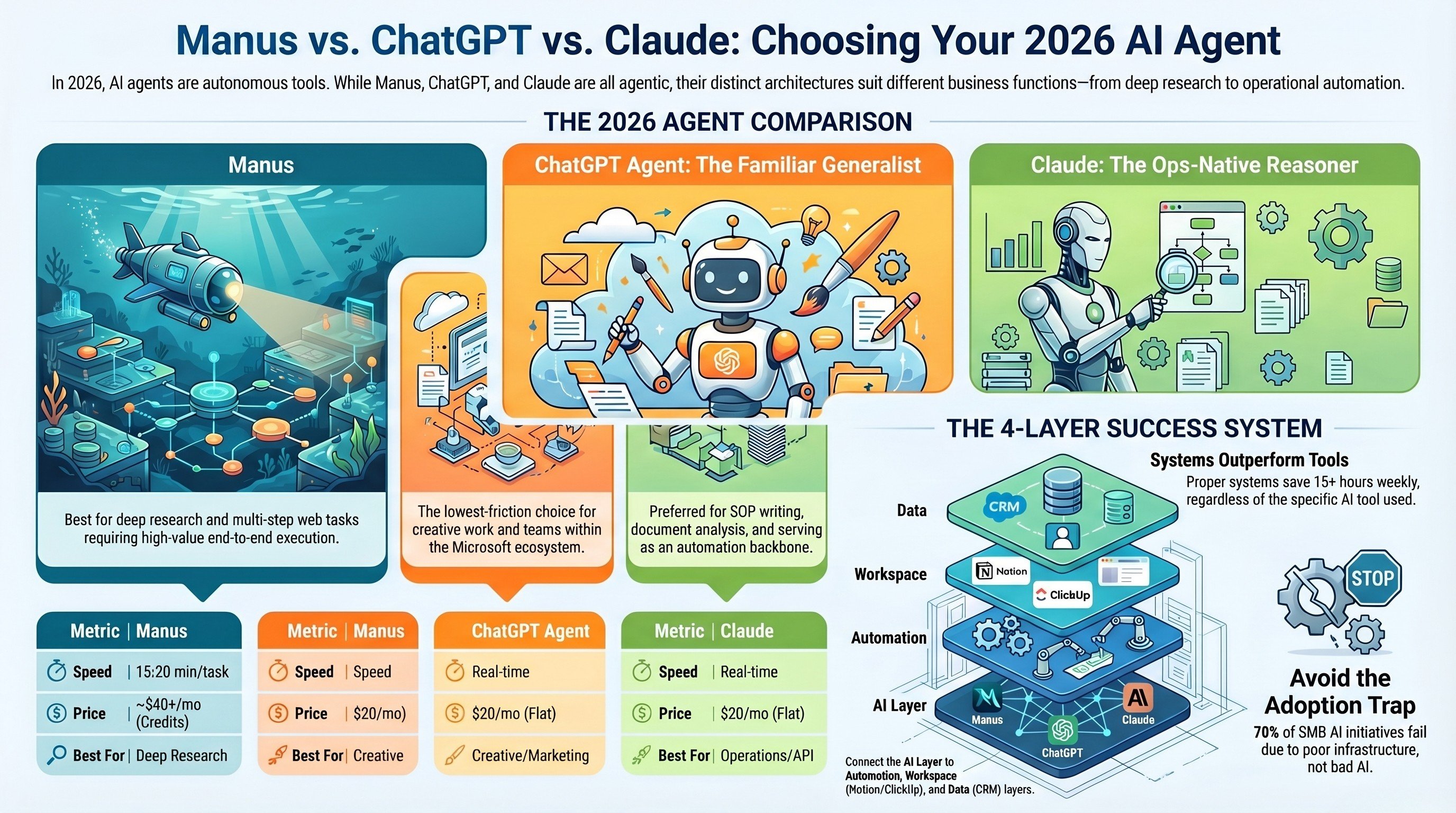
Manus vs ChatGPT vs Claude: which AI agent for 2026
How three leading AI agents stack up on real business work, not benchmarks.
Read the comparison →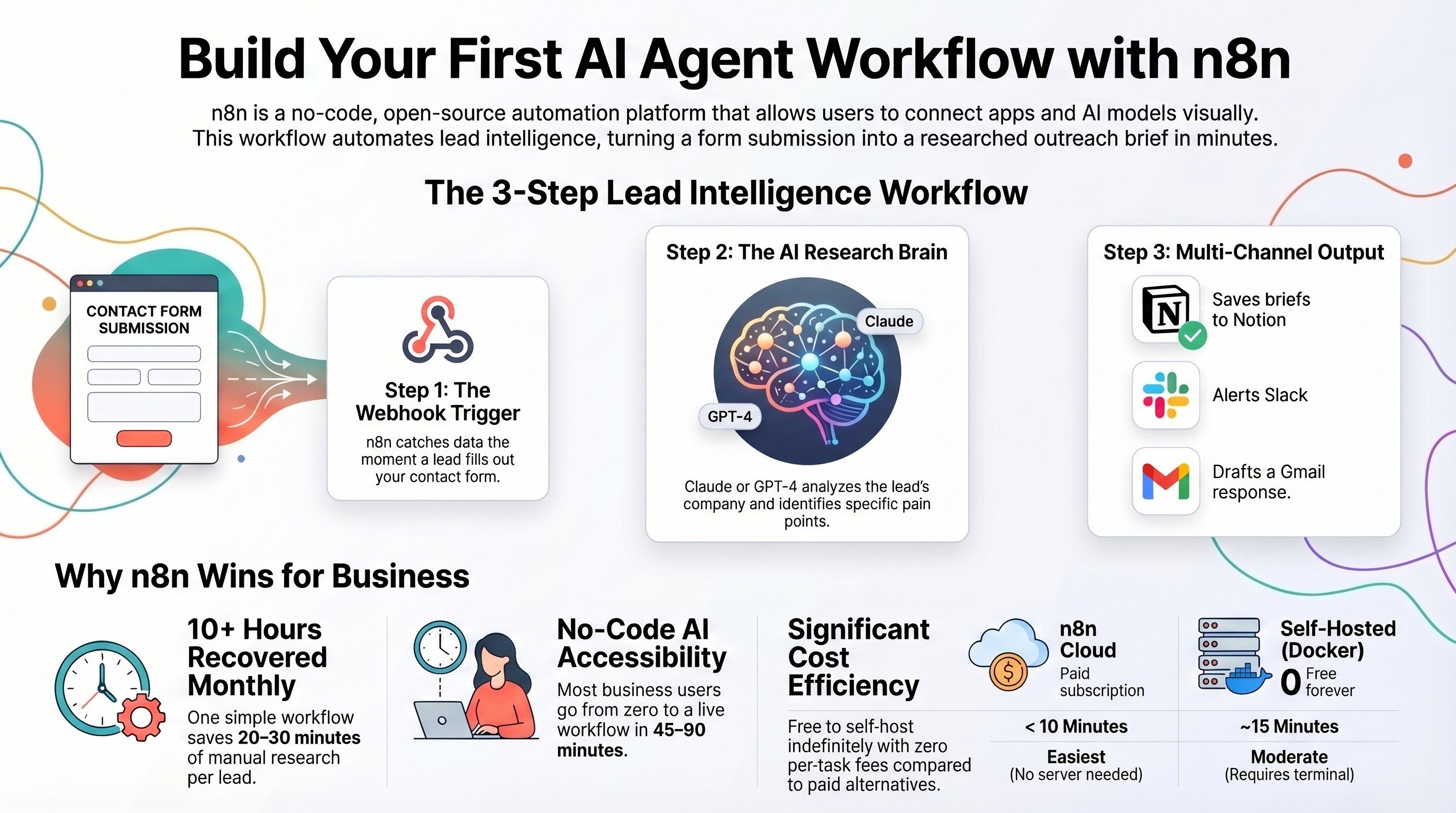
Build your first AI agent workflow with n8n
A zero code build that puts Claude or ChatGPT to work inside a live automation.
Read the guide →
The AI Engineering stage, built for you
We pick the right model, write the prompts, and wire it into your ops stack.
See the offer →Want your automation stack built for you?
Book a free 30-minute strategy call. We will map your highest-ROI workflows and give you a build roadmap on the spot. If we are not the right team for you, we will say so and point you somewhere better.
Book a Free Strategy Call →Free 30-minute call. Honest take, even if that means "you do not need us yet."