AI and automation use cases for HR and People Ops teams
Where AI and automation actually pay off across the employee lifecycle, from first application to alumni, and how to roll it out without the chaos.
 By Ishan Vats · Founder of IV Consulting · builds AI agents & automations for 150+ teams
Some links below are affiliate links. If you buy through them we may earn a commission, at no extra cost to you.
 TriggerNew candidate applies
 NotionProfile saved
 SlackHiring team pinged
 MakeOnboarding queued
AI and automation help HR and People Ops teams remove the repetitive admin that eats up to 40 percent of their week. The biggest wins are in recruiting, onboarding, employee support, performance, retention, and reporting. Done well, teams see 30 to 50 percent less admin time, faster hiring, and better employee experience, while people focus on strategic, human work instead of paperwork.
The case
Why AI and automation matter for HR teams
HR and People Operations teams are under real pressure to do more with less. The integration of AI and automation is no longer a luxury. It is becoming the difference between a function that just processes paperwork and one that drives strategic value, improves the employee experience, and keeps the company competitive.
At IV Consulting we have helped organisations transform HR operations through intelligent automation and AI-powered systems. This guide walks through the use cases that move the needle, how to roll them out, and the real benefits to expect.
What you actually gain
- Time savings. HR professionals spend up to 40 percent of their time on administrative tasks that could be automated.
- Improved accuracy. AI-powered systems reduce human error in data entry, compliance tracking, and benefits administration.
- Better employee experience. Automation enables faster response times and round the clock access to HR services.
- Data-driven decisions. AI analytics surface insights that help HR make strategic, evidence-based calls.
- Scalability. Automated processes let HR support a growing organisation without a proportional headcount increase.
The map
Top AI and automation use cases across the lifecycle
Ten places where AI and automation earn their keep, ordered from the first application a candidate sends to the day they become an alum.
1. Recruitment and talent acquisition
AI-powered applicant tracking can screen hundreds of resumes in minutes, surfacing the most qualified candidates by skills, experience, and fit. Chatbots handle initial candidate inquiries, schedule interviews, and send status updates without a recruiter touching them. Scheduling automation kills the back and forth email by syncing calendars and sending confirmations. Predictive analytics learn from historical hiring data to flag which candidates are most likely to succeed and stay.
2. Onboarding and employee integration
Automated onboarding workflows assign tasks, collect documents, and track progress, so new hires get a personalised journey based on role, location, and department. Virtual onboarding assistants answer questions about benefits, policies, and systems access on day one. Smart document management generates and tracks offer letters, tax forms, NDAs, and equipment checklists without anyone chasing signatures.
3. Employee support and HR service delivery
An AI-powered HR help desk can resolve 60 to 80 percent of routine inquiries, from PTO policy to benefits enrolment, instantly and around the clock, escalating only the complex cases to a human. Self-service portals let employees update personal details, request time off, and access pay stubs on their own. AI ticket routing categorises and prioritises requests automatically by urgency and type.
4. Performance management and feedback
AI platforms aggregate performance signals from project tools, peer feedback, and goal completion to give a real-time picture instead of a once-a-year scramble. Automated 360-degree feedback handles distribution, reminders, and analysis. Sentiment analysis reads survey responses and communication patterns to spot engagement trends and early signs of burnout.
5. Learning and development
AI recommends courses and development paths tailored to each employee's skills and goals. Required training is assigned and tracked automatically by role and regulation, keeping you compliant. Skills gap analysis compares current capabilities against where the business is heading, so L&D spend targets the gaps that matter.
6. Compensation and benefits administration
Integrating your HRIS, time tracking, and payroll removes manual data entry and ensures accurate, on-time pay. Guided benefits enrolment helps employees pick the right coverage while automation handles verification and carrier communication. AI can analyse market data, internal equity, and performance to support fair compensation decisions during review cycles.
7. Employee retention and engagement
Predictive attrition models flag employees at risk of leaving by reading patterns in engagement, performance, and tenure, so you can intervene before they resign. Automated pulse surveys with sentiment analysis give a live read on satisfaction. Recognition automation makes peer-to-peer appreciation and milestone celebrations effortless.
8. Compliance and reporting
AI monitors regulatory changes, tracks required certifications and training, and alerts you to risk across jurisdictions. Automated report generation produces EEO-1, VETS-4212, ACA 1095-C, and similar filings while checking data for accuracy and completeness.
9. Workforce planning and analytics
Predictive workforce modelling forecasts future hiring needs, skill requirements, and budget impact from historical data and business projections. Diversity and inclusion dashboards track equity across recruitment, retention, promotion, and pay. People analytics uncover the real drivers of productivity and engagement hiding in your employee data.
10. Offboarding and alumni management
Automated exit processes handle task lists, equipment return, access revocation, and final payroll cleanly. AI sentiment analysis of exit interviews surfaces the common themes and root causes behind turnover, turning every departure into insight you can act on.
The toolkit
A practical People Ops stack that ships fast
You do not need a six-figure platform to start. These four building blocks cover most of the use cases above and integrate in days, not quarters.
System of record: Notion or ClickUp
One source of truth for candidates, onboarding checklists, policies, and employee records. Notion excels at a knowledge-first HR wiki and lightweight CRM-style tracking. ClickUp shines when you need task automation, approvals, and dashboards. Either becomes the backbone the rest of the stack plugs into.
Automation layer: Make or n8n
The glue that moves data between tools and runs the workflows. Make is visual and quick to learn. n8n is open source, self-hostable, and built for advanced, AI-driven flows.
AI layer: an agent for the thinking
A model like Claude or GPT-4o screens resumes, drafts replies, summarises feedback, and answers policy questions. It plugs into your automation layer so judgement and writing happen automatically.
Comms layer: Slack and email
Where the team actually works. Slack carries instant notifications and the HR help desk; email handles candidate and employee threads. Both connect cleanly to the automation layer.
The plan
How to roll it out without the chaos
Assess and prioritise
Map your current HR workflows and flag the time-consuming, repetitive, or error-prone tasks. Survey the team and employees to find the biggest frustrations. Score each potential use case on time saved, accuracy gained, and experience improved, then pick the quick wins: high impact with low complexity.
Choose the right technology partners
Make sure new tools integrate cleanly with your existing HRIS, payroll, and communication platforms. Choose solutions that scale with the organisation. Verify robust security and compliance with the data protection regulations you are subject to.
Develop a phased rollout
Start with a pilot in a single department or narrow scope to test, learn, and refine. Expand the successful pilots gradually across the organisation. Treat change management as part of the work: communicate the benefits, provide training, and address concerns before they harden into resistance.
Invest in data quality and governance
Clean your HR data before you point AI at it. Inaccurate or inconsistent records produce inaccurate results. Establish clear policies for data access, usage, and privacy, and adopt ethical AI principles so systems stay fair, transparent, and unbiased.
The payoff
Benefits and ROI you can expect
The numbers below are the ranges we see most often when HR teams automate the right tasks in the right order.
| Outcome | Typical impact | Where it shows up |
|---|---|---|
| Admin time | 30 to 50% reduction | Help desk, onboarding, reporting |
| HR operating cost | 25 to 35% decrease | Fewer manual hours, fewer errors |
| Time to hire | 40 to 60% faster | Screening and scheduling automation |
| Payroll and benefits errors | 90%+ reduction | Integrated HRIS, time, and payroll |
| Regrettable attrition | 15 to 25% lower | Predictive analytics and pulse surveys |
Beyond the numbers, the strategic value is what changes the function: faster and more consistent responses to employee needs, real-time insight for workforce planning, the ability to scale without adding headcount, and a genuine competitive advantage in attracting, developing, and keeping talent.
The friction
Common challenges and how to solve them
Resistance to change
Emphasise that automation frees HR to focus on strategic, human-centred work, not that it replaces people. Involve the team in selecting and implementing the solution, celebrate early wins, and share the success stories so momentum builds.
Data quality issues
Run a data audit before implementation. Put data governance policies in place and use validation rules plus regular cleanup so the inputs stay reliable.
Employee privacy concerns
Be transparent about what data is collected and how it is used. Implement strong security, offer opt-in options where appropriate, and ensure compliance with GDPR, CCPA, and other privacy regulations.
AI bias and fairness
Audit AI systems regularly for bias, train on diverse data, keep human oversight on critical decisions, and use explainable AI that shows how each recommendation was reached.
FAQ
Questions HR leaders ask before they start
Where should an HR team start with AI and automation?
Will AI and automation replace HR jobs?
How do we handle employee privacy and AI bias?
What kind of ROI can HR expect from automation?
Do we need a single big HR platform to get started?
Ishan Vats
Founder, IV Consulting · AI & automation consultant
I build production AI agents, automations, and MCP servers for teams from startup to enterprise. 150+ ops transformations over 10+ years. If you want this mapped to your own stack, I'll do it with you on a free call.
Book a free strategy call →Keep reading
Related guides and work
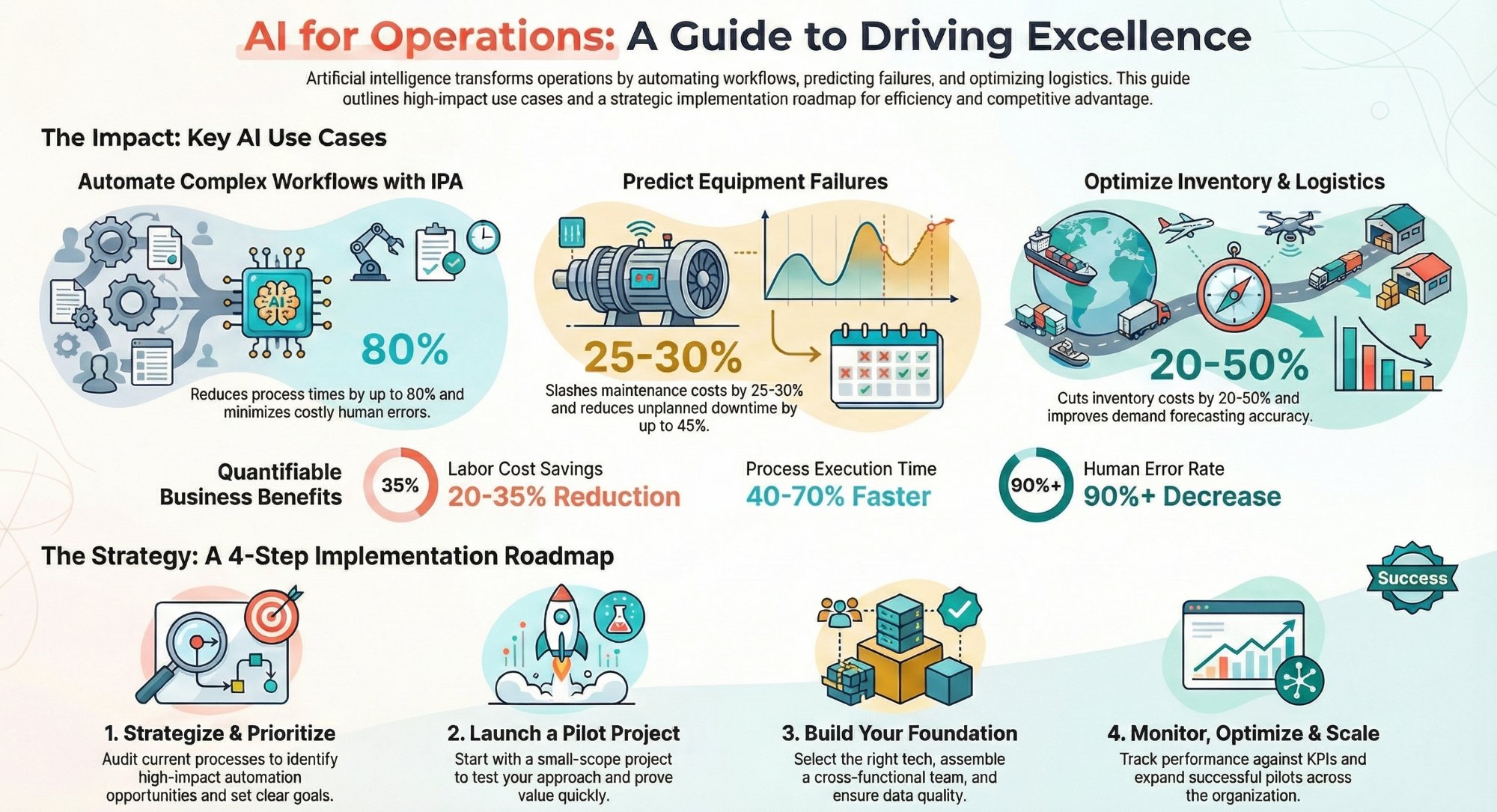
AI and automation use cases for operations teams
The sister guide for ops: where automation reclaims the most hours across the business.
Read the guide →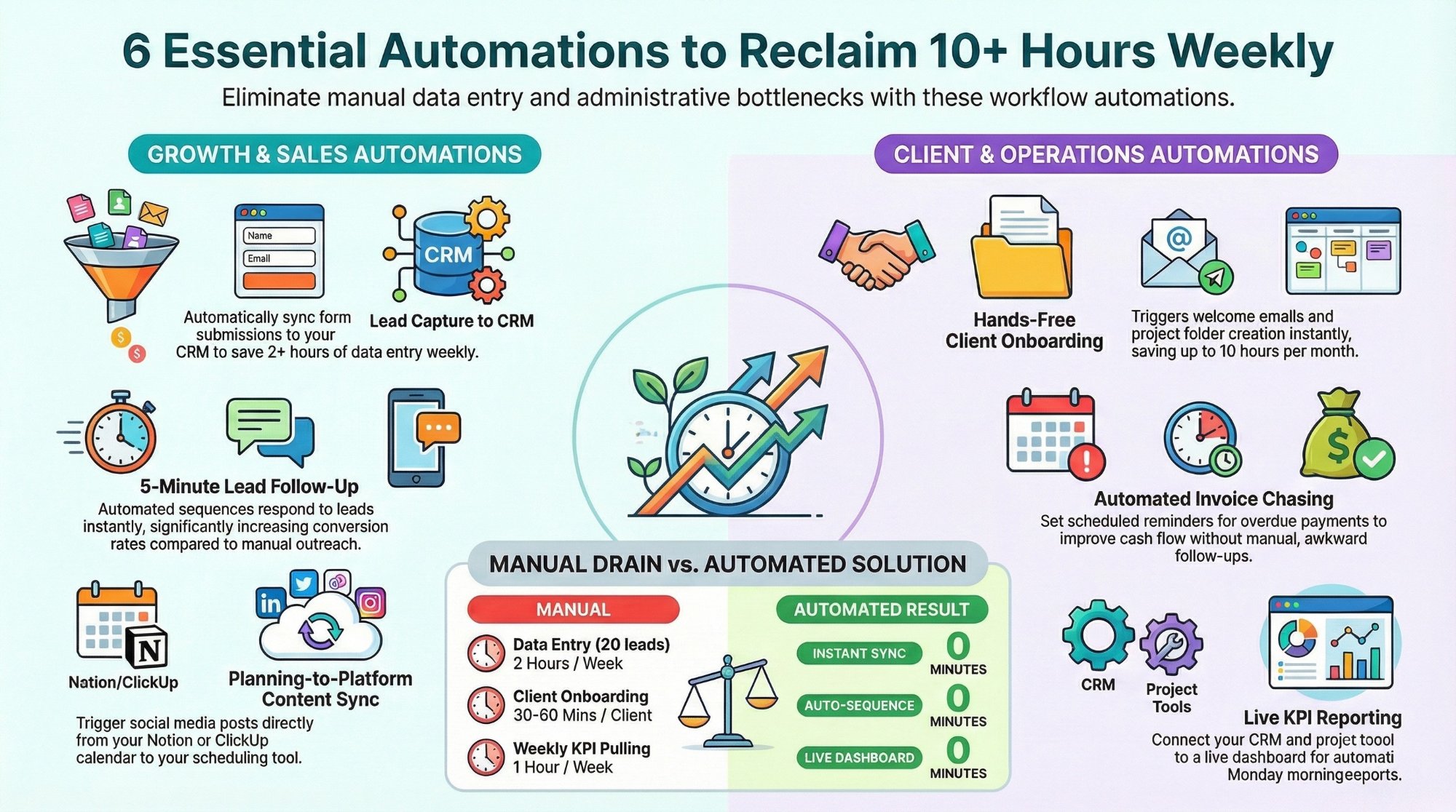
Workflow automations every business owner must set up
The starter automations that reclaim 10+ hours a week with Make, n8n, and Zapier.
Read the playbook →
The Automation stage, built for you
See what this looks like at full scale: your HR tools connected, the busywork gone.
See the offer →Want your automation stack built for you?
Book a free 30-minute strategy call. We will map your highest-ROI workflows and give you a build roadmap on the spot. If we are not the right team for you, we will say so and point you somewhere better.
Book a Free Strategy Call →Free 30-minute call. Honest take, even if that means "you do not need us yet."