AI and automation use cases for operations teams, end to end
Eight proven use cases, an implementation roadmap, and the ROI benchmarks that justify the budget. This is the field guide we run by.
 By Ishan Vats · Founder of IV Consulting · builds AI agents & automations for 150+ teams
Some links below are affiliate links. If you buy through them we may earn a commission, at no extra cost to you.
 System of recordClickUp ops hub
 Knowledge + SOPsNotion workspace
 MakeRouting
 n8nAI agents
 SlackAlerts
Operations teams use AI and automation across eight high-leverage areas: intelligent process automation, predictive maintenance, supply chain optimization, quality control, workforce scheduling, customer service, document processing, and analytics. Done well, they cut process times by 40 to 70 percent, lower labor costs by 20 to 35 percent, and remove the bulk of manual errors. The win comes from starting with one high-volume process, proving the ROI, then expanding.
The case
Why AI and automation matter for operations
Operations teams are under constant pressure to deliver more with less: higher efficiency, lower costs, faster turnaround. AI and automation are the technologies that let a team meet those demands while freeing up time for the strategic work that actually moves the business.
Most traditional operations still run on the same four drags:
- Repetitive manual tasks that quietly consume the best hours of the week.
- Data silos that block a clear, whole-picture view when you need to decide.
- Reactive problem-solving instead of catching issues before they cost you.
- Limited visibility into real-time performance, so problems surface late.
AI and automation attack all four. They let your team work smarter, decide from data rather than gut feel, and spend their attention on high-value activities that drive growth. The rest of this guide covers the eight use cases that deliver the most, how to roll them out, and the returns to expect.
If the queue eating your week is customer tickets rather than internal process, the support team version of this guide covers the ten use cases and the rollout order for that side.
The use cases
Eight AI and automation use cases that earn their keep
The most impactful applications we see across operations teams, with how they get used and the returns they tend to produce.
1. Intelligent process automation (IPA)
IPA combines robotic process automation with AI capabilities like machine learning, natural language processing, and computer vision to automate complex, multi-step processes. Teams use it to run invoice processing and accounts payable, streamline employee onboarding and offboarding, automate data entry and validation across systems, and categorize incoming customer requests. In practice it can cut processing times by up to 80 percent, strip out human error, and free people for exception handling. We build the connective layer with tools like Make and n8n.
2. Predictive maintenance
Machine learning models read equipment data and flag likely failures before they happen, using IoT sensors and historical usage patterns. Teams schedule proactive fixes during optimal downtime windows instead of reacting to breakdowns. Reported results: 25 to 30 percent lower maintenance costs, 70 to 75 percent fewer breakdowns, and 35 to 45 percent less downtime.
3. Supply chain optimization
AI analyzes large volumes of supply chain data to forecast demand, balance inventory, and improve logistics: demand forecasting from historical sales and market trends, dynamic inventory to avoid both stockouts and excess, route optimization, and supplier risk monitoring. It can lower inventory costs by 20 to 50 percent and lift forecast accuracy by 10 to 20 percent.
4. Quality control and inspection
Computer vision inspects products on the line with more consistency than sampling by hand: automated visual inspection, real-time defect detection and classification, trend analysis, and compliance documentation. It can check 100 percent of output rather than a sample, with 99 percent plus defect accuracy.
5. Workforce management and scheduling
AI optimizes shift scheduling, task allocation, and resource planning against demand forecasts and employee availability. Skills-based assignment matches work to the right people, and predictive planning handles seasonal swings. The payoff is 10 to 15 percent lower labor costs while service levels hold.
6. Customer service automation
AI assistants handle common inquiries around the clock, route and prioritize tickets, run sentiment analysis to surface urgent issues, and power a self-service knowledge base. They can resolve 60 to 80 percent of routine inquiries and cut response times by up to 90 percent.
7. Document processing and management
NLP and OCR extract, classify, and process information from unstructured documents: pulling data from invoices, receipts, and forms, routing documents intelligently, analyzing contracts for compliance, and validating data automatically. Processing time drops 70 to 90 percent and manual data-entry bottlenecks disappear.
8. Operations analytics and reporting
AI analytics deliver real-time dashboards, predictive resource planning, anomaly detection that catches issues early, and automated report generation and distribution. The result is faster decisions, proactive problem resolution, and a continuous-improvement loop. We anchor this on a ClickUp or Notion command center so the whole team sees the same numbers.
The rollout
A six-step implementation roadmap
Assess your current operations
Run a process audit to find automation opportunities. Map current workflows and document the pain points. Look for processes that are high-volume, repetitive, and rule-based, then check whether the data behind them is good enough for AI to act on.
Define clear objectives
Set specific, measurable goals and tie each automation project to a broader business objective. Establish the metrics and KPIs you will track, and prioritize use cases by potential impact and feasibility rather than novelty.
Start small with pilot projects
Begin with a limited-scope pilot to validate the approach. Choose a process that offers quick wins and measurable results, test and refine before scaling, and gather feedback from the people who actually use it.
Choose the right technology stack
Build a cross-functional team
Pull in operations staff, IT, and business analysts. Appoint automation champions inside the operations team so ownership stays internal, provide training and upskilling, and build a culture of continuous improvement around the new systems.
Monitor, measure, and optimize
Track performance against your baseline and targets. Run regular review and optimization sessions, address user feedback fast, and scale the pilots that work across the rest of the organization.
The returns
Benefits and ROI, by category
The numbers that justify the budget. These are benchmark ranges across the use cases above, not guarantees: your result depends on process volume and data quality.
| Category | Typical impact | Where it comes from |
|---|---|---|
| Process execution time | 40 to 70% faster | IPA and document automation removing manual steps |
| Throughput | 2 to 3x capacity | Processes that run without waiting on a person |
| Labor cost | 20 to 35% lower | Routine tasks handled by automation |
| Human error | 90%+ fewer | Standardized, validated execution |
| Operational cost | 15 to 30% lower | Combined efficiency and error reduction |
| Maintenance cost | 25 to 30% lower | Predictive maintenance over reactive repair |
| Accuracy | 99%+ in automated steps | Consistent, rule-bound processing |
Beyond the hard numbers, the strategic benefits compound: you can scale volume without scaling headcount, respond faster to market changes, free your team for higher-value work, and turn operational excellence into a genuine competitive advantage.
The obstacles
Common challenges, and how to clear them
Resistance to change
Automation augments people, it does not replace them. Communicate that clearly, involve employees early, gather their input, and provide real training and support so the team adopts rather than resists.
In most small businesses the people side of that change, from comms to training records, sits with HR rather than ops. The People Ops version of this guide covers what to automate on that side, from onboarding through to compliance reporting.
Data quality issues
Assess data quality before you implement. Put cleansing and standardization processes in place, and establish data governance with clear ownership so the AI is acting on something trustworthy.
Integration complexity
Use API-based integration where possible, lean on integration platforms and middleware, prefer cloud solutions with built-in connectors, and work with experienced partners when systems get tangled.
Skills gap
Invest in training and upskilling, hire or partner with automation specialists, choose user-friendly low-code platforms, and build a small center of excellence to share knowledge internally.
Security and compliance concerns
Run security assessments of any platform, implement role-based access controls, ensure audit trails and logging, and bring legal and compliance in from the start rather than the end.
What is next
Future trends shaping operations
Hyperautomation
Combining RPA, AI, machine learning, process mining, and analytics to automate as many processes as possible and stitch them into end-to-end workflows, rather than islands of automation.
Autonomous operations
Self-learning systems that progressively make decisions and act without constant human oversight, continuously optimizing on outcomes. The human role shifts from manual control to oversight and exception management.
Edge AI
AI processing is moving closer to the data source on edge devices, enabling real-time decisions with lower latency. Operations teams gain faster response times in manufacturing, logistics, and field work.
AI and human collaboration
Rather than replacing people, AI increasingly augments them: handling the data-intensive load while humans focus on creativity, judgment, and relationships.
Sustainability and green operations
AI and automation help optimize resource usage, cut waste, and reduce environmental impact, letting operations teams hit efficiency and sustainability goals at the same time.
FAQ
Questions operations leaders ask first
Which AI and automation use case should an operations team start with?
How much can operations teams realistically save with AI and automation?
Do we need a technical team to implement operations automation?
What is the difference between RPA, intelligent process automation, and hyperautomation?
How do we get past employee resistance to automation?
How long before an operations automation project pays off?
Ishan Vats
Founder, IV Consulting · AI & automation consultant
I build production AI agents, automations, and MCP servers for teams from startup to enterprise. 150+ ops transformations over 10+ years. If you want this mapped to your own stack, I'll do it with you on a free call.
Book a free strategy call →Keep reading
Related guides and work
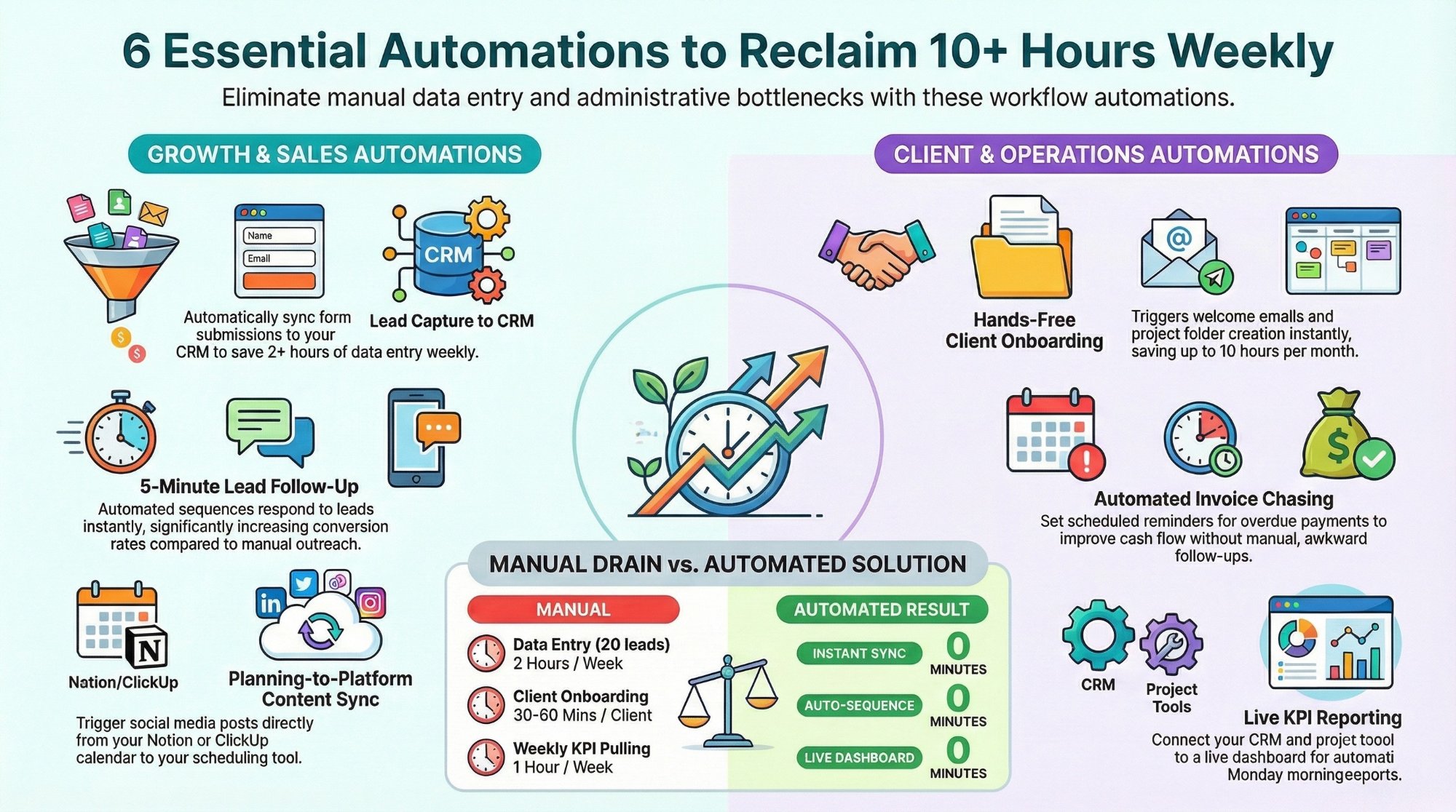
Workflow automations every business owner must set up
The starter automations that reclaim 10+ hours a week with Make, n8n, and Zapier.
Read the playbook →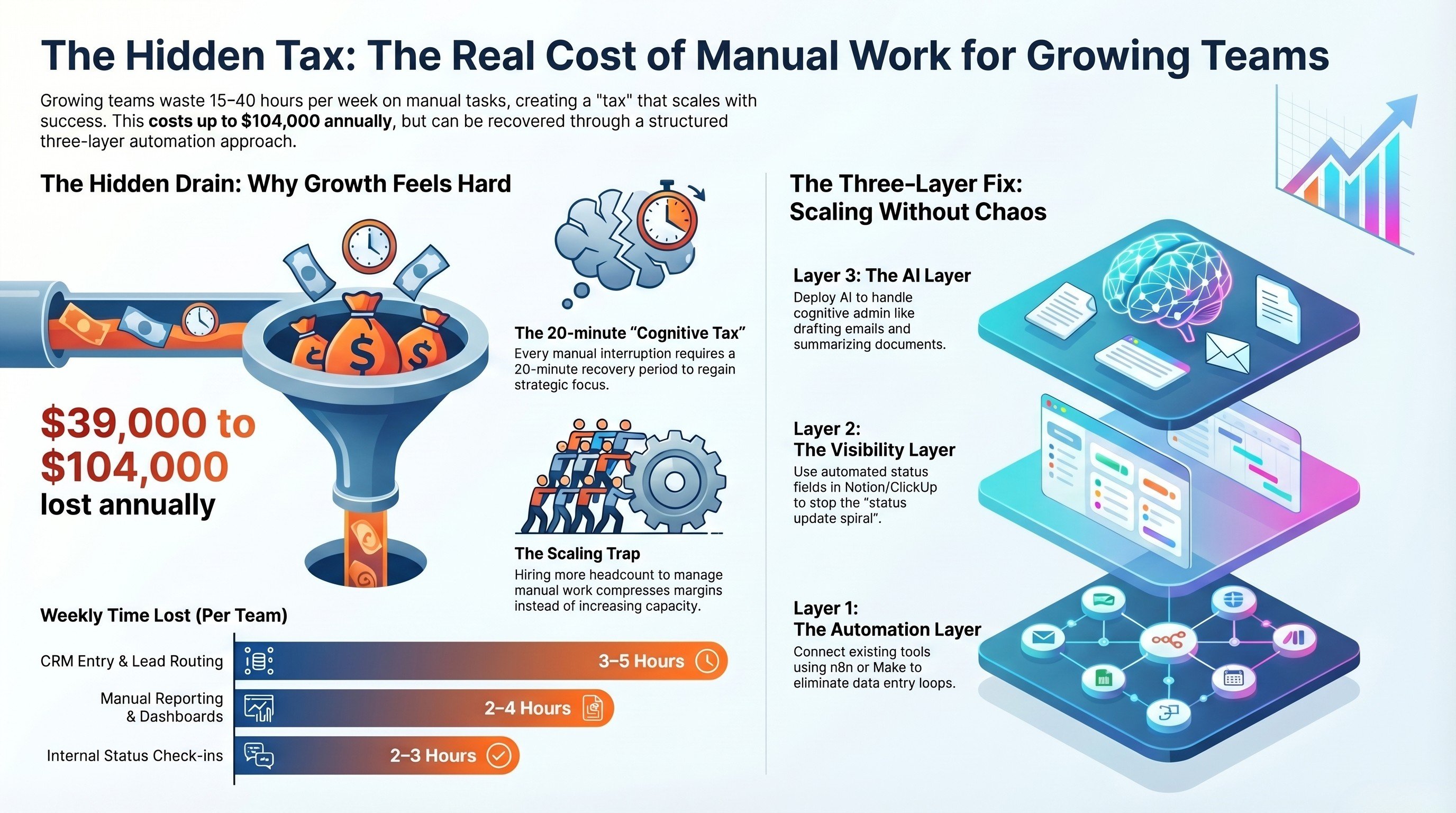
The real cost of manual work for growing teams
How to put a number on the busywork before you decide what to automate first.
Read the guide →
The Automation stage, built for you
See what this looks like at full scale: your operations connected, the busywork gone.
See the offer →Want your automation stack built for you?
Book a free 30-minute strategy call. We will map your highest-ROI workflows and give you a build roadmap on the spot. If we are not the right team for you, we will say so and point you somewhere better.
Book a Free Strategy Call →Free 30-minute call. Honest take, even if that means "you do not need us yet."