Power Automate vs Zapier vs n8n: we priced 3 workloads
Power Automate vs Zapier vs n8n is usually framed as a feature fight. For most small teams it is a billing question, and one of the three may already be on your invoice. If you pay for Microsoft 365, you can probably build Power Automate flows today at no extra cost. We priced the same 5-step workflow on all three tools at 500, 2,500 and 10,000 runs a month, then picked a side.
 By Ishan Vats · Founder of IV Consulting · builds client automations in n8n and Zapier every week
 Trigger + 4 actionsnew email, log, notify, update
 Zapier Team40,000 tasks · $399/mo
 n8n Cloud Pro10,000 executions · €50/mo
Power Automate bills per user, Zapier bills per action step, and n8n bills per workflow run. A 5-step workflow running 10,000 times a month costs nothing extra in Power Automate if it only uses standard connectors on a Microsoft 365 plan, €50 a month on n8n Cloud Pro, and $399 a month on Zapier Team (40,000 tasks). Our verdict: use Power Automate when your work lives in Outlook, Teams, SharePoint and Excel, Zapier for a few low-volume workflows across non-Microsoft apps, and n8n once you pass about 2,000 runs a month or need premium-style connectors without per-user fees.
The hidden line item
What does Power Automate cost if you already pay for Microsoft 365?
Usually nothing extra, as long as your flows only use standard connectors. Microsoft's licensing FAQ says users on a Microsoft 365 plan can build cloud flows with standard connectors. The moment a flow needs a premium connector, someone needs Power Automate Premium at $15 per user a month, or the flow needs a Process licence at $150 a month.
That is the part almost nobody in the small-business automation conversation mentions. Most comparison posts price Power Automate at $15 a seat and stop there. For a team already on Microsoft 365, the honest starting price is zero, and the real question is whether your workflows stay inside the standard connector list. Outlook, Teams, SharePoint, OneDrive and Excel Online are standard. So are many non-Microsoft apps. Microsoft has also reclassified some SQL, Azure and Dynamics 365 connectors as premium, and the generic HTTP connector, the one you reach for when an app has no connector or you want to call an AI model's API, is listed as premium.
Open Power Automate with your work account, start a flow, and look for the Premium tag on each connector you need. If none of them carry it, your first automations are already paid for. If one does, read section 04 before you assume the cost is just one $15 seat.
Sources: Microsoft Power Automate pricing (Premium $15 per user a month, Process $150 per bot a month, Hosted Process $215, all paid yearly) and Power Automate licensing FAQ, both read 23 November 2026. Microsoft notes prices vary by country. The Power Automate figures in this post come from Microsoft's published licensing, not from IV builds.
Head to head
Power Automate vs Zapier vs n8n: how does each one bill?
Three tools, three meters. Power Automate charges per person, Zapier per action step, n8n per workflow run regardless of how many steps it has. The meter decides your bill far more than the feature list does.
| Power Automate | Zapier | n8n | |
|---|---|---|---|
| Billing unit | Per user (Premium) or per flow/bot (Process) | Per task: every successful action step | Per execution: one full workflow run |
| Entry price | Standard connectors included with Microsoft 365; Premium $15/user/mo | Free 100 tasks; Professional $19.99/mo for 750 tasks | Cloud Starter €20/mo for 2,500 executions |
| Next tier up | Process $150/bot/mo for unattended flows | Team $69/mo for 2,000 tasks, up to 25 users | Cloud Pro €50/mo for 10,000 executions |
| Does volume raise the bill? | No per-run fee, within Microsoft's service limits | Yes, task tiers climb to $599/mo at 100,000 (Team) | Yes, but steps per run do not count |
| Self-host option | No | No | Yes, community edition is free software |
| Best fit | Teams living in Outlook, Teams, SharePoint, Excel | Non-technical teams with a few low-volume workflows | Higher volume, multi-step or AI-heavy workflows |
Sources: zapier.com/pricing and n8n.io/pricing, annual billing, read 23 November 2026. Zapier monthly billing costs about 50% more than the annual figures shown. n8n's Business plan (€667/mo, 40,000 executions) is self-hosted only.
The step-counting difference is the one that bites. A Zapier workflow with a trigger and four actions uses 4 tasks every time it runs. The same workflow in n8n is 1 execution. We explained why that gap widens as workflows get longer in our execution-based vs task-based pricing guide.
The math
What do 3 real workloads cost on Power Automate, Zapier and n8n?
At 10,000 runs a month of a 5-step workflow, Zapier Team costs $399 a month, n8n Cloud Pro €50, and Power Automate nothing extra on standard connectors. The gap is small at 500 runs and enormous at 10,000. Here is the same workflow, a trigger plus four actions, at three volumes a 10-person team actually hits.
| Monthly runs | Power Automate (standard connectors, M365) | Power Automate (one premium connector) | Zapier Professional / Team | n8n Cloud |
|---|---|---|---|---|
| 500 (2,000 Zapier tasks) | $0 extra | $30 (2 builders on Premium) to $150 (10 users, or 1 Process licence) | $49 / $69 | €20 Starter |
| 2,500 (10,000 tasks) | $0 extra | Same: $30 to $150 | $129 / $169 | €20 Starter, at its cap (€50 Pro for headroom) |
| 10,000 (40,000 tasks) | $0 extra | Same: $30 to $150 | $289 / $399 (50,000-task tier) | €50 Pro, at its cap |
| Year at 10,000 runs | $0 | $360 to $1,800 | $3,468 / $4,788 | €600 |
How we calculated it: a 5-step workflow (one trigger, four actions) uses 4 Zapier tasks per run, since triggers do not count as tasks, and 1 n8n execution. Zapier and n8n prices are annual billing from their pricing pages on 23 November 2026; Zapier needs the next tier up when usage passes a tier. Zapier Professional is a single-owner plan, so a team that shares Zaps needs Team. Power Automate assumes everyone already holds a Microsoft 365 business licence. This is list-price arithmetic, not a benchmark.
Two things stand out. First, Power Automate's cost does not move with volume at all; it moves with headcount and connector choice. Second, Zapier is perfectly reasonable at 500 runs and painful at 10,000, while n8n barely notices the difference. If you are already paying Zapier more than about $100 a month, that is usually the signal to price the move, and our Zapier to n8n migration guide covers what breaks.
The licence is rarely the biggest number. The hours a workflow saves, and the cost of the runs that fail quietly, usually dwarf it. Put your run volume and the time each task takes a person today into our AI agent and automation ROI calculator before you pick a tool on price alone.
The verdict
Our verdict: Power Automate, Zapier or n8n?
Power Automate if your work lives in Microsoft 365, because it is already paid for. Zapier for a few simple workflows across non-Microsoft apps. n8n for everything past roughly 2,000 runs a month, or the moment you want AI steps without paying per seat or per step. We take that side because the three tools are close on what they can do and miles apart on what they bill, and the billing gap grows with every workflow you add.
n8n: our default for growing teams
€50 a month covers 10,000 runs of a workflow with any number of steps, and AI calls go through your own model key. This is what we build on for most clients, because the bill stays flat while the workflows get longer. The trade-off is a steeper first week for non-technical builders.
Power Automate: the Microsoft shop pick
If your approvals, inboxes and files sit in Outlook, Teams and SharePoint, start here. It costs nothing extra on standard connectors and stays inside your Microsoft security and admin setup. Budget $15 a seat, or $150 a flow, the day you need a premium connector.
Zapier: the easy on-ramp
For three to five low-volume workflows across SaaS apps, Zapier is the fastest to build and the easiest to hand to a non-technical teammate. Re-price it once the bill passes about $100 a month or a workflow grows past a few steps.
Skip: mixing all three by accident
The most expensive setup we see is not any single tool. It is a few Zaps, a few flows and a few n8n workflows nobody owns. Pick one primary engine, and use a second only where it is clearly cheaper.
If you want your current workflows priced on all three and a single engine picked for you, that is what our automation practice does.
FAQ
Questions about Power Automate vs Zapier vs n8n
Is Power Automate included with Microsoft 365?
Partly. Microsoft's licensing FAQ says users on a Microsoft 365 plan can build cloud flows with standard connectors such as Outlook, Teams, SharePoint and Excel Online. Premium connectors, including the HTTP connector and custom connectors, need Power Automate Premium at $15 per user a month or a Process licence at $150 a month.
Is Power Automate cheaper than Zapier?
For a team already on Microsoft 365 using standard connectors, yes: it costs nothing extra at any volume, while Zapier Team costs $399 a month at 40,000 tasks. With premium connectors it costs $15 per user or $150 per flow a month, which is still cheaper than Zapier at high volume but more expensive at very low volume for a single user.
Is n8n cheaper than Zapier?
Usually, once workflows have several steps. n8n bills one execution per workflow run, while Zapier bills one task per action step. A 5-step workflow running 10,000 times a month is 10,000 executions on n8n Cloud Pro at €50 a month, and 40,000 Zapier tasks at $289 (Professional) or $399 (Team) a month, at annual prices read 23 November 2026.
Should a small business use Power Automate or n8n?
Use Power Automate if most of your work runs in Outlook, Teams, SharePoint and Excel, because it is already paid for and sits inside your Microsoft admin. Use n8n if your stack is mostly non-Microsoft apps, you run more than about 2,000 workflows a month, or you want AI steps billed through your own model key rather than per seat.
Which Power Automate connectors are premium?
Microsoft keeps the full list in its premium connector reference. Common ones for small teams are the generic HTTP connector, custom connectors, Dataverse, and some SQL, Azure and Dynamics 365 connectors that Microsoft reclassified as premium. In the flow designer, premium connectors carry a Premium tag.
Ishan Vats
Founder, IV Consulting · AI & automation consultant
I build n8n and Zapier automations and AI agents for small teams, and pricing a client's workflows on the tools they already pay for is the first step of nearly every build. 150+ ops transformations over 10+ years.
Run the ROI calculator →Keep reading
Related guides and work
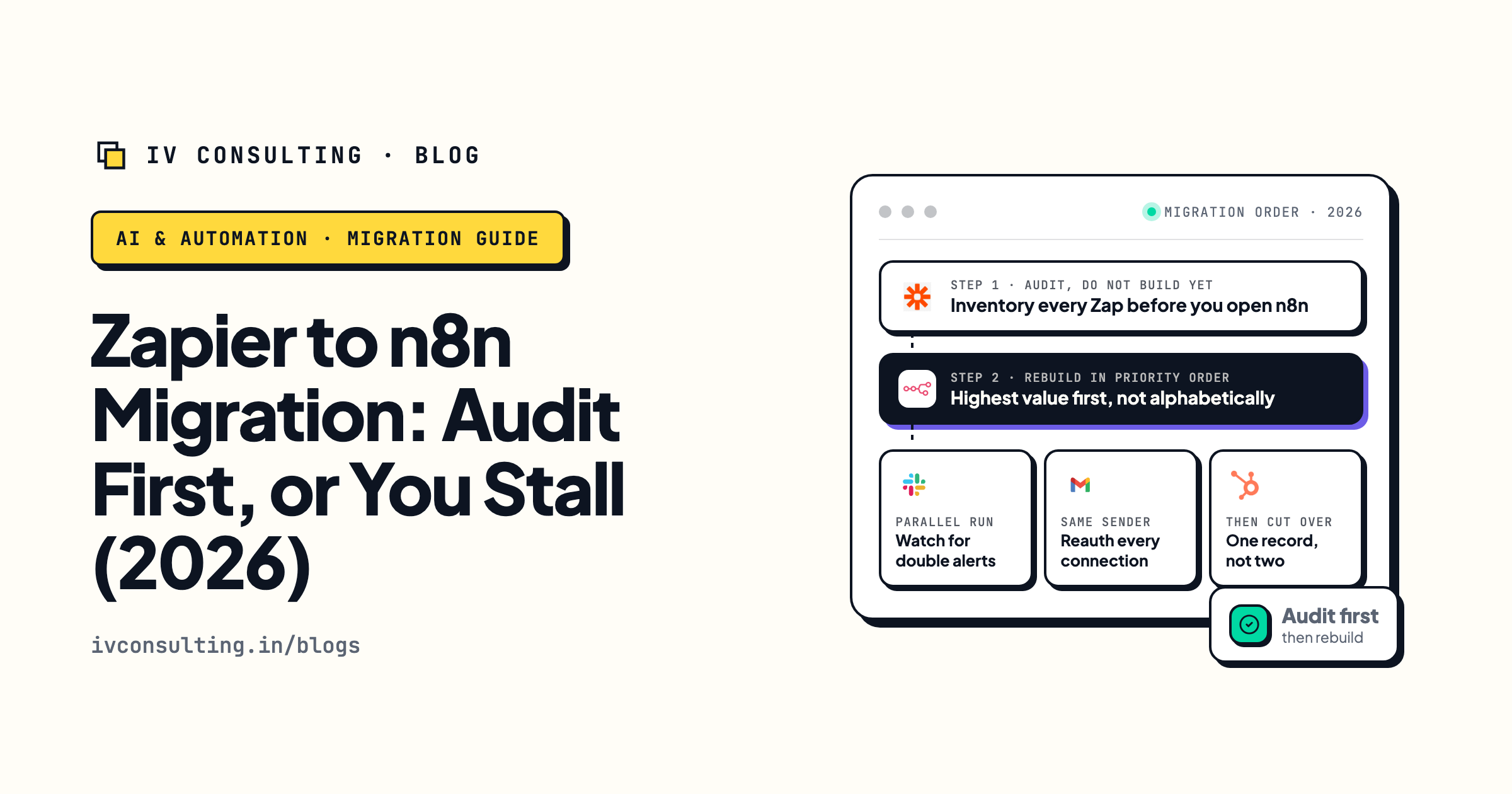
Zapier to n8n migration
The audit-first playbook, and what it actually saves.
Read the guide →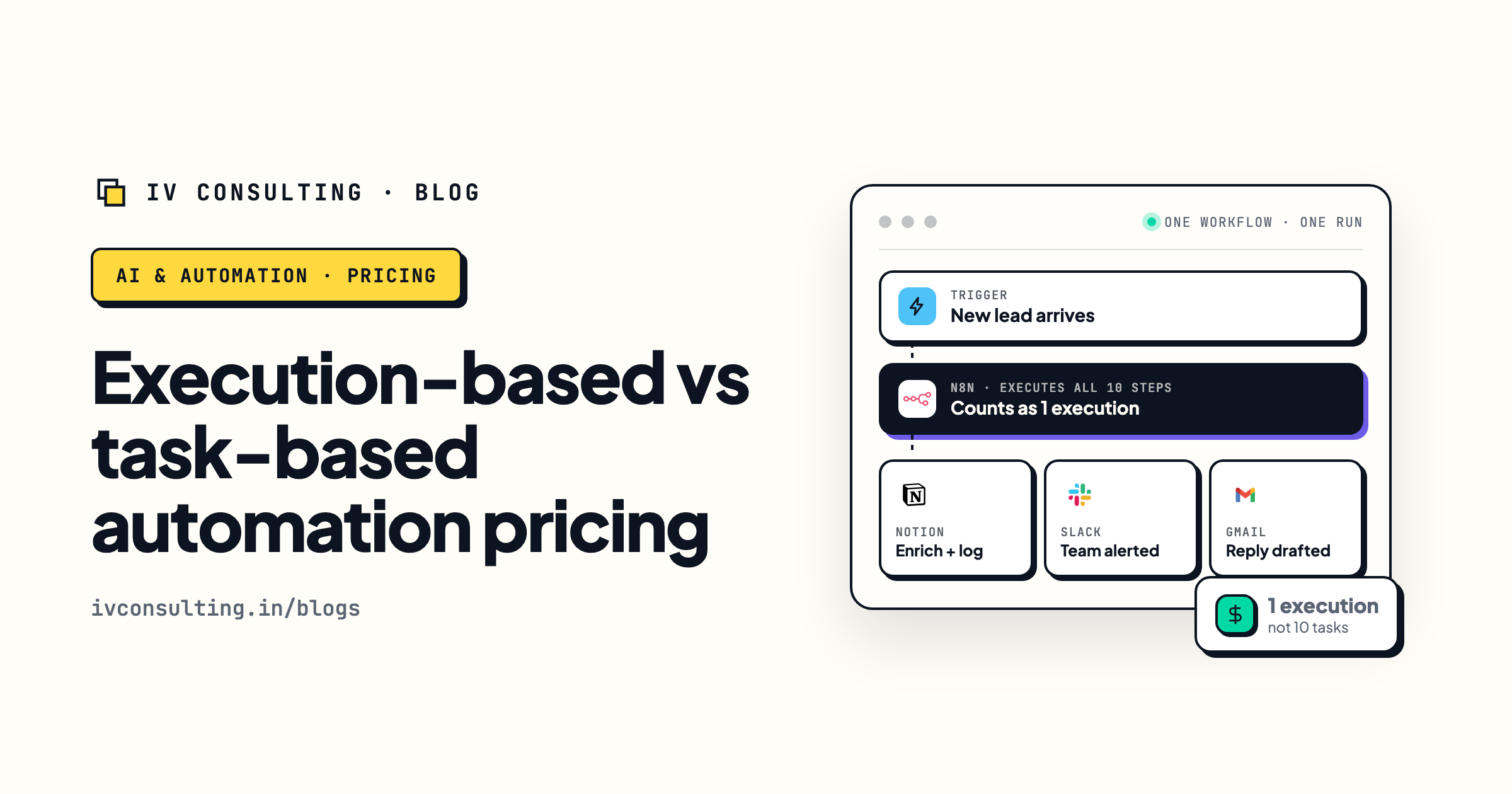
Executions vs tasks
Why per-run pricing wins on long workflows.
Read the guide →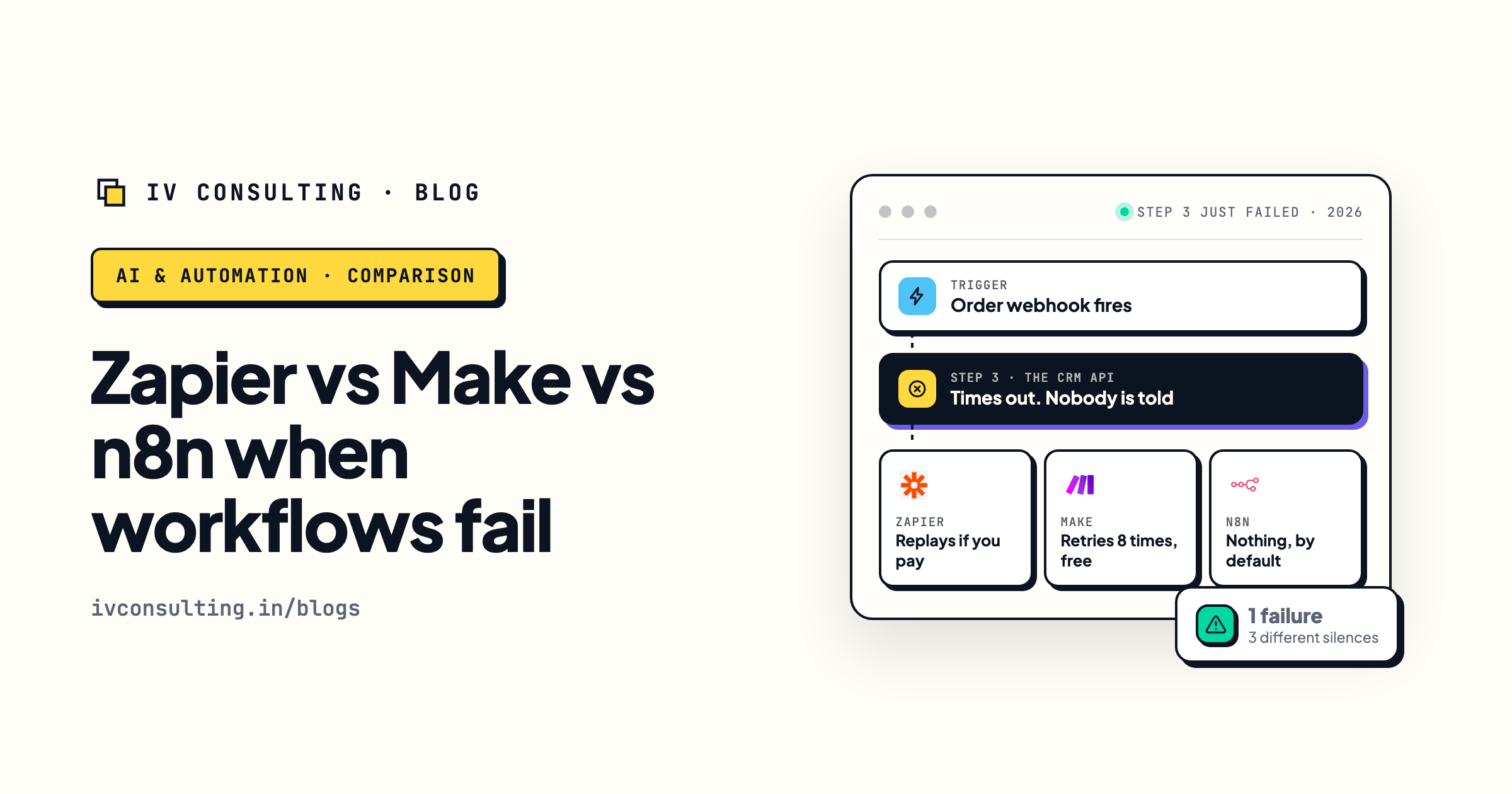
When a workflow fails
Retries and error alerts compared on Zapier, Make and n8n.
Read the comparison →Want your workflows priced on the tool you already pay for?
Book a free 30-minute strategy call. We will list the automations you run or want, price them on Power Automate, Zapier and n8n, and tell you which one to standardise on.
Book a Free Strategy Call →Free 30-minute call. Honest take, even if that means "keep what you have."