Microsoft 365 Copilot vs Gemini: Google bundles the same AI for $9.50 less a seat
Both vendors have now stopped selling their AI as a per-seat add-on and folded it into the mid-tier business plan. Google Workspace Business Standard is $14 a user with Gemini included. Microsoft 365 Business Standard with Copilot is $23.50. Here is every tier priced side by side, the one setup that costs more and gives you less, and the two situations where Microsoft still earns the premium.
 By Ishan Vats · Founder of IV Consulting · builds AI agents & automations for 150+ teams
 Workspace Standard$14 · Gemini included
 M365 Standard$23.50 · Copilot included
Gemini is cheaper than Microsoft 365 Copilot at every equivalent tier, and the gap is $9.50 per user per month in the middle of the range. Google Workspace Business Standard is $14 per user per month with Gemini included across Gmail, Docs and Meet. Microsoft 365 Business Standard with Copilot is $23.50 per user per month paid yearly. Both vendors now bundle their AI rather than selling it as an add-on, so buying AI separately is the worst-value path left: adding Copilot Business at $21 to a $7 Business Basic seat costs $28, which is $4.50 more than Business Standard with Copilot at $23.50 and gives you no desktop Office apps. Our verdict for a 5 to 50 person team: take Google Workspace Business Standard unless you need Business Premium's device management or your work genuinely lives in Excel and Teams.
What actually changed
Is AI still a paid add-on in Microsoft 365 and Google Workspace?
No. Both vendors have now folded their AI into the plan itself, and that is the single most important thing to understand before you compare Microsoft 365 Copilot vs Gemini on price. The add-on era is over on both sides, which means most of the comparison content still circulating is describing a world that no longer exists.
Google moved first. It bundled Gemini into the Workspace Business and Enterprise plans at no extra cost and raised the base price by about $2 a seat to pay for it. Business Standard went from $12 to $14. The separate Gemini for Workspace add-on, which had been roughly $20 a user per month, went away. In Google's own announcement of the change, a customer who had been paying $32 a seat for Business Standard plus the Gemini add-on now pays $14 for the same capability. Existing monthly subscriptions moved to the new pricing on 17 March 2025 or at renewal, whichever was later, and the smallest businesses were moved on 7 July 2025.
Microsoft has since done the same thing in its small-business range. There are now SKUs called Microsoft 365 Business Standard with Copilot and Microsoft 365 Business Premium with Copilot, priced at $23.50 and $32.00 per user per month paid yearly, with Copilot included at no additional charge. The standalone Microsoft 365 Copilot Business add-on still exists at $21 a user per month on an annual commitment, currently discounted to $18 for the first year through 30 September 2026, and it still requires a qualifying base plan underneath it.
So the real question is no longer "should we buy the AI." It is "which bundle are we renewing into, and what does the AI actually add to the bill." That is an arithmetic question, and the arithmetic is not close.
The comparison
What do Copilot and Gemini cost per user at each tier?
Prices below are per user per month on an annual commitment, taken from Microsoft's own business plan comparison and Google Workspace pricing, checked on 20 August 2026. The tiers are lined up by what a small team would actually buy, not by marketing name.
| Tier | Google Workspace | Microsoft 365 | Gap |
|---|---|---|---|
| Entry, AI included | Business Starter, $7. Gemini in Gmail | None. Business Basic is $7 with no Copilot | Microsoft has no AI-included entry plan |
| Mid, AI included | Business Standard, $14. Gemini in Gmail, Docs, Meet and more | Business Standard with Copilot, $23.50 | $9.50 a seat |
| Top small-business tier | Business Plus, $22 | Business Premium with Copilot, $32.00 | $10 a seat |
| AI sold separately | Discontinued. Gemini add-on folded into the plans | Copilot Business, $21 a seat, $18 promo to 30 Sep 2026 | Only Microsoft still sells it |
| Base plan required under the add-on | Not applicable | Yes, a qualifying Microsoft 365 plan | Add-on is never the whole bill |
| Seat cap on the small-business range | Up to 300 on Starter, Standard and Plus | Up to 300, including the Copilot add-on | Same ceiling |
| Cheaper variant without the chat app | Not offered | No-Teams SKUs: Basic $5.40, Standard with Copilot $20.30, Premium with Copilot $28.80 | Microsoft only |
Sources, all checked 20 August 2026: Microsoft 365 business plan comparison, Microsoft 365 Copilot Business, Google Workspace pricing and Google's Workspace AI bundling announcement. Vendor pricing changes without notice, so confirm at the source before you sign.
The arithmetic
What is the real annual difference for a 5 to 50 person team?
A $9.50 monthly gap sounds small enough to ignore. Multiply it by headcount and twelve months and it stops being a rounding error. Here is the mid-tier comparison, Google Workspace Business Standard at $14 against Microsoft 365 Business Standard with Copilot at $23.50, across the team sizes we actually work with.
| Team size | Workspace Standard, per year | M365 Standard with Copilot, per year | You keep |
|---|---|---|---|
| 5 people | $840 | $1,410 | $570 |
| 10 people | $1,680 | $2,820 | $1,140 |
| 25 people | $4,200 | $7,050 | $2,850 |
| 50 people | $8,400 | $14,100 | $5,700 |
At 25 people the gap is $2,850 a year. That is a real budget line. It is roughly a decent contractor month, or the entire build cost of two or three of the automations we put into small ops teams. The question worth asking is not whether Copilot is better than Gemini in the abstract. It is whether Copilot is $2,850 a year better for your specific twenty-five people, and that is a question only your workflows can answer.
The expensive mistake
Should you add Copilot to Microsoft 365 Business Basic?
No, and this is the finding most buyers miss. It is the most common Copilot setup we see in small teams, and it is priced worse than the obvious alternative.
The logic seems sound. You are on Business Basic at $7 a seat, you want Copilot, so you bolt on Microsoft 365 Copilot Business. At the regular $21 that takes you to $28 a user per month. But Microsoft 365 Business Standard with Copilot is $23.50 and already includes Copilot. So the add-on route costs $4.50 a seat more every month and gives you strictly less, because Business Basic is web and mobile only. Business Standard includes the installed desktop Office apps that Basic does not.
The promotional price narrows it without closing it. At the discounted $18, Basic plus Copilot is $25 a seat, still $1.50 more than the bundle, and the discount only covers the first year. When it expires on 30 September 2026 you are back to $28 against $23.50.
The add-on is not pointless. It exists for teams sitting on Business Premium or an enterprise plan who want Copilot without changing their base SKU, and for organisations whose licensing is negotiated rather than bought off the page. But for a small team on Basic, it is the wrong door.
The verdict
Our verdict: Gemini wins on price, Microsoft wins on exactly two things
Comparison posts usually end in "it depends." Here is the version with an opinion, based on what we watch happen after teams commit rather than on what the feature grids claim.
For most 5 to 50 person teams, take Google Workspace Business Standard. It is $14 a seat, Gemini is included across the apps people actually work in, and it is $9.50 a seat cheaper than the equivalent Microsoft bundle. If your company runs on Gmail, Docs and Meet already, there is no argument to have. You are being offered the same class of assistant for meaningfully less money, and the switching cost is zero because you are not switching.
Microsoft earns the premium when you need Business Premium, not Copilot. Business Premium with Copilot at $32 carries device management and the advanced security tooling that Google Workspace Business Plus at $22 does not match feature for feature. If you have laptops to enrol, compliance to demonstrate, or a security posture someone audits, that $10 gap is buying something real. Judge it as a security purchase that includes AI, not as an AI purchase.
Microsoft also earns it when the work genuinely lives in Excel and Teams. Not "we have Excel installed." We mean pivot-heavy financial models, spreadsheets with macros nobody wants to rebuild, and a company whose entire internal conversation happens in Teams. An assistant that sits inside those files is worth more than one that sits next to them, and the cost of moving that work to Google is far more than $9.50 a seat a month. Be honest about which of these two descriptions is yours.
Whichever side you land on, stop buying the AI separately. Both vendors have priced the bundle below the add-on. That is deliberate, and it is the clearest signal either company has sent about how they intend to sell this. The teams that will overpay for the next three years are the ones who bolted an assistant onto a cheap base plan and never revisited it.
Pick Google if
You already run on Gmail, Docs and Meet, you have no device-management mandate, and nobody would fight you over spreadsheets. Business Standard, $14 a seat.
Pick Microsoft if
You need Business Premium's device management and security, or your real work is Excel models and Teams. Business Premium with Copilot, $32 a seat.
Never do this
Business Basic plus a separate Copilot add-on. It costs $28 a seat against $23.50 for the bundle, and drops your desktop Office apps.
Either way
Time the comparison to your renewal date. The seat price only changes when the contract does, so the work is worth nothing the day after you re-sign.
Do this next
How do you decide without a three-month evaluation?
You do not need a pilot programme. You need four answers, and you can get all of them this week.
Pull your actual invoice
Not the plan you think you are on. The line items. Look specifically for a base plan and a separate AI line, because that combination is the one that is priced wrong.
Find your renewal date
Annual commitments are where the money moves. A comparison run four months before renewal is strategy. The same comparison run four days after it is regret.
Name the five files that would hurt to move
If they are Excel models with macros, Microsoft has a real claim on you. If they are Docs and Sheets that would open fine anywhere, it does not.
Ask whether you need device management
If the answer is yes, you are comparing Business Premium against Business Plus, not Copilot against Gemini, and the $10 gap is buying security rather than AI.
One thing worth adding to the Google side of the ledger: those Business tiers now include Workspace Studio, Google's no-code AI agent builder, at no extra charge. If you are pricing a seat decision, that is a bundled automation tool most teams do not realise they are buying. We cover what it does and where it stops in Google Workspace Studio: you probably already have it.
One more thing worth saying plainly, because it is the pattern behind most of the disappointment we see. A bundled assistant is a floor, not a system. It will summarise a thread and draft a reply. It will not chase the lead that never reached your CRM, reconcile two tools that disagree, or run a process end to end while nobody watches. That work is a different build, and it is what the Automation stage exists for. If you are hoping the $23.50 seat replaces an operations hire, it will not, and neither will the $14 one.
FAQ
Questions owners ask about Copilot and Gemini pricing
Is Microsoft 365 Copilot included in Business Standard now?
Is Gemini included in Google Workspace or is it still a paid add-on?
Which is cheaper for a 25-person team, Copilot or Gemini?
Should I add Copilot to Microsoft 365 Business Basic?
When is Microsoft 365 with Copilot actually worth the extra money?
Will a bundled AI assistant replace an operations hire?
Ishan Vats
Founder, IV Consulting · AI & automation consultant
I sit in the renewal conversation with small teams more often than I would like, usually after the invoice arrives. Most of them are paying for AI twice and using it once. 150+ ops transformations over 10+ years. Want to know what the time you are trying to buy back is actually worth?
Run the AI agent ROI calculator →Keep reading
Related guides and work
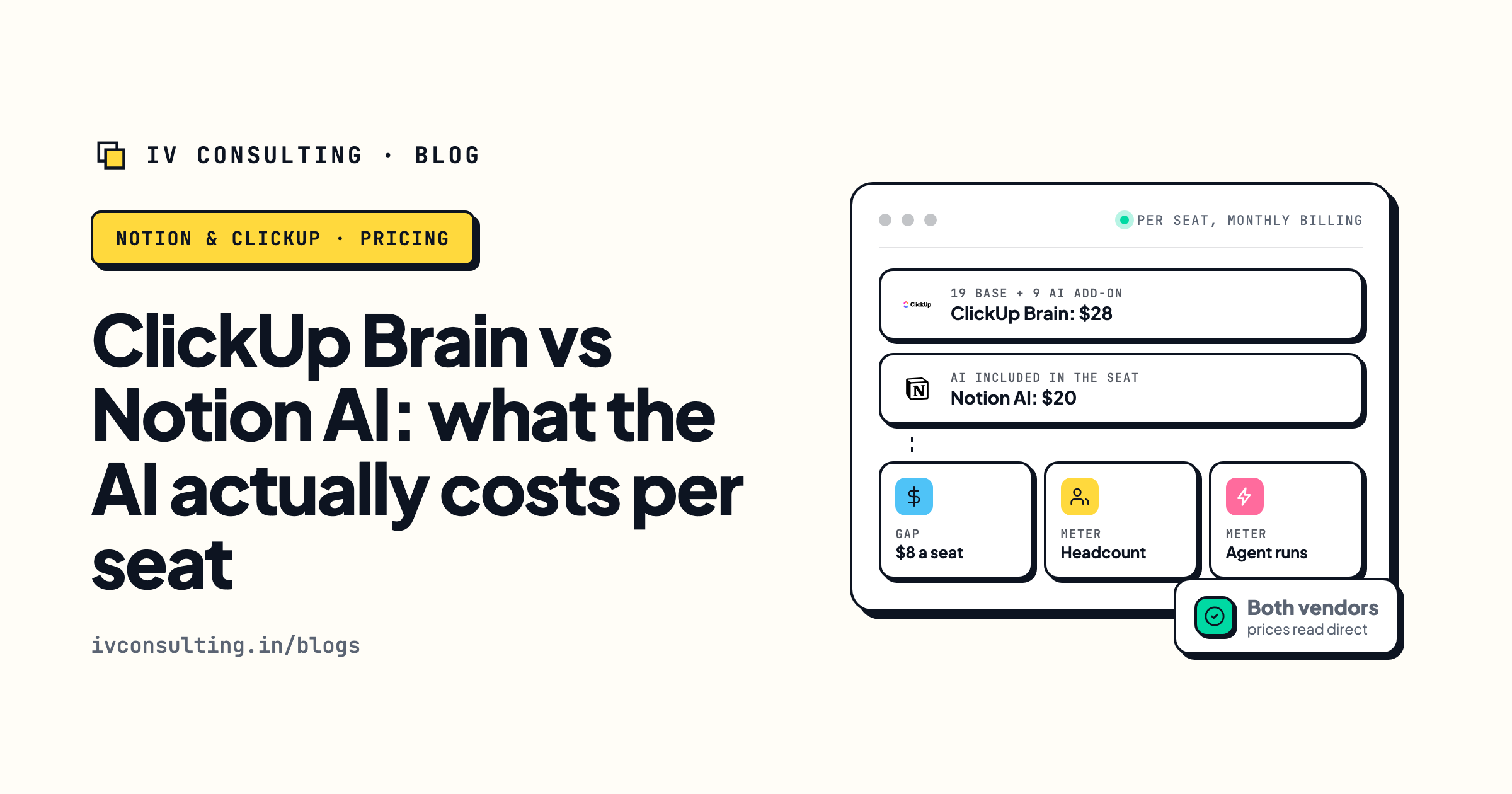
ClickUp Brain vs Notion AI, per seat
The same per-seat question inside your project tool, where the AI pricing is stranger than it looks.
Read the comparison →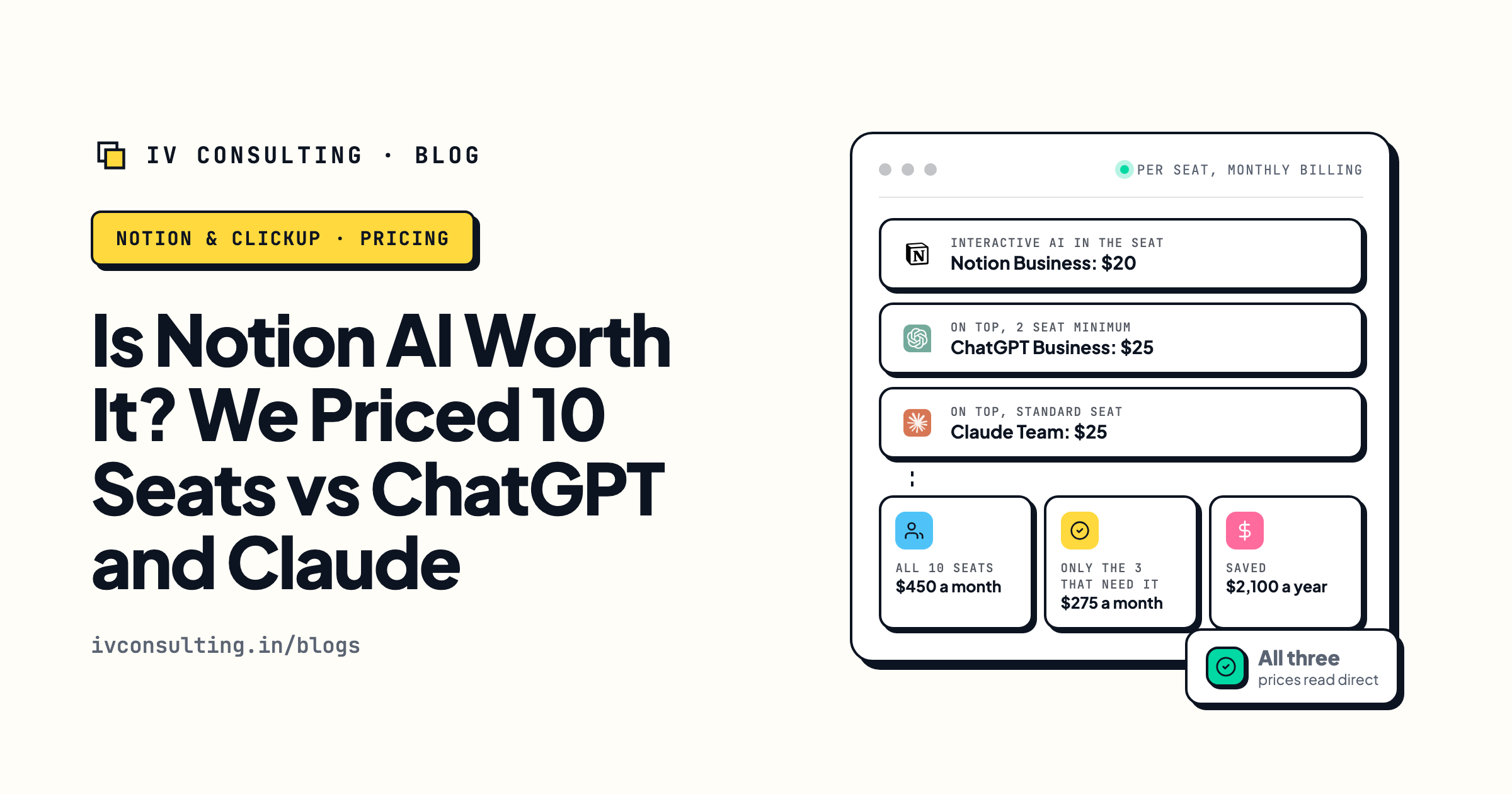
Is Notion AI worth the seat cost?
What you are really paying for when the assistant is bundled, and when a standalone model beats it.
Read the analysis →
The Automation stage, built for you
The work a bundled assistant will never do: your tools connected and the busywork gone for good.
See the offer →Paying for AI in two places at once?
Book a free 30-minute strategy call. We will look at what you actually license today, show you where the same capability is already sitting in a plan you pay for, and tell you which of the two suites fits the work your team really does. If you do not need us yet, we will say so.
Book a Free Strategy Call →Free 30-minute call. Honest take, even if that means "you do not need us yet."