GPT-5.6 Luna vs Terra vs Sol: pick the tier that fits the job, or skip to GPT-6.
OpenAI released GPT-5.6 as Luna, Terra and Sol on July 9, 2026. We priced one real automation step on all three and on the newer GPT-6 tiers. On the same job, Sol costs 18 times what Luna does, and GPT-6 Sol now costs less than GPT-5.6 Terra. Here is which tier to use, and when to skip GPT-5.6 entirely.
 By Ishan Vats · Founder of IV Consulting · builds AI agents & automations for 150+ teams
 n8n · routes by difficultyHow hard is this job?
 GPT-5.6 · pick the right tierSame family, three price points
GPT-5.6 is OpenAI's model family released July 9, 2026, in three tiers. Per million tokens, Luna costs $0.20 input and $1.20 output, Terra $2 and $12, and Sol $4 and $20 on promotional pricing that runs at least through November 21, 2026. On one triage step run 10,000 times a month, that is $6 on Luna, $60 on Terra and $108 on Sol. Our verdict: inside GPT-5.6, start every step on Luna and move up only when it fails. For anything you build today, skip GPT-5.6. GPT-6 Sol lists at $2 and $10, which prices the same step at $54, below GPT-5.6 Terra, and GPT-6 Luna runs it for $2.70. Keep GPT-5.6 only on workflows that are already tested and working on it.
What it is
What is GPT-5.6?
GPT-5.6 is OpenAI's flagship model family, released on July 9, 2026 as three tiers, Sol, Terra, and Luna, sized from largest to smallest. It is not a single model you either use or do not. It is one family at three price and capability points, shipped across ChatGPT, the OpenAI API, and Codex on the same day. That structure is the whole story for a small business: your job is to match the tier to the task, not to pick "the best model."
The three tiers share a common base. Per OpenAI's model documentation, all of them carry a context window of roughly one million tokens (1,050,000), a maximum output of 128,000 tokens, and a February 16, 2026 knowledge cutoff. OpenAI maps them onto its older naming too: Luna corresponds to the old nano tier, Terra to mini, and Sol to the unsuffixed flagship, which is also where the plain gpt-5.6 alias points. What changes across the three is horsepower and price. Luna is the fast, cheap tier for high-volume work. Terra is the balanced everyday model. Sol is the flagship for the hardest reasoning, coding, and long-horizon agentic jobs.
What should you actually picture? Think of GPT-5.6 as a three-person team you can hire per task. Luna is the quick hand who clears simple, repetitive work at volume. Terra is the reliable all-rounder who handles most of the day. Sol is the expensive specialist you bring in only for the job that genuinely needs the extra rigor. Wiring that choice into your workflows is exactly the connected, tool-using work our AI Engineering stage is built for.
The three tiers
What are GPT-5.6 Sol, Terra, and Luna?
Sol, Terra, and Luna are the same GPT-5.6 family at three levels of horsepower and price, so you can match the tier to how hard the task is. They all share the roughly one million token context window and the February 2026 knowledge cutoff. What differs is capability and cost per token. For a small business running automations, that difference is the entire decision. Here is what each tier is built for.
- Luna is the fast, cheap tier. At $0.20 per million input tokens and $1.20 per million output, it is built for high-volume, latency-sensitive work: tagging and routing, first-pass drafts, simple classification, quick edits. When each call is easy but you run thousands of them, Luna keeps the bill small.
- Terra is the balanced middle tier. OpenAI describes it as the model that balances intelligence and cost, at $2 input and $12 output per million tokens, ten times Luna on the same job. It earns that premium on steps that need judgment: drafting replies a customer will read, extracting fields from messy input, answering support questions from your docs.
- Sol is the flagship. At $4 input and $20 output per million tokens, a promotional price OpenAI says holds at least through November 21, 2026, it is OpenAI's top tier for complex reasoning, long-horizon agentic work, and hard coding. This is the model for tasks where being wrong is expensive and correctness matters more than the price of the call.
OpenAI positions the GPT-5.6 family as its most agentic yet, meaning the models are tuned to plan, call tools, and work through multi-step tasks rather than just answering a single prompt. That capability is real, but it does not remove the need for a human to scope the work and review the result. The question is never whether Sol is impressive. It is whether the task in front of you actually needs Sol, or whether Terra or Luna would do the same job for a fraction of the cost.
The decision
How do GPT-5.6 Luna, Terra, and Sol compare?
Here are the three GPT-5.6 tiers mapped across the things that matter for an automation: what each is best at, what it costs, and when to reach for it. The Luna column is highlighted because, at a tenth of Terra's cost, it is where every new step should start. Terra is for steps where Luna's output fails a check, and Sol is the exception you escalate to. Prices were re-checked against OpenAI's pricing page on September 25, 2026.
| Dimension | Luna (start here) | Terra (judgment steps) | Sol (the flagship) |
|---|---|---|---|
| Best for | High-volume, simple steps: tagging, first drafts, classification | Everyday automation: triage, drafting, extraction, support | The hardest jobs: complex reasoning, long-horizon agents, hard coding |
| Price (per 1M in / out) | $0.20 / $1.20 | $2 / $12 | $4 / $20 (promo, at least to Nov 21, 2026) |
| Cached input (per 1M) | $0.02 | $0.20 | $0.40 |
| One triage step, 10,000 runs a month | $6 | $60 | $108 |
| API model id | gpt-5.6-luna | gpt-5.6-terra | gpt-5.6-sol |
| Context window | ~1M tokens | ~1M tokens | ~1M tokens |
| Speed | Fastest | Balanced | Most thorough, slowest |
| Reach for it when | Any new step, until it fails a check | Luna's output fails on judgment or tone | Being wrong is expensive, correctness beats cost |
The priced comparison
Is GPT-5.6 still worth using now that GPT-6 is out?
For a new automation, no. On the step we priced, GPT-6 Sol costs less than GPT-5.6 Terra, and GPT-6 Luna costs less than half of GPT-5.6 Luna. OpenAI released GPT-6 Astra on September 3, 2026 and GPT-6 Sol and Luna on September 22. GPT-5.6 is not deprecated and is still on sale, but its pricing no longer makes it the obvious pick for anything you are starting today.
To make the gap concrete, we priced one typical automation step on every tier using OpenAI's published list prices, with the same method we use in our Claude Sonnet 5 cost breakdown. The step is a lead or ticket triage that runs 10,000 times a month, reading about 1,200 tokens and writing about 300 each time. That is 12 million input and 3 million output tokens a month.
| Model and rate (per M input / output) | Tokens a month | Monthly cost | vs GPT-5.6 Terra |
|---|---|---|---|
| GPT-6 Luna at $0.10 / $0.50 | 12M in, 3M out | $2.70 | 95% cheaper |
| GPT-5.6 Luna at $0.20 / $1.20 | 12M in, 3M out | $6.00 | 90% cheaper |
| GPT-6 Sol at $2 / $10 | 12M in, 3M out | $54.00 | 10% cheaper |
| GPT-5.6 Terra at $2 / $12 | 12M in, 3M out | $60.00 | Baseline |
| GPT-5.6 Sol at $4 / $20 (promotional) | 12M in, 3M out | $108.00 | 1.8x the cost |
| GPT-6 Astra at $10 / $50 | 12M in, 3M out | $270.00 | 4.5x the cost |
Two caveats keep this honest. These are list prices for the model calls only, not your automation platform's fee, and they assume both families count the same text as the same number of tokens. The surest way to know your own number is to run a week of real traffic and read the token counts off the API responses. Prompt caching (cached input is a tenth of the base rate) and the Batch API (half price for work that can wait) cut every row in the table, but they cut every row by the same share, so the ranking does not change. One more pricing trap: any prompt over 272,000 input tokens is billed at twice the input rate and 1.5 times the output rate for the whole request, on both families.
We have not run a quality benchmark between GPT-6 Sol and GPT-5.6 Terra, and we will not pretend to. What we can say from OpenAI's own documentation is that GPT-6 Sol sits in the tier OpenAI builds for complex coding and agentic workflows, it has a later knowledge cutoff (April 2026 against February 2026), and on this step it costs less. When a newer model in a higher tier is also the cheaper one, the burden of proof sits with the older model. OpenAI has since shipped GPT-6.1 Sol at the same $2 and $10 with cached input halved to $0.10, and we price it against Claude Opus 5.5 and Sonnet 5.5 on triage, extraction and a cached agent loop in Claude Opus 5.5 vs GPT-6.1 Sol: we re-priced 3 automations.
The shortlist
Which GPT-5.6 model should a small business use?
If you are staying on GPT-5.6, start every step on Luna, move up to Terra only when Luna fails a check, and escalate to Sol only when a task genuinely needs it. (Building fresh? The same ladder applies to GPT-6 Luna, Sol and Astra, at lower prices.) Here is how it plays out across the four kinds of work a small team actually automates.
Running more than one vendor? Our tier-by-tier price table across 11 models lines Luna, Terra and Sol up against their Claude, Gemini and Kimi equivalents as multiples of one base, so you can see which tier each vendor is actually cheapest in.
1. High-volume, simple steps, use Luna
Tagging incoming leads, routing tickets to the right queue, generating first-pass drafts, classifying messages, cleaning up form data. Each call is easy, but you run a lot of them, so cost per call is what matters. Luna at $0.20 and $1.20 per million tokens runs a 10,000-run triage step for about $6 a month. Paying Terra or Sol prices for work Luna handles fine is money left on the table.
2. Steps that need judgment, use Terra
Triage that needs a little judgment, drafting replies that have to sound right, extracting structured data from messy input, summarizing calls, answering support questions from your docs. Try these on Luna first anyway. Where Luna's output fails your check, Terra is the next rung, at ten times the cost, so make it earn its place step by step rather than setting it as a blanket default.
3. Genuinely hard or high-stakes jobs, use Sol
Complex reasoning across a dense contract set, a long-horizon agent that plans and works through a multi-step build, hard coding where a subtle mistake is expensive to catch later. When correctness matters more than the price of the call, Sol's extra rigor pays for itself. This is the exception, not the default, and that is the point.
4. Not sure? Start one tier down and test
When you cannot tell whether a task needs Sol or Terra, run it on the cheaper tier first with a handful of real examples and check the output. Most of the time the cheaper tier passes, and you just saved a multiple on cost. Only move up a tier when you can point to a specific failure the cheaper model produced. Let the results, not the fear of using a weaker model, pick the tier.
The playbook
How do you use GPT-5.6 without overspending?
A tiered family only saves you money if you actually use the tiers. Route everything to Sol and you get a shocking bill. Route by difficulty and you get flagship capability on tap for a fraction of the cost. Here are the five steps that keep GPT-5.6 an asset, not a leak.
The five steps at a glance: (1) route by difficulty, starting on Luna, (2) push high-volume simple steps to Luna, (3) turn on prompt caching and the Batch API to cut the bill, (4) keep a human on high-stakes Sol outputs, and (5) test the tier on your own data instead of guessing.
Route by difficulty, starting on Luna
In your automation stack, make Luna the model most workflows call, and add branches that send judgment-heavy steps up to Terra and the rare hard job up to Sol. In an n8n plus LLM setup, that is a routing step: a condition looks at the task and picks the tier. The default should never be the most expensive model.
Push high-volume, simple steps to Luna
Any step that runs at volume and does not need much judgment, tagging, routing, first-pass drafts, simple classification, belongs on Luna. It is the cheapest tier by a wide margin, and on high-frequency steps that difference compounds fast. A common pattern is Luna doing the cheap first pass and Terra handling only the cases Luna flags as uncertain, so you pay the higher rate only when it earns it.
Turn on prompt caching and the Batch API to cut the bill
GPT-5.6 bills cached input at a tenth of the normal rate (a 90% discount) when you reuse the same context across calls, and the Batch API is a flat 50% off for work that does not need an instant answer. If your workflow sends the same system prompt, rulebook, or document set on every run, caching means you stop paying full input price for the same tokens over and over. For overnight or bulk jobs, batching halves the cost outright. On any real volume, these two levers are the difference between a sane bill and a surprising one.
Keep a human on high-stakes Sol outputs
The jobs you send to Sol are, by definition, the ones where being wrong is expensive. So keep a human approval step on anything that spends money, ships to production, or commits the business, and break long agentic runs into stages that report progress. GPT-5.6 is more agentic than earlier models, which is powerful, but "more autonomous" is not "never needs review." You get the speed of the flagship with a safety net.
Test the tier on your own data, do not guess
Benchmarks and launch charts do not tell you which tier your specific workflow needs. Take ten real examples from the task, run them on the cheaper tier, and read the output. If it holds up, ship it there. If it fails in a specific, repeatable way, move up one tier and test again. The same habit applies across vendors: GPT-5.6 and Claude each win on different jobs, so test rather than assume one is universally best.
FAQ
Questions people ask about GPT-5.6
What is GPT-5.6?
What is the difference between GPT-5.6 Sol, Terra, and Luna?
How much does GPT-5.6 cost?
Should I use GPT-5.6 or GPT-6 for a new automation?
Which GPT-5.6 model should a small business use?
Is GPT-5.6 better than Claude for business automations?
Ishan Vats
Founder, IV Consulting · AI & automation consultant
I build AI agents and automations for teams from startup to enterprise, and I spend a lot of time helping owners pick the right model and tier for the job instead of overpaying for the flashiest one. 150+ ops transformations over 10+ years. If you want your automation stack mapped to the right models, I'll do it with you on a free call.
Run my AI agent ROI numbers →Keep reading
Related guides and work
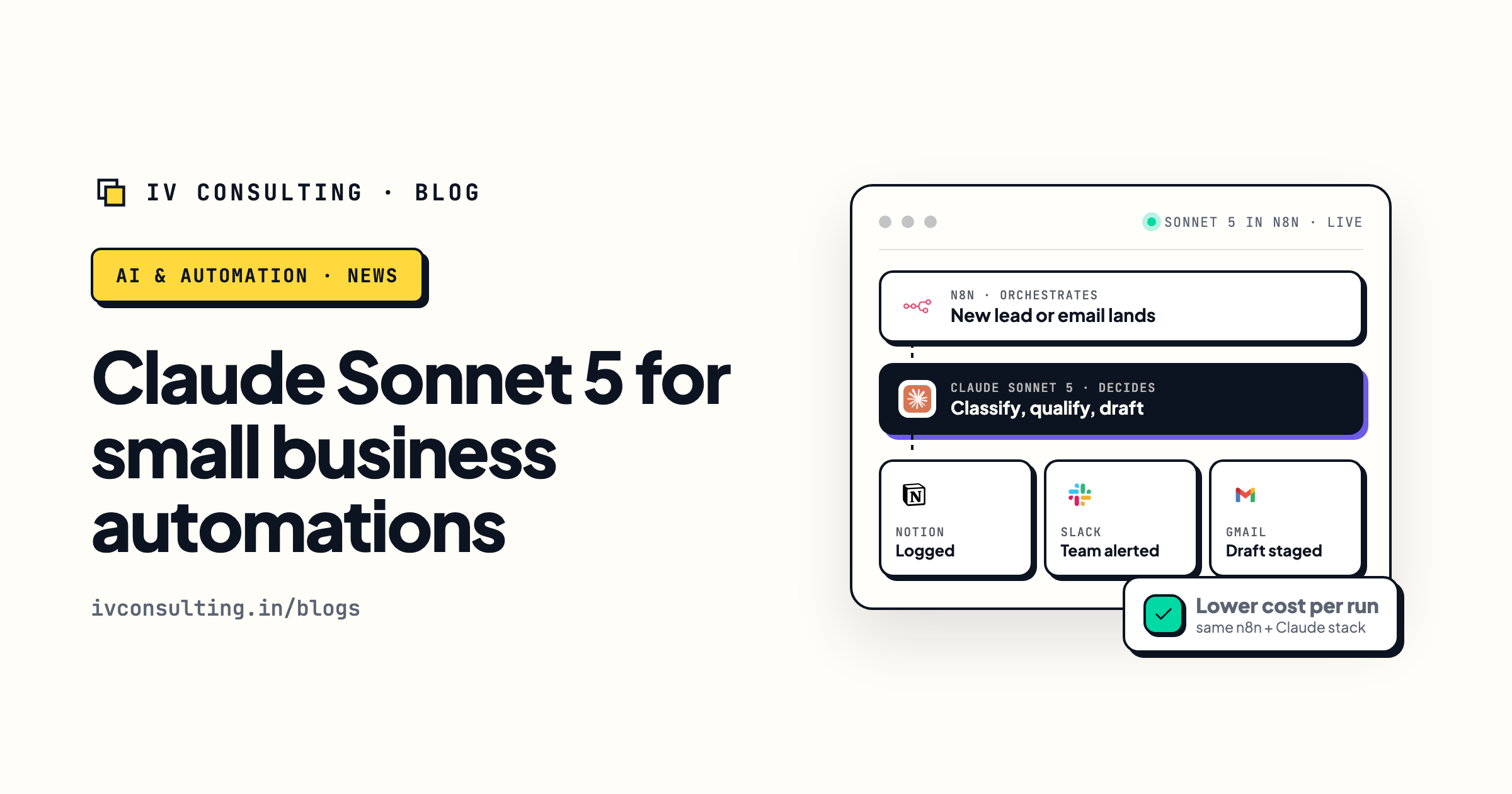
Claude Sonnet 5 for small business automations
The Claude workhorse many teams weigh against GPT-5.6. When to use it, and how it fits your automation stack.
Read the guide →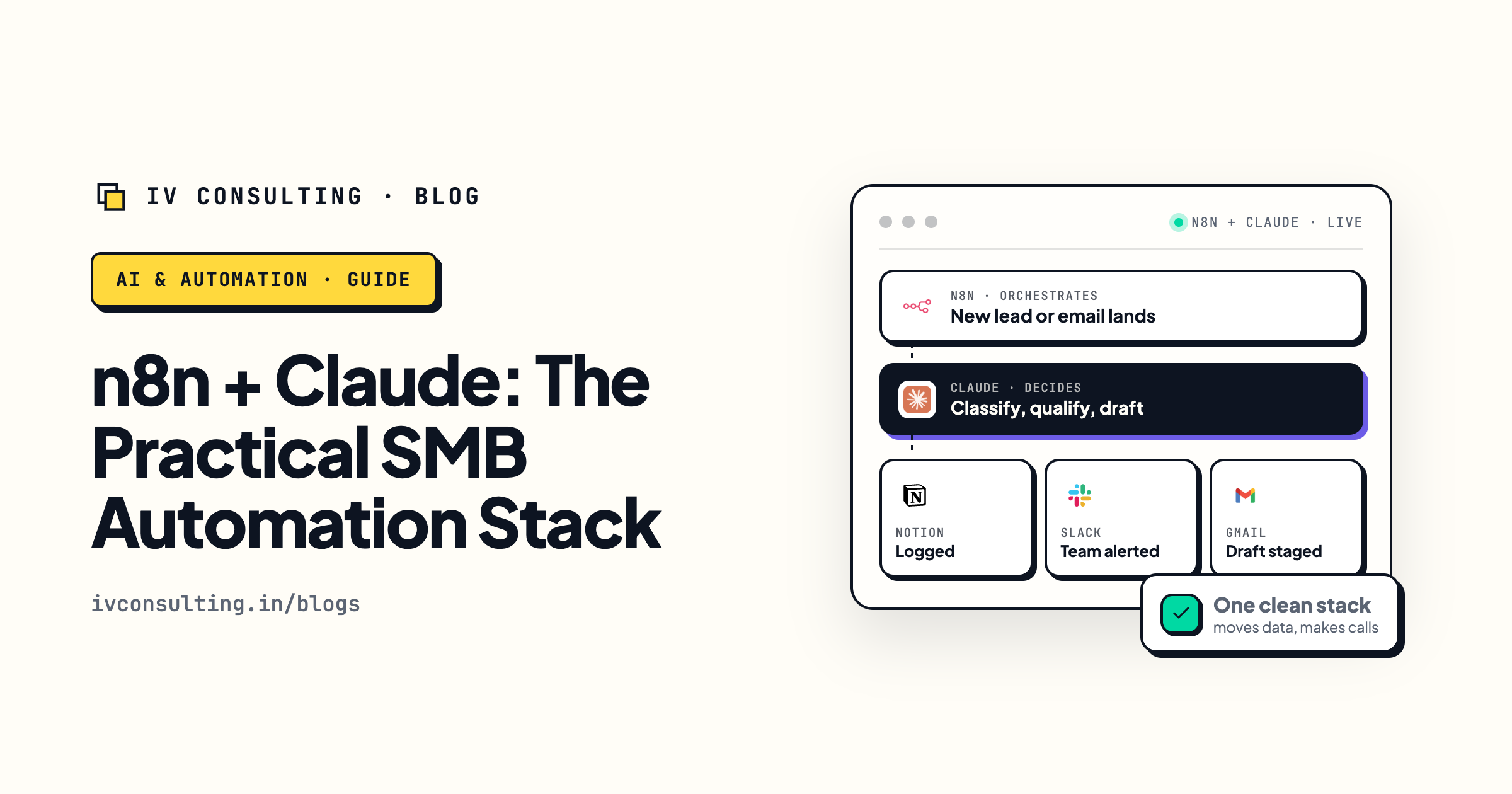
The n8n plus LLM automation stack
Where GPT-5.6 and Claude actually live: n8n handles the routing, the model handles the reading and judgment.
Read the guide →
The AI Engineering stage, built for you
We build production AI agents on the right model and tier for each job, so your automations are capable and your bill stays predictable.
See the offer →Put the right GPT-5.6 tier on the right job.
Book a free 30-minute strategy call. We will look at what you are automating, pick the tier that fits each workflow, Luna first, Terra where it needs judgment, Sol for the rare hard build, or GPT-6 if you are starting fresh, and map it so your automations stay capable and your bill stays predictable.
Map my automations to the right models →Free 30-minute call. Honest take, even if that means "Luna is all you need."