AI by Zapier pricing: your AI step now bills up to 5x by default.
Since 15 June 2026, every AI by Zapier step is priced by model tier. Standard costs 1 task a run, Advanced 3, Premium 5, and every tool call the AI makes is charged again at the same rate. Zapier's own tier article now says new steps on paid plans default to Premium. Here is what that does to a real Zap, the math, and the four settings we would change today.
 By Ishan Vats · builds Zapier, Make and n8n automations for client teams
 AI by Zapier stepclassify a lead, write it to the CRM
AI by Zapier pricing is model-based since 15 June 2026: each run of an AI step costs (1 + tool calls) × the tier rate, where Standard is 1x (no tools), Advanced 3x and Premium 5x, and bringing your own API key is 1x. Zapier's tier article says new steps on paid plans default to Premium, so one AI step that writes a single record to your CRM costs 10 tasks a run instead of 2. Our verdict: put every classify, extract or summarise step on Standard, move app writes into normal action steps, keep Premium for genuine multi-tool agent work, and switch to your own key once tool calls pile up.
The verdict
Should you leave AI by Zapier on its default model tier?
No. The default is built for agent-style steps that call several tools and reason over the results. Most AI steps in a small business Zap do one thing: read some text and return a label, a summary or a few extracted fields. Those run fine on Standard at 1 task, and paying 5 for them is the single most common way an AI step quietly eats a Zapier plan.
Where these numbers come from. Every rate, formula and default on this page is from Zapier's own help centre, read on 1 October 2026: the AI by Zapier model tier pricing article and the 15 June 2026 pricing announcement. Plan prices are from zapier.com/pricing on the same day. The worked example is our arithmetic on those published numbers, not a benchmark we ran, and the verdict is our opinion.
Three calls drive it:
- Tool calls are where the bill multiplies. A tool call is charged at the tier rate, not at 1 task. Letting the AI write to your CRM through a tool costs 5 tasks on Premium. Doing the same write in a normal Zap action step costs 1.
- Check every step, because Zapier's two articles disagree. The June announcement (last updated 12 August) still says new steps default to Advanced at 3x. The tier pricing article (updated 20 August) says they default to Premium at 5x. Depending on when you built a step, it is sitting on 3x or 5x, and neither is what a classifier needs.
- Premium earns its rate only on real agent work. If a step genuinely has to look things up, decide, and act across several apps, pay for the stronger model. That is a minority of the AI steps we see in client accounts.
How it works
How does AI by Zapier pricing work in 2026?
Each run of an AI by Zapier step costs the tier rate once for the step itself, plus the tier rate again for every tool call. Zapier's formula is: tasks per run = (1 × model rate) + (tool calls × model rate).
A tool call is any time the AI successfully uses an app action or a knowledge source during the run. That second term is what most summaries of Zapier AI pricing leave out. Here are the four tiers as Zapier lists them:
| Tier | Task rate | Tools | Example models Zapier lists | Use it for |
|---|---|---|---|---|
| Standard | 1x | No | GPT-5 mini, GPT-5.4 Mini, Gemini 2.5 Flash | Classify, extract, summarise, draft |
| Advanced | 3x | Yes | Claude 4.5 Haiku, GPT-4.1, Gemini 2.5 Pro | A step that needs one or two light tool calls |
| Premium | 5x | Yes | Claude 4.6 Sonnet, Claude 4.8 Opus, GPT-5.4 | Multi-tool agent steps that reason across apps |
| Your own AI account | 1x | Yes, with Advanced or Premium models | OpenAI, Anthropic, Google, Azure OpenAI, Amazon Bedrock | Tool-heavy steps at volume, tokens billed by your provider |
Four more rules from the same articles change how you should build:
- The 75-task brake. If one AI step reaches 75 tasks in a single run, Zapier pauses it and asks you to approve the run in Zap history. On Premium that is the step plus 14 tool calls. On Advanced it is the step plus 24.
- Paid plans only. AI by Zapier runs on Professional, Team and Enterprise. On Free you can preview it in an unpublished Zap on Standard, and you have to upgrade to publish.
- Legacy steps stay put. Steps created before 15 June 2026 are not updated automatically and cannot use tools. A legacy step with no tools still costs 1 task. Since 30 June 2026, legacy steps that use knowledge sources on a Standard model are paused, so if a Zap went quiet in July, check that first.
- "Auto" picks the tier's default model. Zapier says Auto means Claude 4.5 Haiku on Advanced and Claude 4.6 Sonnet on Premium.
If you are comparing this with how other platforms bill, our execution-based vs task-based automation pricing breakdown lays out why a per-task model punishes exactly this kind of multi-step AI work.
The math
What does the default tier actually cost a small team?
On one lead-triage Zap running 500 times a month, the Premium default needs 5,000 tasks for the AI work alone. The same job built with a Standard AI step and a normal action step needs 1,000. On Zapier's Professional plan billed yearly, that is the difference between the 5K tier at $89 a month and the 2K tier at $49 a month, about $480 a year for one Zap.
The example: a new inbound email arrives, the AI reads it, labels it as sales, support or spam, and creates a lead record in the CRM. Every row below does the same job. We count only the AI step and the CRM write, because the trigger and any other steps cost the same in every version.
| How the step is built | Tasks per run | Tasks per month | Smallest listed tier that fits | Our call |
|---|---|---|---|---|
| Premium (the default), AI writes to the CRM as a tool | (1 × 5) + (1 × 5) = 10 | 5,000 | 5K tasks, $89/mo | Overpaying for a classifier |
| Advanced, AI writes to the CRM as a tool | (1 × 3) + (1 × 3) = 6 | 3,000 | 5K tasks, $89/mo | Still more than the job needs |
| Standard AI step, then a normal "Create record" action | 1 + 1 = 2 | 1,000 | 2K tasks, $49/mo | Our pick for this job |
| Your own API key, AI writes to the CRM as a tool | (1 × 1) + (1 × 1) = 2 | 1,000 | 2K tasks, $49/mo, plus your provider's token bill | Right once a step needs several tools |
The gap widens with every tool you add. A Premium step that looks up the contact, checks a calendar and posts to Slack is (1 + 3) × 5 = 20 tasks a run. At 500 runs that is 10,000 tasks a month from one step. The same step on your own key is 4 tasks a run, with the model cost moved to your OpenAI or Anthropic invoice, where you can see it per token.
The honest caveat: Standard models are weaker. For a three-way label or pulling a name and a budget out of an email, that rarely matters. For a step that has to read a long thread and make a judgement call a customer will see, test it on Standard against twenty real examples before you commit, and move up a tier only if it fails.
The four fixes
How do you cut AI by Zapier task usage without breaking the Zap?
Four settings, in the order we would change them. The first one takes five minutes and usually does most of the work.
1. Audit the tier on every AI step
Open each Zap with an AI by Zapier step and read the model tier. Anything that only reads text and returns text goes to Standard. Because Zapier's own articles disagree on the default, assume nothing: steps built since June may be on Advanced or Premium even if nobody chose it.
2. Move writes out of the AI step
If the AI always does the same thing after it decides (create a record, send a message), let it return the fields and do the write in a normal action step at 1 task. Keep tools for steps where the AI genuinely chooses which action to take.
3. Bring your own key for tool-heavy steps
Your own OpenAI, Anthropic, Google, Azure OpenAI or Bedrock account drops the step and every tool call to 1x. You pay the provider for tokens instead, which on a short classification prompt is usually small, and you get a per-token view of the cost.
4. Filter before the AI runs
Every run you can stop with a free Filter step before the AI is a run you do not pay the multiplier on. Drop auto-replies, internal senders and duplicates first, then let the AI see only what is left.
The bigger question
When should the AI step leave Zapier altogether?
When AI steps become most of your task bill, or a single Zap needs several tool calls per run at volume. At that point you are paying a per-task platform to resell model calls, and an execution-billed tool such as n8n, with your own model key, is cheaper by design.
We still put plenty of clients on Zapier. For a non-technical team with a handful of AI steps on Standard, it is the fastest, least fragile option, and the four fixes above keep it affordable. The case for moving changes when:
- Your AI steps are agent steps. Lookups, decisions and writes across three or more apps, every run. On Zapier each of those is a multiplied tool call. On n8n a whole workflow run is one execution, and the model is billed by your provider.
- You keep hitting the 75-task brake. Paused runs waiting for approval are a sign the job has outgrown a per-task step.
- Your plan tier is set by AI, not by volume. If you moved up a Zapier tier mainly because of AI steps, price the alternative before renewal.
If that is you, our Zapier to n8n migration guide covers what moves cleanly and what you rebuild, and our automation service is where we design and run that move for clients. Make has its own version of this problem since it moved to credits, covered in our Make credits vs operations breakdown.
FAQ
Questions about AI by Zapier pricing
How many tasks does an AI by Zapier step use?
What is the default model tier for AI by Zapier?
Can I use AI by Zapier on the Free plan?
Does bringing your own API key make AI by Zapier cheaper?
What happens when an AI by Zapier step reaches 75 tasks?
Ishan Vats
Founder, IV Consulting · builds Zapier, Make and n8n automations
I build workspaces, automations, and production AI agents for teams from startup to enterprise. 150+ ops transformations over 10+ years. I set up and audit Zapier, Make and n8n accounts for clients, which is why this page is about the setting most teams never open: the model tier on their AI steps.
Price your automations →Keep reading
Related guides and work
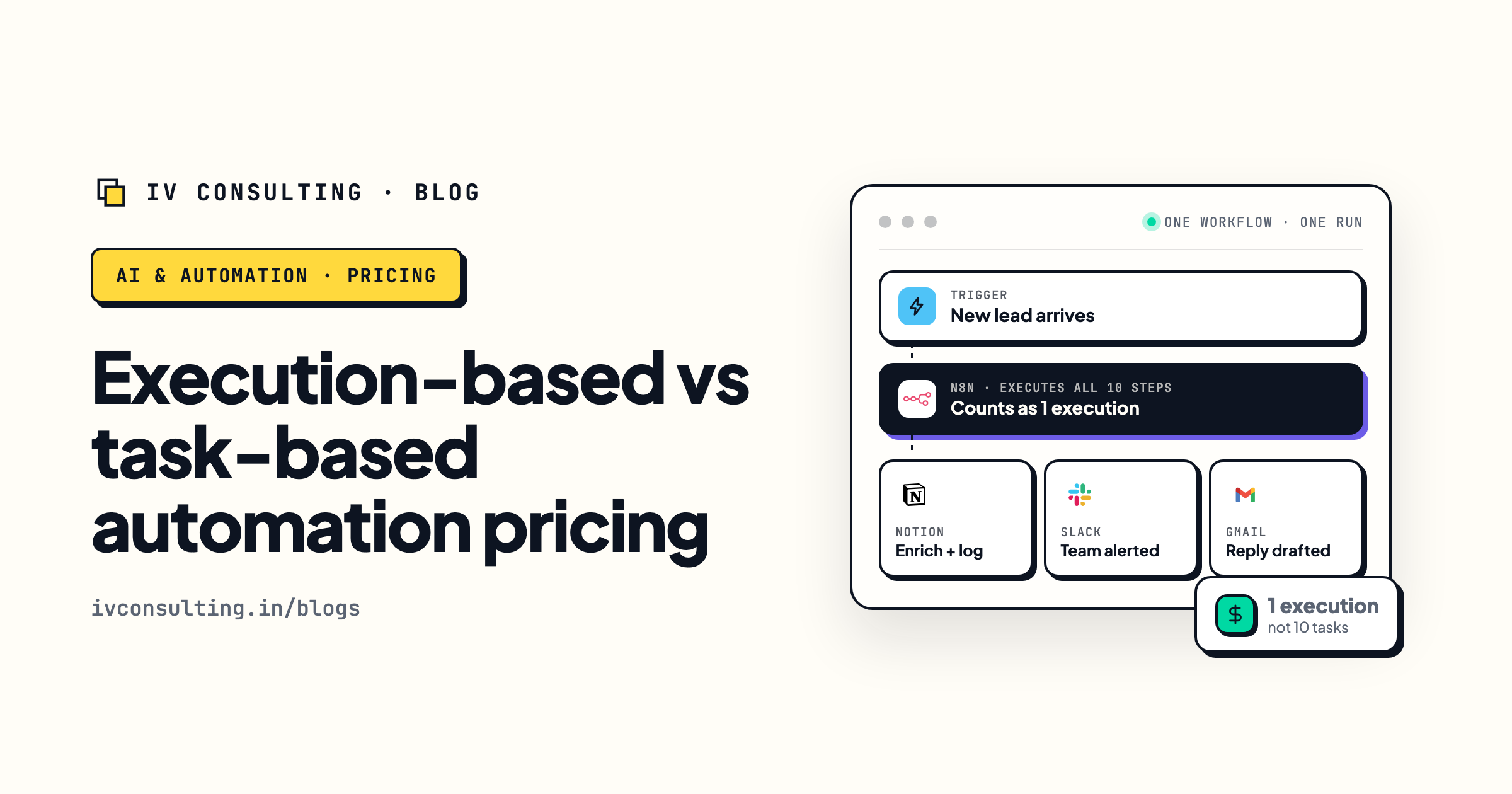
Execution-based vs task-based pricing
Why per-task billing punishes multi-step AI work, across Zapier, Make and n8n.
Read the breakdown →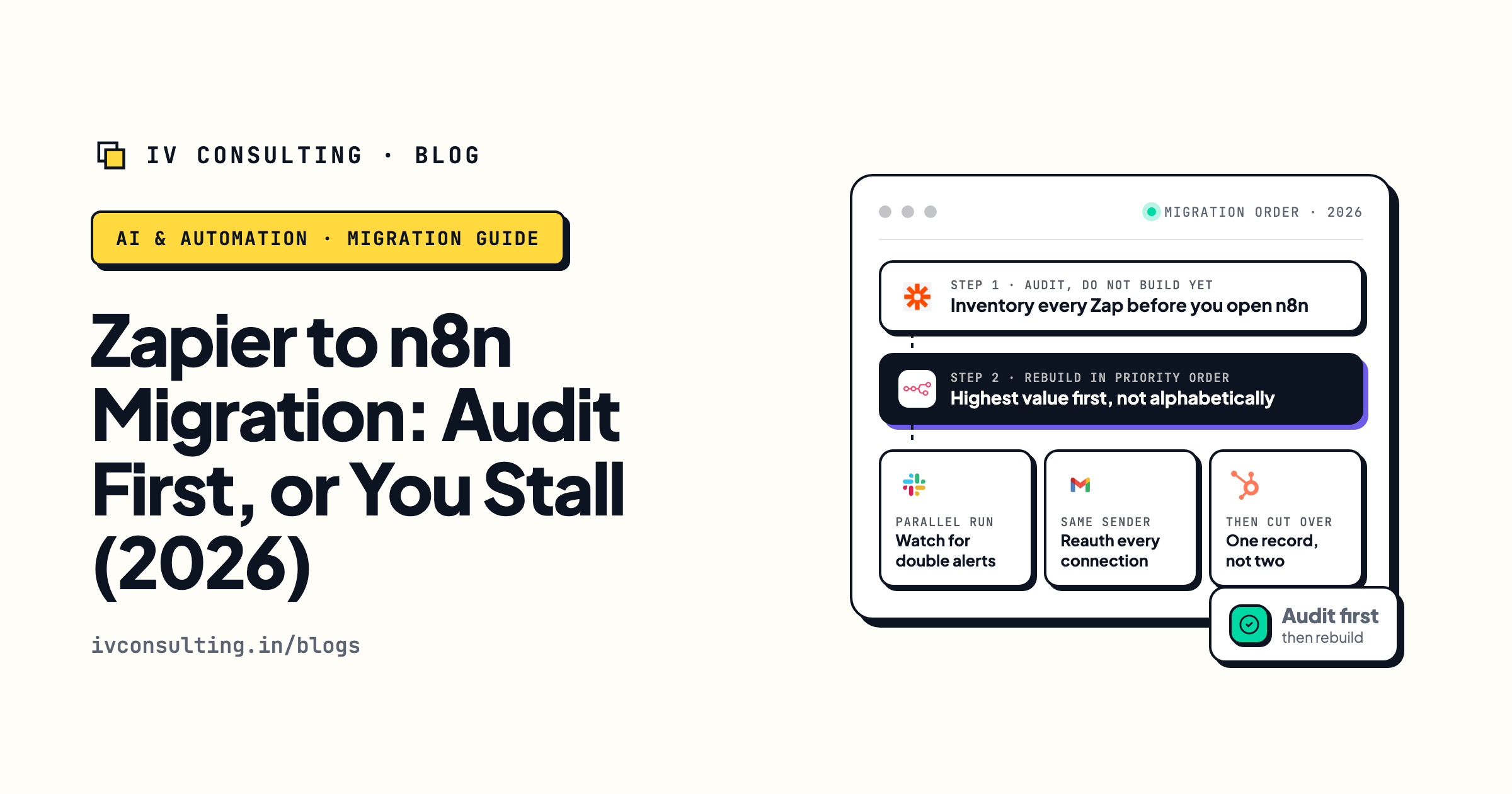
Zapier to n8n migration guide
What moves cleanly and what you rebuild when the AI steps outgrow Zapier.
Read the guide →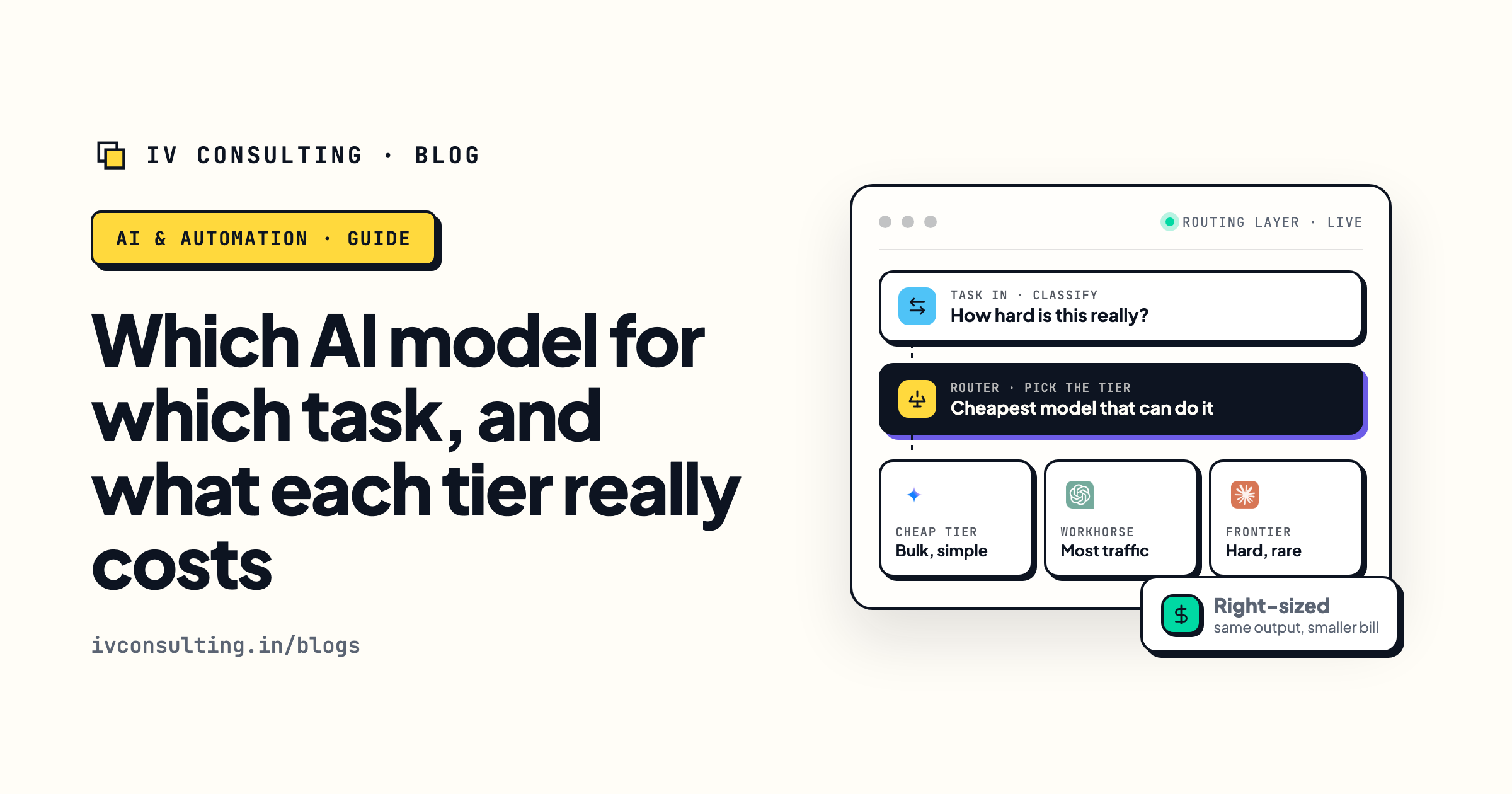
Which AI model for which task
The shortcut for deciding when a cheap model is enough and when it is not.
Read the guide →Want your Zapier bill audited, not guessed?
Book a free 30-minute strategy call. We will go through your Zaps, the tier on every AI step and your monthly task use, and tell you what to switch, what to keep and whether anything should move to n8n. If two settings fix it, we will say so.
Book a Free Strategy Call →Free 30-minute call. Honest take, even if that means "you do not need us yet."