How SMBs use ClickUp automations and ClickUp AI to save 10+ hours a week
Repetitive busywork quietly eats your team's week. These ready to use playbooks hand those hours back.
 By Ishan Vats · Certified ClickUp Consultant · builds ClickUp systems for 150+ teams
Some links below are affiliate links. If you buy through them we may earn a commission, at no extra cost to you.
 TriggerNew lead or task
ClickUp BrainSummarise + route
TriggerNew lead or task
ClickUp BrainSummarise + route
 NotionBrief saved
 SlackOwner pinged
 n8nCross-app sync
SMBs save 10+ hours a week by moving repetitive work into ClickUp automations and letting ClickUp Brain handle only the steps that need judgement. Build native automations for anything that stays inside ClickUp, use Brain for summarising, classifying and drafting, and move the workflow into n8n or Zapier the moment it touches a second system that holds money or customer records. Lead routing, invoice reminders, onboarding, meeting notes and support triage are the five playbooks that get you there.
The verdict
Our verdict: ClickUp automations, ClickUp Brain, or a separate automation tool?
Use native ClickUp automations for anything that starts and ends inside ClickUp, use ClickUp Brain only for the steps that need judgement, and move the workflow into n8n or Zapier the moment it touches a second system that holds money or customer records. That is the call we make on ClickUp builds, and it comes from setting ClickUp up as an operating system for teams rather than from reading the feature list.
Most guides refuse to take that position, so here is the reasoning behind each line of it:
- Native automations first, because they are free of per seat AI cost, they run on ClickUp's own automation triggers so nothing can drift out of sync, and they are the only layer your team can audit without leaving the tool. If a workflow can be expressed as "when this field changes, do that", it does not need AI and it does not need a second app.
- ClickUp Brain second, and narrowly, because it is billed as a paid add-on per user on top of your plan, which you can confirm against ClickUp's current pricing before you budget for it. It earns that cost on the steps a trigger cannot express: summarising a meeting doc, classifying a support ticket from its wording, drafting a first reply. It does not earn it as a trigger engine, and pointing Brain at work a plain automation already handles is the most common way teams overspend on it.
- A dedicated automation layer third, because the moment a workflow has to write to your accounting system, your CRM of record, or a customer facing tool, you want retries, error logs and version history that a native automation does not give you. That is the line where n8n or Zapier stops being an extra tool and starts being the safer one.
The trap we see most often is teams doing this in reverse: buying Brain seats for the whole workspace before a single native automation is live, then wiring a third party tool around a problem ClickUp already solved natively. Build in the order above and each layer only pays for what the one below it genuinely cannot do. If you want that sequencing done for your workspace rather than described, that is the work our ClickUp implementation consultant engagement covers.
| Layer | Use it for | What it costs | Where it stops |
|---|---|---|---|
| Native ClickUp automations | Deterministic rules inside ClickUp: routing, status changes, reminders, template creation, assignment. | Included in your plan, with the automation allowance scaling by tier. | Anything needing judgement, or any step that has to write to another system. |
| ClickUp Brain | Steps a trigger cannot express: summarising docs, classifying tickets from wording, drafting replies. | A paid add-on billed per user on top of your plan. | Being used as a trigger engine, which is where teams overspend on it. |
| n8n or Zapier | Cross app workflows: accounting, CRM of record, customer facing tools. | Priced by task, operation or execution depending on the tool. | Work that never leaves ClickUp, where it adds a failure point for nothing. |
The problem
Why is repetitive work capping your team's growth?
For small and medium sized businesses, the hard part is rarely ambition. It is capacity. Growth plans collide with a daily pile of repetitive tasks: routing leads, chasing invoices, turning meeting notes into action items, triaging support. These activities cannibalise the hours you need for actual strategy.
Workflow automation in ClickUp takes that recurring busywork off your team's plate so they can focus on the work that moves the business forward. This playbook gives you practical, ready to import ClickUp automation recipes and ClickUp Brain prompts that deliver real ROI, enough to reclaim over 10 hours every week. One naming note, because it trips people up when they open the pricing page: ClickUp Brain is the AI layer ClickUp previously marketed as ClickUp AI, so the two names refer to the same thing. One budgeting note before you start: ClickUp AI is a paid add-on billed per user on top of your base plan, so if you are still deciding between platforms, see what that actually costs against the alternative in ClickUp Brain vs Notion AI.
Start here
Which three ClickUp automations pay back fastest?
Every SMB leader wants low effort, high impact. These three automations deliver returns in the first week. The hour figures below are what we typically recover on SMB ClickUp builds, not a published benchmark, so treat them as a planning range and measure your own.
- Lead routing automation: saves up to 3 hours a week by sending every lead to the right team member instantly, so no opportunity goes cold in a shared inbox.
- Invoice reminders: rescues your finance team from manual follow ups and saves at least 2 hours a week.
- Meeting notes to tasks: reclaims over 5 hours by turning notes into assigned, dated tasks automatically.
That is roughly 10 hours a week from three automations, before you touch the more advanced playbooks below.
The build
Which 5 ClickUp playbooks should an SMB build first?
Sales lead routing
Trigger: a new lead is added to your ClickUp CRM list. Action: auto assign it to the correct sales rep based on territory, lead source, or company size.
ClickUp setup: create custom fields for Lead Source, Company Size, and Territory. Then build the automation:
Time saved: 3+ hours a week on manual lead distribution and triage.
New customer onboarding
Trigger: a deal is marked "Won" in your CRM. Action: automatically build a client onboarding task list from a ClickUp template, assign each step to the right owner, and fire a welcome notification.
ClickUp setup: create an onboarding template with subtasks for contract, kickoff call, setup, and first review. Then build the automation:
Time saved: 45 to 60 minutes per new client onboarded.
Invoice and payment reminders
Trigger: an invoice due date is approaching, or it is 3, 7, or 14 days overdue. Action: send an automated reminder to the client contact and create an internal follow up task for accounts.
ClickUp setup: use a dedicated Invoices list with Due Date and Status fields. Then build the automation:
Time saved: 2 to 3 hours a week on manual invoice chasing.
Meeting notes to tasks
Trigger: meeting notes are added to a ClickUp Doc. Action: ClickUp Brain reads the doc, generates a structured summary, and creates a task for each action item with an owner and a due date.
ClickUp setup: enable ClickUp Brain in your workspace. After each meeting, paste the notes into a linked ClickUp Doc and click Generate Action Items. Review the AI output, then approve task creation.
Time saved: 20 to 30 minutes per meeting on post meeting admin.
Support ticket triage
Trigger: a new ticket arrives via form or email. Action: auto categorise it by type (billing, technical, feature request), set priority from keywords, and assign it to the right team queue.
ClickUp setup: create a Support list with Category and Priority custom fields. Use ClickUp Brain to classify tickets from their content, then build an automation that routes by category to the correct assignee.
Time saved: 1 to 2 hours a day for teams handling 15+ tickets.
Example ROI: saving 10 hours a week at a $50 per hour blended rate is $2,000 a month back in recovered capacity, for a tool most teams are already paying for.
Go further
How do you chain ClickUp Brain with automations?
The biggest gains come from stacking AI and automation so one step feeds the next with no human in between.
A simple chain inside and around ClickUp looks like this:
- Meeting notes pasted into a ClickUp Doc, and ClickUp Brain generates a structured summary.
- The summary triggers an automation, and tasks are created and assigned to team members.
- Tasks assigned, and a Slack notification is sent to each assignee.
For more complex cross application workflows, connect ClickUp to n8n:
- ClickUp task status moves to "Done", and n8n triggers invoice creation in QuickBooks.
- A new lead lands in ClickUp, and n8n enriches it with Apollo data, then updates your Notion knowledge base.
- A support ticket is resolved, and n8n logs the resolution to an analytics dashboard and sends a CSAT survey.
ClickUp has since pushed this a step further with Autopilot Agents that answer questions and take action directly inside Chat, which removes the trigger-building step for a lot of these chains. The setup steps and the guardrails are in ClickUp AI agents in Chat for SMB ops.
Keep it clean
How do you stop dozens of automations from breaking?
| Practice | What it means | Why it matters |
|---|---|---|
| Naming conventions | Prefix every automation with department and trigger type, like "SALES - New Lead Routing" or "OPS - Invoice Reminder D+3". | You can scan, audit, and debug at a glance once you have dozens running. |
| Testing | Always run a new automation against a dummy task before pointing it at live data. | Catches field and permission mistakes before they touch a real client. |
| Monthly audit | Review the failed automations log once a month. | Most failures are field value changes or permission issues, quick to fix once spotted. |
| ROI tracking | Log time saved per automation in a simple ClickUp dashboard. | Lets you compare hours recovered against the cost of your ClickUp plan. |
Get governance right early and automation compounds. By layering ClickUp automations and ClickUp Brain in that order, SMBs free real, repeatable hours for the work that actually grows the business. These five playbooks are a practical starting point. Build one, prove it, then add the next.
FAQ
Questions SMB teams ask before they build
How quickly will my small team see time savings from these automations?
Do I need a paid ClickUp plan to use the automation and AI features?
Should I use ClickUp Brain or a plain automation for this?
Can I combine native ClickUp automations with Zapier or n8n for cross-app flows?
How do I protect customer data when using ClickUp AI and automated workflows?
Which automation should an SMB build first?
Ishan Vats
Founder, IV Consulting · Certified ClickUp Consultant
I build ClickUp systems and operating models for teams from startup to enterprise. 150+ ops transformations over 10+ years. The verdict at the top of this page is the same order I build them in.
See how we build ClickUp for SMBs →Keep reading
Related guides and work
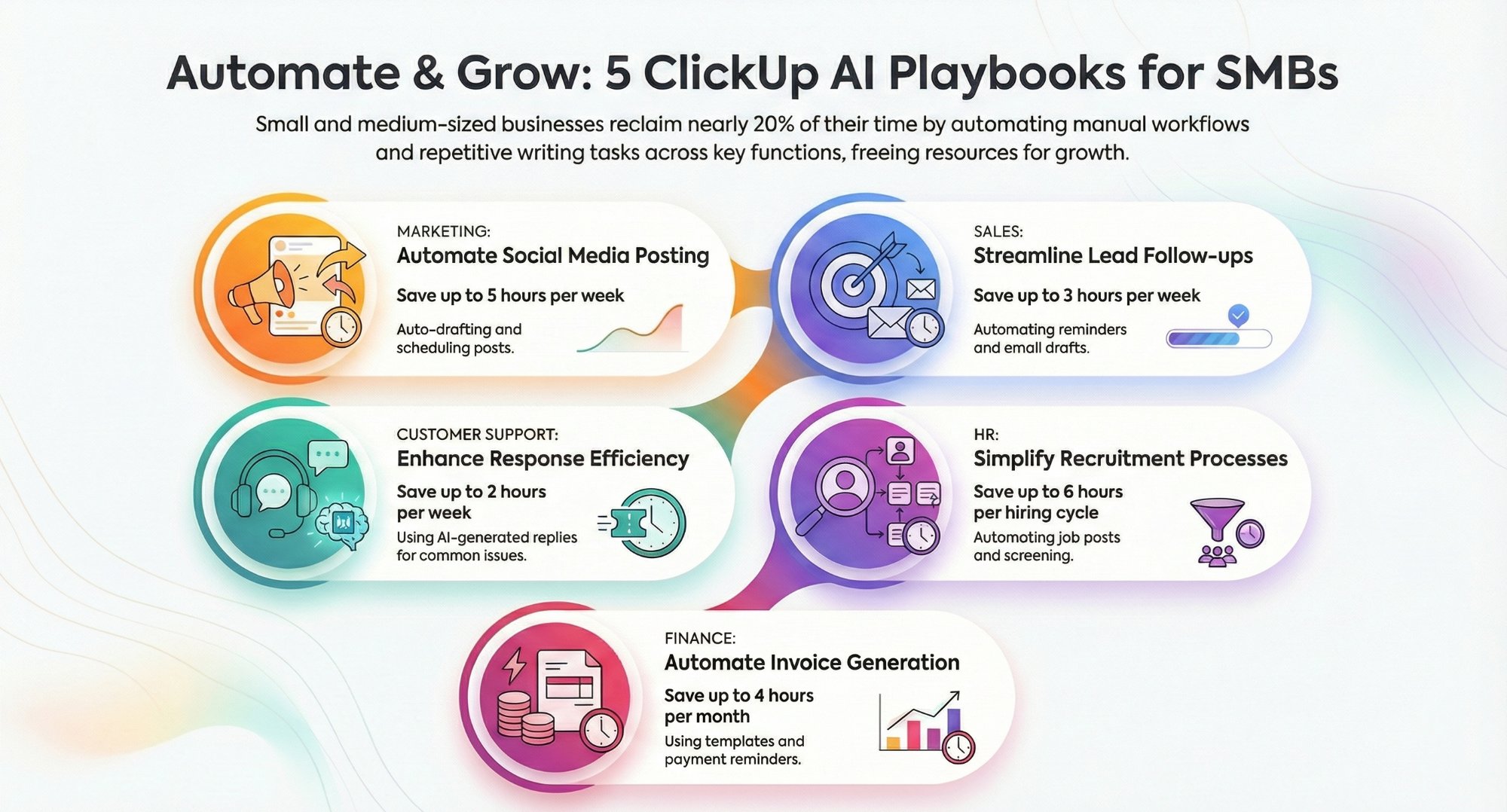
Can ClickUp AI writing automation cut SMB admin time?
Where ClickUp AI writing actually saves hours, and where it does not.
Read the guide →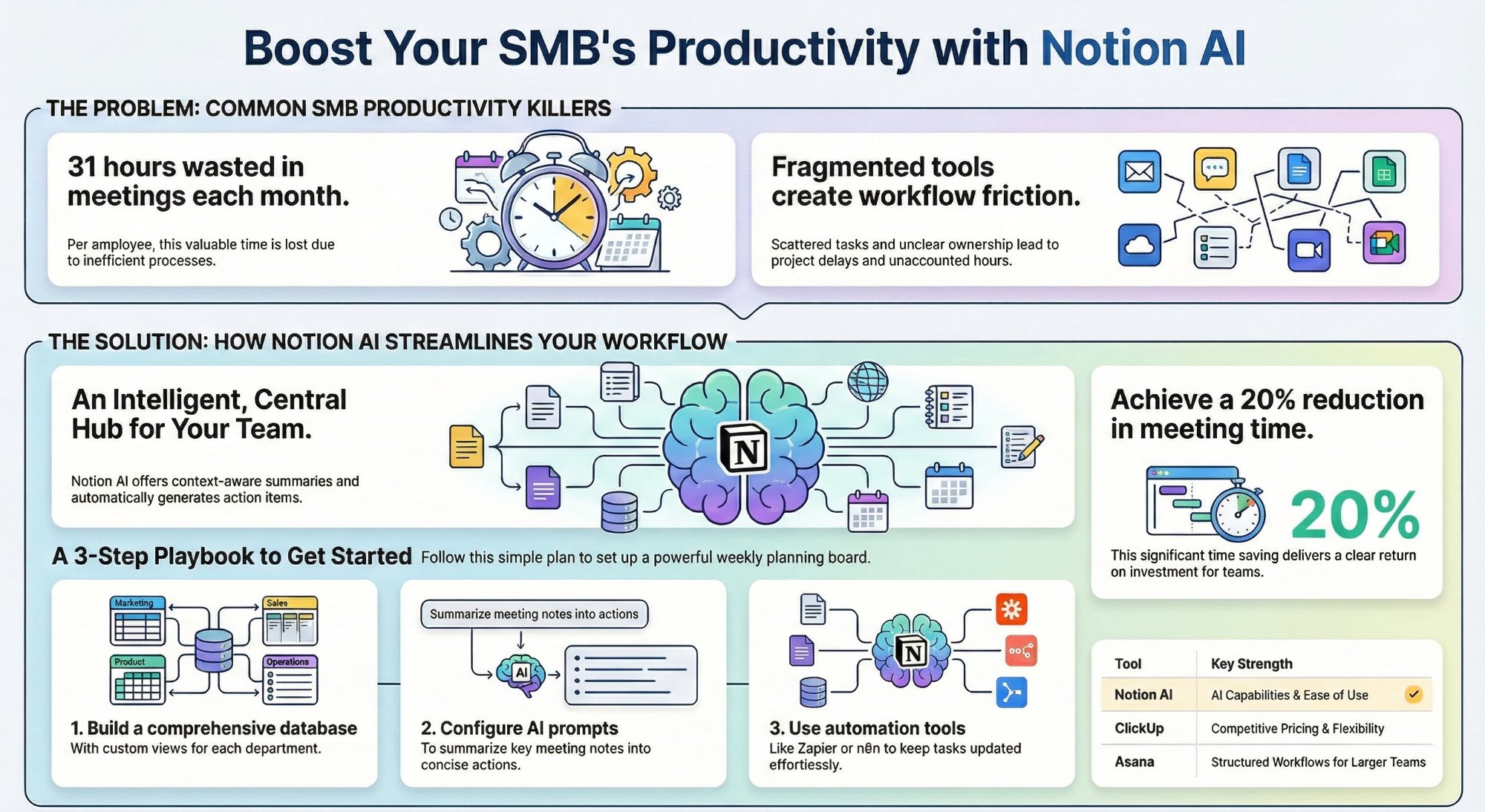
Can Notion AI workspace views replace your PM tool?
A practical SMB playbook for running projects without a separate PM app.
Read the playbook →
The Automation stage, built for you
See what this looks like at full scale: your ClickUp connected, the busywork gone.
See the offer →Want your automation stack built for you?
Book a free 30-minute strategy call. We will map your highest-ROI workflows and give you a build roadmap on the spot. If we are not the right team for you, we will say so and point you somewhere better.
Book a Free Strategy Call →Free 30-minute call. Honest take, even if that means "you do not need us yet."