What ClickUp's AI agents in Chat mean for small business ops
ClickUp put Chat next to your tasks and added Autopilot Agents that answer questions and act right in the channel. Here is what they do, how to set one up, and when to use them.
 By Ishan Vats · Certified ClickUp Consultant · builds ClickUp systems for 150+ teams
 Autopilot AgentReads, answers, acts
ClickUpTask created
Autopilot AgentReads, answers, acts
ClickUpTask created
 SlackTeam synced
ClickUp AI agents in Chat are Autopilot Agents that act on triggers and conditions right inside a Chat Channel, Space, Folder, or List. When a message is posted, an agent can answer the question in a thread, create a task, or route the work, no code needed. Ambient Answers is a prebuilt Autopilot Agent that fields Chat questions in any channel, pulling from your internal ClickUp content and connected apps through Connected Search. For a small business it turns the place your team already talks into a place work gets done, but it pays off most when ClickUp is your single source of truth and you keep a human in the loop on anything external.
The basics
What are ClickUp's AI agents in Chat?
ClickUp AI agents in Chat are Autopilot Agents, small AI workers that act on triggers and conditions inside ClickUp Chat. ClickUp moved Chat next to your tasks, so the place your team talks now sits in the same workspace as the work itself. An agent watches a channel, and when a message comes in it can answer the question, create a task, or pass the work along. No code, no separate bot to bolt on.
The fastest way to picture it is the prebuilt one. Ambient Answers is a ready-made Autopilot Agent that answers questions posted in Chat. Turn it on in a channel, and instead of pinging a person and waiting, a teammate gets a reply in the thread, drawn from your own ClickUp content and connected apps.
Two ideas do all the heavy lifting:
- Autopilot Agents run on triggers and conditions. You create them through Automations on a Chat Channel, Space, Folder, or List. One handy Chat trigger: when a message is posted in a channel, the agent posts a reply in a thread.
- Connected Search is how they know things. ClickUp's AI assistant is multi-LLM and searches across your internal ClickUp content and the apps you connect, so answers are grounded in your real data, not guesses.
If the phrase "AI agent" still feels fuzzy, the short version is this: an agent takes a goal and carries out the steps to reach it, instead of answering one question and stopping. We unpack that in plain English in our guide on what an AI agent actually is. A ClickUp Chat agent is one of the easiest places to meet your first one.
The upside
What can ClickUp Chat agents actually do for a small team?
The pattern to notice: each job is narrow, repetitive, and lives where your team already works. That is what makes an in-Chat agent stick.
Answer questions in the channel
This is the first agent most teams turn on. Ambient Answers fields the "where is the file," "what is the status," "who owns this" questions that interrupt people all day, and replies right in the thread. The answer comes from your own ClickUp content and connected apps through Connected Search, so it is grounded in your data, not a generic guess.
Because it lives in Chat, there is no new tool to adopt. The team keeps talking where it already talks.
Turn a message into a task
An Autopilot Agent can react to a posted message and create a task, so "can someone handle this" becomes a tracked item instead of a lost line in a busy channel.
Act only when it should
Conditions add custom if/then logic, so an agent fires only when your criteria are met. That keeps the noise down and the agent triggering in the right place at the right time.
Search across your tools
Connected Search lets the AI assistant look across internal ClickUp content and connected apps in one query, so answers pull from everywhere your work lives, not just one list.
Catch up on meetings
The same AI assistant includes an AI Notetaker that summarizes meetings and pulls out action items, so what gets decided on a call lands back in your workspace instead of someone's memory.
The setup
How do you set up a ClickUp Chat agent?
You do not need a developer. The whole thing is point-and-click, but the order matters. Do it in this sequence and your first agent earns trust instead of creating noise.
Clean the workspace it will read from
An agent answers from whatever is in ClickUp. If statuses are stale and docs are scattered, the answers will be too. Before you switch anything on, make sure your tasks, docs, and one channel structure are tidy. This is the unglamorous step that decides everything, and it is the core of our Foundation stage.
Turn on Ambient Answers in one channel
Start with the prebuilt agent, not a custom build. Activate Ambient Answers in a single channel where people ask the same questions all week. Let it field those questions in the thread for a few days so you can see how good the answers are before you trust it anywhere else.
Build a custom Autopilot Agent with a trigger and conditions
Once Ambient Answers proves the idea, create your own. Go to Automations on a Chat Channel, Space, Folder, or List, pick a trigger like "message posted in this channel," add Conditions so it only fires on the right messages, then set the action: reply in a thread, or create a task. The if/then logic is what keeps a useful agent from turning into a spammy one.
Set the guardrails, then widen
Decide what the agent is allowed to do before you scale it. Replying and creating tasks is safe. Anything that reaches a client or moves money stays human until you have watched it for a while. Once one channel works, copy the pattern to the next. That measured rollout is how our Automation stage wires AI into a real team without breaking things.
The limits
When should you keep a human in the loop?
The demo always looks magical. Real life has edges. An in-Chat agent is genuinely useful, but it is not a reason to stop thinking. Know where it runs out of road before you bet your operations on it.
- It is happiest inside ClickUp. The more your work lives in ClickUp, the better these agents read and act. If half your operation runs in tools ClickUp does not connect to, an in-Chat agent only sees half the picture.
- It answers from what you give it. Connected Search is grounded in your content, so thin or stale data means thin or stale answers. Garbage in, confident garbage out. The workspace has to be in order first.
- Deep, multi-tool logic still needs an orchestrator. When a job branches across many non-ClickUp systems, with conditions, retries, and data reshaped between steps, you want a real automation layer. That is where a stack like n8n and Claude earns its keep.
- It does not remove the need to scope the job. A vague instruction makes a vague agent. Deciding what good looks like, what it must never do, and how you measure it is still on you.
The comparison
Which kind of agent should you reach for?
There are three sensible options, from fastest to most flexible. Match the option to the job: prebuilt for instant answers, custom in-Chat for ClickUp-native actions, and an orchestration stack when the work spans far beyond ClickUp.
| Factor | Ambient Answers (prebuilt) | Custom Autopilot Agent | n8n + Claude (orchestration) |
|---|---|---|---|
| Who sets it up | Anyone, one toggle | A business user, in Automations | You or a partner, visual workflow |
| What it does | Answers Chat questions in a thread | Replies, creates tasks, routes work | Anything, across hundreds of apps |
| Triggers and logic | Fixed, question-driven | Your triggers plus if/then Conditions | Deep branching, retries, multi-step |
| Lives where | Inside ClickUp Chat | Inside ClickUp Chat and tasks | Anywhere your tools are |
| Best when | You want instant, grounded answers | ClickUp is your source of truth | Work spans many non-ClickUp tools |
| Setup time | Minutes | An hour or two per agent | Hours, but far more flexible |
| Governance | Per-channel, on or off | Per-agent triggers and conditions | You own hosting and access |
The decision
How do you wire a Chat agent into a real ops system?
An agent in a channel is a feature. An agent inside a system you trust is leverage. Three moves turn the first into the second.
First, give it a clean source of truth to read from. An in-Chat agent is downstream of your workspace. If tasks, docs, and statuses are reliable, the answers are reliable. If they are not, no agent will save you. Building that one central, trustworthy ClickUp is the job of our Foundation stage, and it is the step that makes every later agent worth having.
Second, connect the work that lives outside ClickUp. Most small businesses run on more than one tool. When a job needs to move data between your CRM, billing, Notion, or Slack, with conditions and retries, that is orchestration, not a single Chat agent. A stack like n8n and Claude handles the cross-tool plumbing, and the ClickUp agent stays the friendly front desk on top. That pairing is the heart of our Automation stage.
Third, go custom when the stakes rise. When you need agents wired deep into your real systems, with proper guardrails, audit trails, and APIs, that is engineering, not a toggle. Our AI Engineering stage takes an idea to a live, production agent in about a month. For agencies that want this packaged as a duplicatable operating system, that is what Agency OS is for.
The honest rule that beats every tool debate: pick the smallest agent that does the job, ship one or two that clearly save hours, measure them, and only then add more. Ishan Vats and the IV Consulting team build it this way on purpose, so the system stays something your team owns and understands, not a black box.
FAQ
Questions people ask about ClickUp AI agents in Chat
What are ClickUp AI agents in Chat?
What is Ambient Answers in ClickUp?
How do I set up a ClickUp Autopilot Agent?
Can ClickUp Chat agents do more than answer questions?
Should a small team let an AI agent reply to clients?
Do I still need Notion or n8n if I use ClickUp Chat agents?
Ishan Vats
Founder, IV Consulting · Certified ClickUp Consultant
I build ClickUp systems and operating models for teams from startup to enterprise. 150+ ops transformations over 10+ years. If you want yours mapped and built right, I'll do it with you on a free call.
Book a free strategy call →Keep reading
Related guides and work
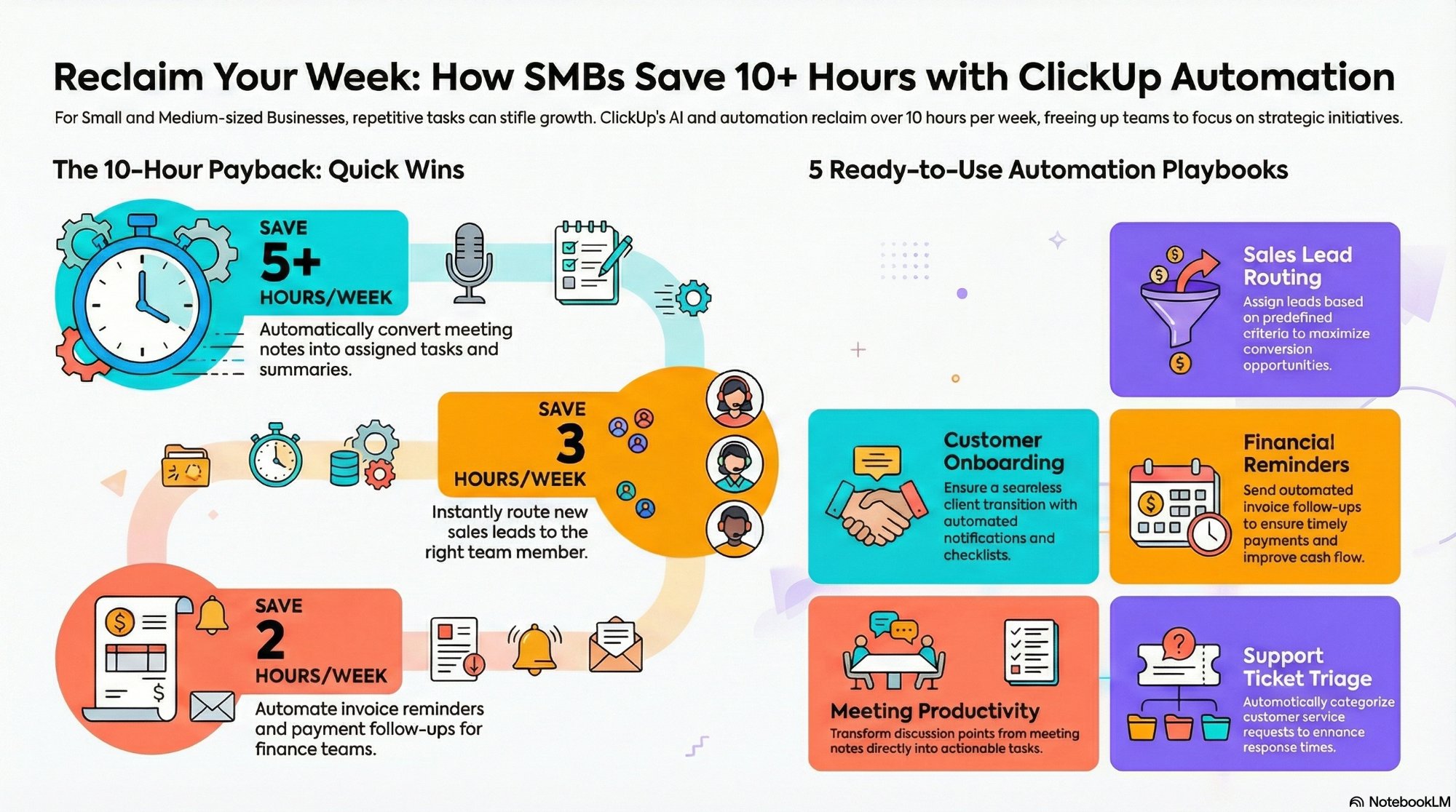
How SMBs use ClickUp automations and AI to save 10 hours a week
The everyday ClickUp automations and AI moves that claw back a workday, with no agent required.
Read the guide →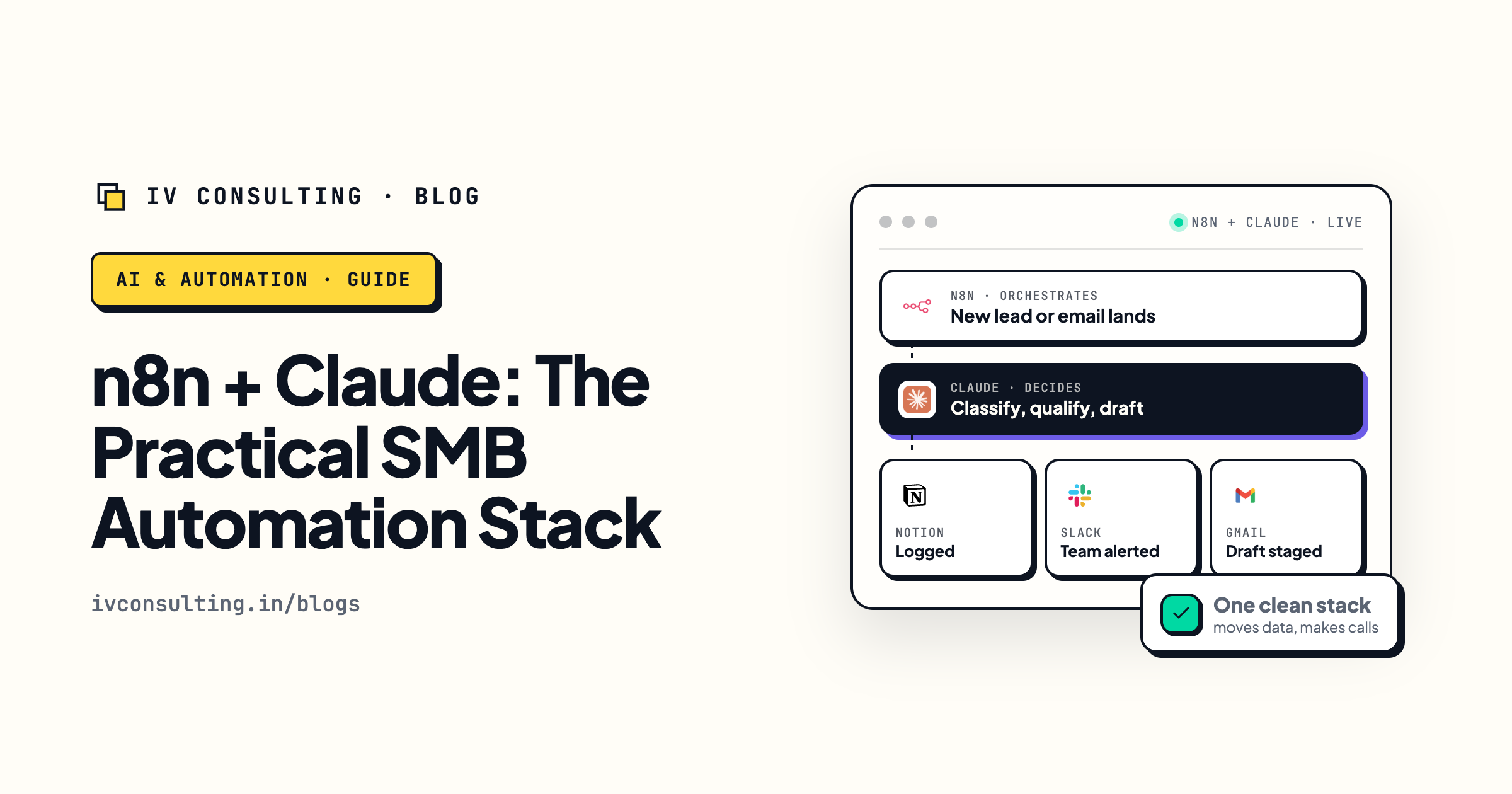
n8n + Claude: the practical SMB automation stack
When the work spans far beyond ClickUp, this is the orchestration layer that connects it.
Read the playbook →
The Foundation stage, built for you
One clean ClickUp source of truth, so any agent you add reads from something solid.
See the offer →Want AI agents built into your ClickUp?
Book a free 30-minute strategy call. We will map your highest-ROI ClickUp agents, tell you whether a prebuilt, custom, or orchestrated build fits, and give you a roadmap on the spot. If we are not the right team for you, we will say so and point you somewhere better.
Book a Free Strategy Call →Free 30-minute call. Honest take, even if that means "you do not need us yet."