Cold email inboxes: Google Workspace vs Microsoft 365 vs Maildoso vs Infraforge, the real cost per inbox
The headline per-inbox price is the least useful number on a cold email infrastructure page. Minimums, domains, slot billing, add-ons and, above all, how many emails each inbox is allowed to send change the answer. We priced 10 and 30 inboxes six ways from the vendors' own pricing pages, then worked out what each option costs per 1,000 emails you can actually send. Then we took a side.
 By Ishan Vats · Founder of IV Consulting · builds outbound systems in Clay, Smartlead and n8n
 SequencerSame tool, warmup included
 Google direct~$11 per 1k sends
 Reseller inboxes~$5 per 1k sends
A cold email inbox costs about $3 a month from a Google or Microsoft reseller, $3 to $4 on Mailforge or Infraforge, $7 a month bought direct from Google Workspace or Microsoft 365, and as little as $2.50 on Maildoso's shared SMTP once you buy its 30-inbox minimum. The inbox price is the wrong number to compare. For 30 inboxes with domains included, a month runs from about $88 (Maildoso) to about $220 (Google direct), but Maildoso caps each inbox at 15 emails a day, so per 1,000 emails you can send it costs about $8.80 against about $5 for reseller Google or Microsoft inboxes. Our verdict: for a small team, buy reseller Google and Microsoft inboxes, warm them in your sequencer, and skip dedicated IPs.
The options
Google Workspace vs Microsoft 365 vs Maildoso vs Infraforge: what are you actually buying?
There are three kinds of cold email inbox: a real Google or Microsoft mailbox bought direct, the same mailbox bought through a reseller that automates the setup, and a mailbox on a cold-email-specific SMTP provider such as Maildoso, Mailforge or Infraforge. They differ on price, on who owns the admin account, and on how much each inbox can send.
| Option | Per inbox, per month | Minimum | Domains | The catch |
|---|---|---|---|---|
| Google Workspace, direct (Business Starter) | $7 on an annual plan, $8.40 flexible | 1 user | Bring your own from any registrar | Priced as a productivity suite, not a sending inbox. You set up SPF, DKIM and DMARC yourself |
| Microsoft 365, direct (Business Basic) | $7 on an annual plan, up from $6 on 1 July 2026 | 1 user | Bring your own | Same suite pricing; DNS and tenant setup are on you |
| Reseller Google or Microsoft (Inboxkit as the example) | $3 monthly, $2.50 annual, same for either provider | None | Bought or connected separately | You rent the admin account from the reseller. Pre-warmed inboxes cost $6 to $9 |
| Mailforge | $3 billed monthly, about $2.40 billed yearly | 10 slots | $14 a year per .com | You pay for slots, used or not. Shared infrastructure |
| Infraforge | $4 billed quarterly, about $3.33 billed yearly | 10 slots | $14 a year per .com | Dedicated IPs are $99 per IP per month extra |
| Maildoso (own SMTP) | $2.50 at 30, falling to $0.49 at 1,000 | 30 inboxes on monthly plans | $15 a year from 1 Oct 2026, not included on monthly plans | Each inbox sends up to 15 emails a day, and warmup is not included |
Sources, read 22 October 2026: Maildoso, Infraforge, Mailforge and Inboxkit pricing pages. Google's US pricing page showed us its India prices, so the $7 and $8.40 Business Starter figures are the US list prices reported consistently by third-party trackers in October 2026; Microsoft's $7 Business Basic price took effect on 1 July 2026 for new purchases and renewals. Check both before you buy. Inboxkit stands in for any Google and Microsoft reseller; we have no commercial relationship with any vendor here.
Two lines in that table matter more than the prices. Mailforge and Infraforge bill by slot with a 10-slot minimum, so a 4-inbox test still costs 10 inboxes. And Maildoso's own page puts each mailbox at up to 15 emails a day, where the Google and Microsoft guidance cold emailers work to is around 30. That single number is why the cheapest inbox is not the cheapest way to send.
The arithmetic
What do 10 and 30 cold email inboxes really cost per month?
Add the inboxes, the domains and any minimum you are forced to buy, then divide by 12 where a fee is annual. At 10 inboxes the reseller and Mailforge routes cost about $34 a month, Google or Microsoft direct about $74, and Maildoso about $80 because you pay for its 30-inbox minimum. At 30 inboxes Maildoso is the cheapest monthly bill at about $88.
This is list-price arithmetic from each vendor's pricing page on 22 October 2026, not a deliverability test: we did not run the same campaign through all six. Four stated assumptions: 3 inboxes per domain (10 inboxes on 4 domains, 30 on 10), $12 a year for a .com bought at a registrar where the vendor does not sell one, the cheapest monthly or quarterly billing each vendor offers without an annual prepay except Google and Microsoft, which we price at their annual-plan rate, and warmup at $0 because Smartlead and most sequencers include it. Change any of them and the method still holds.
| Option | 10 inboxes, 4 domains | 30 inboxes, 10 domains | What drives it |
|---|---|---|---|
| Google Workspace direct | $70 + $4 domains = ~$74 | $210 + $10 = ~$220 | $7 a user, $8.40 on flexible billing (~$262 at 30) |
| Microsoft 365 direct | $70 + $4 = ~$74 | $210 + $10 = ~$220 | $7 a user since July 2026 |
| Reseller Google or Microsoft | $30 + $4 = ~$34 | $90 + $10 = ~$100 | $3 an inbox monthly; $85 at 30 on annual billing |
| Mailforge | $30 + $4.67 = ~$35 | $90 + $11.67 = ~$102 | $3 a slot monthly, $14 domains |
| Infraforge | $40 + $4.67 = ~$45 | $120 + $11.67 = ~$132 | $4 a slot; add $99 a month per dedicated IP |
| Maildoso | $75 minimum + $5 = ~$80 | $75 + $12.50 = ~$88 | 30-inbox floor, $15 domains |
Read the 10-inbox column as the cost of testing outbound. Direct Google and Microsoft are more than twice the reseller price for the same mailbox, and Maildoso's floor makes it one of the dearest ways to run a small pilot. The 30-inbox column is the cost of running outbound for real, and that is where the per-send number below takes over.
The real unit
Which cold email inbox is cheapest per 1,000 emails sent?
Divide the monthly bill by how many emails the inboxes can send. At 30 inboxes, reseller Google or Microsoft and Mailforge cost about $5 per 1,000 sends of capacity, Infraforge about $6.70, Maildoso about $8.80, and Google or Microsoft bought direct about $11. The cheapest monthly bill is not the cheapest send.
| 30 inboxes | Emails a day per inbox | Sends a month (22 weekdays) | Monthly bill | Cost per 1,000 sends |
|---|---|---|---|---|
| Reseller Google or Microsoft | 30 | 19,800 | ~$100 | ~$5.05 |
| Mailforge | 30 (its recommendation) | 19,800 | ~$102 | ~$5.13 |
| Infraforge | 30 | 19,800 | ~$132 | ~$6.65 |
| Maildoso | 15 (its cap) | 9,900 | ~$88 | ~$8.84 |
| Google or Microsoft direct | 30 | 19,800 | ~$220 | ~$11.11 |
| Infraforge + 1 dedicated IP | 30 | 19,800 | ~$231 | ~$11.65 |
30 emails a day is a working ceiling, not a guarantee: Mailforge's own calculator recommends 30 per mailbox per day, and most teams send fewer while an inbox is new. Maildoso's 15 is the limit on its pricing page. If you send 20 a day from every inbox, every row except Maildoso gets a third more expensive per send, and the ranking does not change.
Volume flips Maildoso
At 300 inboxes Maildoso drops to $0.75 an inbox, so even at 15 a day the per-send cost falls to roughly $2.75 to $3.50, depending on whether you put 8 or 3 inboxes on each domain. It is built for agencies running hundreds of mailboxes, not for a 30-inbox team.
Direct is a premium for ownership
Buying from Google or Microsoft costs about twice as much per send. What you get is your own admin account and no reseller between you and your mail. That is worth something, just not $120 a month at 30 inboxes.
Dedicated IPs are a big-sender tool
One Infraforge IP at $99 a month nearly doubles the bill for 30 inboxes. A dedicated IP only helps once you send enough steady volume to build its reputation yourself.
The sequencer is the same line on every row
Smartlead's plans include unlimited mailboxes and warmup, so the sequencer bill does not change with the inbox choice. Leave it out when you compare inboxes.
The verdict
Our verdict: which cold email inboxes should a small sales team buy?
Buy reseller Google and Microsoft inboxes, split across both providers, three to a domain, and warm them in your sequencer. Do not buy direct Google Workspace seats for cold email, do not buy a dedicated IP below a few hundred inboxes, and only look at shared SMTP such as Maildoso once you run hundreds of mailboxes. We take that side for three reasons.
1. Same mailbox, half the price
A reseller inbox is a real Google or Microsoft mailbox. It lands with the same reputation infrastructure as a direct seat, at under half the cost per send, with DNS set up for you.
2. Most of your buyers are on Google or Microsoft
B2B inboxes are overwhelmingly Google or Outlook. Sending from both providers means each recipient's filter is looking at mail from infrastructure it already trusts. A cheap SMTP inbox has to earn that.
3. The send cap beats the sticker
A $2.50 inbox that sends 15 a day costs more per email than a $3 inbox that sends 30. Price your outbound per send and the cheapest-looking option drops to fourth.
Where we would change the answer: if your company has a policy that every mailbox lives in your own tenant, buy direct and accept the premium. If you are an agency running 300 inboxes or more for clients, Maildoso's volume pricing is worth a test on a slice of the volume. And whatever you buy, the domain rules do not change: never send cold email from your main domain, publish exactly one DMARC record per sending domain, and give every new inbox two to three weeks of warmup before it sends a campaign.
When we audited IV's own four Clay outbound systems on 13 October 2026, the two problems were both infrastructure, not copy. Capacity: three inboxes at 20 emails a day is a 60-email ceiling, and 14 live campaigns were sharing it, so about 42 researched leads sat in queue every day while the feeds kept paying to research more. The fix was 9 more inboxes on three fresh domains, warmed before joining one shared pool of 12. Authentication: one sending domain published two DMARC records left over from an old newsletter tool, and Gmail showed no DMARC result at all until we replaced them with one. That is why this post prices sends, not inboxes: the inbox count is the ceiling on everything upstream of it.
Inboxes are the cheap part. The expensive part is sending 20,000 emails a month to people who were never going to buy. Before you order 30 inboxes, work out which accounts show a buying signal and how many sends they actually need. See how we map the buying signals for your ICP and size the sending infrastructure to that list, not the other way round.
Once the inboxes are live, the next cost is the contact data you load into them. We priced that the same way in Clay vs FullEnrich vs an n8n waterfall.
The rest of the bill
What else does cold email infrastructure cost besides inboxes?
Four things sit next to the inbox line: the sending domains, warmup, list verification and the sequencer. Domains and verification are small, warmup is usually free, and the sequencer is a flat fee whatever inboxes you choose.
Sending domains
$12 to $15 a year each, one per three inboxes. They are lookalikes of your brand, never your main domain, so a reputation hit cannot reach the mail your customers and invoices depend on.
Authentication
SPF, DKIM and one DMARC record per domain. Google and Yahoo have required all three for bulk senders since February 2024, and Microsoft's Outlook.com followed in May 2025. Most resellers and Mailforge or Infraforge set these up for you; on direct seats it is your job.
Warmup
Included in Smartlead and most sequencers, so it costs nothing extra. It does cost time: two to three weeks before a new inbox sends campaigns. Pre-warmed reseller inboxes sell that time back for $6 to $9 an inbox.
Verification and the list
A verified list protects the inboxes you just paid for. Bounces are the fastest way to burn a new domain, so verify every address before it enters a sequence.
If LinkedIn is part of the same outbound motion, read what is actually safe after the HeyReach ban before you automate it; we argue there that cold email, not LinkedIn, is where volume belongs.
FAQ
Questions about cold email inbox costs
How much does a cold email inbox cost in 2026?
About $3 a month for a Google or Microsoft inbox from a reseller such as Inboxkit, $3 to $4 on Mailforge or Infraforge, $7 a month bought direct from Google Workspace Business Starter or Microsoft 365 Business Basic, and from $2.50 down to $0.49 on Maildoso's own SMTP depending on volume. Add a sending domain at $12 to $15 a year for every three inboxes.
Is Google Workspace or Microsoft 365 better for cold email?
Neither wins outright, which is why we recommend both. Bought direct they now cost the same, $7 a user a month on an annual plan, after Microsoft raised Business Basic from $6 on 1 July 2026. Splitting inboxes across the two providers spreads risk and matches a B2B recipient base that is mostly on Gmail or Outlook.
Is Maildoso cheaper than Google Workspace for cold email?
Per inbox, yes: $2.50 at 30 inboxes against $7. Per email sent, not at small volume. Maildoso caps each inbox at 15 emails a day, so 30 Maildoso inboxes cost about $8.80 per 1,000 sends of capacity, against about $5 for reseller Google or Microsoft inboxes sending 30 a day. Maildoso gets cheaper per send at hundreds of inboxes.
Do I need a dedicated IP for cold email?
Not at small-team volume. Infraforge charges $99 a month per dedicated IP, which nearly doubles the cost of 30 inboxes. A dedicated IP only pays off when you send enough steady volume to build and hold its reputation yourself; below a few hundred inboxes, shared Google and Microsoft infrastructure is the safer and cheaper choice.
How many inboxes do I need for cold email?
Work back from sends. At about 30 emails a day per inbox and 22 sending days a month, each inbox handles roughly 660 emails a month. A team sending 5,000 emails a month needs about 8 inboxes; 20,000 a month needs about 30. Keep three inboxes per domain and add a buffer for inboxes that are still warming up.
Ishan Vats
Founder, IV Consulting · GTM engineering & automation
I build outbound systems for small sales teams in Clay, Smartlead and n8n, and worked in GTM engineering as a startup co-founder before that. The costs in this post are worked from each vendor's published pricing with the assumptions stated above, not from a side-by-side deliverability test, so swap in your own send volume and domain count. The capacity and DMARC lessons come from our own outbound pool.
Read: what GTM engineering is →Keep reading
Related GTM guides
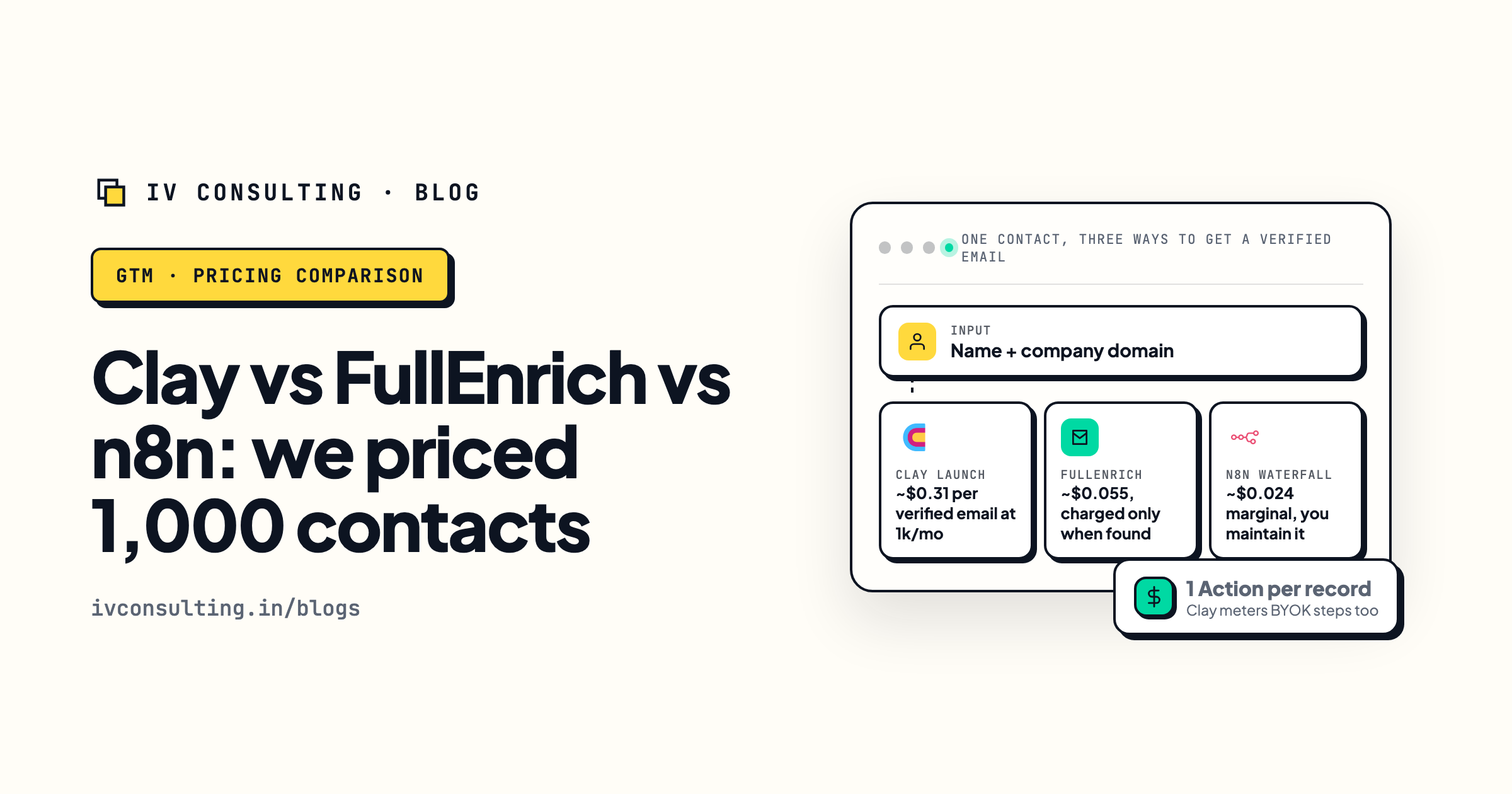
Clay vs FullEnrich vs n8n
What one verified email costs, priced three ways.
Read the comparison →
Buying signals worth acting on
Which accounts deserve a send at all.
Read the guide →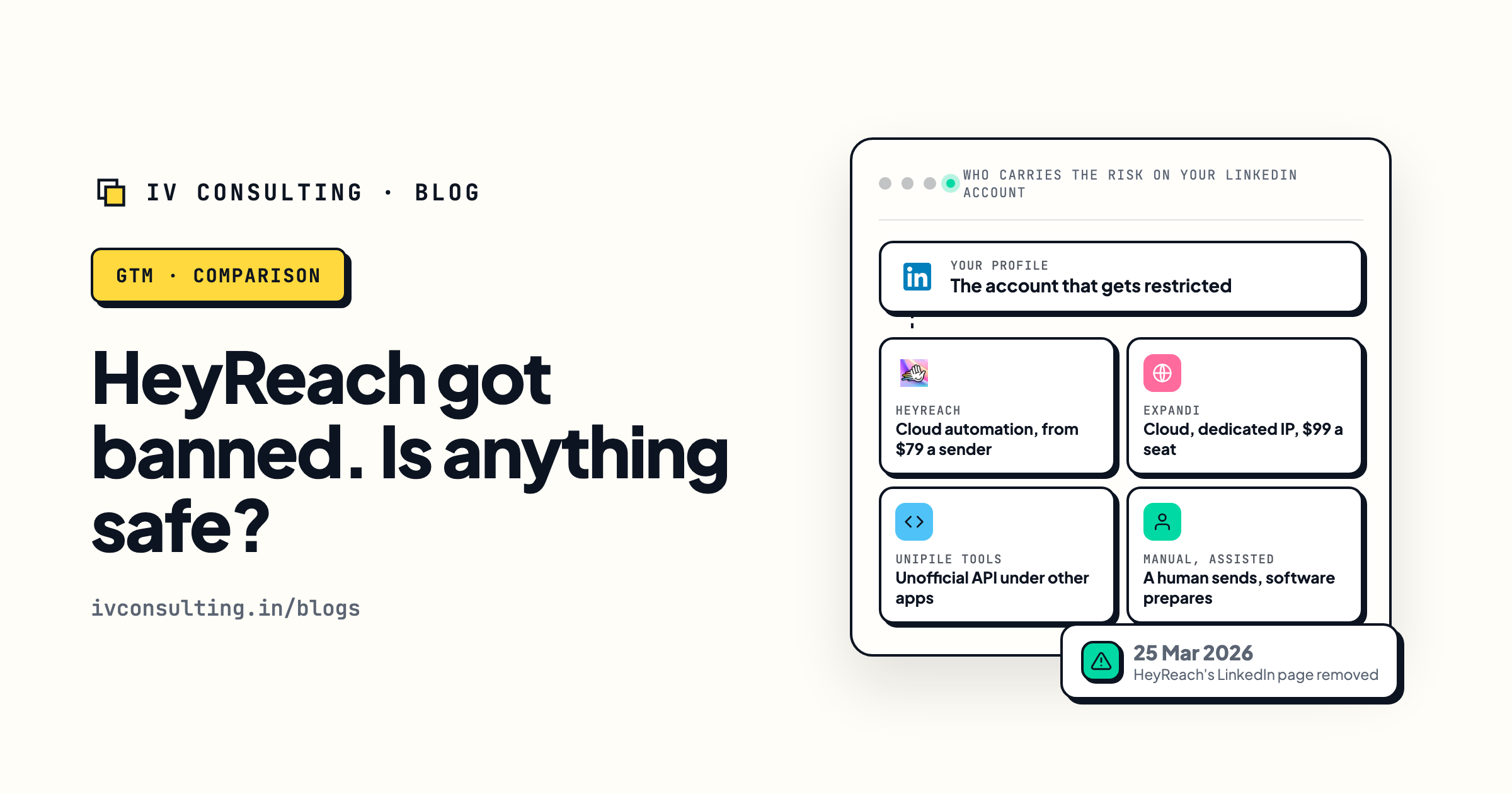
HeyReach banned: what is safe?
LinkedIn automation risk, and why volume belongs in email.
Read the verdict →Not sure how many inboxes your outbound actually needs?
In a signal audit we look at your ICP, find the buying signals that actually show up for it, and size the list, the sends and the inboxes to match, so you do not pay for infrastructure you will not use.
Book the signal audit →Free and practical. If your current setup is fine, we will say so.