Browse AI and ManyChat: the underrated lead gen stack nobody is talking about
Source fresh leads from the open web, then warm them in the channel they actually open. No developer, no five tool stack.
 By Ishan Vats · Founder of IV Consulting · builds AI agents & automations for 150+ teams
Some links below are affiliate links. If you buy through them we may earn a commission, at no extra cost to you.
 Source & enrichBrowse AI scrapes niche directory
 ManyChat · WebhookFirst touch DM + AI Step qualify
Browse AI is a no code web scraper and monitor that pulls fresh, niche leads from any public website on a schedule. ManyChat is a multi channel chat platform that captures, qualifies, and nurtures those leads inside Instagram DM, WhatsApp, Messenger, SMS, and email. Wire them together with a webhook and you get a fully automated pipeline that finds the right people on the open web, captures intent, and warms them up for sales, all without a developer or a five tool stack.
The gap
The lead gen problem nobody is solving properly
Most growing businesses are stuck in the same loop. They run paid ads to a landing page, hope a percentage converts, and then chase the rest with cold email. The cost per lead keeps climbing. The reply rates keep dropping. The team keeps adding tools. And the pipeline still feels thin.
The real issue is not the tools. It is the structure. Two parts of the funnel are quietly broken at most SMBs in 2026. The first is sourcing. Teams pay for the same scraped lists everyone else buys, then wonder why outreach reply rates sit under 2 percent. A list is not a reason to write; a buying signal is, and the best ones are often scraped from public pages nobody sells as data. The second is the first conversation. Cold email is rarely opened. DMs almost always are.
This is the gap that Browse AI and ManyChat fill together. Browse AI fixes sourcing by pulling fresh leads directly from the public sites your buyers actually live on. ManyChat fixes the first conversation by replacing cold email with a chat thread that prospects open within minutes. The combination is one of the cheapest, fastest, and least talked about lead gen stacks of the year.
The sourcing half
What Browse AI actually does
Browse AI is a no code web scraping and monitoring platform with over 770,000 users. You train a small bot, called a robot, by clicking through a website once. It then runs that scrape on a schedule and sends structured data anywhere you want.
Three capabilities matter for lead generation.
Structured scraping
Trade directories, association member lists, conference attendee pages, marketplace listings, local business directories, podcast guest archives, all of these are gold mines that no list vendor sells properly. Browse AI lets you pull names, companies, websites, social handles, and any other public field into a clean spreadsheet in minutes.
Monitoring and live alerts
You can tell a robot to watch a page, a job board, a directory, or a news site, and trigger a webhook the moment something changes. A new job posting from your ICP. A new listing on a marketplace. A new speaker added to an event. A new funding round announced. Each one is a buying signal, and Browse AI catches them while your competitors are still on day old data.
Enrichment
Once you have a name and a company, you can run a second robot to visit that company website, pull the about page, the team page, or pricing, and append the data to your record. The result is a lead profile that is 5 to 10 times richer than what you get from a static list.
The conversation half
What ManyChat brings to the other side of the funnel
ManyChat is the largest chat marketing platform in the world, with native automation for Instagram DM, WhatsApp, Messenger, SMS, email, and TikTok comment flows. In 2026 it has matured well past the basic auto reply tool it used to be.
Three features make it the right partner for Browse AI.
AI Steps in the Flow Builder
AI Steps now allow conversations to respond dynamically to context, not just to keyword triggers. That means a single ManyChat flow can qualify a lead, answer common questions, route hot prospects to a human, and book a call without breaking the natural feel of a DM conversation.
Multi channel capture
You can start a conversation in Instagram DM, then move the same contact to email, SMS, or WhatsApp without losing context. ManyChat keeps the user identity persistent across channels. Klaviyo and other email tools sync within roughly 2 minutes, so the warm DM lead becomes a nurture sequence subscriber automatically.
Channels do not cost the same, though, and WhatsApp is the one people misread most. Replying inside the 24-hour window a lead opens is free, while re-engaging someone after it shuts needs a billed template, so what your WhatsApp volume actually costs depends on how hard you chase rather than how many people write in.
Webhook triggers and external API actions
ManyChat can be triggered by anything that sends an HTTP request, including Browse AI. When Browse AI finds a new lead, it can fire ManyChat directly, kicking off a personalised outreach sequence on the channel where that lead is most likely to respond. The combination of better sourcing and a higher open rate channel is what makes the math work.
The math
Why this stack works for lead gen in 2026
Better sourcing plus a channel people actually open. That is the whole thesis. The numbers back it up.
| Channel | Instagram DM / Messenger | Cold email |
|---|---|---|
| Open rate | Routinely above 80 percent | 15 to 35 percent on a good day |
| Reply rate | 15 to 40 percent on a relevant first message | Well under 5 percent |
| Lead source quality | Niche directories and event pages, real intent | Recycled scraped lists everyone buys |
| Cost vs ads | Often one tenth of paid ad spend | Climbing cost per lead |
| Keeps working when you pause spend | Yes, runs in parallel to ads | Stops when budget stops |
Layer a high open rate channel on top of leads sourced from places where intent is real, the speakers at a conference your buyers attend, the contractors listed in a niche directory, the new businesses that just registered in your service area, and you remove the two biggest leaks in the funnel at the same time.
You also avoid the common ad spend trap. Most SMBs running Meta and Google ads are paying for clicks that overlap heavily with their organic traffic. Browse AI plus ManyChat lets you build a lead engine that runs in parallel to ads, often at one tenth of the cost, and it keeps working when you pause spend.
The build
The full Browse AI to ManyChat workflow
Here is the architecture we deploy for clients. It can be live in a single afternoon.
Pick the right source for your ICP
Decide where your ideal customers actually appear on the public web. If you sell to ecommerce founders, marketplace seller directories and Shopify app review pages work well. If you sell to local service businesses, Google Maps results, Yelp listings, and local chamber directories are strong. If you sell to creators, podcast guest archives, Substack writer pages, and creator marketplaces are the highest signal.
Avoid picking a generic source like LinkedIn search. The data is noisier, the rules are stricter, and the conversion rates are lower than a well chosen niche source.
Train your Browse AI robot
Inside Browse AI, click Create New Robot, paste the source URL, and click through the page once to teach it which fields to extract. Most robots are trained in 10 to 15 minutes. Save it, then set a schedule, daily, weekly, or on a real time monitor depending on how fast the source updates.
Add an enrichment layer
Create a second robot that takes the website URL from the first and visits each lead's site to pull deeper signals. Look for a specific service page that maps to your offer, a careers page that suggests growth, or a pricing page that signals deal size. This is the layer that turns a list into a real ICP filter.
Push the enriched output to a Google Sheet, an Airtable base, or directly to a webhook.
Send the webhook to ManyChat
Inside ManyChat, build a new flow named Lead Intake from Browse AI. Use an External Trigger as the entry point. ManyChat gives you a webhook URL. Paste that URL into the Browse AI integration settings as the destination for the enriched output.
Map the fields. Lead name, company, channel handle if you scraped it, and any custom tags you want to apply for segmentation. ManyChat will create or update a contact for every payload it receives.
Build the first touch conversation
In ManyChat Flow Builder, design the first DM. Keep it short, specific, and human. Reference the exact source the lead came from. For example: Hey, saw your studio listed on the Brisbane Creative Directory this week. We help small studios automate client onboarding. Worth a 5 minute look?
Add an AI Step right after the user's first reply. Give the AI a clear system prompt. Qualify the lead in 3 messages or less. If they ask about pricing, share the starter package. If they ask about timing, offer two booking slots. If they ask anything you cannot answer, route to a human.
Branch and qualify
Use ManyChat conditions to branch on intent. Hot leads get a Calendly or Cal.com booking link. Warm leads get added to an email nurture sequence by syncing to your email tool. Cold replies get a tag and exit gracefully without burning the relationship.
Handover to CRM and sales
Add a final node that pushes qualified leads to your CRM via Zapier, Make, or n8n. Tag the contact with the source so you can measure which Browse AI robots produce the best conversations 60 days later.
Proof
Real numbers from a live deployment
A consulting client of ours sells to independent wedding planners in Australia. Before this stack, they were spending around 2,400 dollars a month on Meta ads with a cost per booked call of 220 dollars.
The build
We built a Browse AI robot to scrape a directory of registered wedding professionals in their service area, an enrichment robot to filter for planners with active websites and visible client work, then routed the cleaned list into a ManyChat Instagram DM flow that referenced each planner's most recent featured wedding.
47 booked calls
In the first 30 days, the stack produced 47 booked calls.
38 dollars per call
Cost per booked call fell from 220 dollars to 38 dollars, an 82 percent reduction. Total tooling cost stayed under 100 dollars a month.
31 percent reply rate
The first DM reply rate held at 31 percent across the campaign, far above what cold email would have delivered for the same list.
Avoid these
The 4 mistakes that kill this stack
Mistake 1: spamming the same DM at scale
ManyChat is a relationship channel, not a broadcast channel. Send 30 to 80 personalised first messages a day per account, not 500.
Mistake 2: picking the wrong source
A generic scrape of LinkedIn or a giant business directory will give you noisy leads. Niche directories and event pages convert 5 to 10 times better.
Mistake 3: a generic AI prompt in ManyChat
Write your AI Step like a sharp junior SDR briefed on your offer, your tone, and your three most common objections. The prompt is the single highest leverage variable in the whole flow.
Mistake 4: no measurement loop
If you do not tag the source, the channel, and the AI Step variant in your CRM, you cannot know what to scale. Build the dashboard before you scale the volume.
FAQ
Questions people ask before they build it
Is Browse AI legal to use for lead generation?
Do I need Zapier or Make to connect Browse AI and ManyChat?
How much does this stack cost?
Can I run this on WhatsApp or SMS instead of Instagram?
How fast can I get this live?
What if I want this built for my business?
Ishan Vats
Founder, IV Consulting · AI & automation consultant
I build production AI agents, automations, and MCP servers for teams from startup to enterprise. 150+ ops transformations over 10+ years. If you want this mapped to your own stack, I'll do it with you on a free call.
Book a free strategy call →Keep reading
Related guides and work
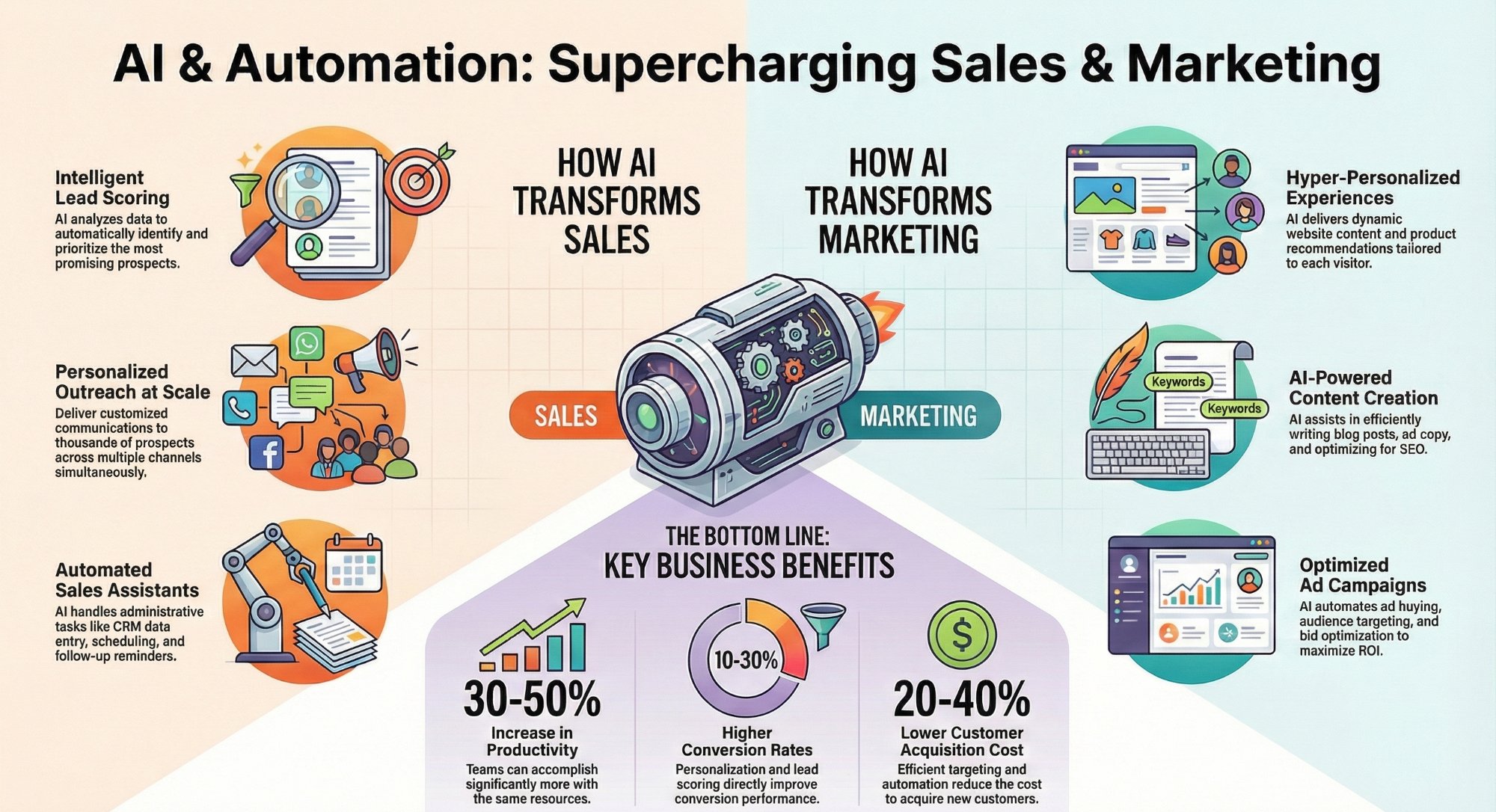
AI and automation use cases for sales and marketing teams
Where automation pays off fastest across the revenue side of the business.
Read the guide →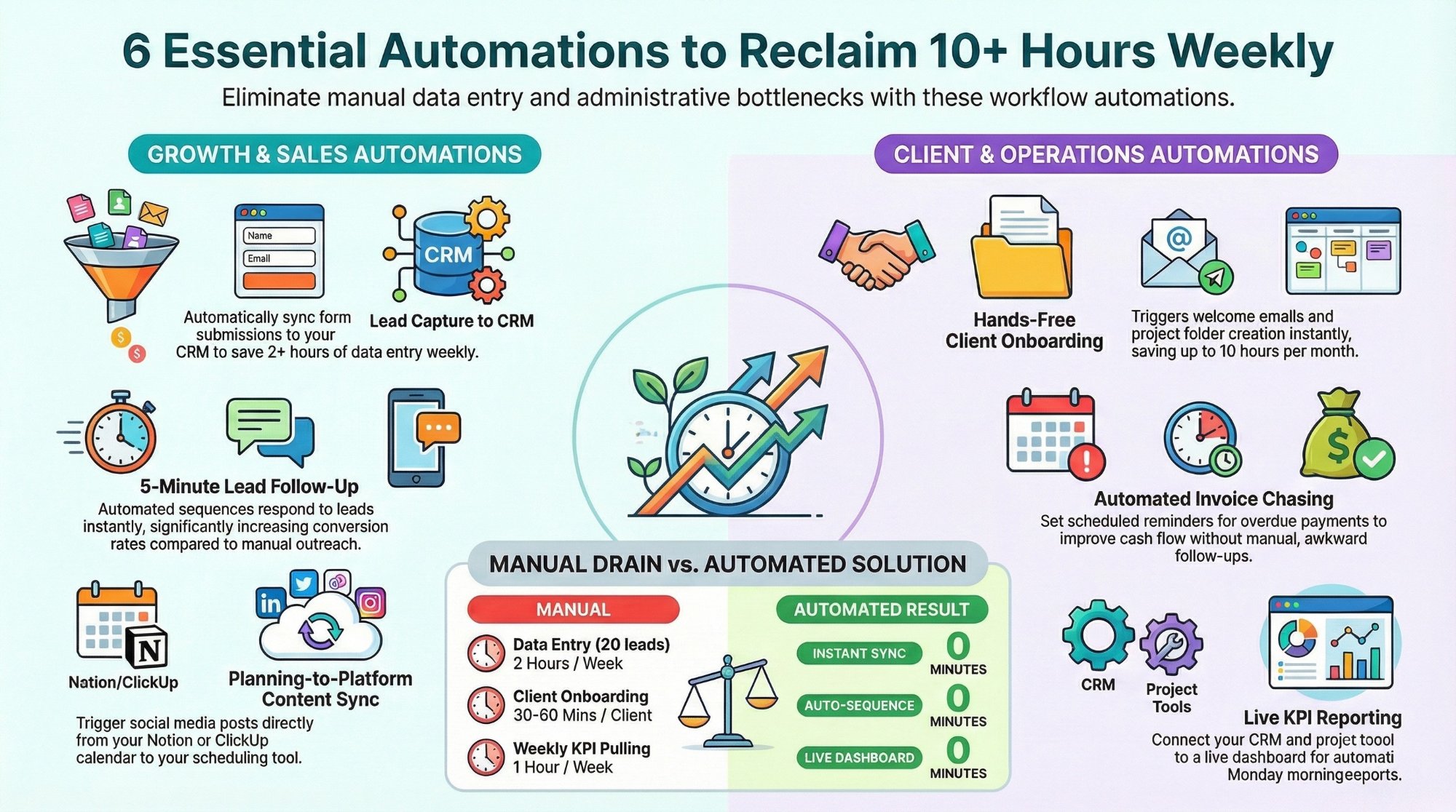
Workflow automations every business owner must set up
The starter automations that reclaim 10+ hours a week with Make, n8n, and Zapier.
Read the playbook →
The Automation stage, built for you
See what this looks like at full scale: your lead engine running, the busywork gone.
See the offer →Want your automation stack built for you?
Book a free 30-minute strategy call. We will map your highest-ROI workflows and give you a build roadmap on the spot. If we are not the right team for you, we will say so and point you somewhere better.
Book a Free Strategy Call →Free 30-minute call. Honest take, even if that means "you do not need us yet."