AI and automation use cases for customer support teams
Ten use cases that cut cost per ticket, speed up replies, and lift CSAT, plus the rollout plan and the tools that make it real.
 By Ishan Vats · Founder of IV Consulting · builds AI agents & automations for 150+ teams
Some links below are affiliate links. If you buy through them we may earn a commission, at no extra cost to you.
 ZendeskTicket created
 IntercomReply staged
 SlackAgent pinged
AI and automation help support teams handle higher volume without higher headcount. The highest impact use cases are chatbots for FAQs, intelligent ticket routing, sentiment analysis, AI drafted replies, and self service knowledge bases. Teams that roll these out in stages typically cut support costs by 30 to 50 percent, reduce handling time by 30 to 40 percent, and lift CSAT, while freeing agents for the conversations that actually need a human.
The shift
Why support teams are turning to AI now
Support teams are under pressure from every direction at once: rising ticket volumes, customers who expect help around the clock, and the demand for personal, in context responses at scale. Headcount cannot grow fast enough to keep pace, and burning out your best agents on repetitive work is not a strategy.
AI and automation change the math. Instead of throwing more people at a growing queue, you let software absorb the repetitive, high volume work and reserve your agents for the conversations that genuinely need a human. Done well, this is not about cutting your team. It is about raising the ceiling on what your team can handle and improving the quality of every interaction.
This guide walks through the ten use cases with the clearest payback, the tool stack behind them, a staged rollout plan, the ROI you can realistically expect, and the challenges to plan around.
The use cases
10 high impact AI use cases for support
Ranked roughly from quickest win to most advanced. Most teams start with one or two and expand as they prove value.
1. Intelligent chatbots and virtual assistants
AI powered chatbots answer common questions in real time and hand complex issues to a human. They run 24/7 with no extra staffing, respond instantly, handle many conversations at once, and can cut wait times by up to 80 percent. Best for FAQs, order tracking, appointment scheduling, password resets, and basic troubleshooting. Tools like ManyChat make this approachable for messaging channels.
2. Ticket routing and prioritization
Machine learning categorizes, prioritizes, and routes tickets to the right agent or team based on content, urgency, and complexity. It cuts manual sorting time by around 70 percent, makes sure critical issues get immediate attention, matches tickets to the right expertise, and improves first contact resolution. Best for high volume operations with multiple departments.
3. Sentiment analysis and emotion detection
AI reads customer messages for emotional tone, frustration, and urgency, so you can escalate appropriately and personalize the response. It flags at risk customers before they churn, prioritizes frustrated customers, gives agents emotional context, and tracks satisfaction trends in real time. Best for proactive retention and quality assurance.
4. Automated response suggestions
AI analyzes incoming tickets and suggests replies or solutions to agents, cutting average handling time by 30 to 40 percent while keeping messaging consistent. It accelerates onboarding for new staff and improves response accuracy. Best for teams with complex products or a large agent pool. Help desks like Respond.io centralize these AI assisted replies across channels.
5. Self service knowledge bases
AI enhanced knowledge bases use natural language understanding to surface the right article, video, or step by step guide for a customer query. They can deflect 30 to 50 percent of tickets, empower customers to self serve, and run 24/7 with no human in the loop. Best for technical products, SaaS platforms, and well documented processes.
6. Predictive support and proactive outreach
AI studies usage patterns to predict issues and reach out before a customer ever has to contact you. It prevents problems from escalating, reduces inbound volume, and signals genuine care. Best for subscription services, SaaS products, and predictable customer journeys.
7. Multilingual support automation
AI translation and language understanding let your team support customers in many languages without hiring multilingual agents. You expand to global markets without a proportional cost increase, keep quality consistent across languages, and translate live chat and email in real time across 100+ languages. Best for international businesses or teams entering new markets.
8. Quality assurance and performance analytics
Automated systems review interactions, assess agent performance, surface coaching opportunities, and track KPIs without manual oversight. Instead of spot checking a small sample, you can review 100 percent of interactions, track compliance, and turn support data into action. Best for large teams and regulated industries.
9. Voice AI and call automation
Conversational AI handles phone support, routes calls, transcribes and summarizes conversations, and resolves common issues by voice. It can cut call center costs by 40 to 60 percent and replace clunky menus with an IVR that understands natural language, handing off cleanly to a human when needed. Best for call centers and high phone volume teams. A tool like KrispCall brings AI features to your business phone system.
10. Customer data integration and context
AI automatically pulls history, purchases, and prior interactions so agents see the full picture instantly. That eliminates repetitive questions, cuts average handling time by around 25 percent, enables personal support, and improves first contact resolution. Best for businesses with complex relationships or many touchpoints.
The stack
The tools that make support automation work
You do not need every category on day one. Most teams start with a help desk plus an AI layer, then add channels as they grow.
Help desk and ticketing
Your system of record for every conversation. Tools like Zendesk and Intercom hold tickets, history, and SLAs, and expose APIs so the AI layer can read context and write back replies, tags, and routing decisions. One dated caveat if you are on Zendesk: its legacy AI agents, the bot builder, answers and intents, are removed on 10 December 2026, and we walk through the inventory and the three exit routes here. If you are on Intercom, the company is now called Fin and belongs to Salesforce, so read our stay-or-switch verdict on the Fin acquisition before your next renewal.
The AI model layer
Models like Claude or GPT handle the understanding, classification, and drafting. This is the brain that reads sentiment, routes tickets, and writes replies in your tone of voice.
Chat and messaging
Chatbot builders such as ManyChat and WhatsApp tools like Wati bring AI to the channels your customers already use.
Voice AI
For phone heavy teams, a voice ready phone system such as KrispCall adds transcription, summaries, and AI assisted call handling.
The plan
A 5 step rollout that actually sticks
Assess your current operations
Find where the bottlenecks really are before you automate anything.
- Identify pain points. Where are tickets piling up or stalling?
- Analyze your ticket data. Review volume, categories, resolution times, and CSAT.
- Survey your team. Ask agents which repetitive tasks drain them most.
- Review customer feedback. Understand what frustrates customers about support today.
Define clear objectives and KPIs
Set specific, measurable goals so you can prove the impact: reduce average response time by a target percentage, lift CSAT to a target score, deflect a set share of tickets through self service, and lower cost per ticket. If you cannot measure it, you cannot defend the investment.
Start small with pilot projects
Choose high impact, low complexity use cases first, such as a chatbot for FAQs. Test with a subset of customers before full deployment, gather feedback from both customers and agents during the pilot, then iterate based on real world performance.
Choose the right technology partners
Evaluate how well each tool integrates with your existing systems, whether it scales with growing ticket volume, how it handles security and compliance, and how much you can customize it to your workflow. The cheapest tool is expensive if it cannot connect to anything.
Train and tune your AI systems
Feed historical tickets, conversations, and resolutions to ground the models. Document processes, FAQs, and solutions so the knowledge base is complete. Define clear escalation rules for when AI should hand off to a human. Then build feedback loops so the system keeps improving instead of going stale.
The payoff
Benefits and ROI you can expect
These are the ranges teams report once a few use cases are live and tuned. Your numbers depend on volume and complexity.
| Area | Typical improvement | What drives it |
|---|---|---|
| Support cost | Down 30 to 50% | Automation and self service deflection |
| Cost per ticket | From $15 to $20 down to $5 to $8 | Fewer human touches on routine inquiries |
| Average handling time | Down 30 to 40% | AI drafted replies and instant context |
| Agent productivity | Up 25 to 35% | Less repetitive work per agent |
| First contact resolution | Up 20 to 30% | Better routing and full customer context |
| CSAT | Up 15 to 25% | Faster, more consistent responses |
| Customer churn | Down 10 to 15% | Proactive support and quicker resolution |
Plan around these
Common challenges and how to solve them
Resistance from the support team
Frame AI as the tool that handles the mundane work so agents get to focus on complex, rewarding conversations. Involve agents in the rollout and act on their feedback. The teams that succeed bring agents in as partners, not bystanders.
Poor initial AI performance
Ground the system with comprehensive, high quality data. Start with limited, well defined use cases and clear escalation paths. Use a human in the loop approach where AI suggests and a person approves until the output earns trust.
Integration complexity
Choose platforms with strong APIs and prebuilt integrations, and work with people who have wired these stacks before. Most of the cost overruns we see come from underestimating integration, not the AI itself.
Lack of customer trust
Be transparent about when a customer is talking to AI, always offer an easy path to a human, and keep human touchpoints on sensitive issues while AI works behind the scenes.
Data privacy and security
Pick vendors with real certifications such as SOC 2 and ISO 27001, anonymize and encrypt data, and make sure your setup is compliant with the regulations that apply to you, including GDPR, CCPA, and HIPAA where relevant.
FAQ
Questions teams ask before they start
Will AI replace my support agents?
Where should a support team start with AI?
How much can AI realistically cut support costs?
How do we keep customer trust when using AI?
What tools do we need to automate support?
How long until we see results?
Ishan Vats
Founder, IV Consulting · AI & automation consultant
I build production AI agents, automations, and MCP servers for teams from startup to enterprise. 150+ ops transformations over 10+ years. If you want this mapped to your own stack, I'll do it with you on a free call.
Book a free strategy call →Keep reading
Related guides and work
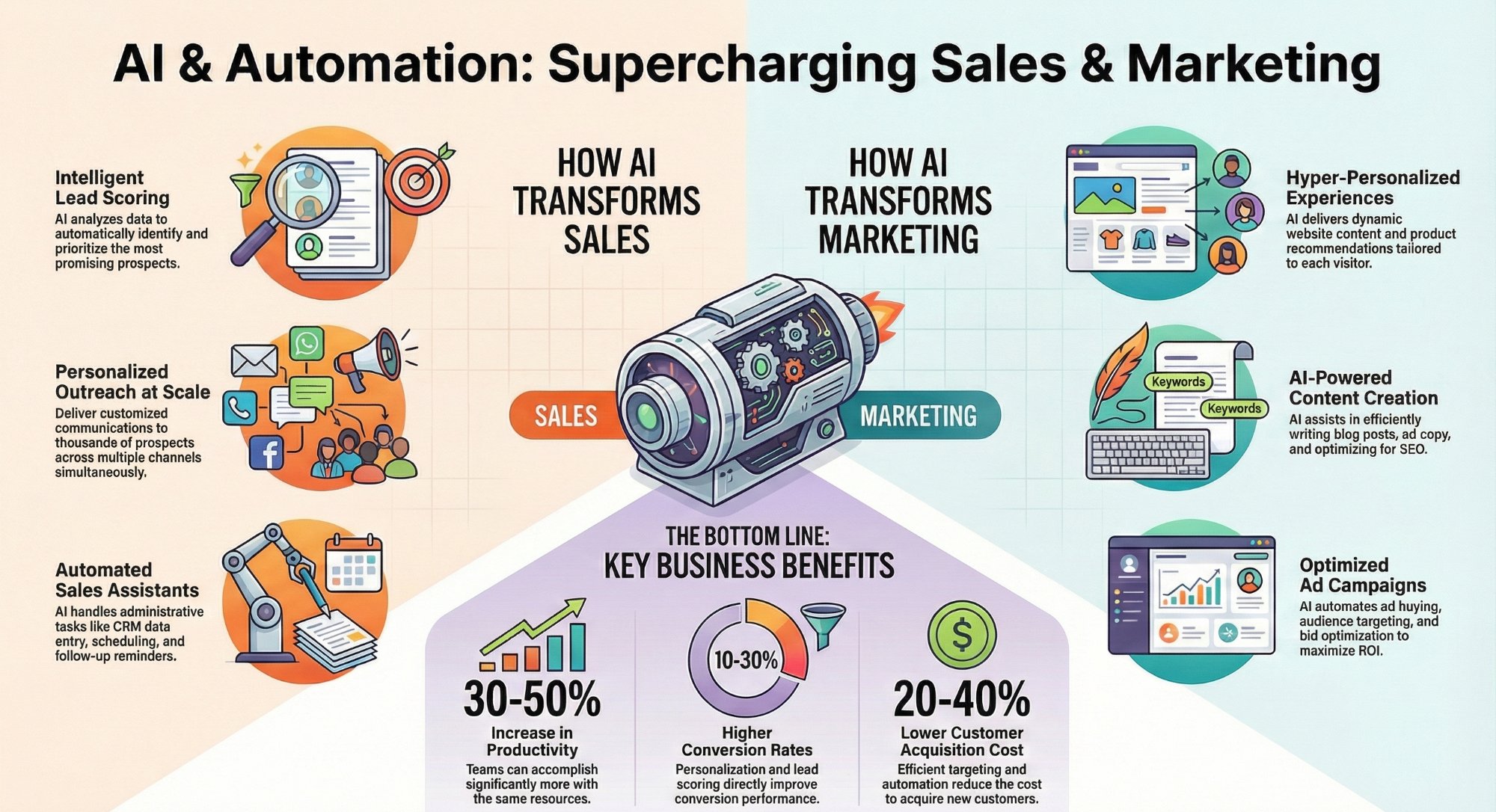
AI and automation use cases for sales and marketing teams
The highest leverage AI plays for pipeline, outreach, and campaign work.
Read the guide →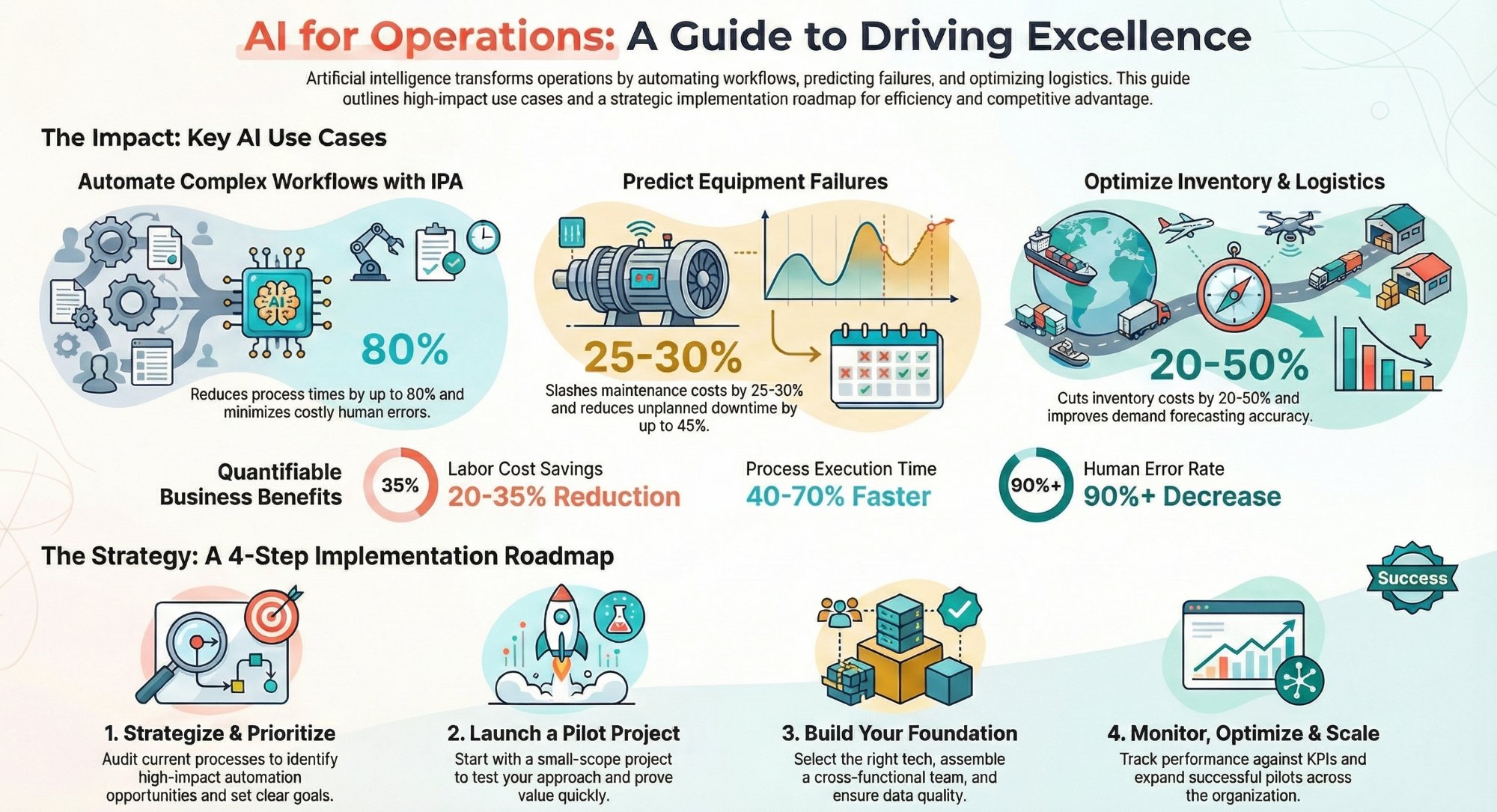
AI and automation use cases for operations teams
Where automation reclaims the most hours across day to day operations.
Read the guide →
The Automation stage, built for you
See what this looks like at full scale: your support stack connected, the busywork gone.
See the offer →Want your automation stack built for you?
Book a free 30-minute strategy call. We will map your highest-ROI workflows and give you a build roadmap on the spot. If we are not the right team for you, we will say so and point you somewhere better.
Book a Free Strategy Call →Free 30-minute call. Honest take, even if that means "you do not need us yet."