The top 5 project management mistakes CEOs make, and how to fix them fast
You built the business and set the vision. So why do projects keep going sideways? It is almost never your people. It is how the work is managed.
 By Ishan Vats · Founder of IV Consulting · 150+ ops transformations over 10+ years
Some links below are affiliate links. If you buy through them we may earn a commission, at no extra cost to you.
 Best for ops-heavy teamsClickUp
 Best for docs + projectsNotion
 SimpleMonday
 Fast adoptAsana
 AutomateMake
The five project management mistakes most CEOs make are: treating a tool as a system, having no single source of truth, skipping the project kickoff, having no visibility until something breaks, and confusing activity with progress. Each one is common, and each one is completely fixable with better systems rather than more people. The teams that scale without chaos are not the ones with the most talent. They are the ones with the best systems.
The real problem
It is not your people. It is your system.
You built the business. You set the vision. But somewhere between strategy and execution, projects keep going sideways. Deadlines slip. Teams miscommunicate. Clients get nervous.
The culprit is almost never your people. It is almost always how projects are managed. The same five mistakes show up in nearly every growing company, and each one quietly taxes your time, your margins, and your reputation. The good news: every one of them is fixable, and none of them requires hiring a full project management team to solve.
The breakdown
The 5 project management mistakes, and the fix for each
Buying a tool and calling it a system
You buy ClickUp, Notion, Monday, or Asana. You onboard the team. Three months later the workspace is a mess. Nobody follows the same workflow. Half your team is back on spreadsheets.
Here is what most people miss: a tool is not a system. A tool is the car. A system is the road, the traffic rules, the driver training, and the navigation combined.
The fix. Before you pick a tool, answer four questions: What stages does every project move through? Who owns each stage? What does "done" look like at each handoff? What gets documented, and where does it live? Once you have answers, build your workspace around them, not the other way around.
No single source of truth
Your ops lead is on Slack. Your developer checks email. Your PM has a private spreadsheet. Everyone is technically informed. Nobody is working from the same information. This shows up as a slow bleed: things fall through the gaps not because anyone was careless, but because nobody knew where to look.
The fix. Centralise everything. One workspace. One dashboard. One place where project scope, status, files, decisions, and conversations live. A poorly configured central workspace just creates a messier problem, so structure, naming conventions, and clear ownership rules are what make it work.
Skipping the project kickoff
Kickoffs feel like formalities, so projects start with a Slack message, a vague brief, and the assumption that everyone knows what done looks like. They almost never do.
The fix. Thirty minutes at the start of every project saves ten hours of rework downstream. A proper kickoff covers five things:
- Scope: what is in, and just as important, what is out.
- Deliverables: the concrete things you are producing.
- A single owner: one name accountable for the outcome.
- Success criteria: what "done and good" actually means.
- Risks: what could derail this, named up front.
No visibility until something breaks
You should not need to ask "where are we on this?" The answer should be one click away. If you are regularly surprised by delays or missed deadlines, you have a visibility problem.
The fix. Build a real-time dashboard that shows RAG status across all active projects: red for at risk, amber for flagged, green for on track. ClickUp's portfolio view and Notion's linked databases both handle this well. For teams running more than three concurrent projects, this is not optional.
Confusing activity with progress
Your team is in back-to-back meetings. Tasks are getting checked off. But the project is not moving forward. Busy is not progress.
The fix. Stop reviewing task counts and start reviewing outcomes. At the start of every project, define what real progress looks like. Set milestones that represent meaningful advancement, not just effort, and review those milestones weekly. When the conversation shifts from "what did we do" to "what moved," the whole team recalibrates.
The comparison
ClickUp vs Notion vs Monday vs Asana
Remember mistake one: the tool is not the system. But once your workflows are clear, the right tool makes them easier to run. Here is the short version of where each one fits.
| Factor | ClickUp | Notion | Monday | Asana |
|---|---|---|---|---|
| Best for | Ops-heavy teams that want deep customisation | Docs and projects in one flexible space | Visual pipelines, simple to read | Fast, clean task tracking |
| Customisation | Very high | High | Moderate | Lower |
| Learning curve | Steeper | Moderate | Gentle | Gentle |
| Portfolio / RAG view | Strong, native portfolio | Built with linked databases | Good board views | Decent, less flexible |
| Docs in the same tool | Yes | Yes, the core strength | Limited | Limited |
The payoff
Fix these mistakes and scale without chaos
These project management mistakes are common. They are also completely fixable. The businesses that scale without chaos are not the ones with the most talented people. They are the ones with the best systems.
IV Consulting builds project management systems for growing teams running on ClickUp, Notion, and automation in Make and n8n. We design the workflow, configure the workspace, and train your team so everything sticks. You own everything we build.
A system, not just a tool
We map your stages, owners, handoffs, and documentation rules first, then build the workspace around them. The result is a workflow your team actually follows three months later, not a tool they quietly abandon.
One source of truth
Scope, status, files, and decisions in one structured place, with naming and ownership rules that keep it clean as you grow.
Live RAG visibility
A real-time dashboard showing red, amber, and green across every active project, so status is one click away.
Outcomes over activity
Milestones that measure real advancement, reviewed weekly, so your team tracks what moved, not just what was busy.
FAQ
Questions CEOs ask before they fix this
What is the most common project management mistake CEOs make?
How do I get visibility into projects without micromanaging?
Do I need a full-time project manager to fix these problems?
Which tool should I use: ClickUp, Notion, Monday, or Asana?
How long does it take to fix these mistakes?
Can IV Consulting build this system for my team?
Ishan Vats
Founder, IV Consulting · operations & systems consultant
I build operating systems and automations for teams from startup to enterprise. 150+ ops transformations over 10+ years. If you want yours mapped and built right, I'll do it with you on a free call.
Book a free strategy call →Keep reading
Related guides and work
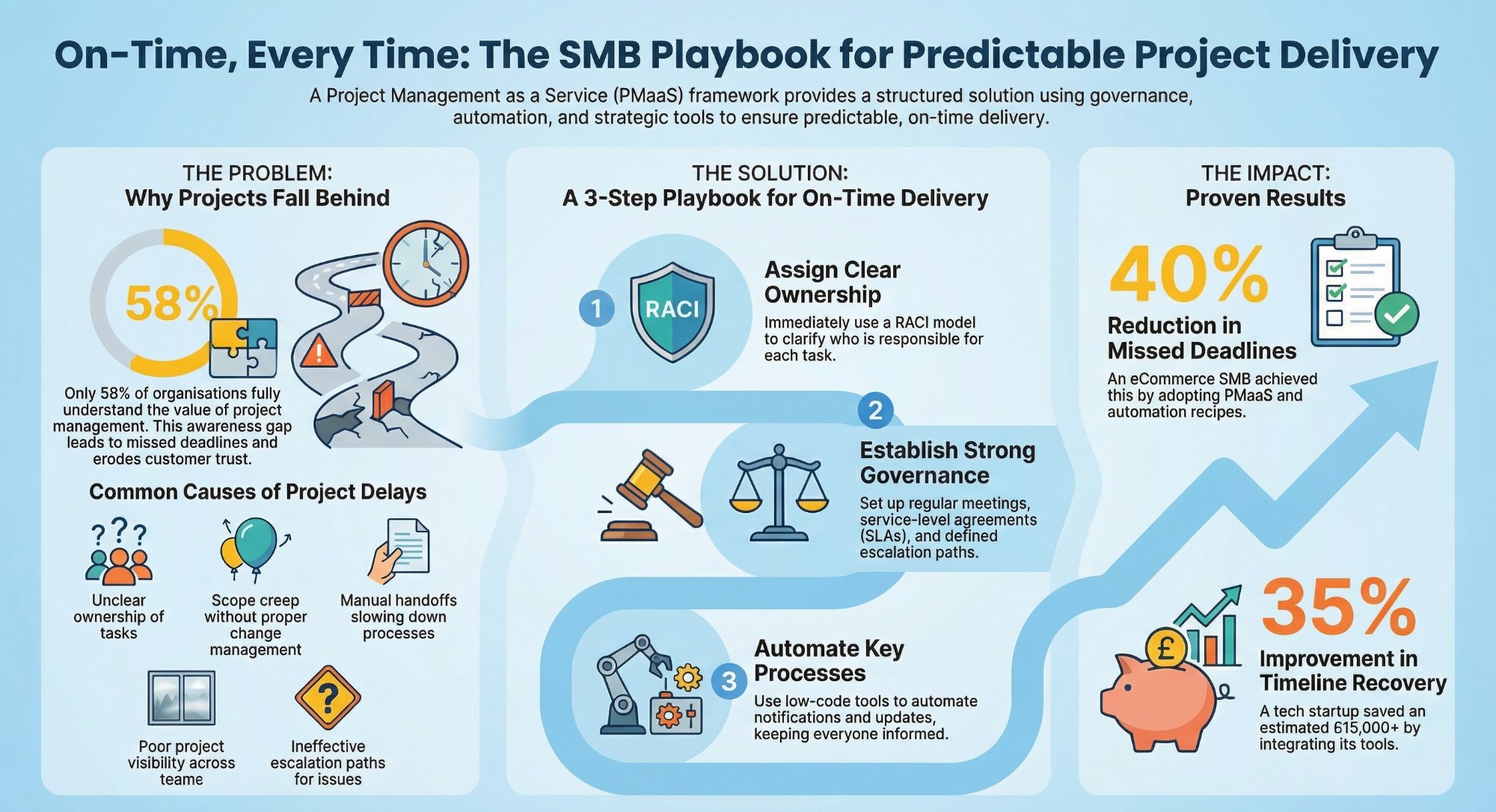
Why SMBs miss deadlines, and how PMaaS fixes it
The visibility and ownership gaps behind missed deadlines, and how to close them.
Read the guide →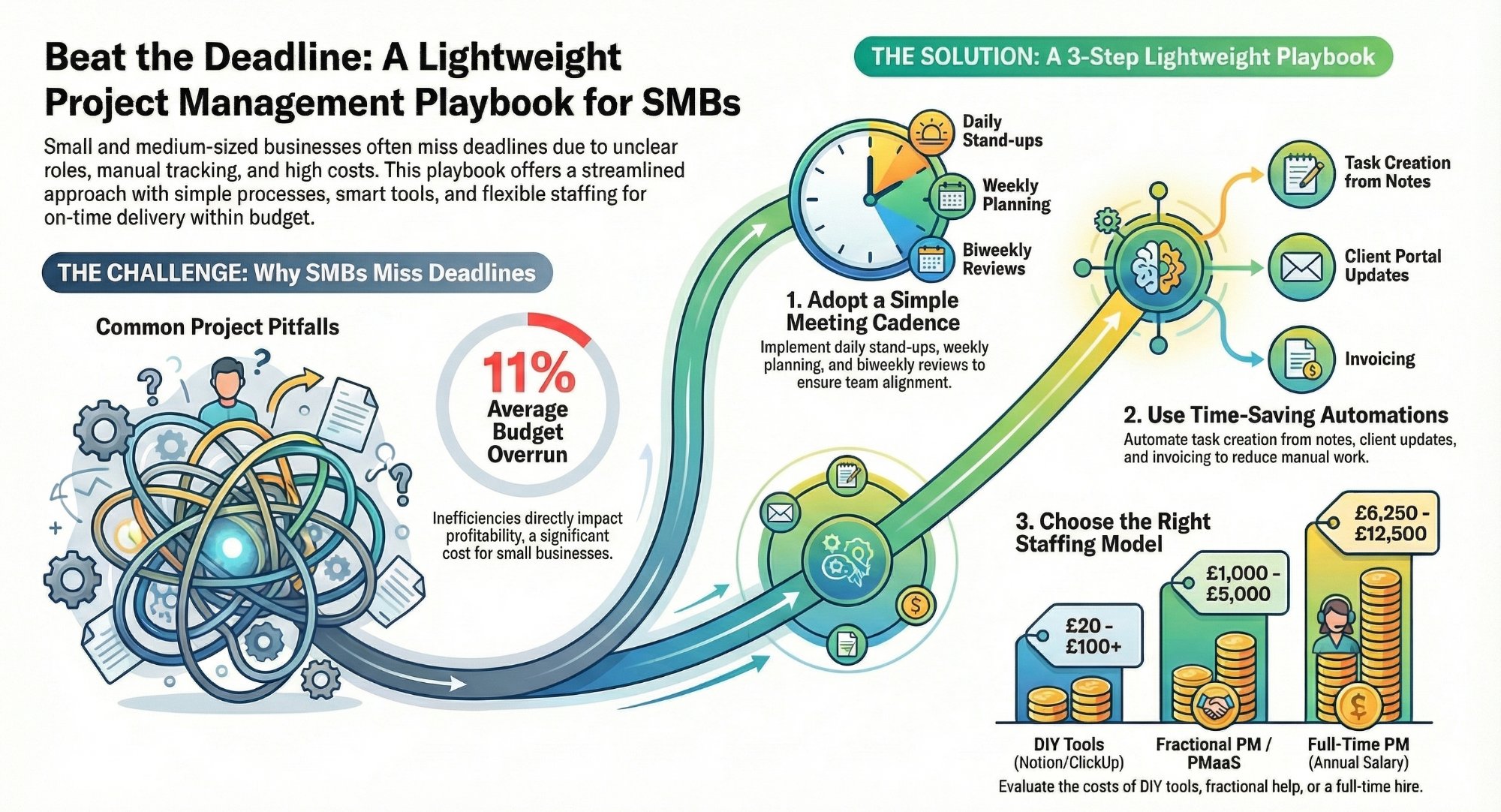
Deliver on time without hiring a project manager
How small teams ship projects on schedule with systems instead of headcount.
Read the playbook →
The Foundation stage, built for you
Your workflows mapped, your workspace configured, your team trained to keep it running.
See the offer →Want your automation stack built for you?
Book a free 30-minute strategy call. We will map your highest-ROI workflows and give you a build roadmap on the spot. If we are not the right team for you, we will say so and point you somewhere better.
Book a Free Strategy Call →Free 30-minute call. Honest take, even if that means "you do not need us yet."