QuickBooks vs Xero in 2026: the sixth user decides it, not the AI.
Intuit repriced QuickBooks Online for renewals on or after 1 August 2026 and pointed at AI as the reason. So we priced it against Xero at three, five and eight users, straight off both vendors' published list prices. Our verdict: under five people QuickBooks is defensible. At six it stops being, because QuickBooks Plus caps at five users and the sixth login forces you onto a $340 plan while Xero's costs nothing.
 By Ishan Vats · Founder of IV Consulting · builds AI agents & automations for 150+ teams
 Plus, 5 users max$140 a month. AI bundled, gated by tier
 Growing, users unlimited$55 a month. Half the agents still shipping
QuickBooks Online and Xero both bundle their AI into the plan price, so the AI is not what separates them. The seat model is. At published US list prices QuickBooks is $38 Simple Start for one user, $85 Essentials for three, $140 Plus for five and $340 Advanced for twenty five, while Xero is $25 Early, $55 Growing and $90 Established with unlimited users on every plan. Our verdict: a one to three person US business that leans on sales tax and accountant coverage should stay on QuickBooks, and any team that needs a sixth login should move to Xero. The sixth user is a cliff rather than a step, because QuickBooks Plus caps at five, so one more person means Advanced at $340 a month, roughly $3,000 a year more than Xero Established. On the AI itself the surprise runs the other way: QuickBooks has shipped more of what it advertises, while several of Xero's JAX agents are still in beta or scheduled for later in 2026.
The verdict
QuickBooks vs Xero: which should you actually buy in 2026?
Our verdict: if you are a one to three person US business and sales tax is your annual headache, stay on QuickBooks. If you need a sixth person to have a login, move to Xero, and the bigger your team gets the less close it is. The AI is not what separates these two products. Both bundle it into the plan price, both market it hard, and neither will do your books unsupervised. The seat model separates them, and after the August price change it separates them by thousands of dollars a year.
Here is the shape of it. QuickBooks Online caps users by tier: one on Simple Start, three on Essentials, five on Plus, twenty five on Advanced. There is no per user top up in between. So the sixth working person in your business does not cost you a small increment, it costs you the jump from Plus at $140 a month to Advanced at $340 a month. Xero includes unlimited users on all three of its plans, at $25, $55 and $90. The sixth login there costs nothing.
That is the whole decision for most growing teams, and it is why we think the usual framing of this comparison is wrong. People search for QuickBooks vs Xero expecting a feature fight, and the feature lists really are close. What actually moves money is a pricing structure choice each vendor made years ago, which the AI marketing on both sides now sits on top of.
Three things genuinely differ, in the order they should change your mind:
- How each one charges for people. Capped tiers against unlimited users. This is the largest number in the comparison and the only one that grows with your business.
- How much of the advertised AI has actually shipped. QuickBooks is ahead here, which is uncomfortable given it is also the expensive one. A meaningful part of Xero's agent set is still in beta or scheduled for later in 2026.
- US sales tax and accountant coverage. Intuit's depth in US filing and the number of American bookkeepers who live in QuickBooks is a real advantage that no price table captures. If your accountant will only work in one of them, that outranks everything above.
The forcing event
What exactly did QuickBooks change on 1 August 2026?
Intuit raised the monthly subscription price of three QuickBooks Online plans, and told customers the money is going into AI.
The specifics, from Intuit's own pricing changes notice: monthly subscription prices for QuickBooks Online Essentials, Plus and Advanced change for renewals on or after 1 August 2026. QuickBooks Free, Lite, Ledger and Simple Start are explicitly unchanged. Intuit attributes the increase to investment in the platform and lists the capabilities it is paying for: enhanced bank feeds with AI powered categorisation, Auto Categorization that learns your patterns, Invoicing on Autopilot, Conversational Business Intelligence, and deeper reporting and industry specific tooling in Advanced.
The list prices you renew at, from the QuickBooks pricing page in September 2026, are $38 a month for Simple Start, $85 for Essentials, $140 for Plus and $340 for Advanced. Promotional discounts are running on all four, and they expire, so price your decision off the list number rather than the first three months.
One thing worth being precise about, because plenty of coverage is not: Intuit's notice does not publish before and after figures. The widely repeated claim that Plus moved from $99 and Advanced from $200 comes from accounting firms tracking their clients' renewals, not from Intuit. The current prices are vendor published and the fact of an increase is vendor confirmed. The size of the jump is third party, and we are flagging it rather than quoting it as fact.
The decision
QuickBooks vs Xero compared
Published US list prices and shipped capability as of September 2026, taken from the QuickBooks pricing page and the Xero pricing page directly.
| Factor | QuickBooks Online | Xero |
|---|---|---|
| Entry plan | Simple Start, $38 per month, 1 user | Early, $25 per month, unlimited users |
| Middle plan | Essentials, $85 per month, 3 users | Growing, $55 per month, unlimited users |
| Main small business plan | Plus, $140 per month, 5 users | Established, $90 per month, unlimited users |
| Top plan | Advanced, $340 per month, 25 users | Xero Ultra, announced, pricing not disclosed |
| Accountant seats on top | 2, or 3 on Advanced | Included in unlimited |
| Cost of the sixth user | Forces Advanced. $200 per month more than Plus | $0 |
| Invoice and bill limits | Not capped by tier | Early capped at 20 invoices and 5 bills, unlimited from Growing |
| Cash flow forecast horizon | Not published as a tier limit | 30 days Early, 60 Growing, 180 Established |
| AI branding | Intuit Intelligence, bundled into the plan | JAX, bundled with no separate price |
| How the AI is gated | By tier. Accounting and Payments AI from Essentials, Sales Tax and Customer AI from Plus, Project Management and Finance AI on Advanced | JAX chat to all subscribers, rolling out Australia first then the US |
| Shipped versus announced | Live across the tiers. AI chat and guided setup marked beta | Mixed. Smart Document Capture and Auto Bank Reconciliation live, Document Chasing in October, Payment Follow Ups coming soon, Bill Protection and Cash Flow Actions in beta |
| Custom agent builder | None published | XeroForce, no code, early access now, general availability later in 2026 |
| Price change in 2026 | Essentials, Plus and Advanced changed for renewals on or after 1 August 2026 | None announced |
| Right when | You are 1 to 5 US users and lean on sales tax and accountant coverage | You need a sixth login, or you want seat count to stop being a pricing decision |
Two rows in that table are doing almost all the work. The cost of the sixth user is the one that decides the purchase, and it is covered properly in the next section. The shipped versus announced row is the one that should stop you assuming the cheaper product is also the more capable one right now.
The arithmetic
What does QuickBooks vs Xero cost a team of 3, 5 and 8?
We ran this ourselves off the published list prices. No promotional first months, no annual prepay, because promotions expire and list price is what you renew at.
| People who need a login | QuickBooks Online | Xero | Difference per year |
|---|---|---|---|
| 3 | Essentials, $85 per month, $1,020 a year | Growing, $55 per month, $660 a year | $360 in Xero's favour |
| 5 | Plus, $140 per month, $1,680 a year | Growing, $55 per month, $660 a year | $1,020 in Xero's favour |
| 8 | Advanced, $340 per month, $4,080 a year | Established, $90 per month, $1,080 a year | $3,000 in Xero's favour |
Read down that last column and you can see the decision change shape. At three people the gap is $360 a year, which is small enough that features and your accountant's preference should decide it. At five people QuickBooks is roughly two and a half times the price. At eight people it is roughly three and a half times, and the annual difference is $3,000, which is real money for a business of that size.
The jump between five and eight is not gradual, and that is the part worth internalising. QuickBooks Plus stops at five users. There is no sixth seat to buy. Your options are to move someone off the platform or to move the whole business to Advanced at $340 a month, which is $200 a month more than you were paying for the same bookkeeping. Nothing about your accounting got harder. You hired one person.
We used Xero Established at eight people to keep the comparison fair, because that is the tier with the 180 day cash flow forecast that a business of that size usually wants. If 60 days is enough, eight people fit on Xero Growing at $55 a month, and the annual difference against QuickBooks Advanced becomes roughly $3,400.
One more thing the seat rows hide: QuickBooks gives you two accountant seats on top of your user count, three on Advanced, so your bookkeeper does not eat a paid seat on either platform. That is a genuine point in QuickBooks' favour at the smallest sizes, where the difference between three users and five is the whole decision.
The part the marketing skips
Whose AI actually does the bookkeeping today?
QuickBooks has shipped more of what it advertises. Xero has announced more than it has shipped. Neither of them does the bookkeeping.
QuickBooks calls its AI Intuit Intelligence, and it is bundled into the plan rather than sold as an add on, which is the right call. It is gated by tier though, and the gating tracks the tiers that were just repriced. Expense categorisation and a beta AI chat appear from the bottom. Accounting AI, which cleans up records, and Payments AI, which chases collections, start at Essentials. Sales Tax AI and Customer AI start at Plus. Project Management AI and Finance AI are Advanced only. So the agents an owner actually pictures when they read the marketing sit on the two most expensive plans.
Xero calls its AI JAX, and JAX chat is described as available to all Xero subscribers with no separate price. There is a catch American readers should know about: the rollout is staged, Australia first and the United States after. Check availability in your own account rather than assuming the marketing page reflects what you can turn on today.
The agentic layer around JAX is where the gap opens. Going by Xero's own Xerocon London 2026 announcement, Smart Document Capture and Auto Bank Reconciliation are live, Document Chasing is due in October, Payment Follow Ups is listed as coming soon, and Bill Protection and Cash Flow Actions are in beta. XeroForce, a no code agent builder that connects Xero to third party tools, is in early access with general availability later in 2026. Xero also announced Xero Ultra, a new top tier for finance teams, with no pricing disclosed, so nobody can price that decision yet.
Put plainly: on the cheaper platform, a meaningful part of what you are reading about is a roadmap. On the more expensive one, it exists but the good parts are behind Advanced. That is an unusually honest tension and most comparisons collapse it into a feature checklist where both sides get a tick.
Worth noting for anyone already running AI tooling: Xero shipped integrations that give Claude and Microsoft 365 Copilot secure access to financial data, available now. If your team already works in one of those, that is a genuine reason to look at Xero that has nothing to do with bookkeeping features, and we would weigh it above most of the agent roadmap.
The decision
Which one fits your business?
Run down these in order and stop at the first one that matches you. They are ordered by how much money the answer moves.
- Your accountant or bookkeeper will only work in one of them. Use that one and stop reading. This genuinely beats every number in this article, because the hours they lose fighting an unfamiliar platform get billed back to you, and in the US the QuickBooks bench is deeper.
- You need a sixth person to have a login. Xero. QuickBooks Plus caps at five and Advanced is $200 a month more for the same bookkeeping. This is the cliff and it is the single most expensive line in the comparison.
- You have contractors, a part time bookkeeper and an ops person who all need to see things. Xero. Unlimited users on every plan is the actual product difference, and it means headcount stops being a software pricing conversation.
- You are one to three people in the US and sales tax is the annual pain. QuickBooks. Simple Start at $38 was not repriced, and Intuit's US filing depth is real. Note that Sales Tax AI specifically needs Plus, so do not buy Simple Start expecting it.
- You bill fewer than 20 times a month and want the cheapest workable option. Xero Early at $25, but check the 20 invoice and 5 bill caps against a real month first. Most businesses that think they qualify do not.
- You are on QuickBooks Advanced and just got repriced. Price the migration properly before you move. $3,000 a year is worth chasing, and it is also roughly what a badly run migration costs you in rebuilt bank rules, remapped chart of accounts and a bookkeeper relearning their job.
FAQ
Questions owners ask about QuickBooks and Xero
Is Xero cheaper than QuickBooks in 2026?
Why did QuickBooks raise prices in August 2026?
How many users do you get with QuickBooks Online?
Does Xero JAX cost extra?
Is Intuit Intelligence included in every QuickBooks plan?
Should I switch from QuickBooks to Xero after the price increase?
Ishan Vats
Founder, IV Consulting · AI & automation consultant
I build production AI agents, automations, and MCP servers for teams from startup to enterprise. 150+ ops transformations over 10+ years. We are not accountants and we do not resell either platform. What we do is build the automation layer around whichever ledger you land on, which is where most of the finance admin actually lives.
Run my automation numbers →Keep reading
Related guides and work
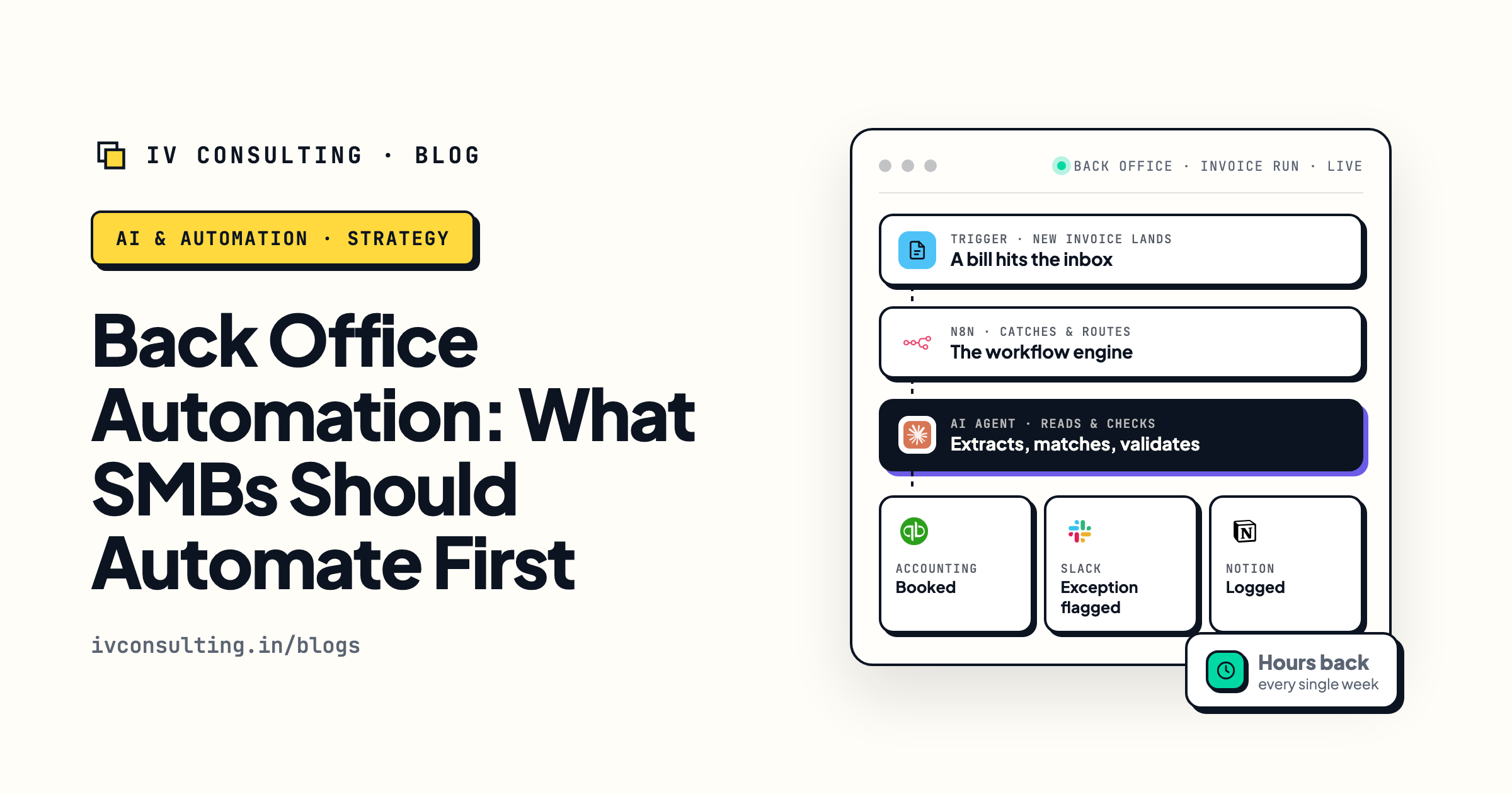
Automate the back office first
Why the money hides in finance and admin rather than the customer facing work everyone automates first.
Read it →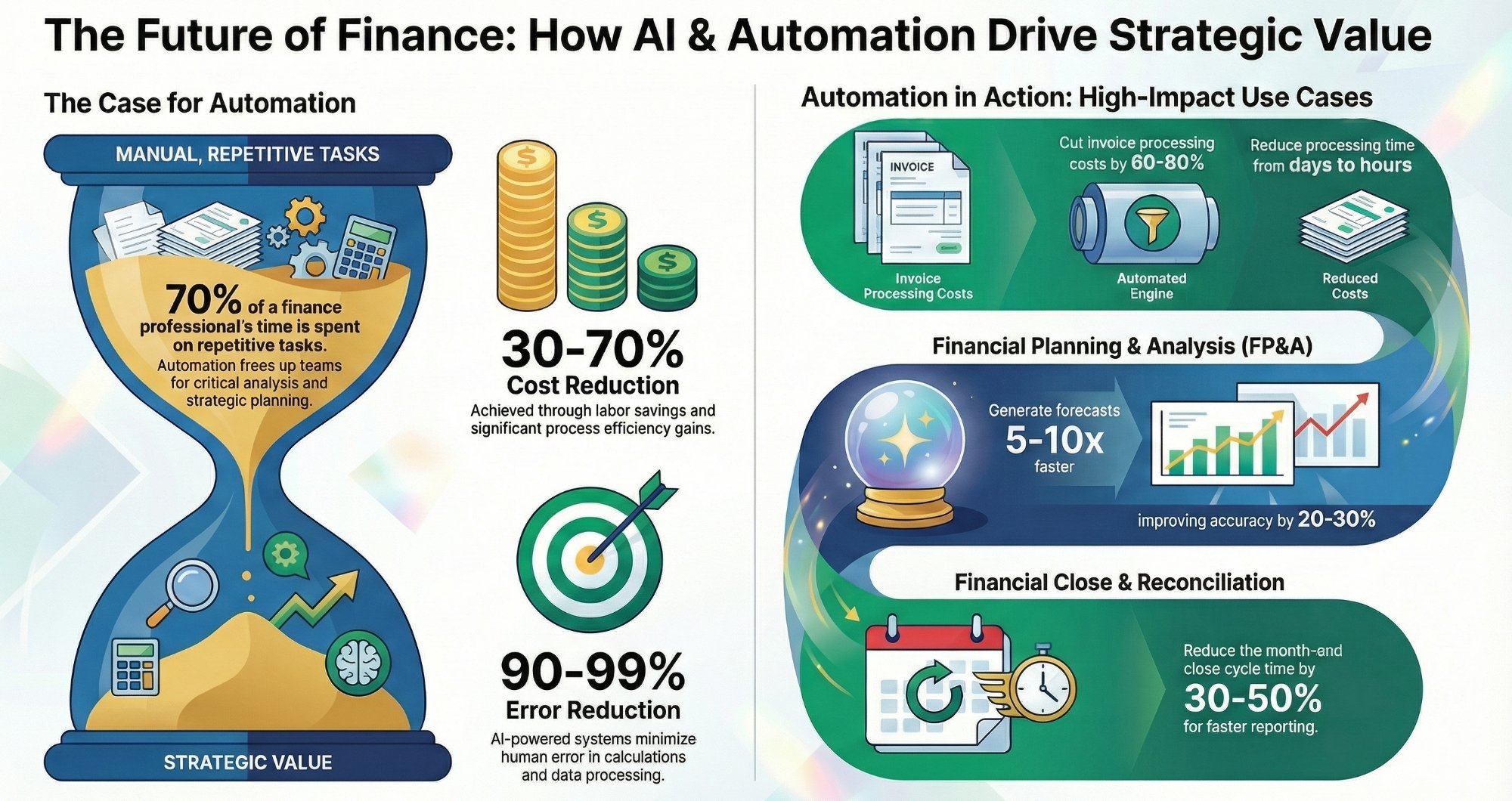
AI and automation for finance teams
The jobs either platform leaves on your desk, and which of them are worth automating around it.
Read it →
The Automation stage, built for you
The reconciliation, chasing and reporting your accounting tool will not do, wired into the stack you already pay for.
See the stage →Switching accounting tools, or just tired of the admin around them?
Book a free 30-minute call. Bring the part of your finance month that actually hurts, the chasing, the receipt hunt, the reconciliation that eats a Friday, and we will tell you whether it is a platform problem, an automation problem, or neither. If the honest answer is that QuickBooks or Xero already does this and nobody turned it on, we will say that instead of quoting you for a build.
Map my highest-ROI workflow, free call →Free 30-minute call. We are not accountants and we do not resell either platform, so the take is straight.