The biggest AI wins hide in your back office, not your sales stack.
MIT found that 95% of AI pilots deliver no measurable ROI. The 5% that pay off share a pattern: they automate the unglamorous back office first. Here is what to automate, and in what order, so your first project is the one that actually returns money.
 By Ishan Vats · Founder of IV Consulting · 150+ ops transformations over 10+ years
 n8n · catches & routesThe workflow engine
 AI agent · reads & checksExtracts, matches, validates
 AccountingBooked
 SlackException flagged
 NotionLogged
Automate the back office first. MIT's 2025 research found that about 95% of AI pilots deliver no measurable return, and that most budgets chase sales and marketing while the real ROI sits in back office automation: invoicing, data entry, reporting, and admin. So do not start with a flashy sales bot. Pick one high-friction back office workflow that runs often and follows clear rules, wire an AI model into that real process, prove the hours and errors it saves, then fund the next one from that win. Narrow and boring beats broad and impressive. That is the difference between the 5% that pay off and the 95% that stall.
What it is
What is back office automation?
Back office automation uses software and AI to run the internal, behind-the-scenes work that keeps a business going: invoicing, data entry, reconciliation, reporting, HR admin, and support triage. Instead of a person copying numbers between a PDF, a spreadsheet, and an accounting tool, a workflow catches the task, an AI model reads and processes it, and the result lands in your systems automatically. It is the unglamorous work your customers never see, and it is where most small businesses find their fastest, most reliable return on AI.
The front office is the part everyone gets excited about: the sales bot, the marketing copy generator, the shiny customer-facing demo. The back office is the plumbing behind it. Bills to be paid. Records to be matched. Numbers to be pulled into a report every Monday. None of it wins awards, and all of it eats hours. That is exactly why it is such fertile ground: the work is repetitive, rule-bound, and measurable, which is what automation is good at.
Under the hood it is a chain of connected tools. A trigger fires when a task appears. n8n is the engine that catches it and moves it through the steps. An AI model supplies the judgment where a rigid rule cannot: reading a messy invoice, classifying a ticket, summarizing a document. Then the workflow writes the result back into your accounting tool, your CRM, or your workspace. This is the connected, tool-using work our Automation stage is built for.
The evidence
Why do most AI projects fail to deliver ROI?
According to MIT's 2025 report, The GenAI Divide: State of AI in Business 2025, about 95% of enterprise generative AI pilots delivered no measurable impact on profit and loss, while only around 5% captured real value. That finding, widely reported when the study landed, is not an argument against AI. It is an argument against how most companies deploy it. The gap between the 5% and the 95% is not the model. It is the choice of where to point it.
The report named the real culprit a "learning gap." Generic tools like ChatGPT are brilliant for an individual because they are flexible, but they do not learn or adapt to a company's specific workflows, so in a real business process they stall. A pilot that is a clever demo but not wired into how work actually flows never moves the numbers. The projects that pay off are narrow, embedded in one real process, and pointed at work where the savings are concrete.
Here is the part that should change your plan. The same MIT research found that more than half of AI budgets go to sales and marketing, yet the biggest returns showed up somewhere far less exciting: back office automation, cutting outsourcing and external agency costs and streamlining operations. In other words, the money is chasing the front office while the ROI is sitting quietly in the back. That single mismatch explains a lot of stalled pilots.
Why does the back office pay off more reliably? Because the wins are easy to see and hard to argue with:
- The savings are direct. Hours your team stops spending on manual entry, and errors you stop paying to fix, land straight on the P&L. No attribution debate.
- The rules are clear. Back office work is repetitive and bounded, which is exactly what a workflow plus an AI model handles well and predictably.
- The blast radius is small. A back office step that stumbles gets caught and flagged. It does not embarrass you in front of a customer the way a rogue sales bot can.
- It compounds. One clean, trusted workflow becomes the template for the next, so momentum builds instead of stalling after a demo.
The shortlist
Which back office tasks should SMBs automate first?
Start with a single, high-friction workflow that runs often and follows clear rules. Not a portfolio of ten ideas. One. Pick the task that quietly steals the most hours and where a small mistake is cheap to catch, automate it end to end, and prove the return before you touch the next one. Here are the five that pay off first for most small teams.
1. Accounts payable and invoice processing
Invoices arrive as messy PDFs and get keyed in by hand. An AI model reads each one, pulls out vendor, amount, and line items, matches it against the purchase order, and posts it to your accounting tool. Anything that does not match cleanly gets flagged to a human. This is the hero example: high volume, clear rules, and every automated invoice is an hour and an error avoided. Which accounting tool sits at the end of that chain matters less than most people think, but the seat model does: we priced QuickBooks against Xero at three, five and eight users, and past five logins the gap runs into thousands a year.
2. Data entry between disconnected tools
The tax on most small teams is copying the same record from a form to a spreadsheet to a CRM to an invoice. A workflow moves that data once, cleanly, the moment it appears, so nobody rekeys it and nothing drifts out of sync. Boring to describe, enormous in hours returned.
3. Routine reporting
The weekly numbers pull, the monthly ops summary, the update deck someone rebuilds by hand every time. An automation gathers the data from each source, an AI model writes the plain-language summary, and the report lands in your workspace on schedule. Your team reads it instead of assembling it.
4. First-line support triage
Not every ticket needs a person, but every ticket needs sorting. An agent reads each incoming request, classifies it, drafts a first response from your knowledge base, and routes the genuinely hard ones to the right human with context attached. Faster resolution, and your team stops triaging to start solving.
5. HR and onboarding admin
Onboarding a new hire means the same checklist every time: accounts to create, documents to send, systems to provision. A workflow orchestrates the repeatable steps across your tools so a person is not chasing them one by one. The kind of paperwork that a clear system should run on its own.
Where the ROI is
Front office vs back office automation: where does the return come from?
Most AI budgets flow to the front office because it is visible and exciting. The MIT data says the return is in the back office. This table maps why, dimension by dimension. The back office column is highlighted because, for a small team choosing where to start, it is the safer bet on a first project that actually pays.
| Dimension | Front office (sales & marketing) | Back office (ops & finance) |
|---|---|---|
| Typical first project | AI sales bot, content generator | Invoice processing, data entry, reporting |
| How you measure ROI | Attribution, hard to isolate | Hours saved and errors cut, direct |
| Time to visible return | Slow and often contested | Fast and countable |
| Risk if it misbehaves | Public, in front of a customer | Contained, flagged to a human |
| Where AI budgets go (MIT) | More than half of spend | The minority of spend |
| Where the ROI showed up (MIT) | Muted, most pilots stalled | The biggest, clearest returns |
The playbook
How should an SMB start back office automation?
You do not need a big strategy or a new platform. You need one workflow, done properly, and a way to prove it worked. Here are the five steps that take a back office task from "a person does this every week" to "it runs itself, and we can show the return."
The five steps at a glance: (1) pick the one workflow that steals the most hours, (2) map the process before you automate it, (3) build it with a workflow engine plus an AI model, (4) keep a human on the risky steps, and (5) instrument it, prove the return, then scale to the next one.
Pick the one workflow that steals the most hours
Resist the urge to automate everything. List the back office tasks your team does over and over, and pick the single one with the most repetition, the clearest rules, and the lowest cost of a small error. That is almost always invoice processing, data entry, reporting, or support triage. One deep, working example beats five half-built ones.
Map the process before you automate it
Write down the exact steps a person takes today, including the judgment calls and the exceptions. This is where automation succeeds or fails. If you cannot describe the process clearly, no tool can run it. Mapping it also surfaces the parts that need real reasoning, which is where an AI model earns its place, versus the parts that are simple rules. A documented system is the foundation the automation stands on.
Build it with a workflow engine plus an AI model
The reliable pattern is a workflow engine that handles the routing and connections, and an AI model that handles the reading, extracting, and judgment. A trigger fires when the task appears, the engine passes the messy input to the model, and the model's output is written back into your tools. That is exactly the n8n plus Claude stack, and our build walk-through shows the shape in detail.
Keep a human on the risky steps
Let the automation do the reading, matching, drafting, and logging on its own. For any step that pays money out, commits the business, or touches something sensitive, route it to a person for a fast approval. This is not a lack of trust in the model. It is how you get the speed of automation with a safety net, so the workflow earns confidence instead of scaring people off it.
Instrument it, prove the return, then scale
Before you scale, measure. Track the hours the workflow saves and the error rate it removes, so the return is a number you can show, not a feeling. A back office win is easy to prove precisely because the savings are direct. Once one workflow is trusted and measured, use it as the template for the next. That is how you climb out of the 95% and into the 5%.
FAQ
Questions people ask about back office automation
What is back office automation?
Why do most AI projects fail to deliver ROI?
What should an SMB automate first?
Is back office automation better than automating sales and marketing?
Should we build back office automation in-house or hire a partner?
How long does back office automation take to pay off?
Ishan Vats
Founder, IV Consulting · operations & systems consultant
I help teams from startup to enterprise automate the boring, high-friction back office work that quietly eats their week, then prove the hours it saves. 150+ ops transformations over 10+ years. If you are not sure what to automate first, I'll help you find the one workflow worth it on a free call.
Book a free strategy call →Keep reading
Related guides and work
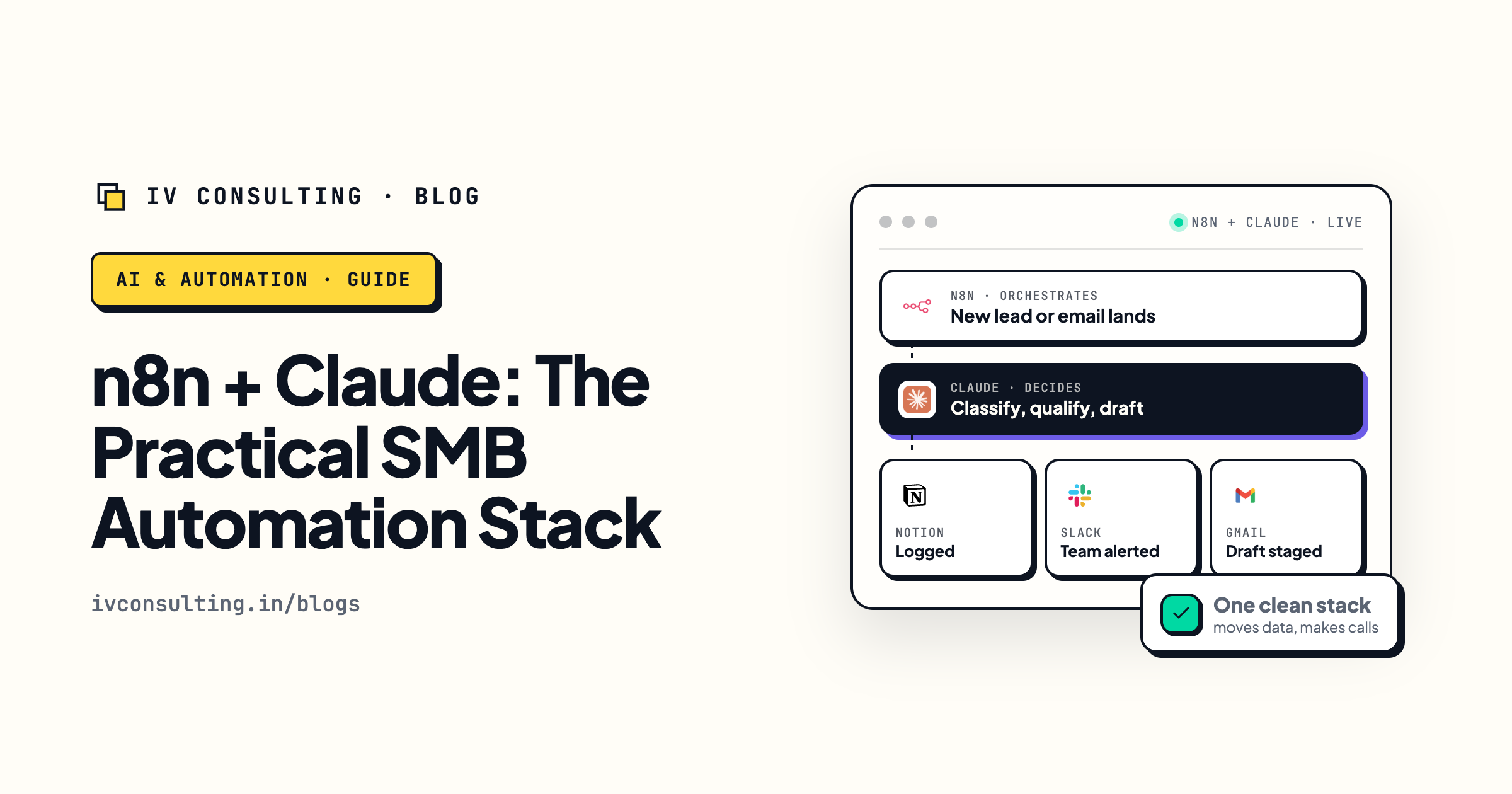
The n8n plus Claude automation stack
The exact pairing that runs a back office workflow: n8n handles the routing, Claude handles the reading and judgment.
Read the guide →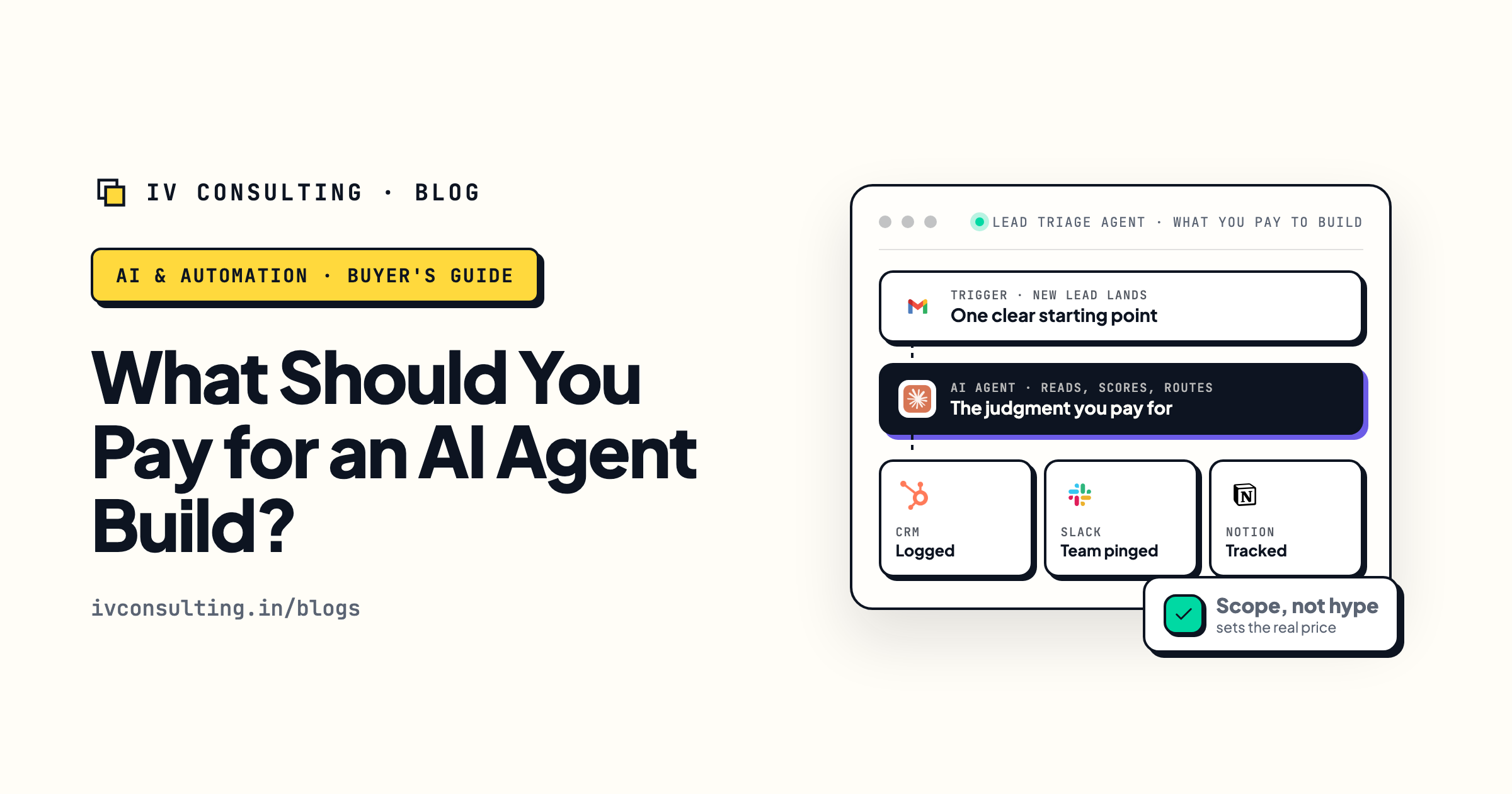
What should you pay for an AI agent build?
Once you know which workflow to automate first, this is how to scope and price the build without getting fleeced.
Read the guide →
The Automation stage, built for you
We connect your tools and automate the back office busywork, so you recover hours and prove the return on your first project.
See the offer →Find the one back office workflow worth automating first.
Book a free 30-minute strategy call. We will look at where your team loses the most hours to manual work, pick the single highest-ROI workflow to automate first, and map how to build it so it pays for itself, no flashy pilot that stalls.
Map my highest-ROI workflow →Free 30-minute call. Honest take, even if that means "you do not need this yet."