Persistent AI memory: give your ops stack an AI that remembers
Most AI forgets everything the moment a task ends. Here is how to make it remember, and what that changes for your operations.
 By Ishan Vats · Founder of IV Consulting · builds AI agents & automations for 150+ teams
 AI Agent · ClaudeReads then writes memory
 Memory storeContext kept across runs
 NotionDocs recalled
 ClickUpTasks in context
 SlackTeam updated
Persistent AI memory is what lets an AI agent remember context across separate runs, instead of starting from a blank slate every time. In your ops stack it lives in three places: short-term memory inside tools like n8n, your workspace knowledge in Notion or ClickUp, and a long-term store an agent reads through MCP. Add it and your agents stop asking for the same context twice.
The basics
What persistent AI memory actually means
Most AI tools are stateless. They answer the question in front of them, then forget everything. Close the chat, run the workflow again tomorrow, and the model starts from zero. It has no idea who your client is, what you decided last week, or how you like things done.
Persistent AI memory changes that. It is the layer that stores facts, past decisions, and history outside the model, then feeds the relevant parts back in on the next run. The model itself does not change. What changes is what you put in front of it. Instead of a brilliant analyst with amnesia, you get one who read the file before the meeting.
Three kinds of memory, in plain terms
It helps to split memory into three jobs, because they live in different parts of your stack:
- Short-term memory: the running context of a single task or conversation. The last few messages, the current job. This is what an n8n memory node handles inside one workflow run.
- Long-term memory: facts worth keeping for weeks or months. Client preferences, past projects, your SOPs. This lives in your workspace or a dedicated store.
- Shared memory: one source that several agents read and write, so your support agent and your reporting agent see the same truth.
The problem
What stateless AI quietly costs your team
Every time your AI forgets, a human pays for it. Usually in re-explaining, re-checking, and re-doing.
Stateless AI looks fine in a demo and frustrating in daily use. The costs are easy to miss because they hide inside normal work:
- You paste the same background into the prompt every single time, because the model never keeps it.
- A support reply contradicts what your team told the customer last week, because the agent never saw that thread.
- Your weekly report reads like week one, every week. No sense of what changed or what you already tried.
- When a team member leaves, the context in their head walks out with them. Nothing captured it.
None of these is a model problem. The model is capable. The problem is that it is working blind. Persistent AI memory is how you stop paying the same tax over and over, and it is the difference between AI that demos well and AI that actually compounds.
The map
Where AI memory lives in your ops stack
There is no single memory button. Memory is spread across four layers, and most teams use two or three together.
| Layer | n8n memory node | Notion AI / ClickUp Brain | Vector store | Claude + MCP |
|---|---|---|---|---|
| What it remembers | Recent turns in one workflow run | Your docs, tasks, and wikis | Embedded long-term knowledge | A live link to your real systems |
| How long it lasts | Session, or longer if backed by a database | As durable as your workspace | Until you delete or expire it | As current as the source |
| Setup effort | Low, built into n8n | Low, you already maintain it | Medium, needs a store and embeddings | Medium, needs an MCP connection |
| Best for | Chat agents and multi-step flows | Team knowledge and SOPs | Recall across thousands of records | Agents that act on current data |
Read it left to right and a pattern shows up. The two layers on the left are cheap and fast to start. The two on the right are where serious, durable memory lives. MCP is the connective tissue: it gives an agent a standard way to reach your store, your tools, and your live data without custom glue code for each one.
The payoff
What persistent memory changes for SMB ops
Memory is not a feature you show off. It is the thing that makes everyday automation feel like a teammate instead of a tool.
Support that knows the history
A customer writes in for the third time. With memory, the agent already has their past tickets, their plan, and what your team promised last week. No "can you remind me what this is about." The reply lands with full context, and the customer feels known instead of processed.
Onboarding without the re-brief
New automations inherit your SOPs and past decisions instead of asking for them. The system already knows how you do things.
Reporting with continuity
Your weekly digest references last week's numbers, flags what moved, and remembers what you already tried. Trends, not snapshots.
Sales context that compounds
Every touchpoint builds on the last. The agent recalls the prospect's pain, the last call, and the open question, so follow-ups never feel like a cold start.
Institutional knowledge that stays
When someone leaves, the context does not leave with them. The decisions, the why, and the playbook stay captured and queryable.
The build
How to add persistent memory to your stack
You do not flip a switch. You add memory in layers, starting with what you already keep up to date.
Decide what is worth remembering
Memory is not a junk drawer. Before you store anything, name the handful of things that actually matter: client preferences, past decisions, your standard processes, the state of open work. Everything else is noise that makes recall worse, not better. The best memory is small and curated, not big and messy.
Start with workspace memory
Your Notion or ClickUp workspace is the cheapest long-term memory you own. When you keep one clean source of truth, Notion AI and ClickUp Brain can read across it and answer from your real context. If your workspace is scattered, fix that first. This is exactly what our Foundation stage builds: one central workspace your AI can actually trust.
Add session memory in n8n
For multi-step agents, add a memory node in n8n so the agent keeps context within a run, and back it with a database when you need that context to survive between runs. This is where short-term memory turns an agent from a one-shot responder into something that can follow a thread. Our Automation stage wires this into the workflows that run your business.
Add long-term recall with a store and MCP
When you need to recall across thousands of records, add a vector store such as Supabase or Pinecone and connect your agent to it, usually through MCP. Now the agent can pull the three most relevant past notes out of a year of history in milliseconds. This is production AI, and it is the heart of our AI Engineering stage, where we build agents, MCP servers, and the memory behind them.
Do this safely
Memory hygiene: the guardrails that matter
Store less than you think you need
The instinct is to remember everything. Resist it. A bloated memory makes the agent slower and less accurate, because the wrong context drowns out the right one. Keep memory tight and relevant, and prune it on a schedule.
Keep secrets and sensitive data out
General memory is not a vault. Do not write passwords, API keys, or personal data you do not strictly need into a store that an agent reads freely. Decide upfront what is allowed in, and treat anything sensitive as a separate, access-controlled system.
Set expiry, scope, and review
Give facts a shelf life so stale information expires instead of misleading the agent. Scope which agents can read and which can write. And review what an agent writes back before you trust it as truth, especially in the first weeks.
FAQ
Questions people ask about AI memory
What is persistent AI memory?
Is this different from using ChatGPT or Claude with one long chat?
Do Notion AI and ClickUp Brain count as AI memory?
Where should a small business store long-term AI memory?
Is persistent AI memory safe to use with business data?
Can IV Consulting set up persistent AI memory for our team?
Ishan Vats
Founder, IV Consulting · AI & automation consultant
I build production AI agents, automations, and MCP servers for teams from startup to enterprise. 150+ ops transformations over 10+ years. If you want this mapped to your own stack, I'll do it with you on a free call.
Book a free strategy call →Keep reading
Related guides and work
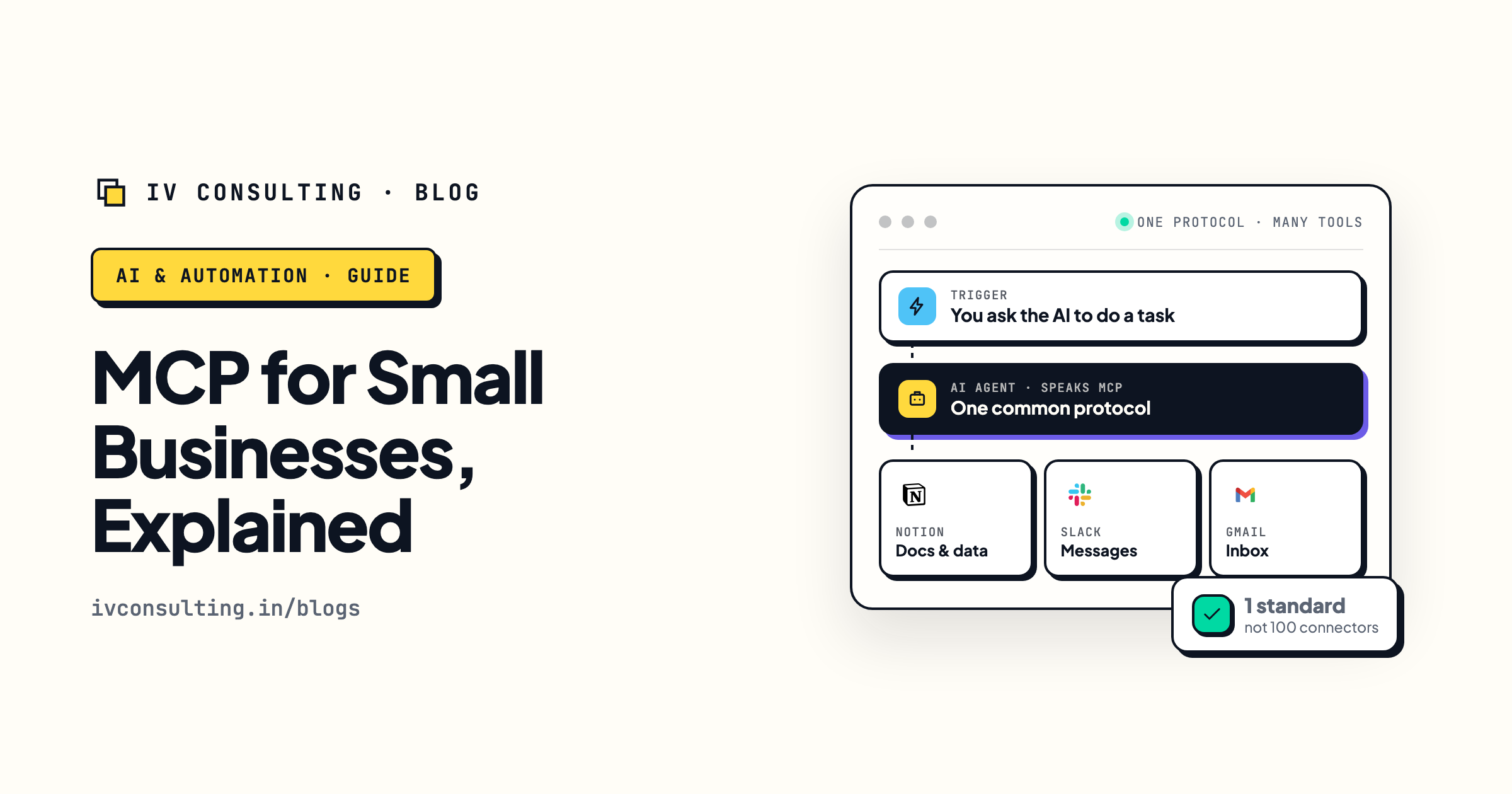
MCP for small businesses, explained
The open standard that lets AI agents reach your tools and your memory without custom glue code.
Read the guide →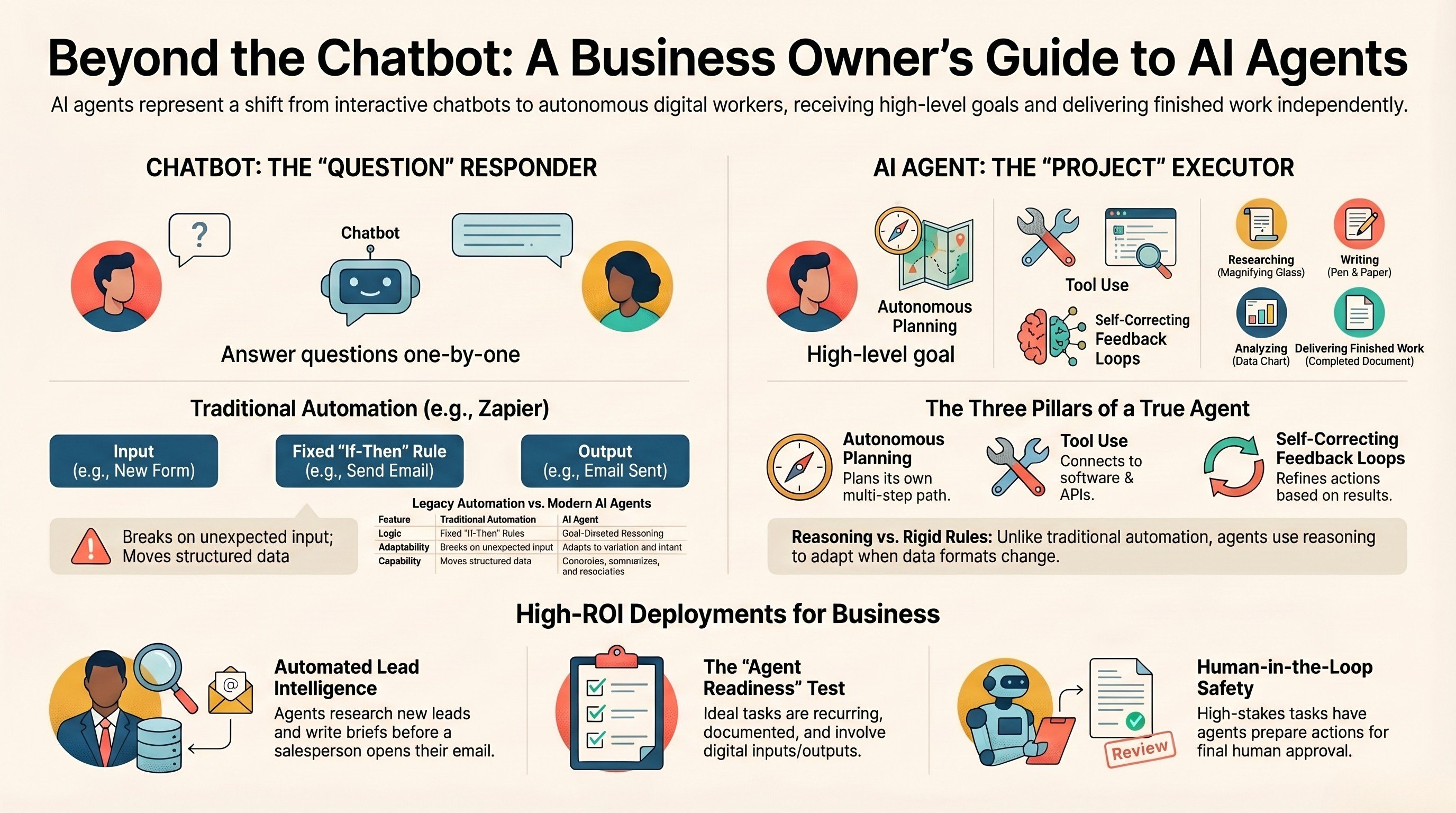
What is an AI agent? A guide for business owners
The plain-English version of what an agent actually is, and where memory fits in.
Read the guide →
The AI Engineering stage, built for you
Production agents, MCP servers, and the persistent memory behind them, built and handed over.
See the offer →Want an AI that remembers your business?
Book a free 30-minute strategy call. We will map where memory belongs in your stack and what to add first for the biggest win. If you are not ready for it yet, we will tell you straight.
Book a Free Strategy Call →Free 30-minute call. Honest take, even if that means "you do not need us yet."