Clay vs Bitscale vs Origami for agencies: 1,000 records priced on each
Clay split its bill into Actions and Data Credits in March 2026, and Bitscale and Origami are now pitching agencies directly. We read all three pricing pages on the same day, priced 1,000 enriched records in each tool's own currency, and took a side. We run four live Clay outbound systems, so the Clay column comes from real tables. We have not run Bitscale or Origami, and we say so wherever it matters.
 By Ishan Vats · Founder of IV Consulting · runs 4 live Clay outbound systems
 ClayActions + Data Credits
Clay, Bitscale and Origami do not charge in the same currency, so price 1,000 records in each one's own unit. On list prices read 12 November 2026: Clay charges 1 Action per record enriched plus Data Credits for vendor data (its docs say 6 to 20 credits for a fully enriched record, about $0.30 to $0.90 of credits per record), with no seat fees and bring-your-own-key on every plan. Bitscale's Growth plan is $349 a month for 15,000 credits, charged only when a provider returns a valid result, but it does not publish credits per record. Origami's Starter plan is $99 a month with $165 of usage, and a verified email costs $0.066, so 1,000 verified emails is $66 of usage. Our verdict for agencies: stay on Clay and cut Data Credits where they actually go, by filtering before you enrich and moving deterministic lookups to your own keys or off Clay. In our own Clay systems credits, not Actions, run out first. Pick Origami only if you want list building, email and sending in one tool for small client books. Trial Bitscale only once it tells you, in writing, what one full record costs.
The meters
How do Clay, Bitscale and Origami charge, and why can you not compare the plan prices?
Clay meters two things: Actions for platform work and Data Credits for vendor data and AI. Bitscale meters one pool of credits, spent only when a provider returns a valid result. Origami meters dollars of usage, with a published price per verified email and phone. Comparing $185 against $349 against $99 tells you nothing until you know what one record burns in each.
| Billing fact | Clay | Bitscale | Origami |
|---|---|---|---|
| Unit you pay in | Actions (platform) plus Data Credits (vendor data, AI) | Bitscale Credits | Dollars of usage |
| Entry paid plan | Launch from $185 a month: 15,000 Actions, 2,500 Data Credits | Growth $349 a month: 15,000 credits | Starter $99 a month: $165 of usage |
| Next plan up | Growth from $495 a month: 40,000 Actions, 6,000 Data Credits | Booster $799 a month: 50,000 credits | Pro $199 a month: $330 of usage |
| What one record costs | 1 Action per record enriched or exported; 6 to 20 Data Credits for a fully enriched record, per Clay's docs | Not published on the pricing page | $0.066 per verified email, $0.33 per verified phone |
| Failed lookups | No charge when an enrichment returns nothing | Free; also formula columns and CRM syncs | Free if not found |
| Seats | Unlimited users per workspace | Not stated | Unlimited team members, no per-seat pricing |
| Your own API keys | On every plan; runs cost Actions, not Data Credits | Not mentioned | Not mentioned |
| Free way in | Free plan: 500 Actions, 100 Data Credits | Free plan: 200 credits | 7-day trial with $66 of usage, card required |
Sources, read 12 November 2026: clay.com/pricing, Clay's Actions and Data Credits docs and its March 2026 pricing post, bitscale.ai/pricing and origami.chat/pricing. Clay's plan table shows $167 and $446 a month, which matches its annual-billing tiers; its FAQ says "starting at" $185 and $495, which we use as the monthly price. Bitscale offers 10% off annually but its page did not show the annual figures. We have no commercial relationship with any of the three.
One warning about the rest of the internet: nearly every "Clay alternative" comparison ranking for these names is written by Bitscale, Origami or another Clay competitor. That does not make them wrong, but it is why every number on this page comes from each vendor's own pricing page rather than from someone else's comparison.
The arithmetic
What do 1,000 enriched records actually cost on Clay, Bitscale and Origami?
Define the record first: one company with firmographics, one decision-maker profile, one verified work email. On Clay that is 1,000 Actions or more plus roughly 6,000 to 20,000 Data Credits, about $290 to $880 of credits at list. On Origami the email layer is $66. On Bitscale the honest answer is that its page does not let you calculate it.
List prices from each vendor's pricing page on 12 November 2026, US dollars, monthly billing, before tax, top-ups or negotiated discounts. Clay credit cost uses its own tier ladder: 6,000 Data Credits for $290 and 20,000 for $880, which is $0.044 to $0.048 a credit. Where a vendor does not publish a per-record figure, we say so instead of estimating one.
| 1,000 records | Clay | Bitscale | Origami |
|---|---|---|---|
| Units consumed | 1,000 Actions per enrichment pass; 6,000 to 20,000 Data Credits | Unknown: credits per record not published | $66 for 1,000 verified emails; company and person research priced per run in-app |
| Smallest plan that covers it | Launch with the 6,000-credit tier ($60 Actions + $290 credits = $350) at the light end; Growth with 20,000 credits ($205 + $880 = $1,085) at the heavy end | Growth $349, if a full record costs under 15 credits | Starter $99 ($165 of usage covers the emails with room for research) |
| Marginal cost per record | About $0.30 to $0.90 in Data Credits; under $0.01 per Action | $0.023 per credit on Growth, times an unpublished credit count | $0.066 per verified email, $0.33 if you add a phone |
| Same 1,000 on your own API keys | Actions only (fits inside Launch's 15,000), plus what your providers bill you directly | No BYOK option listed | No BYOK option listed |
| Add 1,000 verified phones | Extra Data Credits, varies by provider | Unknown | $330 of usage |
Read the table this way. Origami is the cheapest way to turn 1,000 names into 1,000 verified emails, and it is unusually transparent about it: a price per verified email, 0% markup, nothing charged on a miss. Clay looks expensive on the same job because Data Credits carry the vendor cost plus Clay's margin, and because a full Clay record usually does more than find an email. Bitscale's "pay only for valid results" promise is real and useful, but a promise about when you pay is not a price; you still need to know how many credits a valid result costs.
The row that changes the answer for agencies is the fourth one, with a catch we learned the expensive way. Clay lets you bring your own provider and AI keys on every plan, and a run on your own key costs 1 Action and zero Data Credits. In our own Clay systems, credits run out before Actions do: on one prospecting run of about 85 companies, 72% of the Data Credits went to just three Claygent research steps. So we pointed Claygent at our own Anthropic key. Sonnet with web search came to roughly $30 for about 33 funds, around $1 per fund. Back on Clay's managed models, a 100-fund test used about 530 Clay credits in total, roughly $25 at the list credit price. Zero credits is not zero cost.
The lesson for the 1,000-record bill: own keys pay off for deterministic lookups where you already hold a cheap provider account (email finders, verification, simple web checks), not automatically for AI research. And the cheapest lever is still filtering before you enrich. If you only need the email layer, our Clay vs FullEnrich vs n8n waterfall cost per contact breakdown prices that job on its own, and Clay does not win it.
The cheapest record is the one you never enrich. Most agency tables enrich the whole list first and filter second, which multiplies every number above. See how we map the buying signals for your ICP so only accounts showing a signal reach the paid steps.
The agency lens
Which is best for agencies running many client campaigns: Clay, Bitscale or Origami?
For an agency, the per-record price matters less than three operating questions: can you separate clients cleanly, can you bill each client's usage back, and does the tool punish you for adding teammates. Clay and Origami both drop seat fees; Origami organises work by client project; Clay is the only one of the three that lets you push usage onto keys a client owns.
Clay: the workflow layer
Unlimited users and tables per workspace, BYOK on every plan, and the deepest integration catalogue. The cost of that is two meters to manage and no top-ups for Actions: run out and you upgrade the tier. Its pricing page does not mention agencies or client workspaces at all.
Bitscale: pay on success
Failed lookups, formula columns and CRM syncs are free, unlimited Actions on paid plans, and 3x credit rollover. Its Enterprise tier is labelled "For Agencies & Enterprises", annual only, from $15,000. Seats, top-ups and per-record costs were not stated on the page.
Origami: list to inbox in one
Projects keep lists, campaigns and chats organised by client. Plans include email and LinkedIn senders (5 and 3 on Starter), so it overlaps your sequencer as well as Clay. One shared usage balance for the whole team, and it shows the cost of each operation before it runs.
The overlap with your sending tool deserves a second look. If your client systems already run on Smartlead or Instantly with warmed inboxes, Origami's senders duplicate something you pay for. If you are starting an agency from nothing, the same feature is a reason to look at it. We compared the sending layer separately when we priced AI SDRs against a Clay plus Smartlead build.
The verdict
Our verdict: should an agency stay on Clay or switch to Bitscale or Origami?
Stay on Clay if your client systems do more than find emails: signals, AI research, scoring, routing and CRM writeback. Then attack the Data Credit side of the March 2026 price change, which is the part agencies are actually complaining about: filter before you enrich, move deterministic lookups to your own keys or off Clay, and keep AI research on whichever model your own numbers say is cheaper. We take that side for three reasons, and name the two cases where we would not.
1. Actions are cheap; credits are the lever
Actions start under a cent each, and 15,000 sit at the $60 bottom of the Launch ladder. In our systems credits run out first, and they are the part you can cut without changing platforms: fewer records enriched, cheaper lookups on your own keys, fewer research steps.
2. Rebuilding client systems is the real cost
Every live client table carries signal logic, prompts and CRM mappings. Moving that to a new tool costs days per client, which wipes out a year of the per-record saving on a typical agency book.
3. The cheaper prices are on the cheap job
Origami's $0.066 email beats Clay's credits on the email alone. But email finding is the job you can also move to FullEnrich or an n8n waterfall without changing platforms.
Pick Origami instead if
- Your clients mostly need lists and verified emails, not signal-driven workflows
- You want list building, enrichment and sending in one tool with no seat fees
- You are starting fresh and have no Clay tables to migrate
Trial Bitscale instead if
- Most of your Clay spend goes on lookups that come back empty or invalid
- You can get a written credits-per-record figure for your workflow before committing
- You do not depend on bringing your own keys
The Clay side comes from running four live Clay outbound systems; the billing facts come from Clay's own pricing page and docs, read today. We have not run Bitscale or Origami on a client list, so their columns are what each vendor publishes, not test results. If you run the same 1,000-record list through all three, the numbers you get beat ours; the method is the part to keep.
The checklist
What should you check before switching away from Clay?
Four checks, in this order: measure what a record actually costs you in Clay today, move the costly steps to your own keys and measure again, get a written per-record price from the alternative, then run one real client list through it before moving anything else.
Measure your real Clay cost per record
Take last month's Actions and Data Credits used, divide by records that reached a sequence. That number, not the plan price, is what you are trying to beat.
Cut the biggest credit lines, then measure again
Find which columns eat the Data Credits. Move deterministic lookups (email finders, verification, web checks) to your own keys or off Clay, and price AI research both ways: on our own Anthropic key it cost us more than Clay's managed models.
Get the alternative's price in writing
Ask Bitscale or Origami what one record with your exact fields costs, including misses and top-ups. A pricing page promise about when you pay is not a price.
Run one client list end to end
Same 1,000 records, same fields, through to the sequencer. Compare cost per record that actually got sent, plus the hours it took to rebuild the workflow.
If step one shows you are paying Clay mostly to find emails, the answer may not be a Clay alternative at all. It may be pulling that one job out, as we explain in what GTM engineering is: the platform should do the work only it can do.
FAQ
Questions about Clay, Bitscale and Origami pricing
How much does Clay cost in 2026?
Clay has a free plan with 500 Actions and 100 Data Credits a month. Launch starts at $185 a month with 15,000 Actions and 2,500 Data Credits, and Growth starts at $495 a month with 40,000 Actions and 6,000 Data Credits, on prices read 12 November 2026. Annual billing is lower. There are no seat fees.
What is the difference between Clay Actions and Data Credits?
Actions measure platform usage: each record enriched or exported counts as 1 Action whatever the source. Data Credits pay for data and AI from vendors in Clay's marketplace; a fully enriched record typically costs 6 to 20 of them. A run on your own API key costs an Action but no Data Credits. Actions cannot be topped up, so running out means a tier upgrade.
Is Bitscale cheaper than Clay?
It can be, but you cannot tell from its pricing page. Bitscale Growth is $349 a month for 15,000 credits and charges only for valid results, but it does not publish how many credits a full record uses. Ask for a written per-record figure for your fields before comparing it with Clay.
How much does Origami charge per enriched contact?
Origami publishes $0.066 per verified email and $0.33 per verified phone, with 0% markup and no charge if nothing is found. Plans start at $99 a month for Starter with $165 of usage included, and every plan has unlimited team members.
Which is the best Clay alternative for agencies?
For agencies already running signal and routing workflows, staying on Clay and cutting Data Credits (filter before you enrich, move deterministic lookups to your own keys) usually beats switching. Origami suits agencies whose clients mainly need lists, verified emails and sending in one tool. Bitscale is worth a trial if most of your Clay spend goes on lookups that return nothing.
Ishan Vats
Founder, IV Consulting · GTM engineering & automation
I build outbound systems on Clay, Smartlead and n8n, and run four of them live. Every price here was read from the vendor's own pricing page on 12 November 2026. We have not used Bitscale or Origami on a client list, so their columns are published pricing, not test results; swap in your own quotes.
Read: what GTM engineering is →Keep reading
Related Clay and GTM guides
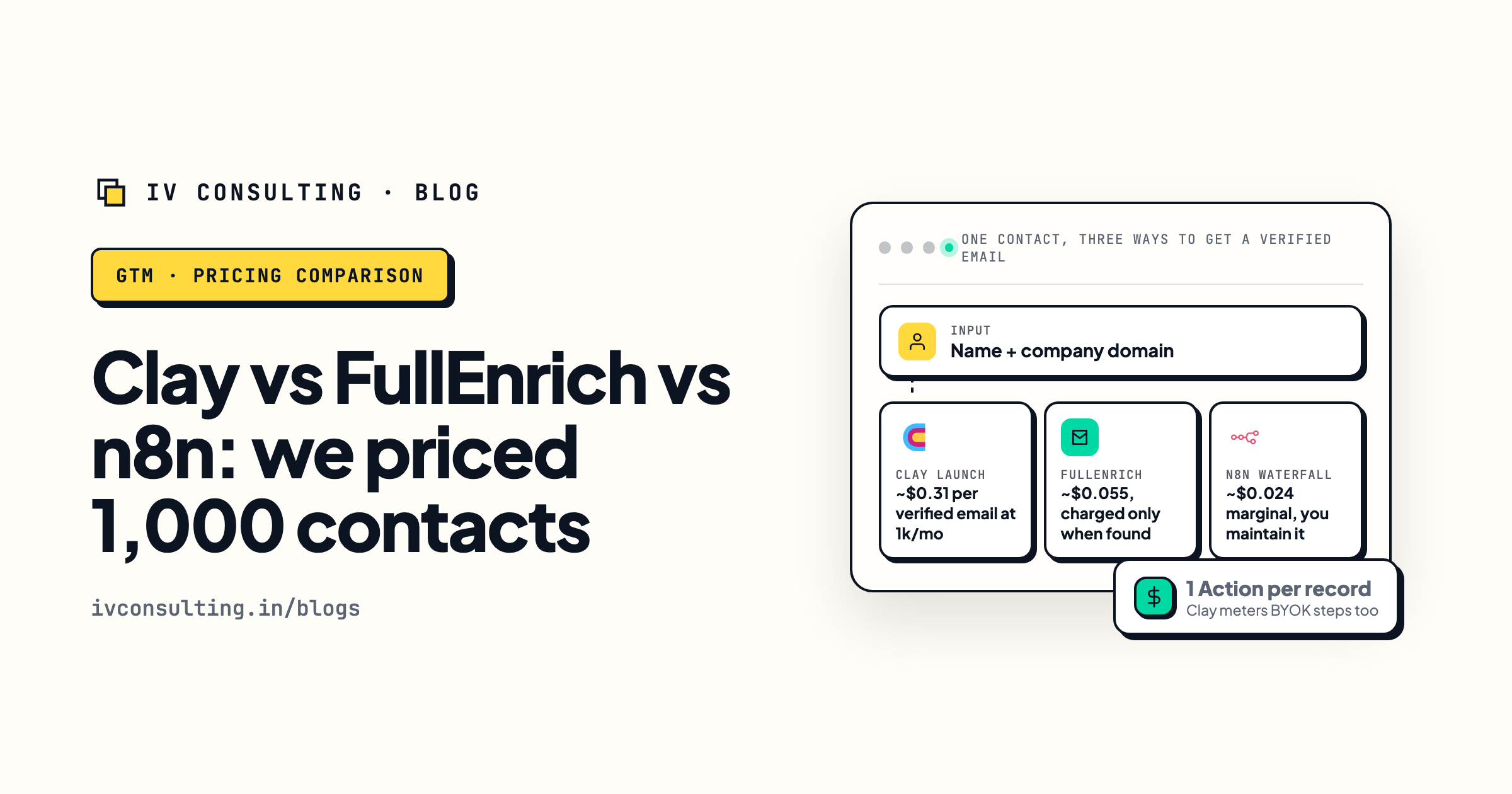
Clay vs FullEnrich vs n8n waterfall
What one verified email really costs on each.
Read the breakdown →
What is GTM engineering?
Lessons from our four live Clay systems.
Read the guide →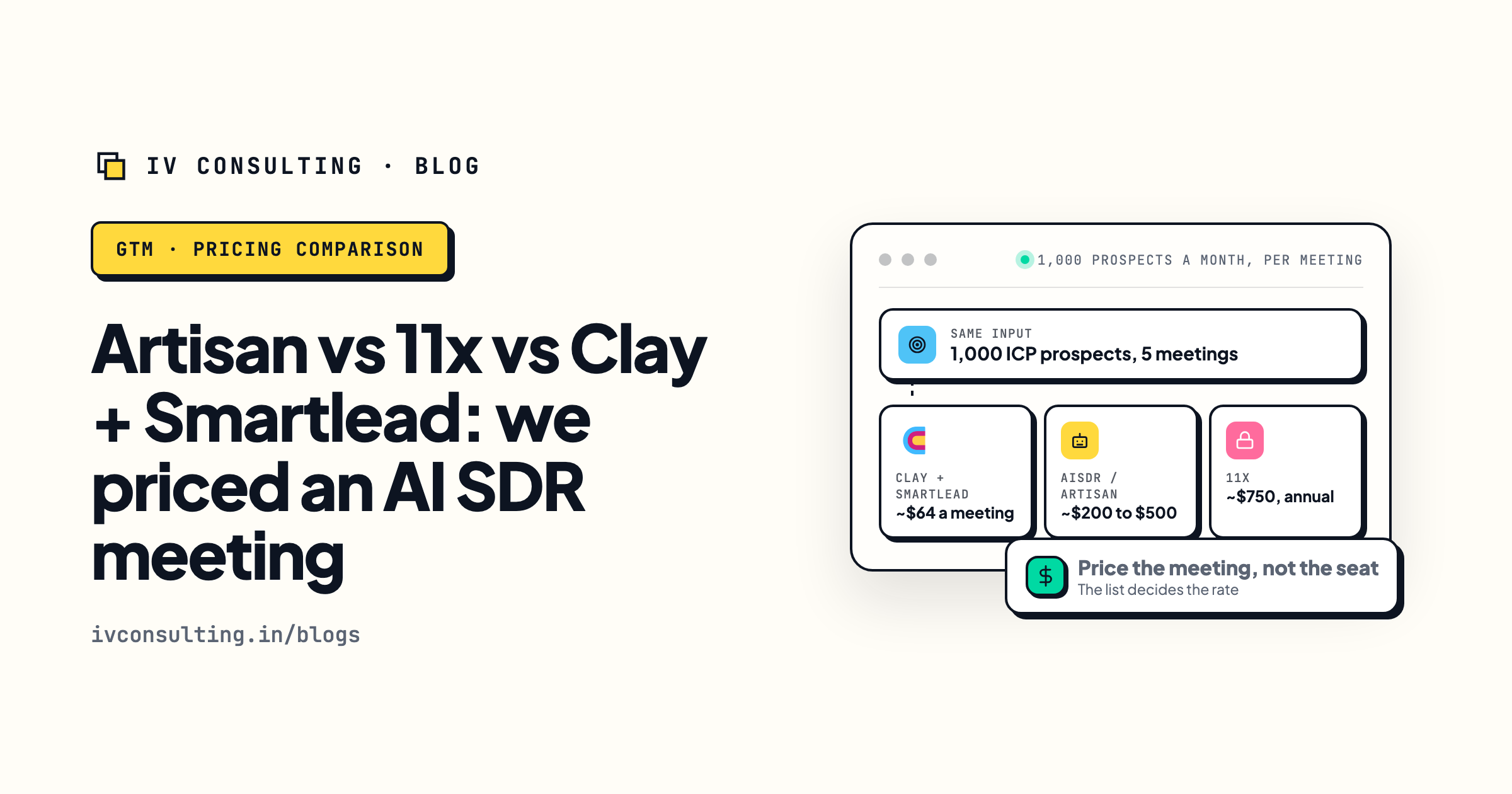
Artisan vs 11x vs Clay + Smartlead
AI SDR cost per meeting, priced.
Read the comparison →Paying Clay to enrich records nobody emails? Fix the list before the tool.
In a signal audit we look at your ICP and one live client table, find which buying signals actually show up for it, and tell you which enrichment steps to cut, which to move onto your own keys, and whether a Clay alternative would save you anything.
Book the signal audit →Free and practical. If your Clay setup is already lean, we will say so.