Introduction
If your team is growing but your workflows are not, you have a workspace architecture problem. More tools, more projects, and more people does not automatically mean more clarity. Without a deliberate structure, growth creates chaos. Disorganised Notion pages nobody uses. ClickUp boards abandoned three weeks after setup. Spreadsheets living in five different places with five different owners. The good news: workspace architecture is fixable.
What Is Workspace Architecture and Why It Matters
Workspace architecture is the deliberate design of how your business handles information and work. It covers which tools you use, how they connect, how information flows between them, and how your team navigates it all. It is not just setting up ClickUp or buying a Notion subscription. It is the blueprint that makes your tools useful instead of overwhelming. For a tool comparison, see our guide on Notion vs ClickUp vs Monday vs Asana.
The 7-Step Workspace Architecture Checklist
1. Define Your Single Source of Truth
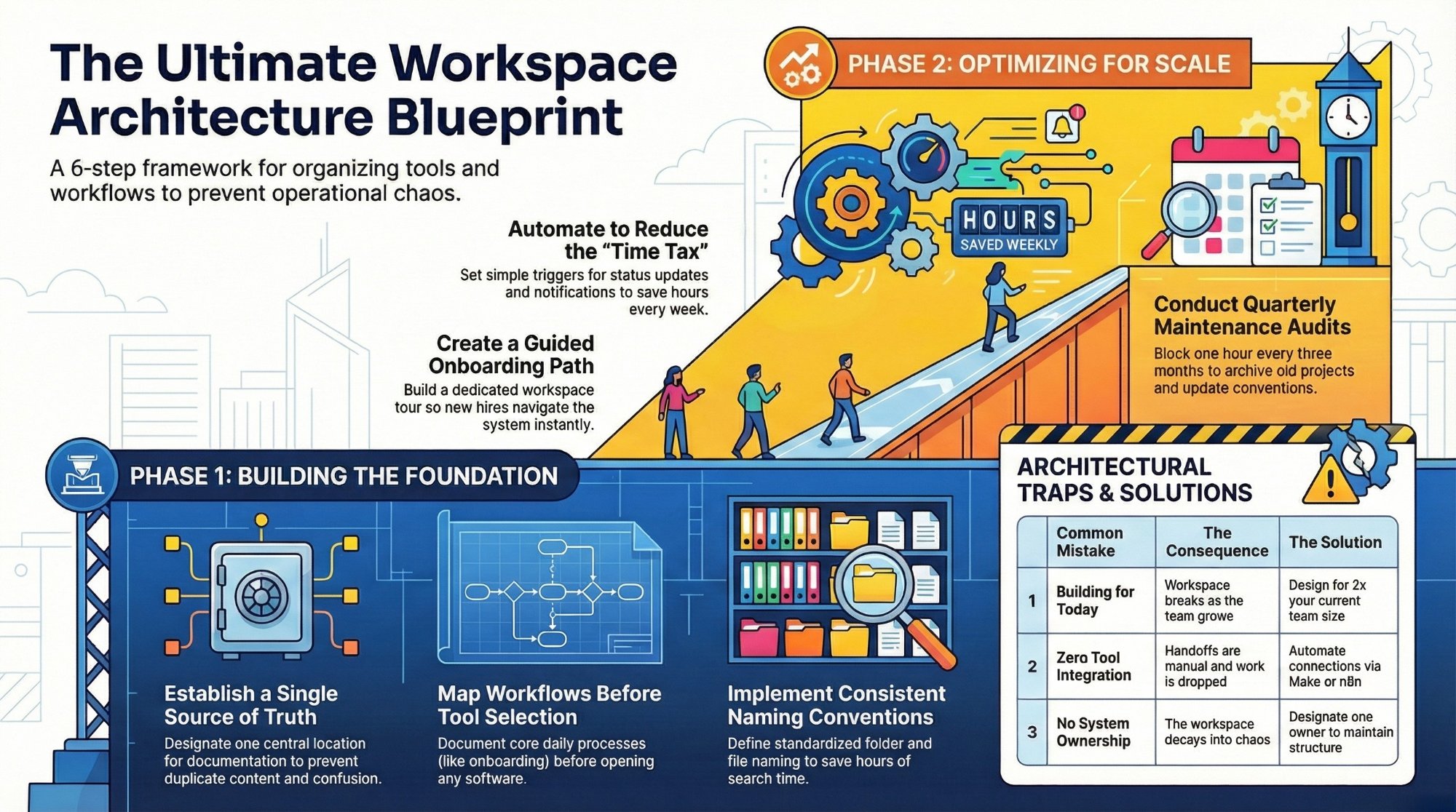
Every team needs one central place where the important stuff lives. Not three places. One. Whether that is Notion for documentation and knowledge, ClickUp for tasks and projects, or a combination, decide upfront and document it clearly. The rule: if information exists in more than one place without a clear reason, one of those places should not exist.
2. Map Your Core Workflows Before Touching a Tool
Before you build anything, map the workflows your team runs every day: client onboarding, project delivery, lead management, internal reporting. Your workspace should reflect those workflows, not the other way around. Spend 30 to 60 minutes mapping each core process first. This also directly addresses how inefficient processes are costing your business.
3. Choose the Right Tool for the Right Job
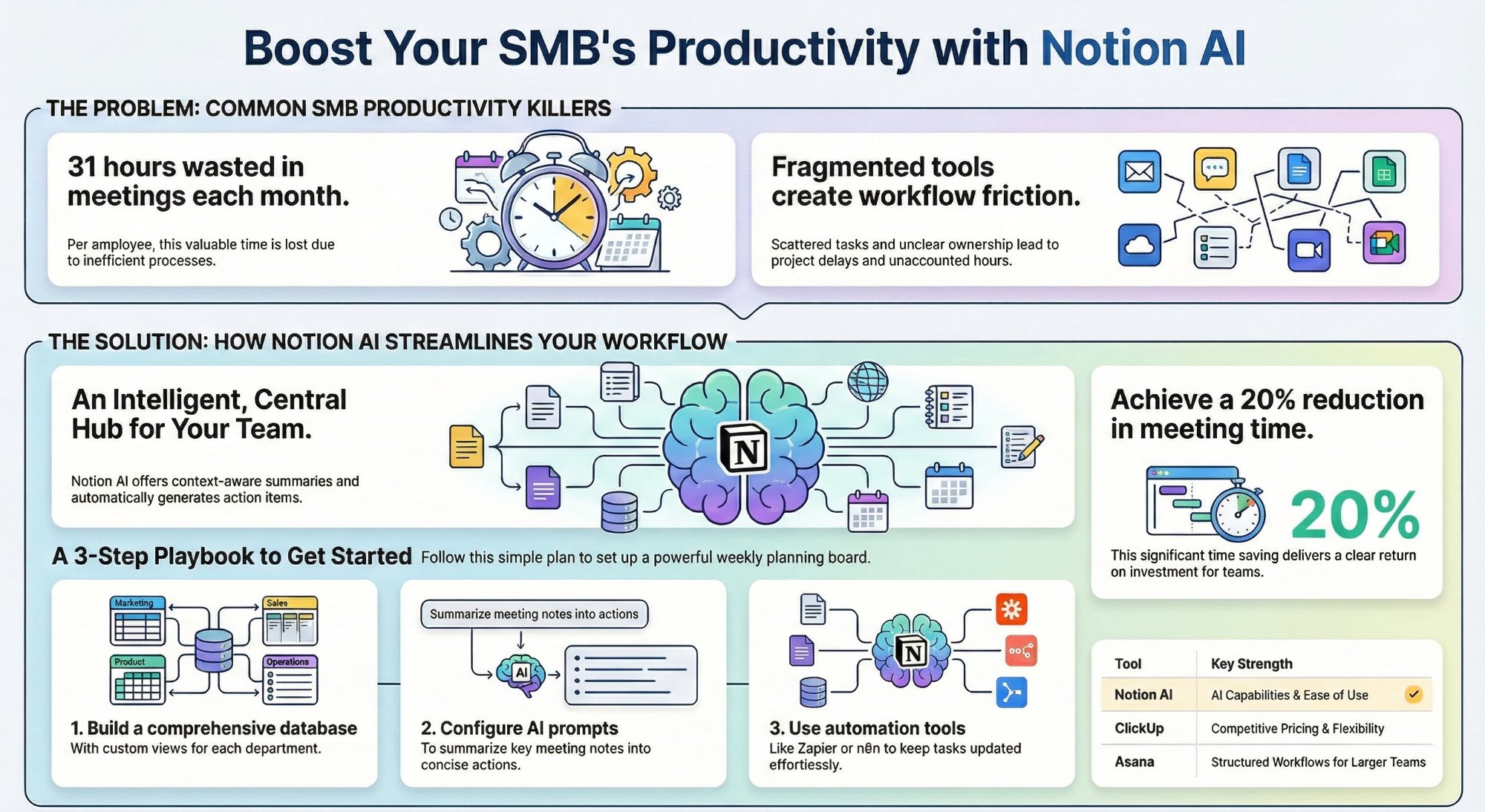
ClickUp is powerful for task management and project tracking. Notion is excellent for documentation and SOPs. Make and n8n handle workflow automations. Use each tool for what it does best. Trying to make one tool do everything never works as well as a purpose-built stack.
4. Build Consistent Naming and Folder Conventions
Chaos starts with inconsistency. Define naming conventions for projects, files, spaces, and folders before you scale. A simple convention like Client Name: Project Name: Deliverable applied consistently saves hours of searching and ensures new hires can navigate the workspace in their first week.
5. Set Up Automations From Day One
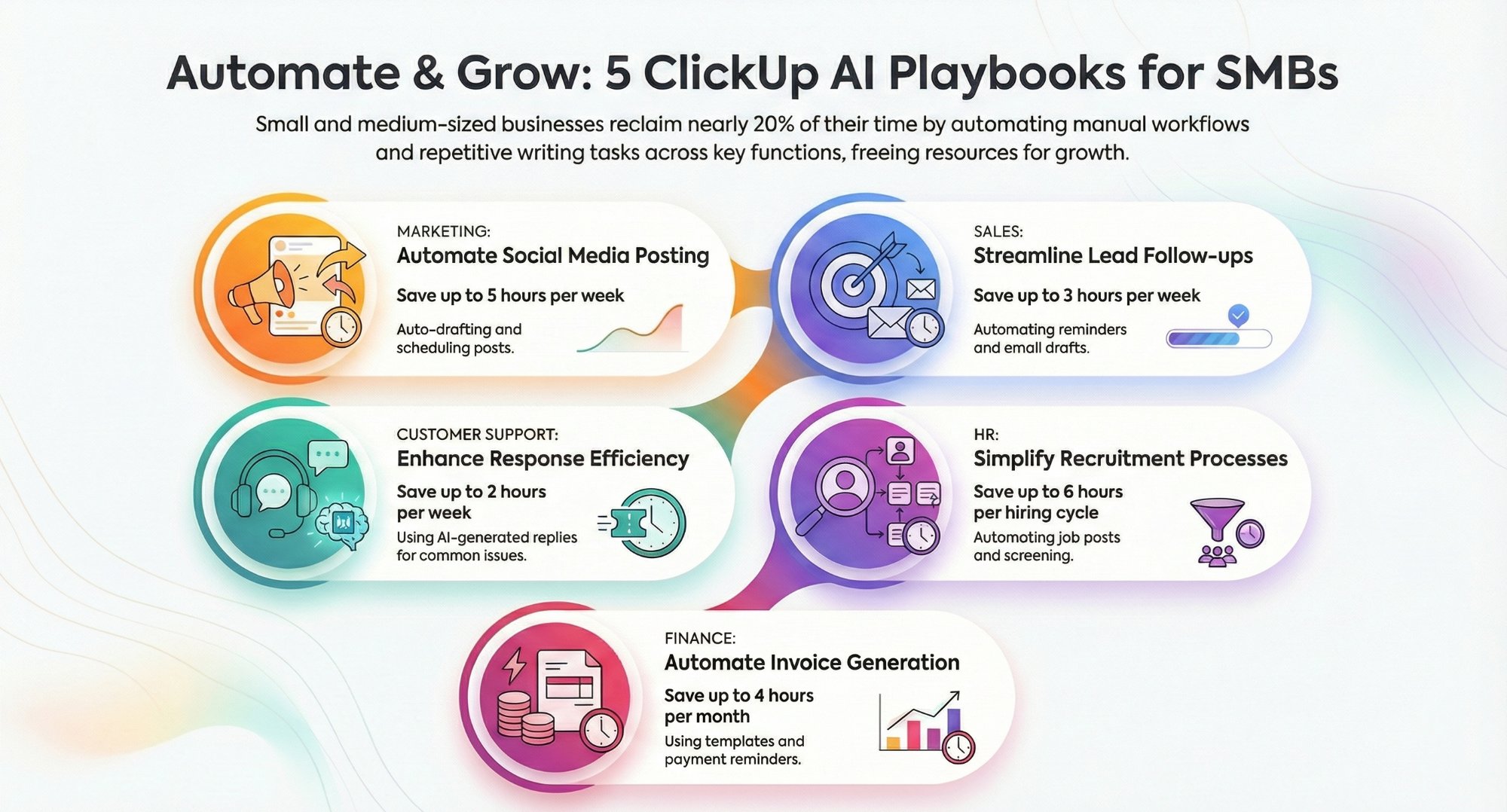
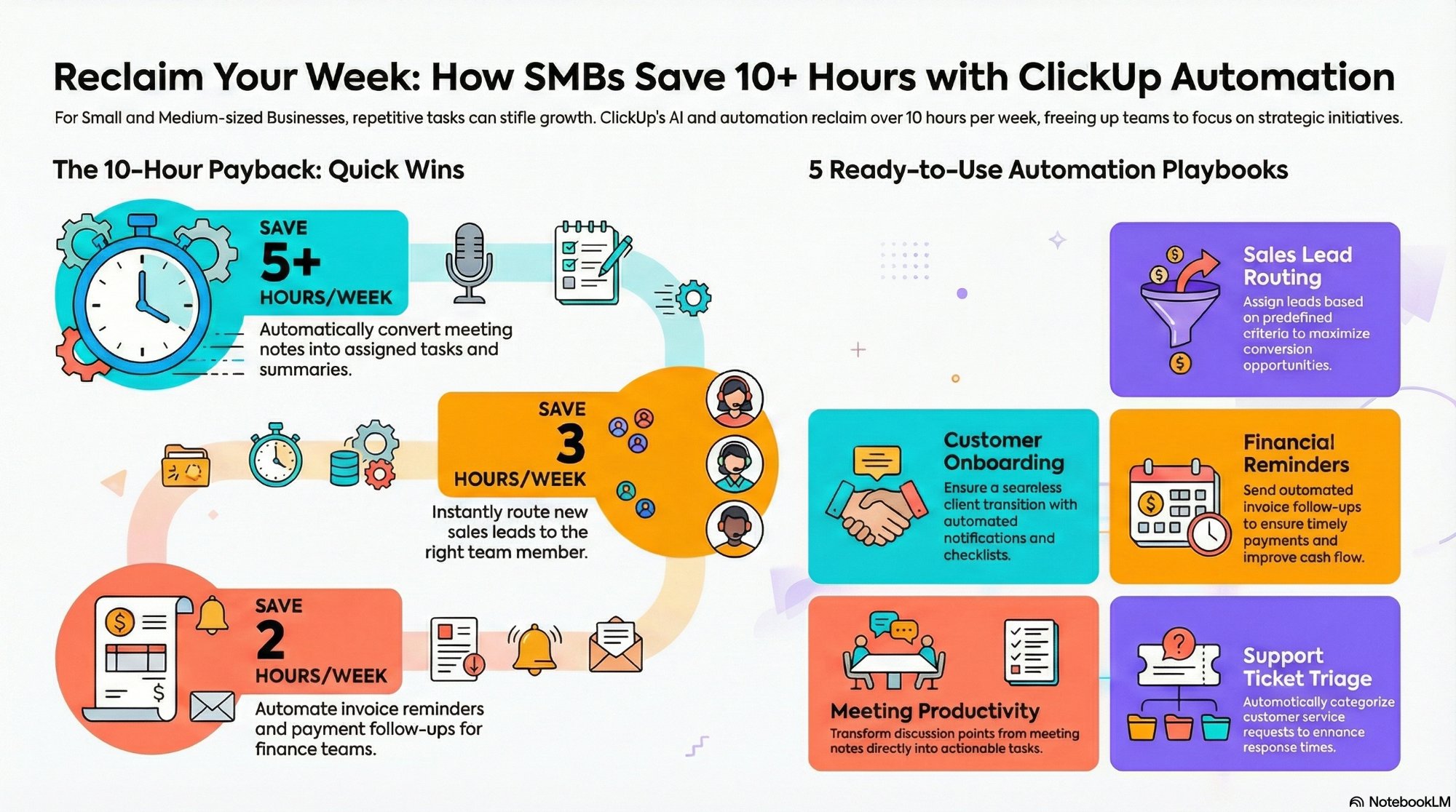
Manual status updates, reminders, and notifications are a time tax on every person in your team. Set up basic automations to handle the repetitive stuff automatically. When a task moves to Done, notify the client. When a project hits a deadline, ping the team lead. These are 10-minute setups that pay back every single week. Learn more about ClickUp automations that save 10+ hours a week.
6. Build a Clear Onboarding Path for New Team Members
A great workspace is useless if a new hire cannot navigate it in their first week. Build a simple onboarding doc or guided workspace tour that shows where things live and how work gets done. A single Notion or ClickUp page with links to key spaces and naming conventions is enough to cut onboarding time significantly.
7. Audit and Clean Up Quarterly
Block one hour every quarter to archive old projects, update naming conventions, retire unused spaces, and verify that automations are still firing correctly. Without it, even the best-designed workspace drifts back toward chaos within six months.
The 3 Most Common Workspace Architecture Mistakes
- Building for today, not tomorrow. A workspace that works for 5 people often breaks at 15. Build for 2x your current team size.
- Too many tools with no integration. Six tools with zero connection between them is not a system. Every handoff between tools that is not automated is a place where work gets dropped. See our AI and automation services for how we connect your stack.
- No ownership. Every workspace needs a designated owner who maintains the structure and enforces naming conventions. Without ownership, the workspace decays.
Conclusion
You do not need a perfect workspace on day one. You need one built on the right foundations: one source of truth, clear workflows, the right tools, consistent conventions, smart automations, and a plan for maintenance. Work through this checklist. Audit what you have. Fix the gaps. And if you want an expert to design and build it with you, book a free strategy call and we will have your workspace architecture mapped out in 30 minutes.
FAQs
How long does it take to set up a proper workspace architecture?
For a team of 5 to 15 people, expect 2 to 4 weeks for a full workspace build including templates, automations, and team training.
Should I use ClickUp or Notion?
It depends on your team's primary needs. Read our full comparison: Notion vs ClickUp vs Monday vs Asana.
What if my team is already using a workspace but it is a mess?
Migration and restructuring is one of our most common services. Book a strategy call and we will audit what you have and design a clean architecture around it.