Stop building dashboards. Push the answer to people instead.
A dashboard is a pull interface. Most of what you put on one is a push job: a known decision, with a known trigger, that belongs to a known person. Send it to them. Keep the dashboard for the questions you have not thought of yet.
 By Ishan Vats · Founder of IV Consulting · 150+ ops transformations over 10+ years
 Rule · does a human need this?Only what matters gets through
 Push the actionApprove or reject, in place
Stop building dashboards for decisions you already know how to make. A dashboard is a pull interface: it waits for someone to log in and notice. If a decision has a known trigger and a known owner, push it to that person instead, with the action attached. Keep the dashboard for open-ended investigation, where a human is exploring and does not know the question yet. In practice that means the invoice that went overdue, the lead that stalled, or the one number that moved goes straight to its owner in Slack, WhatsApp, or email, with the approve or reject button attached. Gartner finds analytics and BI tools are used by only about 29 percent of employees on average, and that number has barely moved in about seven years. Push the decision. Pull the exploration.
What it is
What does it mean to stop building dashboards and push the answer?
Pushing the answer means the information travels to the person who owns the decision, at the moment it matters, in the place they already work, with the action attached. Not a chart they could go and look at. The actual answer: "Acme's invoice is 14 days overdue, here is the reminder, send it or snooze it." That lands in Slack. They tap a button. It is done. Nobody logged into anything.
Alert-driven ops is the name for running a business this way: instead of people checking screens, rules watch the numbers and push the ones that need a decision to a named owner, with the action attached. The practical alternatives to a dashboard are all shapes of this: alerts instead of dashboards in Slack or WhatsApp with an approve or reject button, a scheduled email digest for anything that is not urgent, or the number written straight into the tool where the work already happens, like a CRM field or a task. None of them replace a dashboard for exploring. They replace the dashboard you built as a notification system, which is the one nobody opens.
A dashboard does the opposite. It is a pull interface: it holds the information and waits. That is a perfectly good design for a person who is exploring, because they do not know what they are looking for yet, so the interface cannot know either. It is a terrible design for a decision you already understand. You know the trigger. You know who should act. You know what they should do. Making them remember to go and look is the one step you did not need.
Here is the part that catches teams by surprise. Automation makes this worse, not better. Every workflow you add tends to come with its own screen: a run history, a queue, a log, an errors tab. You automate five processes and quietly acquire five more places to check. That is how "we automated it" turns into a new kind of manual work, one that feels like ops but is really just supervision. The fix is to make the automation report to you, rather than adding one more thing you report to. That is the core of what our Automation stage builds: not more visibility, less checking.
The honest problem
Why does nobody open the dashboard you built?
Usually not because the data is wrong. Dashboards get ignored when the insight lives too far from where the work happens, when the dashboard answers a decision nobody actually makes, or when people do not trust the numbers on it. Gartner finds analytics and BI tools are used by only about 29 percent of employees on average, and that figure has barely moved in about seven years. Seven years of better tools, prettier charts, and cheaper storage, and roughly seven in ten people still are not using it. That is what dashboard adoption actually looks like in a team of ten, and it is where dashboard fatigue sets in: the screen exists, the numbers are fine, and the decision still gets made late.
Read that number carefully, because it is easy to misread as a training problem. It is not. If adoption were about training, seven years of it would have moved the line. What it really says is that asking people to remember to go and look is a losing bet. Not because they are lazy, but because looking is not their job. Their job is the thing they were doing when your dashboard was silently updating in another tab.
Watch what a busy person actually does when you send them a dashboard link. They open it once, when you send it. Maybe twice. Then it falls off the end of their attention, and the number that was supposed to change their behaviour changes nothing at all, because nobody was looking on the day it went bad. The dashboard was not wrong. It was just not in the room.
The decision
Push or pull: which does your question need?
Push when the decision has a known trigger and a known owner. Pull when a human is exploring and the question is not known in advance. That is the whole article in one table. The question is not "are dashboards good." It is "is this a push job or a pull job." The push column is highlighted because that is where most of what teams currently put on dashboards actually belongs, not because it wins every row. If you read this table and land in the pull column, that is a real answer, and our guide to advanced reporting and dashboards for SMBs picks up exactly there.
| Push (alert to a person) | Pull (dashboard) | |
|---|---|---|
| Best for | A known decision with a known trigger | Open-ended investigation, no known question |
| Who starts it | The system, when the rule fires | A human, if they remember |
| Question shape | "Tell me when X happens" | "Why did X happen, and what else moved?" |
| Lives where | Slack, WhatsApp, email, the tools they use | Behind a login, in a BI tool |
| Needs an owner | Yes, one named person | No, and that is the problem |
| Fails by | Alert fatigue, muted channels, noise | Silence. Nobody looks, nobody notices |
| Good example | "Margin on this job dropped under 20 percent. Approve or review." | "Why is Q3 margin down across the whole region?" |
The other half
When is a dashboard still the right answer?
A dashboard wins whenever a human is exploring rather than deciding. This article is not anti-dashboard. It is anti-dashboard-as-a-notification-system. There are jobs a pushed alert simply cannot do, and forcing them into Slack is just as wrong as forcing a decision into a BI tool. Here is where the dashboard is genuinely the better instrument.
1. You do not know the question yet
Diagnosis is exploration. "Revenue is down and I do not know why" cannot be an alert, because an alert has to know in advance what it is looking for. You need to slice by region, by product, by rep, by month, follow a hunch, and then follow the next one. That is a dashboard, and no notification will replace it.
2. You are looking for a trend, not an event
Some things matter as a shape over time, not as a moment. Slow drift in churn, seasonality, a cohort ageing badly. There is no single instant where the line crosses and someone should act, so there is no trigger to hang an alert on. Show the shape and let a human read it.
3. Several people need the same shared picture
In a planning meeting or a monthly review, everyone needs to be looking at the same thing at the same time and arguing about it. That is a screen in a room, not six separate pings. Push is for one owner acting alone. Pull is for a group thinking together.
4. It is genuinely the source of truth
You need somewhere the numbers live, that people can go to when they want to check the alert they just got, or answer a question nobody anticipated. Push works better when there is a solid pull layer behind it. The alert says what happened, the dashboard answers "show me the rest." If that is what you are building, build it properly: our guide to advanced reporting and dashboards for SMBs is the other half of this decision, and it covers how to make the dashboard worth opening.
The playbook
How do you push without creating alert fatigue?
Push has a real failure mode, and pretending otherwise would be dishonest. Done badly, you replace a dashboard nobody opens with a channel everybody mutes, which is strictly worse, because now people believe they are covered. These five rules are what keep alert-driven ops from collapsing into noise.
The five rules at a glance: (1) push only what has an owner and an action, (2) send the answer, not the number, (3) route to a person, never just a channel, (4) escalate anything that is not acknowledged, and (5) delete any alert people habitually ignore.
Push only what has an owner and an action
Before any alert ships, answer two questions: who acts on this, and what do they do? If either answer is "well, it depends" or "the team," it is not an alert yet. It is a number you find interesting. Interesting numbers belong on the dashboard. Alerts are reserved for things where a specific human does a specific thing, and where nothing happening is a problem.
Send the answer, not the number
A naked metric is a dashboard in message form. "Conversion: 2.1%" tells someone nothing about whether to care, so they go and check the dashboard anyway, and you have added a step rather than removing one. Send the interpretation and the action together: what happened, why it matters, what to do, and the button to do it. Approve or reject, acknowledge, assign, resolve, right there in Slack. If acting on your alert requires leaving your alert, it is not finished.
Route to a person, never just a channel
A channel is nobody's job. Post something important in a busy channel and every person in it assumes someone else has it, which is diffusion of responsibility with a Slack integration. Name the owner. If the owner depends on the situation, encode that: this client's alerts go to their account manager, anything over a threshold goes to you. Visibility for the group is fine as a side effect. It is not a substitute for one accountable name.
Escalate anything nobody acknowledges
This is the rule that separates real alert-driven ops from a noisy webhook. A one-shot notification that fires once and gives up is exactly how critical things get missed. People sleep, mute, and skim. So make acknowledgement explicit, and make silence trigger something: no response in an hour, it chases the owner again, then it goes to someone else. An alert that can be missed by one distracted person is not a system, it is a hope. This is the same pattern behind our WhatsApp lead-response agent, where a lead going unanswered is itself the trigger.
Delete the alerts people ignore
Review your alerts like you review spend. If an alert has fired thirty times and nobody has ever acted on it, that is not an engagement problem, that is the alert telling you it should not exist. Delete it. Every one you remove buys back attention for the ones that matter. Push only stays valuable if you are willing to prune it, and almost nobody prunes.
FAQ
Questions teams ask about push vs dashboards
Should I stop building dashboards completely?
What is the difference between push and pull reporting?
Why does nobody use the dashboard we built?
How do I push alerts without creating alert fatigue?
What should a pushed alert actually contain?
Where should the answer get pushed: Slack, WhatsApp, or email?
Ishan Vats
Founder, IV Consulting · operations & systems consultant
I build the systems that decide what reaches a human and what does not. Most teams who ask me for a dashboard actually want to stop checking things, which is a different build entirely. 150+ ops transformations over 10+ years. If you want to work out what should be pushed, what should stay a dashboard, and what should not exist at all, I'll map it with you on a free call.
Book a free strategy call →Keep reading
Related guides and work
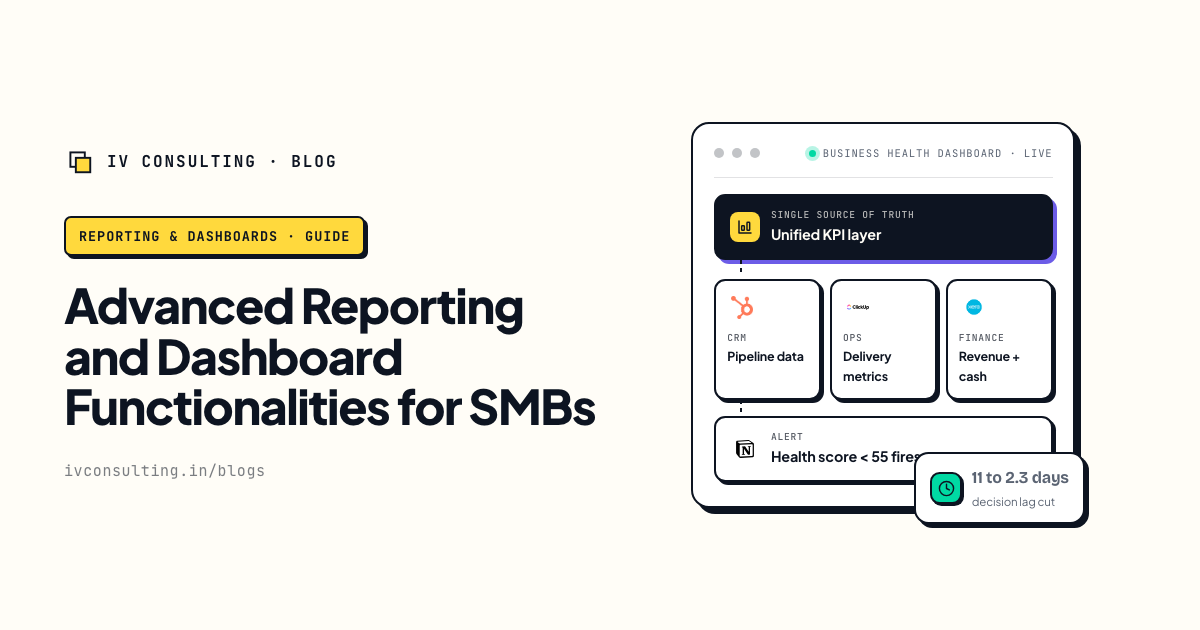
When you do want a real dashboard
Push is for decisions. When you genuinely need the pull layer, here is how to build one worth opening.
Read the guide →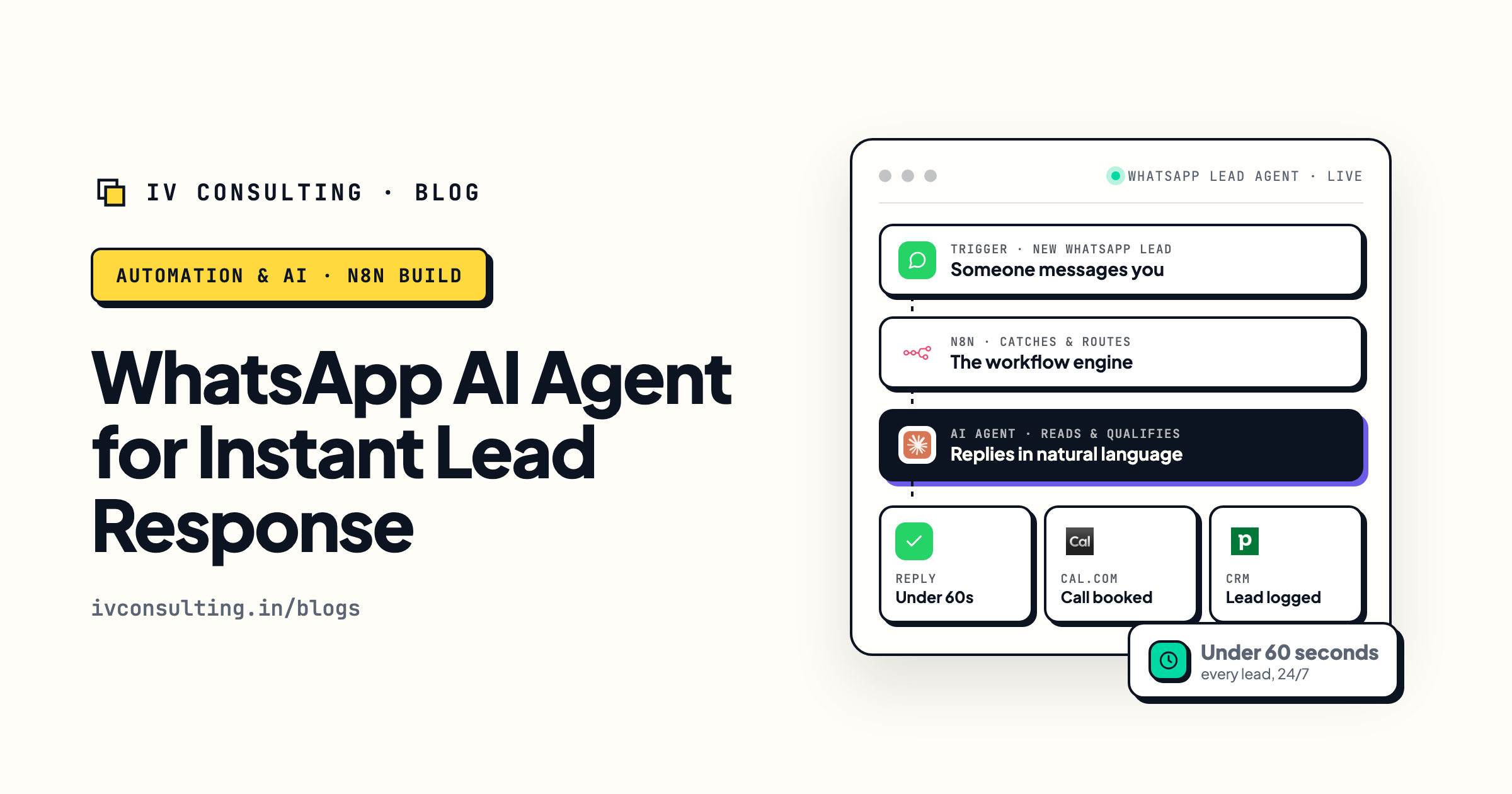
The WhatsApp lead-response agent
A working example of pushing the action to a person instead of parking it on a screen.
Read the guide →
The Automation stage, built for you
We build the rules that decide what reaches a human, so your team checks fewer screens, not more.
See the offer →Stop checking screens. Let the answer come to you.
Book a free 30-minute strategy call. We will find the decisions your team is currently making by remembering to log in, work out which ones should be pushed to a named owner with the action attached, and which ones genuinely deserve a dashboard.
Map what should be pushed →Free 30-minute call. Honest take, even if that means "this one really should stay a dashboard."