The real cost of manual work for growing teams
It never shows up on your P&L, but it bleeds 15 plus hours a week. Here is exactly where the hours hide, and the system that wins them back.
 By Ishan Vats · Founder of IV Consulting · 150+ ops transformations over 10+ years
Some links below are affiliate links. If you buy through them we may earn a commission, at no extra cost to you.
 Automaten8n / Make
 VisibilityNotion / ClickUp
 AI layerClaude / GPT-4
 Result15 to 25 hours back
Manual work is the invisible tax on growing teams: copy pasting between tools, chasing status updates, and building reports by hand. A typical 10 person team loses around 15 hours a week to it, which works out to roughly $39,000 to $104,000 a year depending on headcount. A three layer fix of automation, visibility, and an AI layer typically wins back 15 to 25 hours a week within 60 days.
The math
The numbers most business owners have never run
It does not appear on your P&L. Your accountant has never flagged it. But it is bleeding your business every single week, silently, predictably, and completely avoidably. It is the tax of manual work. Copy pasting data between tools at 9pm. Chasing teammates for status updates that should be automatic. Manually assembling reports that should build themselves.
Nobody calls it a problem because it feels like just how work works. But it is not fixed. And it is costing you far more than you have ever stopped to calculate. Based on operational audits across 150+ scaling businesses, here is what manual work actually costs.
| Task category | Weekly time lost |
|---|---|
| CRM data entry and lead routing | 3 to 5 hours |
| Manual reporting and dashboard updates | 2 to 4 hours |
| Client onboarding admin (per new client) | 45 to 90 minutes each |
| Internal status check ins and follow ups | 2 to 3 hours |
| Invoice and payment chasing | 1 to 2 hours |
| Scheduling and calendar coordination | 1 to 2 hours |
For a 10 person team losing 15 hours per week at a $50 per hour blended rate, that is $39,000 per year. For a 20 person team it is $72,800 per year. For a 30 person team it is $104,000 per year. These are the averages we observe across our client base.
Where it hides
The 6 biggest manual work sinkholes
Each one feels minor in the moment. Added up across a week and a team, they are where most of your lost hours actually live.
1. The data entry loop
A lead fills out a form. Someone manually types their details into the CRM, assigns it to a rep, and sends a confirmation email. That is 5 to 8 minutes per lead. For a business receiving 50 leads per month, that is 4 to 7 hours of manual data entry. A simple automation via n8n or Make eliminates this entirely. Build time: 90 minutes.
2. The onboarding groundhog day
Every new client triggers the same sequence of manual tasks: welcome email drafted from scratch, portal access set up by hand, kickoff invite sent individually. A 60 to 90 minute sequence that scales linearly with growth. An automated onboarding flow triggered when a contract is signed runs the entire sequence in 90 seconds.
3. The Friday reporting ritual
Every Friday, someone opens three different tools, screenshots charts, pastes everything into a slide, formats it, and sends it to leadership. That is 2 to 3 hours of mechanical work. An automated reporting workflow pulls every data source on a schedule and delivers the report before anyone logs on.
4. The status update spiral
"Where are we on that?" fills your Slack because there is no system making status visible automatically. A properly structured workspace in Notion or ClickUp with automated status fields answers every status question without anyone having to ask.
5. The invoice chase
Manually following up on unpaid invoices takes 1 to 2 hours per week and is demoralising. A tiered automated sequence, a polite reminder at day 7, firmer at day 14, escalation at day 21, runs without anyone touching it and recovers payment faster because it is consistent. Both major accounting platforms now advertise an agent for exactly this chase, though not all of it has shipped yet, which we cover in our QuickBooks vs Xero comparison.
6. The tool translation tax
The average scaling business runs 8 to 12 SaaS tools. Almost none of them talk to each other natively. The gap becomes a job, distributed invisibly across your team as minutes here and there that nobody tracks but everybody pays.
The hidden cost
The cost nobody calculates: cognitive tax
Time cost is the easy number. The cognitive cost may be more damaging. Every time a skilled team member switches from strategic work to administrative execution, they pay a context switching penalty estimated at 15 to 20 minutes of recovery time per switch.
Five manual interruptions in a working day loses not just the task time. It loses up to 90 minutes of recovery focus on top of it. That is the difference between a team operating at 60 percent capacity and one at 100 percent.
The fix
A three layer approach that scales
You do not fix this with one tool or one heroic effort. You fix it in three layers, each removing a different kind of manual work.
The automation layer: connect your tools
Tools like n8n or Make act as the connective tissue between your existing apps. They catch a trigger in one tool and fire the right action in another, so the data entry loop, the invoice chase, and the reporting ritual run themselves.
Expected time recovery: 8 to 12 hours per week for a 10 person team.
The visibility layer: make status automatic
A structured workspace in Notion or ClickUp with automated status fields eliminates the status update spiral. The answer to "where are we on that?" is always one glance away, so nobody has to ask and nobody has to interrupt their work to reply.
Expected time recovery: 3 to 5 hours per week per manager.
The AI layer: remove cognitive manual work
An AI layer, Claude or GPT-4 via API, handles the cognitive overhead: drafting emails, summarising documents, classifying support requests. This is the work that used to require a person to think, and now only requires a person to review.
Expected time recovery: 3 to 6 hours per week.
At a glance
What each layer wins back
Combined result
All three layers running together recover 15 to 25 hours a week within 60 days. For most growing teams the build pays for itself inside the first month, then keeps compounding as new automations share the same infrastructure.
Automation layer
n8n or Make connect your tools. Recovers 8 to 12 hours a week for a 10 person team.
Visibility layer
Notion or ClickUp make status automatic. Recovers 3 to 5 hours a week per manager.
AI layer
Claude or GPT-4 remove cognitive busywork. Recovers 3 to 6 hours a week.
FAQ
Questions teams ask before they fix it
How do I calculate how much manual work is costing my team?
What types of manual work are easiest to automate first?
How long does it take to see ROI from workflow automation?
Is automation only for technical teams, or can non technical founders implement it?
What is the biggest mistake companies make when trying to eliminate manual work?
Ishan Vats
Founder, IV Consulting · operations & systems consultant
I build operating systems and automations for teams from startup to enterprise. 150+ ops transformations over 10+ years. If you want yours mapped and built right, I'll do it with you on a free call.
Book a free strategy call →Keep reading
Related guides and work
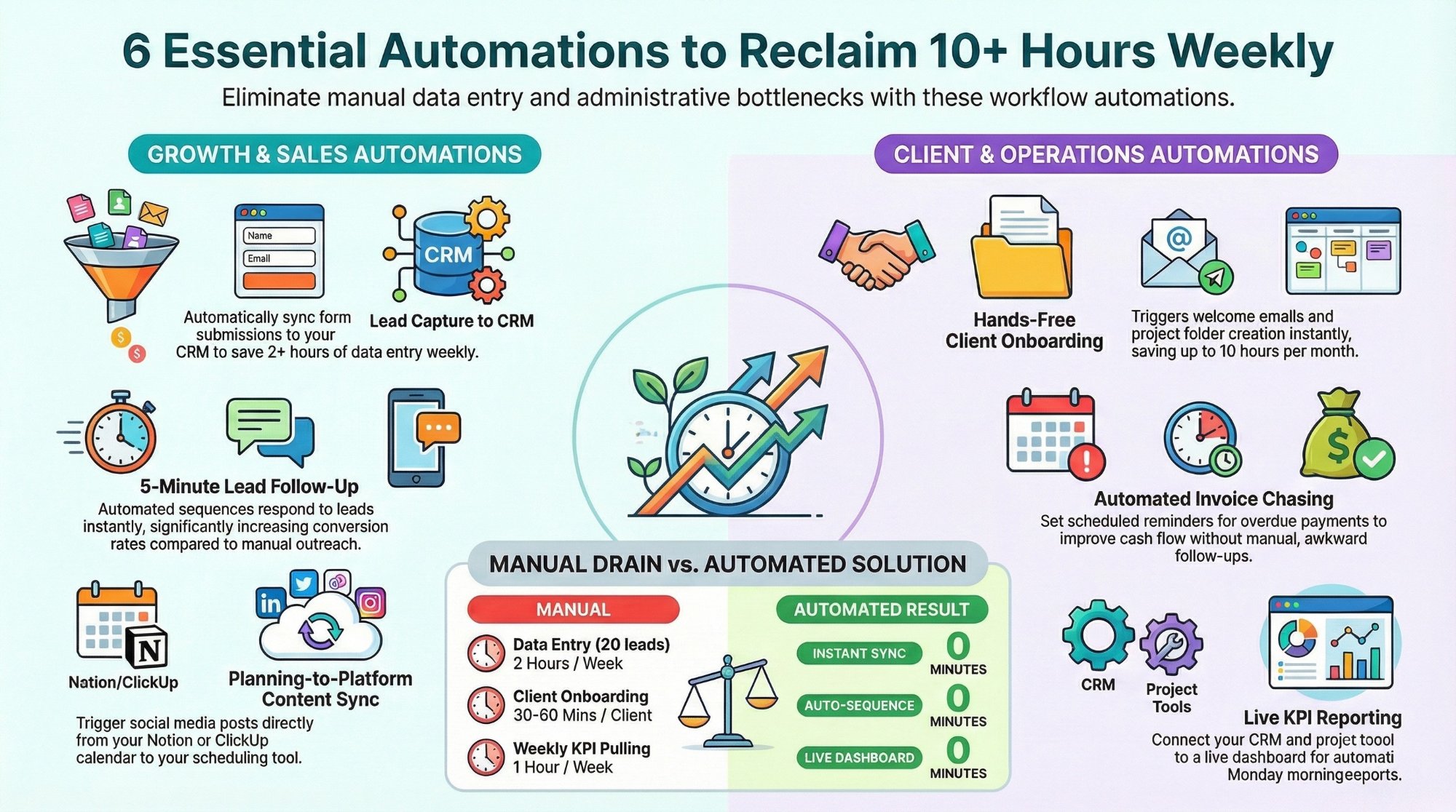
Workflow automations every business owner must set up
The starter automations that reclaim 10 plus hours a week with Make, n8n, and Zapier.
Read the playbook →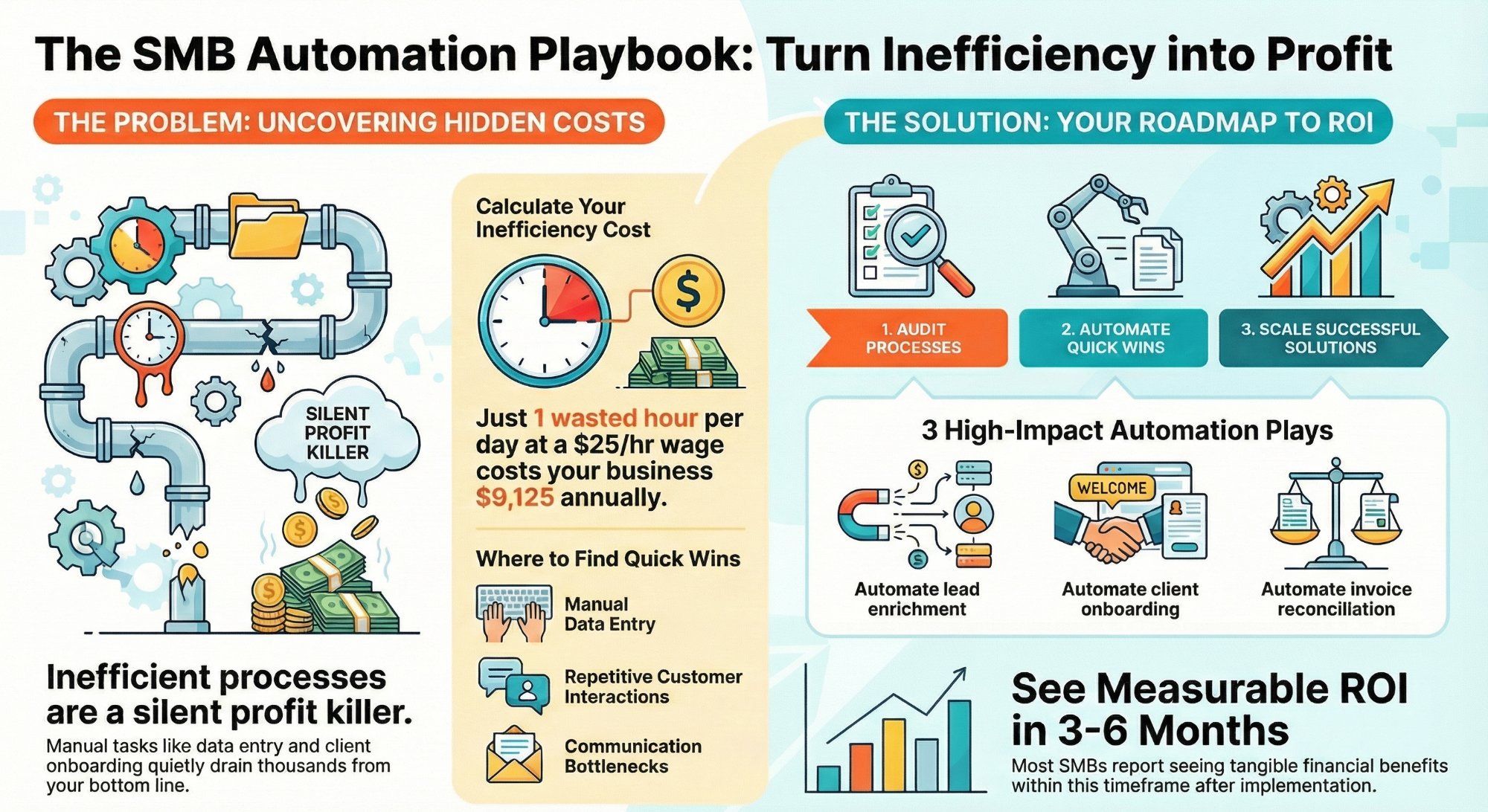
How much are inefficient processes costing your SMB?
How to spot the hidden process waste and fix it fast before it scales with you.
Read the guide →
The Automation stage, built for you
See what this looks like at full scale: your tools connected, the busywork gone.
See the offer →Find out how many hours your team is losing
Book a free 30-minute strategy call. We will identify your highest-ROI opportunities and give you a build roadmap on the spot. If we are not the right team for you, we will say so and point you somewhere better.
Book a Free Strategy Call →Free 30-minute call. Honest take, even if that means "you do not need us yet."