What an AI receptionist does for a service business that never misses a call
Answer every call, text, and web chat, book the job, log the lead, and alert your team. All of it automatic, all day and night.
 By Ishan Vats · Founder of IV Consulting · builds AI agents & automations for 150+ teams
 Call or text · TriggerCustomer reaches out
 AI Receptionist · ClaudeAnswers, qualifies, books
 Cal.comBooked
 NotionLogged
 SlackTeam alerted
An AI receptionist is an automated front desk that answers calls, texts, and web chats 24/7, qualifies the request, books appointments straight into your calendar, logs the lead to your CRM, and hands urgent or complex jobs to a human. For a service business, that means you never lose a booking to a missed call again, and your team stops drowning in phone tag. You build it by connecting a phone or chat trigger to an AI model and out to your calendar and CRM.
The basics
What is an AI receptionist, and how does it work?
An AI receptionist is software that does the front-desk job: it picks up calls, texts, and web chats, talks to the customer in plain language, and takes the next action, like booking a job or routing an urgent request to your team. It is not a phone tree with menus. It understands what the caller wants and responds the way a sharp front-desk person would, except it never sleeps and never puts anyone on hold.
Under the hood it is a small chain of connected tools. A trigger catches the inbound contact, an AI model reads it and decides what to do, and the action steps carry that decision out:
- The channel: a phone number (via a provider like Twilio), an SMS line, a website chat widget, or a WhatsApp inbox.
- The brain: an AI model such as Claude that understands the request, asks follow-up questions, and decides the next step.
- The hands: your calendar, CRM, and team chat, so the AI can actually book the slot, log the contact, and alert a human.
The result is a front desk that answers on the first ring at 2pm or 2am, in a busy season or a quiet one, without you hiring for nights and weekends. For most service businesses, that is the difference between catching a lead and losing it to the next company on the list.
The leak
How much does a missed call really cost a service business?
For a plumber, clinic, salon, law firm, or any business that books appointments, the phone is the cash register. When it rings and no one answers, that is not a missed call. It is a missed job, and the caller rarely leaves a voicemail. They dial the next name on the search results and book there instead.
The pain shows up in three predictable ways:
- After-hours leads vanish. A large share of service calls come in evenings and weekends, exactly when no one is at the desk. Without cover, that demand walks.
- Peak-time overflow. When two calls come in at once, or the team is heads-down on a job, the second caller hits voicemail and is gone.
- Admin tax on your best people. Skilled staff stop working to answer "are you open?" and "how much is X?", a hundred times a week.
An AI receptionist closes all three at once. It answers instantly, it answers in parallel, and it answers the repetitive questions so your team can stay on billable work. You do not need to fabricate a fancy ROI model to see it. Count the calls you miss in a week and multiply by your average job value. That number is what is leaking out the bottom.
The job
What can an AI receptionist actually handle?
A well-built AI receptionist does far more than read a script. Here is the real scope of work it takes off your team's plate.
Capture and qualify every lead
It greets the caller, finds out what they need, and asks the qualifying questions you would ask: service type, location, urgency, budget range. By the time a human is involved, the lead is already scoped, so no one starts cold.
Because it answers on every channel at once, it never sends a caller to voicemail and never makes a web visitor wait for a reply.
Book the appointment
It reads live calendar availability, offers real slots, confirms the booking, and sends a confirmation. No double bookings, no back and forth.
Log it to your CRM
Every contact lands in Notion, ClickUp, or your CRM with the details captured, so nothing lives only in someone's memory or a sticky note.
Answer FAQs
Hours, pricing ranges, service area, what to bring. The repetitive questions get instant, accurate answers from your own information.
Escalate the right ones
Urgent, high-value, or messy requests get flagged and handed straight to a human in Slack or by text, with the full context attached.
The build
How to build an AI receptionist for your service business
You do not need a custom app. A reliable AI receptionist is a workflow that connects four pieces: a channel, an AI brain, your calendar, and your CRM. Here is the path we use, from simplest to most complete.
Start with text and web chat
Voice is the hardest channel, so do not start there. Begin with SMS and a website chat widget, because the same logic powers all three and text is faster to get right. Use an automation tool like n8n, Make, or Zapier as the backbone that ties the pieces together.
The trigger is simple: a new text or chat message comes in, and the workflow fires.
That inbound trigger is also what keeps the running cost down when the channel is WhatsApp. Because the customer messaged first, every reply the receptionist sends lands inside a free window, which is why a WhatsApp responder bills nothing until it starts chasing people who went quiet.
Add the AI brain with a clear job
Connect an AI model such as Claude with your own provider key and give it a tight system prompt that defines its role, your services, and your rules:
The system prompt is where most receptionists succeed or fail. Be specific about what it can promise, what it must never say, and exactly when to hand off to a person.
Wire in your calendar and CRM
Give the AI hands. Connect a scheduling tool like Cal.com or your calendar so it can read availability and book, and connect Notion, ClickUp, or your CRM so every lead is logged with its details. Add a Slack or SMS step that alerts a human for anything flagged urgent.
Now the workflow is end to end: message in, AI decides, slot booked, lead logged, team notified.
Add voice once text is proven
To answer the phone, add a telephony layer like Twilio that picks up the call and converts speech to text. The AI logic you already built drives the conversation, then converts its reply back to speech. Because the brain is identical across channels, the caller gets the same quality whether they type or talk.
Test the handoffs, then go live
Before you switch it on, run real scenarios: a simple booking, an after-hours emergency, an angry customer, a question it should not answer. Confirm each one routes correctly and that the human handoff carries full context. Only when the edge cases behave should you make it your front line.
The comparison
AI receptionist vs human front desk vs answering service
Three ways to make sure your phone gets answered, side by side. Most service businesses end up with a blend: the AI as the always-on front line, a human for the calls that need one.
| What matters | Human receptionist | Traditional answering service | AI receptionist |
|---|---|---|---|
| Hours covered | Business hours only | Often 24/7 | 24/7, every channel |
| Handles many calls at once | No, one at a time | Limited | Yes, unlimited in parallel |
| Books into your calendar | Yes | Usually takes a message only | Yes, reads live availability |
| Logs every lead to your CRM | If they remember | Rarely | Automatically, every time |
| Knows your services in depth | Yes | No, reads a basic script | Yes, trained on your info |
| Cost as volume grows | Rises with headcount | Per-call or per-minute | Flat, scales without hiring |
| Best at | Judgment, empathy, complex quotes | Basic message taking | Volume, speed, booking, logging |
The point is not that AI beats a human at everything. It does not. It beats the alternative of a phone that rings out, and it frees your humans for the work only they can do.
The guardrails
What should you keep human?
An AI receptionist should expand your team, not pretend to be your whole team. The fastest way to lose trust is to let a bot fumble a call that needed a person. So you draw clear lines, and the AI respects them.
Keep these on a human, every time:
- Emotional or upset callers. The moment someone is frustrated or in a real bind, the AI should acknowledge it and hand off fast, not try to smooth it over.
- High-value or custom quotes. Big jobs deserve a real conversation. The AI captures the details and books the callback.
- Anything outside its knowledge. If it does not know, it says so and routes the question, instead of guessing. Never let it invent a price or a promise.
Done right, customers often cannot tell where the AI ended and your team began, because the handoff is clean and the context carries over. That is the goal: the speed and coverage of automation, with a human exactly where one is needed.
FAQ
Questions service businesses ask first
What is an AI receptionist?
Can an AI receptionist book appointments automatically?
Will an AI receptionist replace my human receptionist?
How much technical work does it take to set up an AI receptionist?
Can an AI receptionist answer phone calls, not just chat?
Is customer data safe with an AI receptionist?
Ishan Vats
Founder, IV Consulting · AI & automation consultant
I build production AI agents, automations, and MCP servers for teams from startup to enterprise. 150+ ops transformations over 10+ years. If you want this mapped to your own stack, I'll do it with you on a free call.
Book a free strategy call →Keep reading
Related guides and work
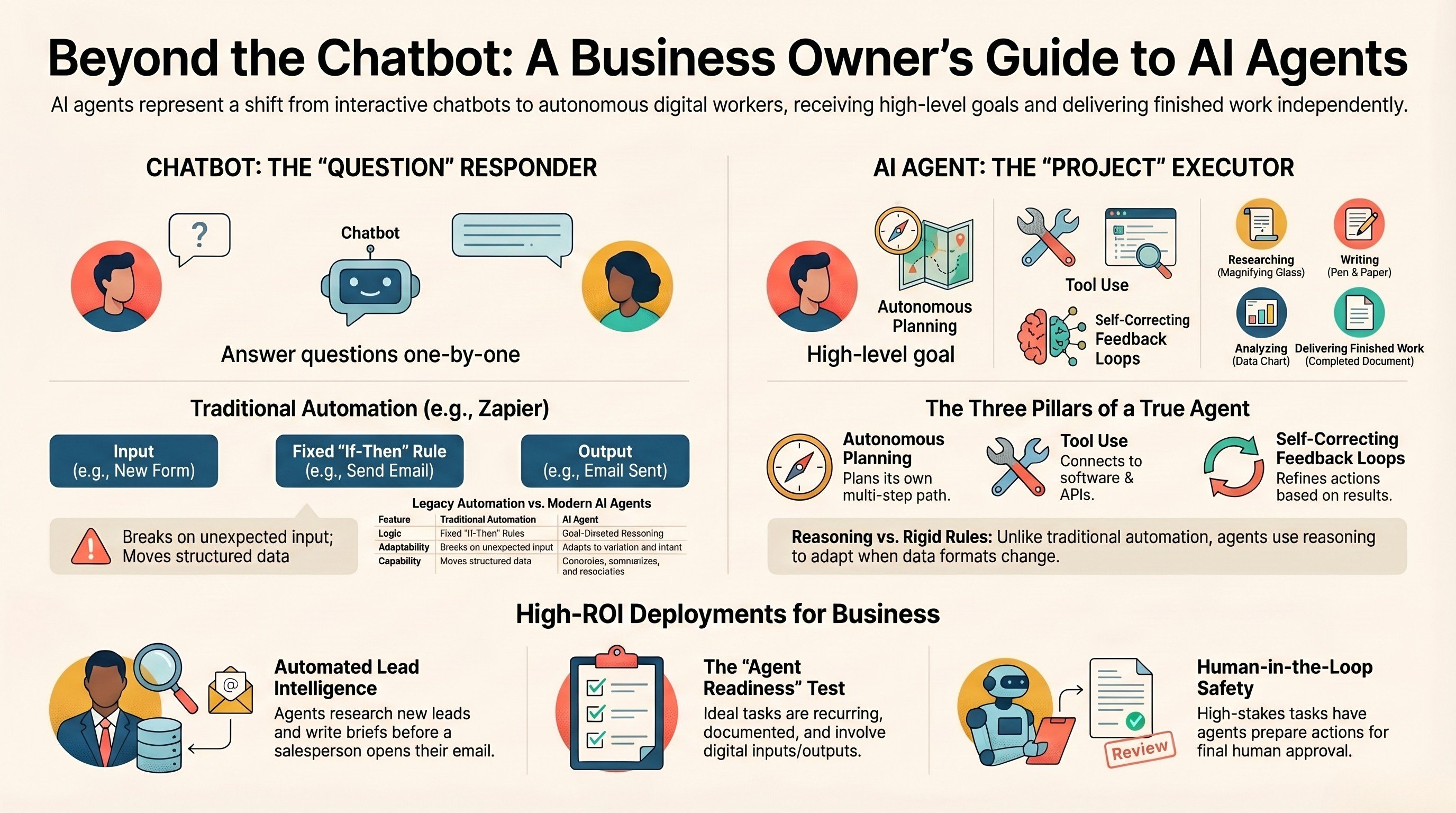
What is an AI agent? A guide for business owners
The plain-English version of what an agent actually is, and where it pays off.
Read the guide →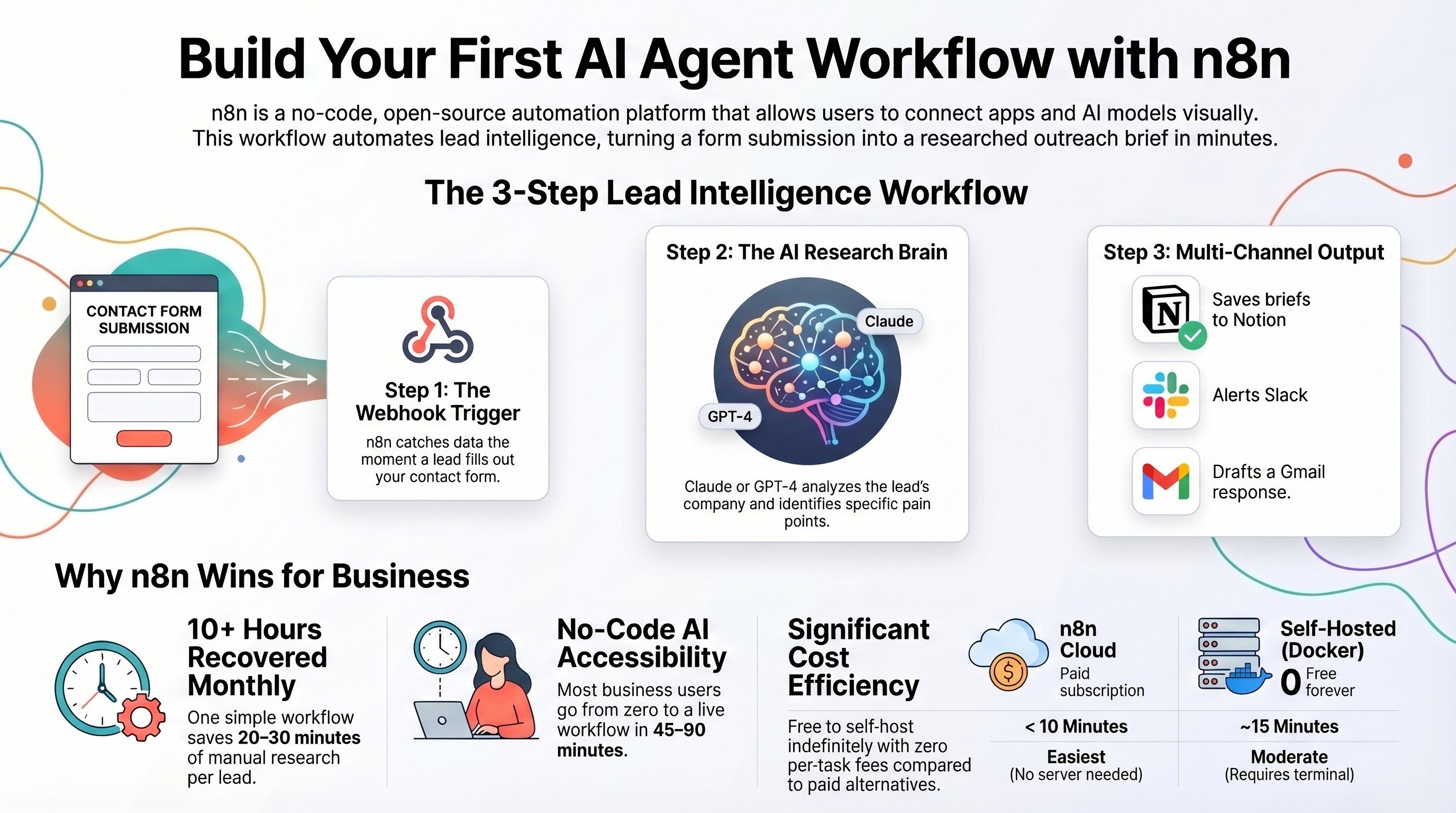
Build an AI agent workflow with self-hosted n8n
The hands-on build for the engine behind a receptionist, end to end.
Read the tutorial →
The Automation stage, built for you
Your front desk, calendar, and CRM connected, so no lead slips through.
See the offer →Want an AI receptionist built for your business?
Book a free 30-minute strategy call. We will map where you are losing calls, design the workflow, and give you a build roadmap on the spot. If you do not need one yet, we will tell you.
Book a Free Strategy Call →Free 30-minute call. Honest take, even if that means "you do not need us yet."