Introduction
You hired smart people. You gave them the tools. But somehow you still feel like you need to check in every hour to make sure things are moving. The problem is not your team. The problem is that you do not have a system that gives you visibility without requiring you to hover. This post breaks down exactly how to track team performance without micromanaging, so you get the clarity you need while your team gets the space to do their best work.
Why Micromanaging Kills Performance and Retention
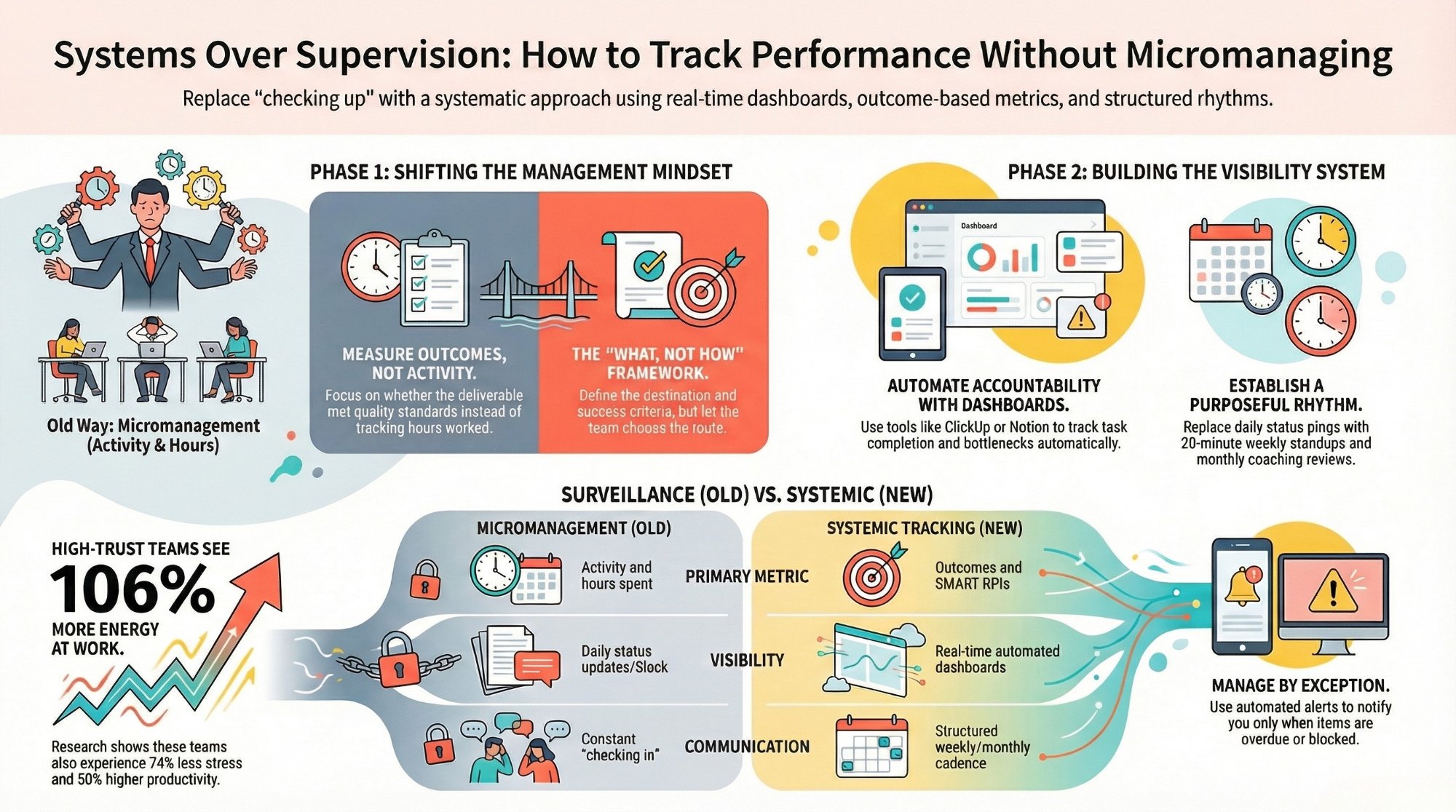
Research shows employees in high-trust organizations report 74% less stress, 106% more energy at work, and 50% higher productivity. Micromanaging does the opposite. It signals distrust, kills motivation, and pushes your best people out the door. If you are asking for daily status updates or sitting in on every meeting "just to stay informed," you are not managing. You are suffocating. The fix is to build a system that delivers visibility automatically. Related: the top project management mistakes CEOs make.
Track Outcomes, Not Activity
Stop measuring activity and start measuring outcomes. Nobody cares how many hours someone spent on a task. What matters is whether the deliverable shipped on time and met quality standards. Here is how to make that shift:
- Define clear deliverables for every role with deadlines and quality criteria, not just tasks
- Set measurable KPIs using the SMART framework: specific, measurable, achievable, relevant, time-bound
- Review results weekly, not daily. A seven-day cadence gives people space to work while keeping you informed
Build Dashboards That Do the Talking
If you are asking your team for updates, your system is broken. The right workspace setup gives you real-time visibility without a single Slack message. Tools like ClickUp and Notion make this straightforward. A solid performance dashboard includes:
- Task completion rates by team member and project
- Cycle time (how long tasks take from start to finish)
- Blocked items and bottleneck alerts
- Progress toward monthly or quarterly goals
- Workload distribution across the team
Design these dashboards once and let them update automatically. This is core to building proper workspace architecture. See our ClickUp setup service and Notion workspace service for how we build these for clients.
Create a Rhythm of Structured Check-Ins
Dashboards handle the data. But you still need human connection. Here is a simple cadence that works for teams of 5 to 50:
- Weekly team standup (15 to 20 minutes): What did you complete, what are you working on next, what is blocking you. No presentations. No deep dives.
- Monthly performance review (30 minutes per person): Trends, targets, coaching. Not interrogation.
- Quarterly goal reset: Align individual goals with business objectives for the next 90 days.
Delegate the What, Not the How
Tell your team what the outcome should be, when it is due, and what success looks like. Then step back. Let them figure out the approach. This trains your team to think for themselves instead of waiting for instructions. You will be surprised at how often their approach is better than what you would have prescribed.
Automate Accountability With the Right Tools
When you automate accountability, nobody feels watched because the system does the watching. Here are automations that eliminate the need for micromanaging:
- Auto-assign tasks when a project moves to a new stage (Make or n8n can trigger this across tools)
- Due date reminders sent automatically 24 and 48 hours before deadlines
- Status change notifications that alert you only when something is overdue or blocked
- Weekly summary reports auto-generated and sent to your inbox every Monday morning
These automations mean you only hear about problems, not progress. Learn more about our AI and automation services and how we build these workflows for clients.
Conclusion
You do not need to hover to know what is happening. You need a system that surfaces the right information at the right time. Outcome-based metrics, real-time dashboards, structured check-ins, clear delegation, and smart automations. Put these five pieces together and you will have more visibility than any amount of micromanaging could give you, with none of the trust damage. Ready to build a performance tracking system that works without the micromanagement? Book a free strategy call and let us build it together.
FAQs
How do I know if I am micromanaging?
If you are asking for daily status updates, checking in more than once per task, or feel anxious when you cannot see what your team is doing, those are signs. The fix is building better systems, not changing your personality.
What tools help track team performance without micromanaging?
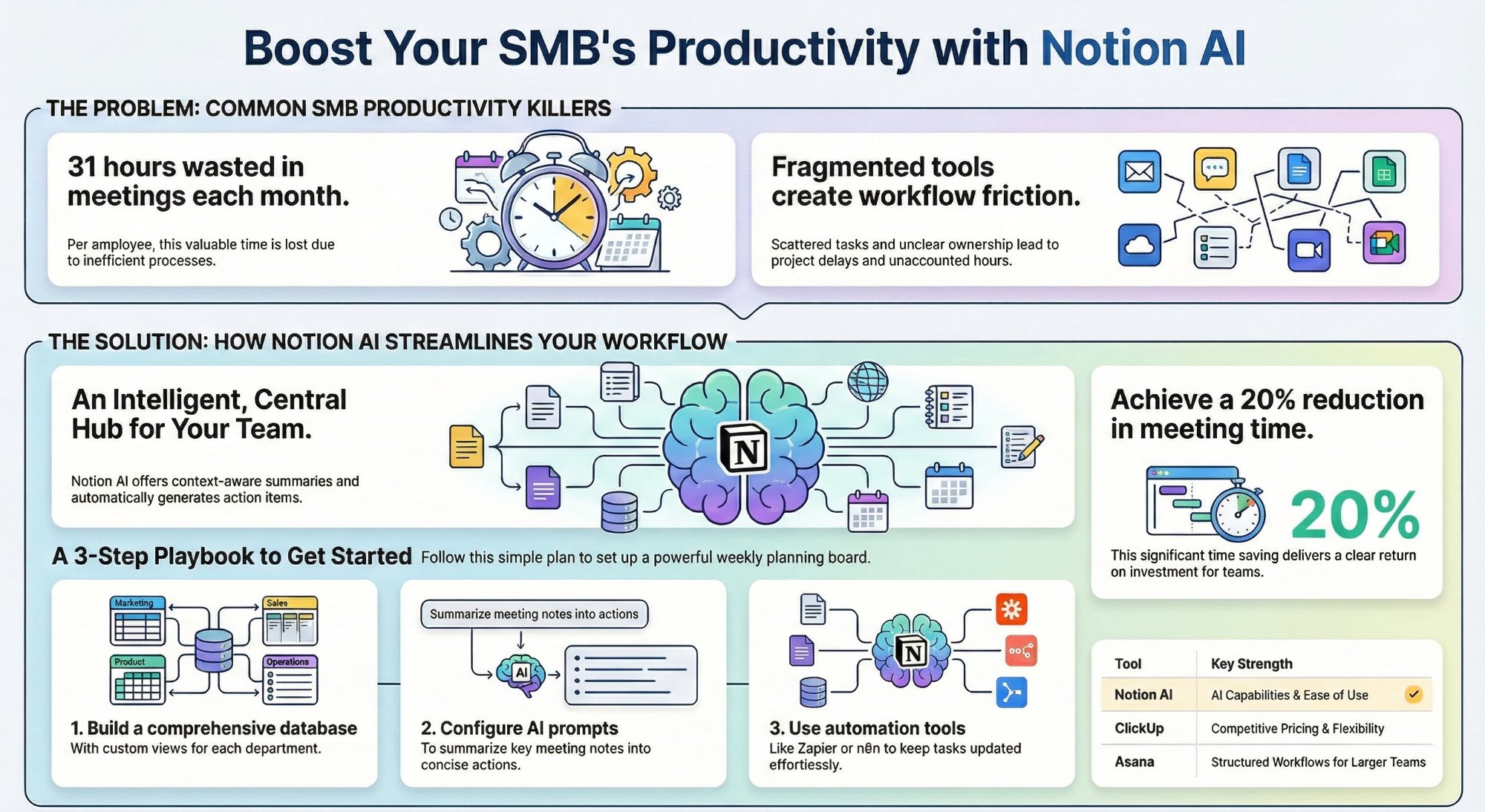
ClickUp and Notion both have dashboard features that give real-time visibility. Combined with Make or n8n for automated alerts, you can get the information you need without asking for it.
Is this related to project management as a service?
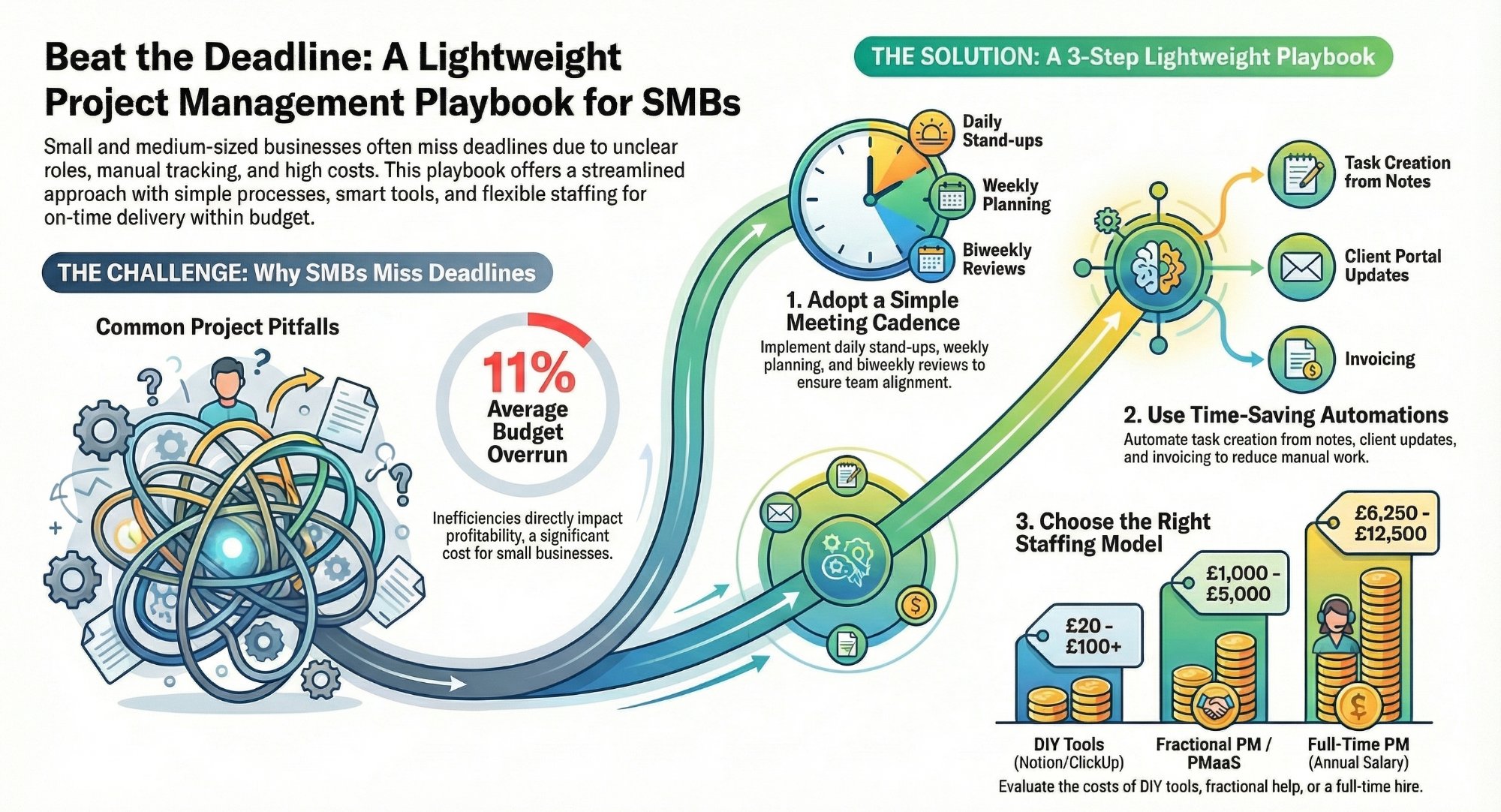
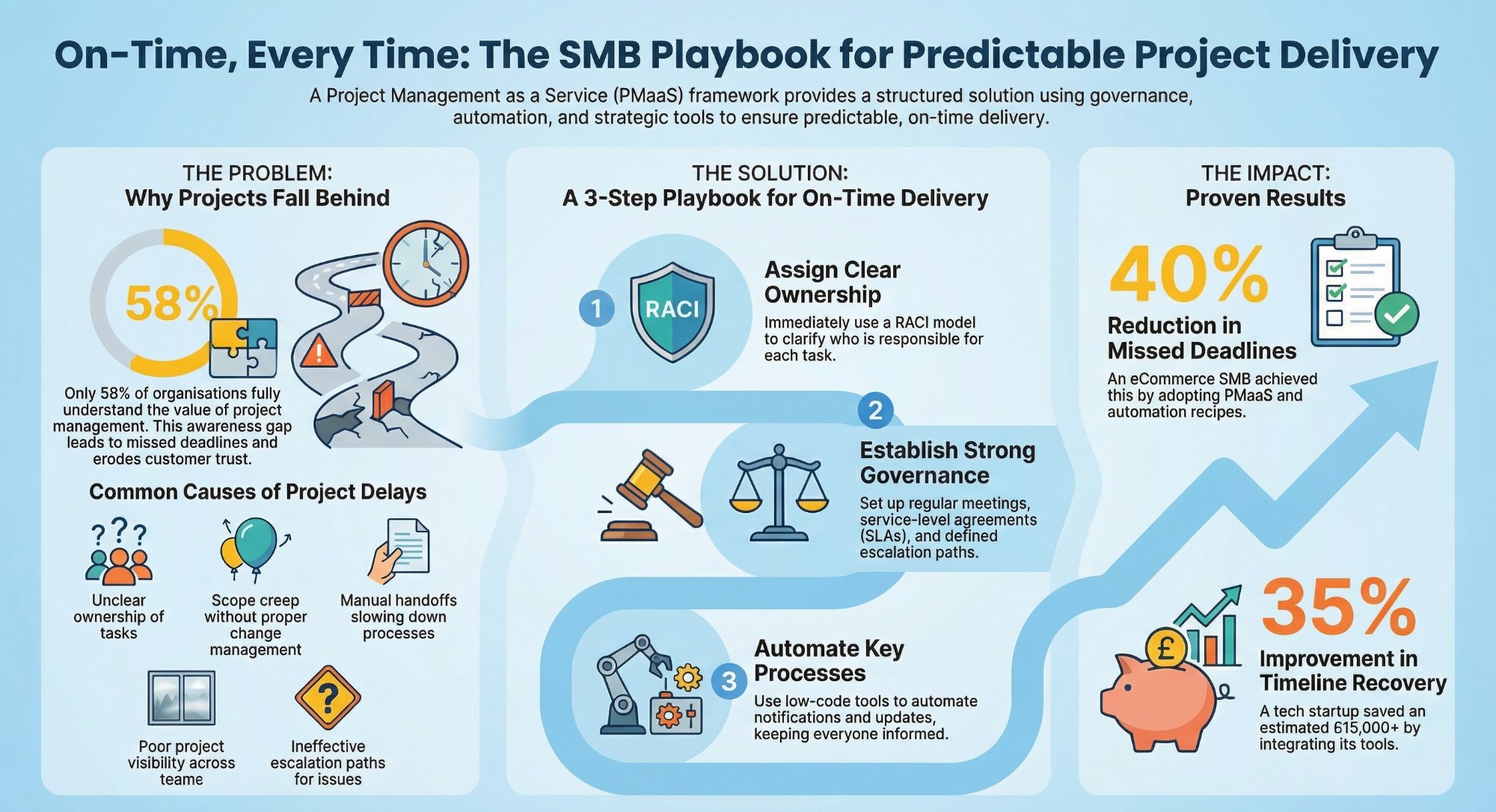
Yes. Read our overview of how PMaaS fixes deadline problems and why project managers are more than task trackers.