Introduction
You have been sold on four different tools by four different people. Notion, ClickUp, monday, Asana. Each one promises to fix your workflows, eliminate chaos, and give your team clarity. But picking the wrong one costs you months of wasted setup time, frustrated employees, and a stack of unused features you never touch.
When it comes to Notion vs ClickUp vs monday vs Asana, there is no one-size-fits-all answer. The right pick depends on your team size, your processes, and how your business operates. This guide cuts through the marketing noise so you can make a confident decision today.
Why Most Teams Pick the Wrong Tool
There is a pattern. A founder sees a YouTube video about ClickUp and signs the whole team up. Three months later, half the workspace is empty and everyone is still using WhatsApp to assign tasks.
The problem is not the tool. The problem is picking a tool before understanding the problem.
Most business owners choose a platform based on what a friend recommended, what went viral on LinkedIn, or what had the best free trial. Then they spend weeks trying to force their existing chaos into a system that was never designed for them.
Before you pick anything, answer this: what is actually breaking in your business right now? Is it unclear task ownership? Scattered documentation? No visibility into project progress? Your answer should drive your tool decision.
What Each Tool Does Best
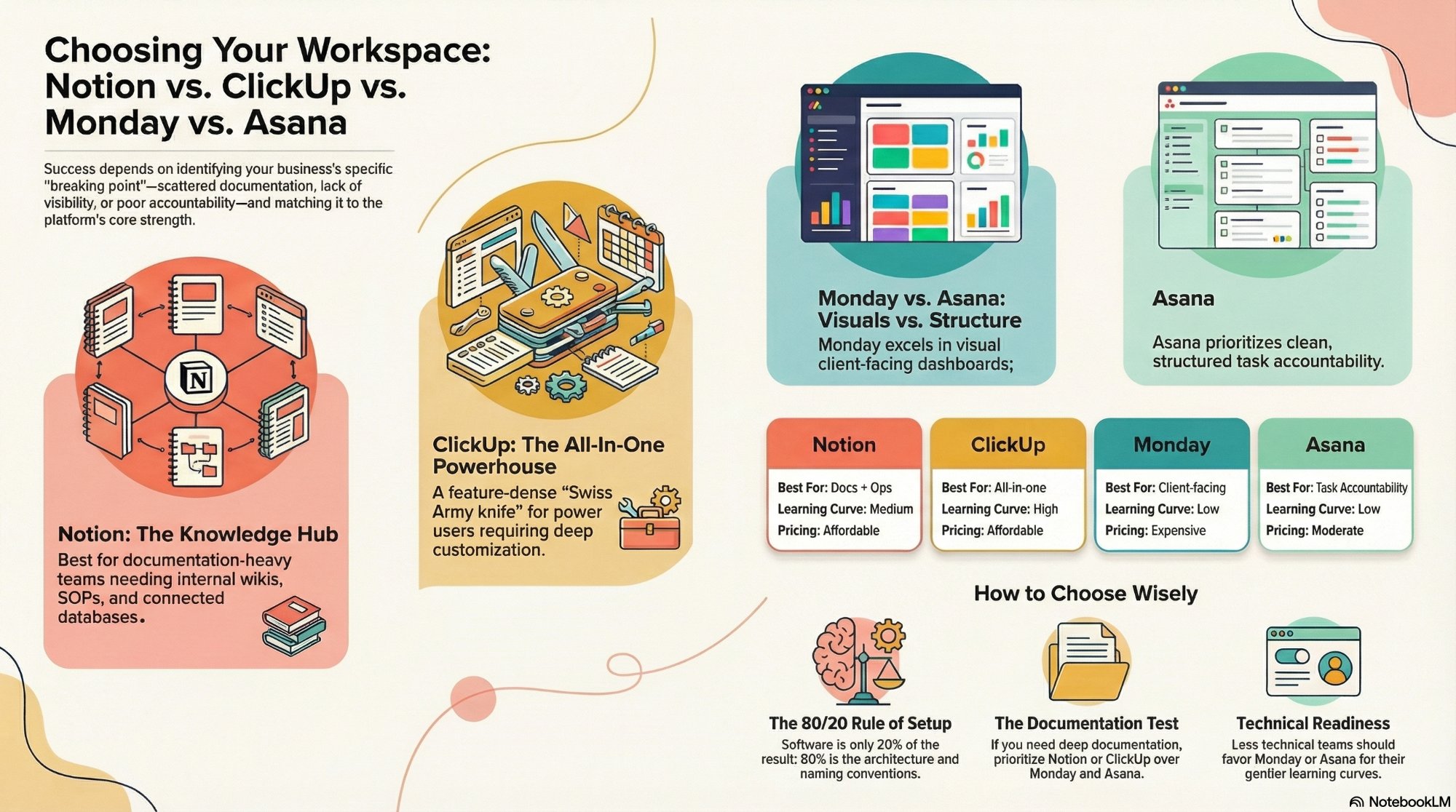
Notion: Best for knowledge-heavy teams
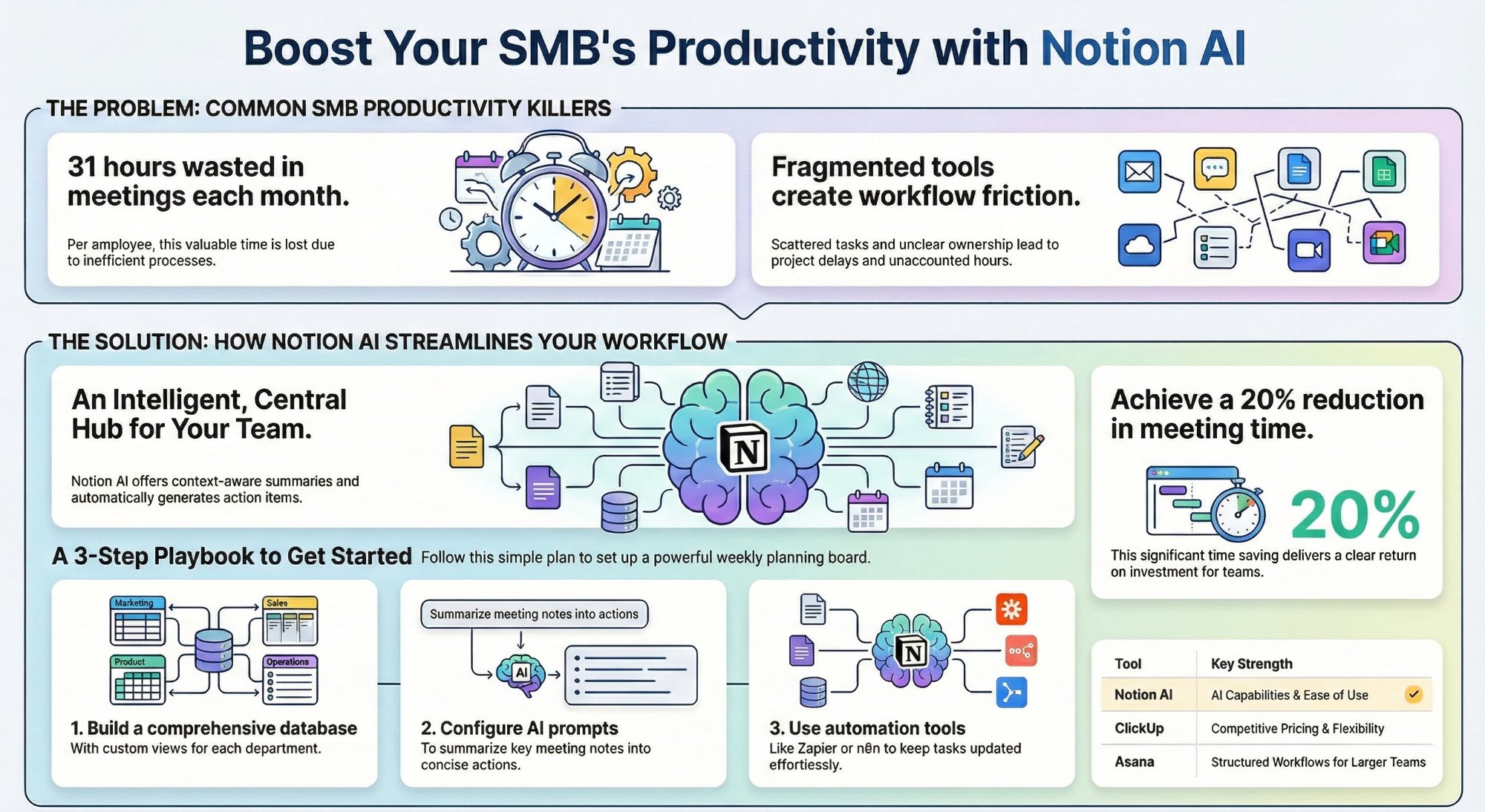
Notion is a workspace and documentation tool first, project management tool second. It is exceptional at building internal wikis, SOPs, CRMs, and connected databases. If your team constantly creates, updates, and references documents, Notion will feel like a second brain.
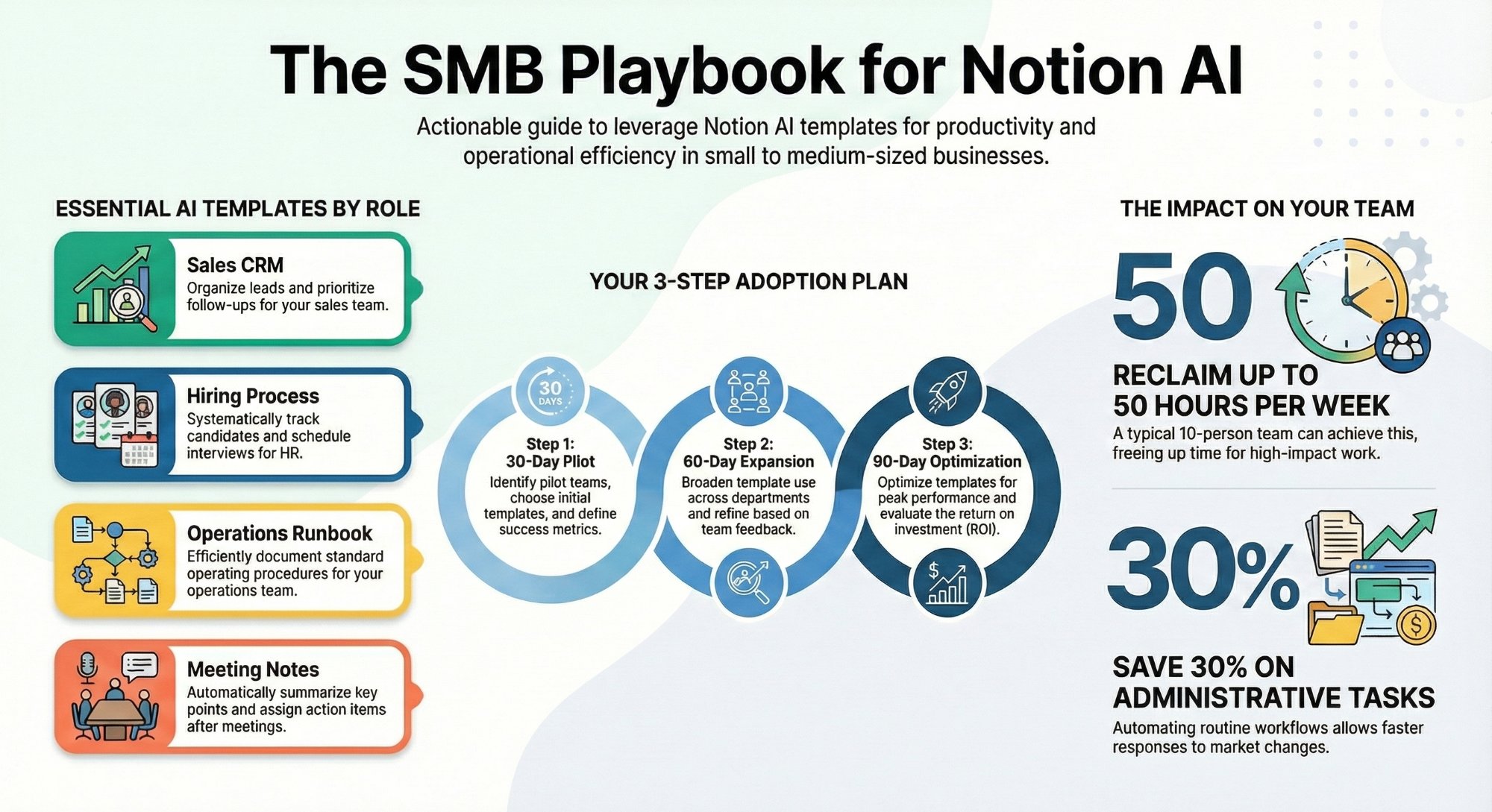
It is not the strongest out-of-the-box task manager. You need to build your workflows from scratch or use Notion AI templates. Pair it with Make or n8n for automations, and you have a serious operations hub.
Best for: agencies, content teams, consultancies, and ops-heavy businesses that live and breathe documentation.
ClickUp: Best for power users who want everything in one place
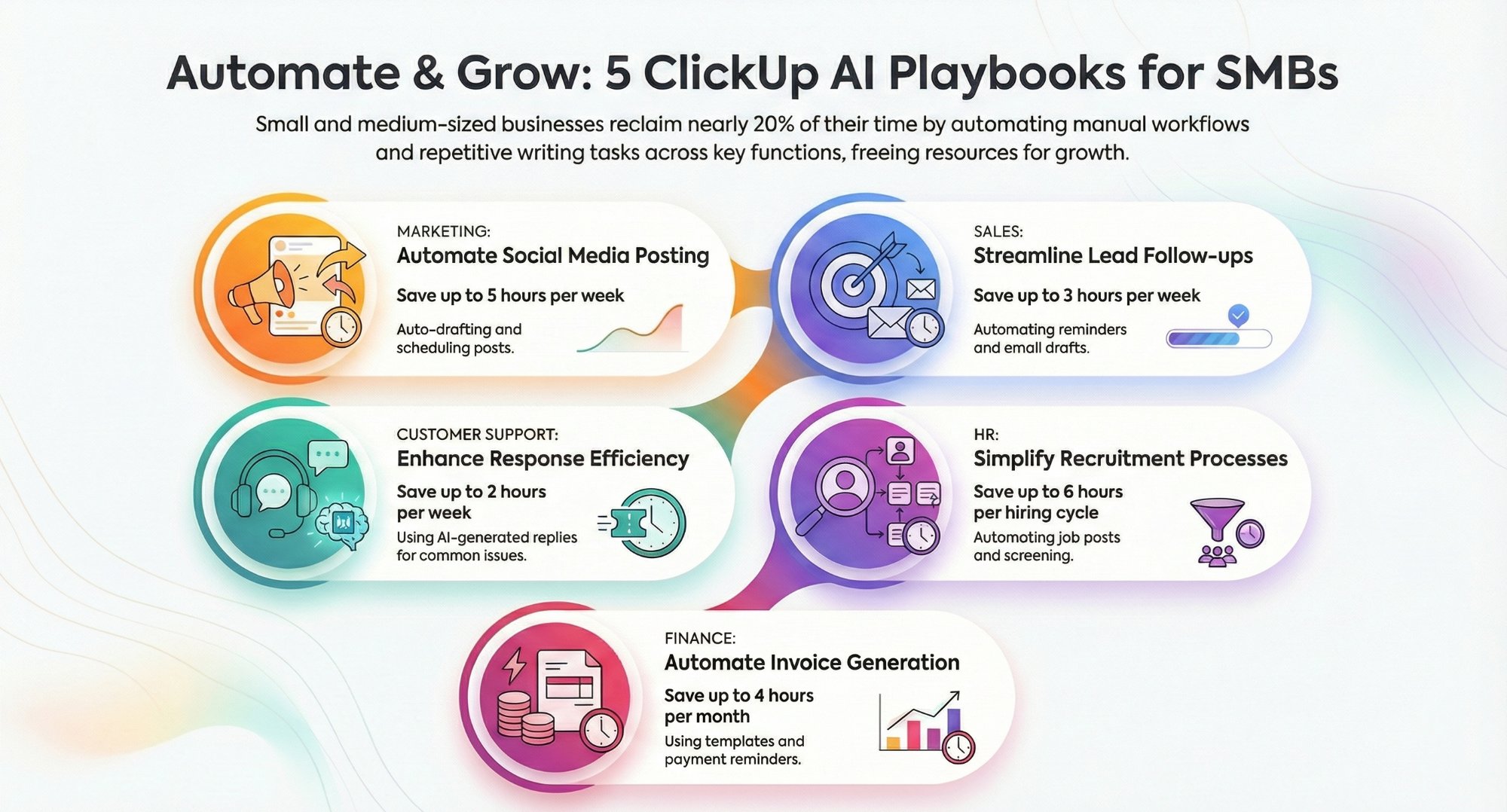
ClickUp is the Swiss Army knife of project management. It packs more features than any competitor: tasks, docs, goals, sprints, time tracking, dashboards, automations, and more. If your team needs everything in one platform and your ops lead is willing to invest time in setup, ClickUp is a strong pick.
The downside? Feature depth can overwhelm new users fast. Without proper workspace architecture, ClickUp becomes a graveyard of half-used features and confused team members. See how ClickUp AI can cut admin time significantly.
Best for: fast-growing startups, dev teams, and operations-led businesses that need deep customisation and reporting.
monday: Best for visual teams and external stakeholders
monday excels at visual project tracking. Its clean boards, colour-coded timelines, and polished dashboards make it easy to onboard non-technical stakeholders. If you run client-facing projects and need to share progress externally, monday is hard to beat on first impressions.
It is pricier than the alternatives, and its automation capabilities are more limited compared to ClickUp. But if ease of use and client-facing visibility are your top priorities, monday earns its price tag.
Best for: project-based businesses, creative agencies, and teams that regularly share progress with clients.
Asana: Best for structured task accountability
Asana is the original structured project manager. Clean, intuitive, and built for team accountability. Every task has an owner. Every project has a timeline. The rules are clear and the interface respects them.
Asana's weakness is flexibility. It does not handle documents well. It is not a CRM or a knowledge base. It is a task and project manager, and it is exceptional at exactly that job.
Best for: structured teams, HR ops, marketing teams, and businesses that want strong accountability without setup complexity.
The 5 Questions to Ask Before You Choose
Before committing to any platform, answer these five questions. Your answers will point you straight to the right tool.
- Do you need deep documentation? If yes, Notion or ClickUp (with Docs) belong on your shortlist.
- How technical is your team? Less technical teams will struggle with ClickUp and Notion without structured setup. monday and Asana have gentler learning curves.
- Do you share project updates with clients? monday wins for external-facing dashboards and guest access.
- How much do you care about automation? ClickUp and Notion (connected with Make or n8n) offer the deepest automation potential.
- What is your budget? ClickUp and Notion offer strong free and affordable paid tiers. monday and Asana become expensive at scale.
Side-by-Side Comparison
| Tool | Tasks | Docs | Automation | Learning Curve | Price |
|---|---|---|---|---|---|
| Notion | Good | Excellent | High (integrations) | Medium | Affordable |
| ClickUp | Excellent | Good | High native | High | Affordable |
| monday | Excellent | Limited | Medium | Low | Expensive |
| Asana | Excellent | Limited | Medium | Low | Moderate |
The Setup Is 80% of the Equation
Here is what most comparison articles skip: the tool is only 20% of the result. The other 80% is how you set it up.
We have seen businesses move to ClickUp and fail because they replicated their old Excel spreadsheet in a new interface. We have seen Notion deployments turn into documentation graveyards because no one defined the structure. We have seen monday become a vanity dashboard that no one uses to make real decisions.
The right tool with the wrong setup will always underperform. That is why workspace architecture matters.
When we work with SMBs at IV Consulting, we do not just recommend a tool. We design the full system: task hierarchy, naming conventions, automation flows, team dashboards, and governance rules. Your team actually uses it because it makes their job easier, not harder.
Conclusion
Notion vs ClickUp vs monday vs Asana is not a question with one right answer. It is a question about your business.
Documentation-heavy? Go Notion. Power and customisation? ClickUp. Clean visual tracking for clients? monday. Simple, structured task accountability? Asana.
Pick based on your problems, not the hype. Then invest in setting it up properly. If you are not sure where to start, visit ivconsulting.in to explore our workspace architecture services, or book a free strategy call today.
FAQs
Can I switch tools later if I pick the wrong one?
Yes, but it costs time and morale. Migrations from Asana, monday, or Trello into ClickUp or Notion are one of our most requested services. It is better to choose right the first time.
Which tool is best for a 5-person team?
For small teams, Notion offers the best balance of flexibility and affordability. Asana works well if you just need clear task tracking without much setup.
Do I need a consultant to set up these tools?
Not always. But without proper workspace architecture, most teams use less than 20% of what these tools can do. A structured setup pays for itself in weeks.
What about Microsoft Teams or Slack?
Those are communication tools, not project management platforms. They complement Notion, ClickUp, monday, or Asana - not replace them.